AI agent for hr information system (hris) specialists
Support Migration Checklist Agent
A migration only starts when every prerequisite is verified.

What it does
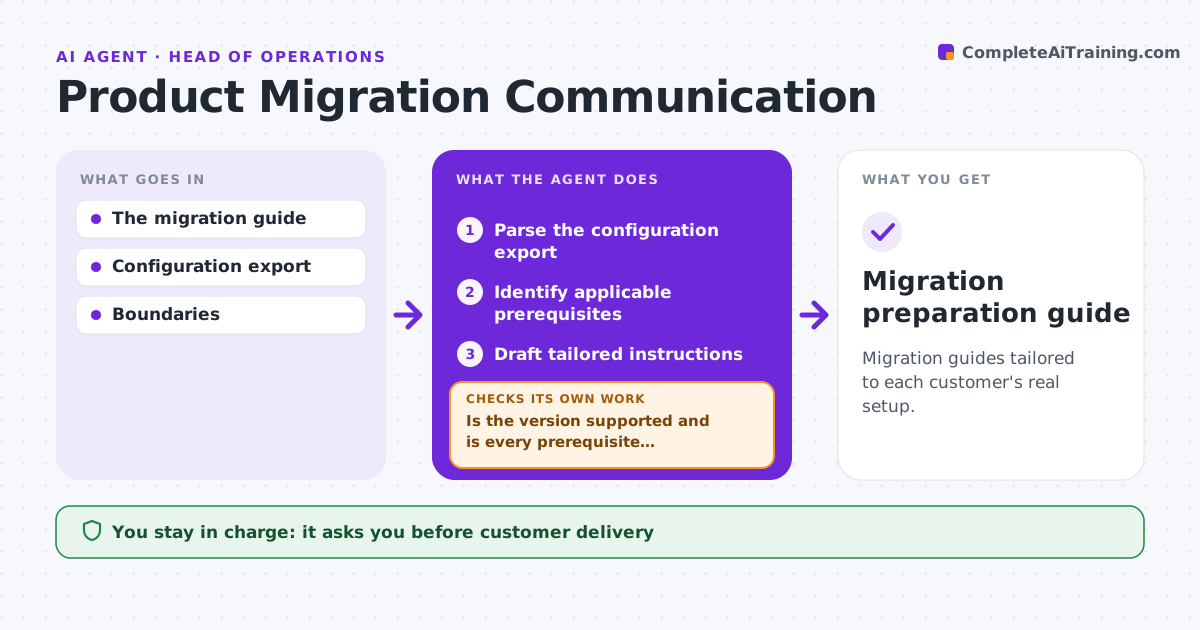
Software migrations go wrong when prerequisites are skipped, such as a setting, a permission or a data clean-up. Customers then hit errors halfway through and support has to roll back. This agent reads the account configuration and walks the prerequisite list in strict dependency order. For each prerequisite it looks for evidence that it is met. When one is missing, it creates an internal task for it and holds everything that depends on it until the evidence arrives. Unsupported settings are flagged before any preparation starts. Once every prerequisite is met, it prepares the migration tasks. The migration lead approves execution; the agent never runs the migration itself. Edge case: a prerequisite marked done without evidence, such as a ticket closed with no log, is treated as not met.
How it works
Follow the arrows from top to bottom. The orange dashed arrow is the loop: when a check fails, the agent goes back and tries again.
Read the steps as a list
- Migration requested
- Parse the account configuration
- Walk the prerequisite graph in order
- Is the next prerequisite met, with evidence?If not: create a task for it and wait for evidence. Back to step 3.
- Prepare the migration tasks
- Migration lead approves executionThe agent waits here for your OK.
- Migration preparation record complete
How it decides
It processes prerequisites in dependency order and never prepares a downstream step whose prerequisite lacks evidence.
- Order: work through prerequisites in strict dependency order.
- Unsupported setting: flag it before any preparation starts.
- Met or not: a prerequisite counts as met only with evidence, such as a log or setting value.
- Hold: never prepare a task whose prerequisite is still open.
Make it yours
Every agent is a starting point. You choose these settings for your own situation.
- Prerequisite list per migration type
- Evidence that counts as proof per prerequisite (default config value or completed job log)
- Reminder interval for open prerequisite tasks (default every 2 business days)
- Who approves execution (default the migration lead)
- Report format (default checklist with links to evidence)
What keeps you in control
It always asks you first
- Executing the migration
- Changing production accounts
Hard limits
- Never executes the migration.
It stops when
- Done: all prerequisites verified.
- Blocked: unsupported configuration.
Set it up
We guide you through the set-up, step by step
Members get the full set-up guide for this agent. No technical skills needed: you copy, paste and upload.
- One set of instructions to paste into your AI, with the clicks for ChatGPT, Claude, Microsoft 365 Copilot, Gemini and Grok
- The agent then walks you through connecting your own data, one source at a time
- A downloadable copy with the flow chart, the rules and the full guide