
Learning path
Learning AI as a Cloud Architect
This learning path helps cloud architects use AI to compare services, plan migrations, draft designs, and keep costs and security in check. You start with setup, connect your AI, then practice prompts and watch short videos picked for your role.

Your path
Everything in the Cloud Architect AI kit, in the order that makes sense. Members tick off each step and see their progress.
Set up your AI
We guide you through each click.
Let skills do your everyday tasks
Connect your apps and pick your AI apps
Hand whole tasks to AI agents
Build your own tools
Keep growing
Everything for cloud architects
All the courses, certifications, AI tools, MCP servers and apps for cloud architects, most relevant first. Open any list to see more.
Take the prompt courses
A short framework course to learn how to ask, then 9 lessons with ready-to-use prompts for cloud architects.
Start with this framework: how to talk to AI
RACE fits your role because it sets role, action, context, and expected quality, like designing an AWS landing zone with cost limits.
Then your prompt course for cloud architects- 1Compare Cloud Services3 prompts
- 2Draft Infrastructure Designs3 prompts
- 3Plan Cloud Migrations3 prompts
- 4Write Security And IAM Policies3 prompts
- 5Optimize Cloud Costs2 prompts
- 6Monitor And Troubleshoot Systems3 prompts
- 7Automate Deployments And IaC3 prompts
- 8Ensure Compliance And Governance2 prompts
- 9Communicate And Document Designs2 prompts
Watch the video courses or add them to your Favorites for later
102 video courses our AI picked for cloud architects, most useful first. Save the ones you want to watch later with the heart.
Favorites are saved to your account: sign in or get your AI kit first.
Show all 102 video courses
Get certified, or add certifications to your Favorites
Every course ends in an exam and a certificate you can add to LinkedIn. Save the certifications you are aiming for with the heart.
Favorites are saved to your account: sign in or get your AI kit first.
More certifications for cloud architectsShow all 24 certifications
Try the AI tools for cloud architects
24 AI tools our AI matched to the work of cloud architects, best fit first. Each review shows what it does, its alternatives and the jobs it suits.
Favorites are saved to your account: sign in or get your AI kit first.
Show all 24 AI tools
Connect your AI to the apps cloud architects use
MCP servers let ChatGPT, Claude or Copilot look things up and get work done in other apps, like your email, calendar or bookkeeping software. These 12 fit the work of cloud architects best, well-known apps first.

AWS MCP servers
by awslabsConnect your AI to Amazon Web Services so it can look up docs, check resources, and help with cloud tasks.
Developer tools Official
Cloudwright MCP server
by xmpuspusTurn a plain-English cloud idea into a cost estimate, a compliance check and ready-to-use infrastructure code.

Diagrams.so MCP server
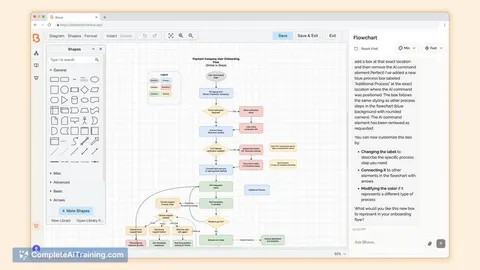
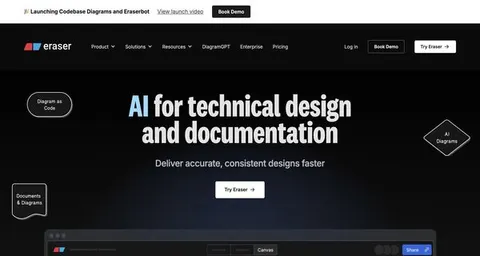
by RedHoldAsk your AI to draw cloud architecture diagrams and it makes real draw.io files you can edit.
Design toolsDeveloper tools Official
TerraVision MCP server
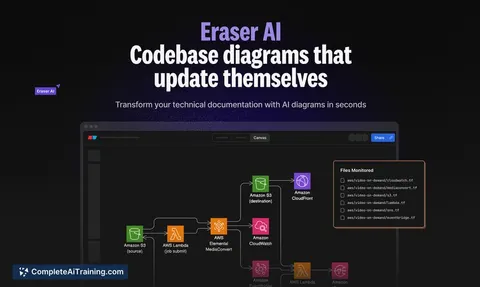
by patrickchughTurn your Terraform code into a cloud architecture diagram with official AWS, Azure and GCP icons.
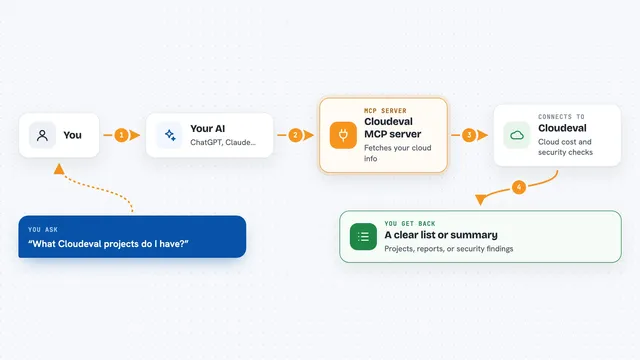
Cloudeval MCP server
by ganakailabsLet your AI check cloud costs, architecture risks, and security findings for your Azure setups.

AWS SSO MCP server
by aashariLet your AI log into AWS, list your accounts and roles, and run AWS commands for you.
Show all 12 MCP servers

OpenCloudCosts MCP server
by x7evenLets your AI look up live AWS, GCP and Azure prices and compare costs across clouds.
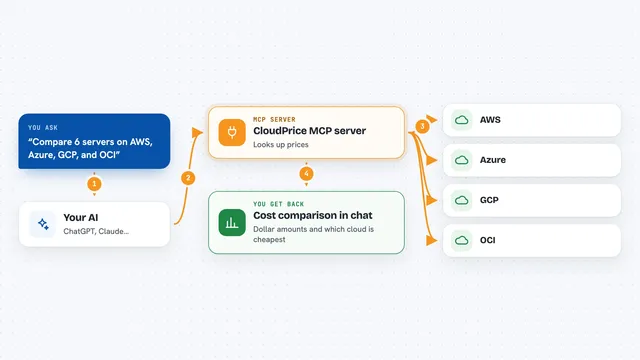
CloudPrice MCP server
by Albaker-GroupCompare cloud prices across AWS, Azure, GCP, and OCI and get plain answers about costs and savings.

AWS Audit Scanner MCP server
by whatsinmycloudLets your AI check your AWS account for public buckets, missing MFA, unused keys, and forgotten spend.

Cloud Cost MCP server
by jasonwilburCompare cloud prices across AWS, Azure, GCP and OCI, and estimate what a workload or migration would cost.

AWS EC2 Pricing MCP server
by trilogy-groupAsk your AI for up-to-date EC2 instance prices and it looks them up for you.

Shieldly MCP server
by shieldly-ioLets your AI check AWS IAM policies and CloudFormation templates for risky permissions.
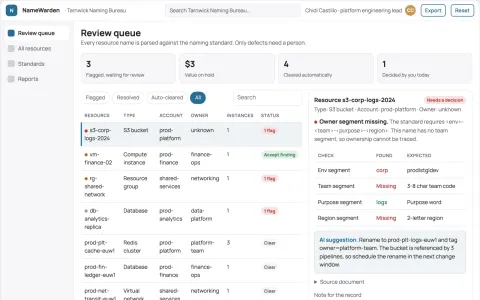
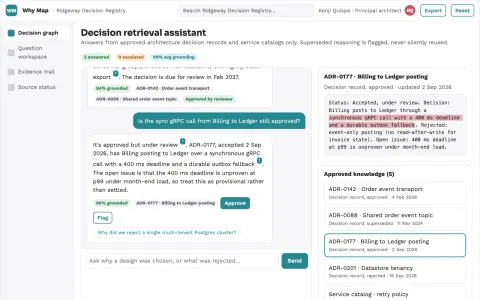
SecurityDeveloper tools OfficialBuild your own AI apps for cloud architects
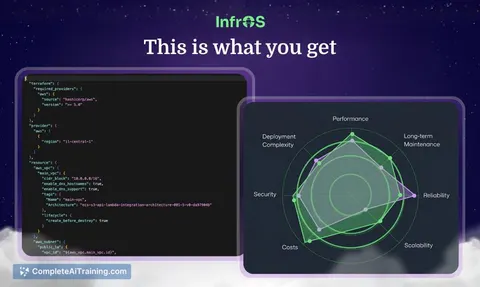
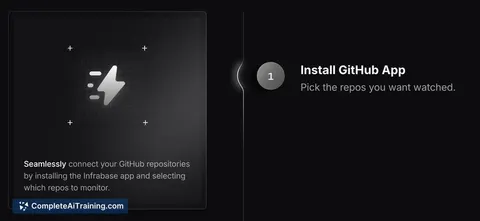
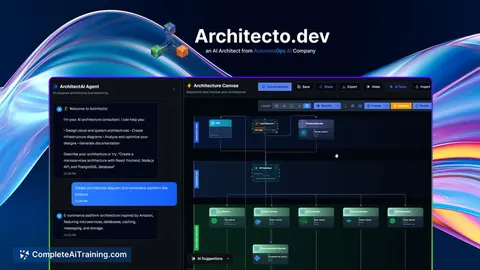
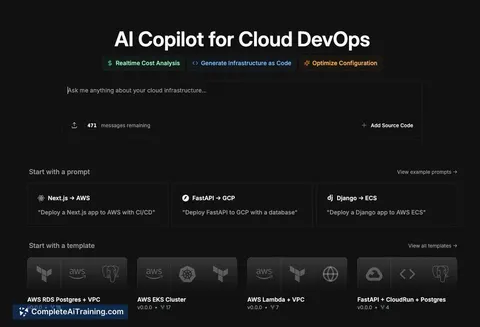
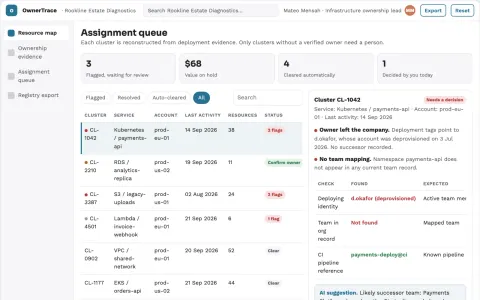
Apps you build yourself with your own AI, no coding needed and no monthly fee. Our AI picked the 3 that fit the work of cloud architects.































































































About this learning path
7 topicsAI for Cloud Architects: A Practical Learning Path
Cloud architecture work is full of decisions: which service fits, how to move an app, what a policy should say. AI can help you draft options and explanations faster, so you spend more time on judgment and less on blank pages.
This path is built for working cloud architects. It walks you through setup, connecting your AI assistant, the skills that matter for your job, a prompt course with nine lessons, and video courses with certificates you can show.
Why AI matters for this job now
Cloud platforms change quickly, and teams expect answers fast. AI helps you compare services, sketch designs, and explain trade-offs without starting from scratch each time.
It does not replace your experience. It gives you a first draft, a checklist, or a second opinion you can review and improve.
What the path includes
You begin with setup questions and connecting your AI tool. Then you work through skills for the job inside your AI, followed by the prompt course and video courses chosen for cloud architects.
The video courses come with certifications, so you can show what you learned. Everything is short and practical, made for people with full calendars.
How it saves you time
Instead of writing a migration plan from a blank page, you ask for a draft and then edit it. Instead of hunting through docs for a cost explanation, you ask for a plain-English summary.
The time you save goes back into design reviews, talking with teams, and the parts of the job that need a human.
How it protects your career
AI is becoming a normal part of cloud work. Architects who can use it well will be the ones who guide teams and make better decisions faster.
This path helps you stay current without chasing every new tool. You learn a steady way to work with AI that fits your role.
How to start
Start with the setup questions and connect your AI assistant. Then take the prompt course lesson by lesson, trying each prompt on a real task from your week.
After that, pick the video courses that match your current projects. You can move at your own pace.
What you will be able to do
By the end, you will be able to compare cloud services, draft infrastructure designs, plan migrations, write security policies, optimize costs, monitor systems, automate deployments, and document your work clearly.
You will also know how to check AI output for safety, privacy, and accuracy before it goes anywhere near production.
Frequently asked questions
Do I need to be technical to use this path?
You already work in cloud architecture, so you have the technical background. This path does not teach you to code from scratch. It shows you how to use AI as a helper for the technical work you already do.Which AI tool should I use?
You can use ChatGPT, Claude, Gemini, or another assistant you already have access to. The prompts work across tools. The path helps you connect whichever one you choose.How long does the path take?
You can move at your own speed. Most people fit the lessons into a few weeks by spending short blocks of time. The video courses are broken into small pieces.Will this replace my cloud certifications?
No. This path adds AI skills to your cloud knowledge. The video courses include their own certifications, which you can add to your profile. Your existing cloud certifications still matter.