
Learning path
Learning AI as an ERP Consultant
This path helps ERP consultants use AI to turn messy client notes into clear requirements, test configurations, and plan data migrations. It fits around a full project schedule.

Your path
Everything in the ERP Consultant AI kit, in the order that makes sense. Members tick off each step and see their progress.
Set up your AI
We guide you through each click.
Let skills do your everyday tasks
Connect your apps and pick your AI apps
Hand whole tasks to AI agents
Build your own tools
Keep growing
Everything for erp consultants
All the courses, certifications, AI tools, MCP servers and apps for erp consultants, most relevant first. Open any list to see more.
Take the prompt courses
A short framework course to learn how to ask, then 9 lessons with ready-to-use prompts for erp consultants.
Start with this framework: how to talk to AI
RISEN fits your ERP consulting work because it organizes multi-step deliverables like a migration plan from requirements to testing.
Then your prompt course for erp consultantsWatch the video courses or add them to your Favorites for later
133 video courses our AI picked for erp consultants, most useful first. Save the ones you want to watch later with the heart.
Favorites are saved to your account: sign in or get your AI kit first.
Show all 133 video courses
Get certified, or add certifications to your Favorites
Every course ends in an exam and a certificate you can add to LinkedIn. Save the certifications you are aiming for with the heart.
Favorites are saved to your account: sign in or get your AI kit first.
More certifications for erp consultantsShow all 24 certifications
Try the AI tools for erp consultants
12 AI tools our AI matched to the work of erp consultants, best fit first. Each review shows what it does, its alternatives and the jobs it suits.
Favorites are saved to your account: sign in or get your AI kit first.
Show all 12 AI tools
Connect your AI to the apps erp consultants use
MCP servers let ChatGPT, Claude or Copilot look things up and get work done in other apps, like your email, calendar or bookkeeping software. These 12 fit the work of erp consultants best, well-known apps first.

Odoo Claude MCP server
by rosenvladimirovLets your AI read and change records in your own Odoo system, plus GitHub, files and more.

Odoo MCP server
by tuanle96Let your AI read and safely update your Odoo business data, with your approval before any change.

Toggl Track MCP server
by louis030195Start and stop your Toggl timers, check today's hours, and list projects right from your AI chat.

knowmind MCP server
by Schubeler-ConsultingGive your AI a long-term memory that remembers facts, notes and documents across chats.

1C:Enterprise MCP server
by infatonLets your AI read and update data in your 1C:Enterprise ERP system, all from a chat.

Octagon Deep Research MCP server
by OctagonAILets your AI run deep research on any topic and hand you back a full written report.
Research OfficialShow all 12 MCP servers

Cortex memory connector
by FilippoPiloYour AI can save what you tell it and remember it in later chats, with sources you can check.
NotesNo install
Hindsight MCP server
by vectorize-ioGive your AI a long-term memory so it remembers facts and past chats and answers with that context.
NotesNo install
BaseMouse MCP server
by basemouseLet your AI search your team's notes and save new ones, with sources and full history.
NotesProductivityNo install
Ossian document search and memory server
by dockndevaiLet your AI answer questions from your team's own documents with real sources, and keep notes across chats.

UseCortex MCP server
by darktwLet your AI save notes to an online knowledge base and look them up later whenever you ask.
NotesNo install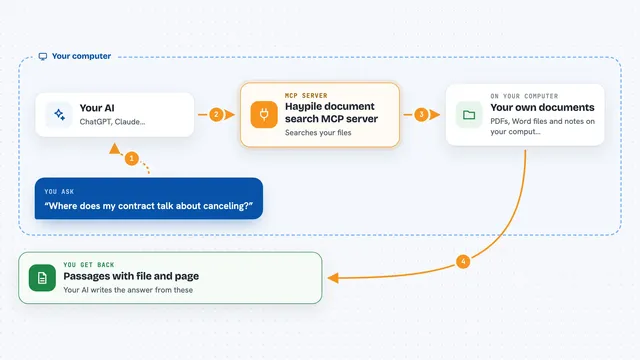
Haypile document search MCP server
by BenyDLets your AI search your own PDFs, Word files and notes by meaning, with file and page citations.
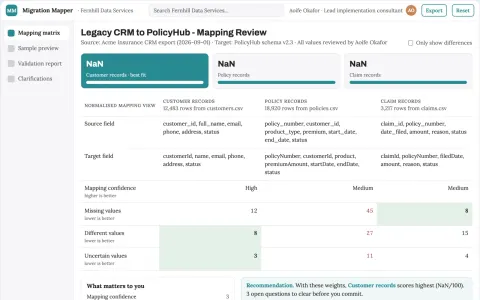
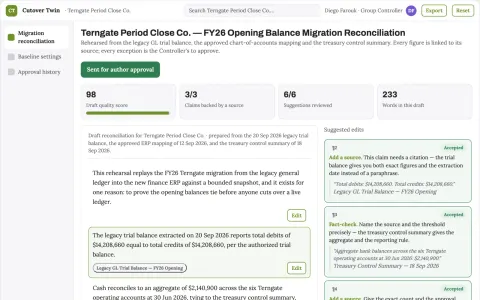
Build your own AI apps for erp consultants
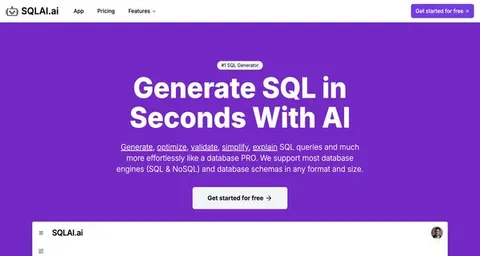
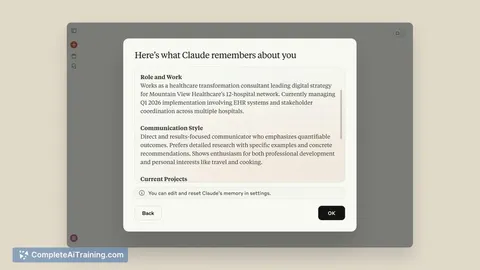
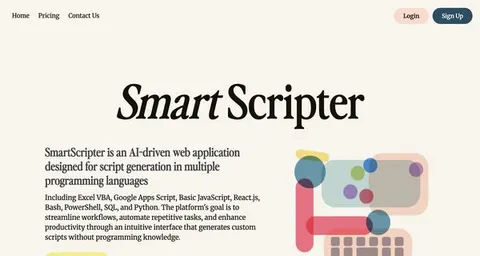
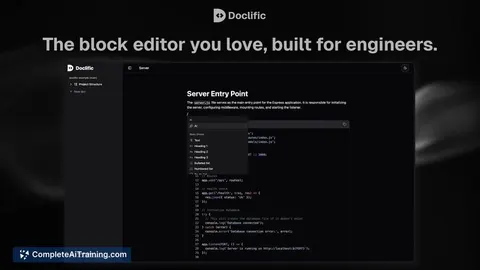
Apps you build yourself with your own AI, no coding needed and no monthly fee. Our AI picked the 2 that fit the work of erp consultants.























































































































About this learning path
7 topicsUse AI Every Day as an ERP Consultant
ERP projects move fast, and clients expect clear answers. AI can help you sort requirements, test workflows, and write documentation without adding late nights.
This learning path covers the setup questions, connecting your AI, job-specific skills inside your AI, this prompt course, and video courses picked for ERP work, along with the certifications those courses offer.
Why AI Matters Now
Clients want faster turnarounds and fewer surprises. AI helps you draft requirement lists, test approval chains, and write status updates, so you spend more time on judgment and less on repetitive typing.
What the Path Includes
You start with setup questions to get your tools ready. Then you connect your AI, learn job-specific skills inside it, and work through this prompt course. Finally, you pick video courses built for ERP consultants, each with its own certification.
How It Saves You Time
Imagine turning a messy discovery call into a clean gap list before your next meeting. Or drafting a client email that explains a module setting in plain language. These small wins add up to hours each week.
How It Protects Your Career
AI changes how ERP work gets done, but it does not replace the consultant who understands the client's business. Learning to use AI keeps you valuable and shows you are keeping up. The certifications from the video courses give you proof.
How to Start This Week
Begin with the setup questions and connect one AI tool, such as ChatGPT, Claude, or Gemini. Then take the prompt course one lesson at a time. Pick a video course that matches your current project.
How the Pieces Fit Together
The setup gets your tools ready. The prompt course gives you daily moves for tasks like requirement analysis and data migration. The video courses go deeper into modules and certifications. Together they build a habit you can use on every project.
Frequently asked questions
Will AI replace ERP consultants?
No, AI helps with the repetitive parts of the job, like drafting requirements or documentation. The client still needs your judgment about their business and your ability to lead a project.Do I need to be technical to use this path?
No, the path starts with setup questions and plain language prompts. If you can use email and a spreadsheet, you can use these tools.How much time does the path take?
You can move through the setup and prompt course in a few short sittings. The video courses are broken into small lessons you can watch between client calls.What certifications do the video courses offer?
The video courses picked for ERP consultants come with their own certificates of completion. These show you have learned specific skills for your role.