AI agent for bookkeepers
Three-Way Match Exception Agent
Clear the match exception queue with a documented cause and next action for every invoice
What it does
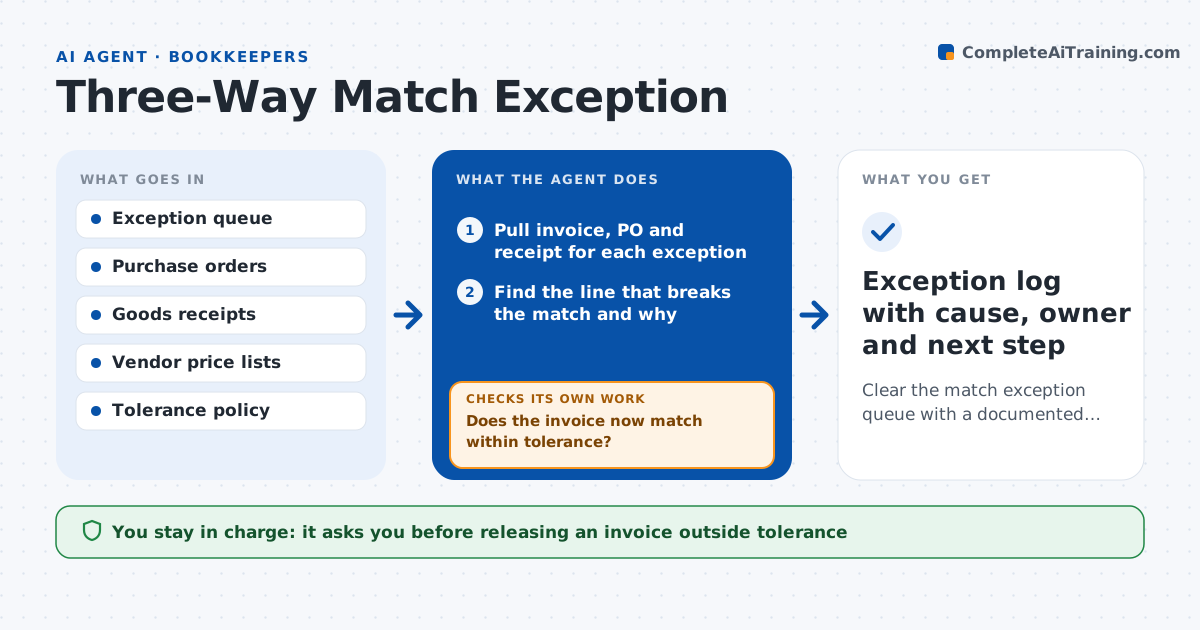
Every invoice that fails the purchase order and receipt match lands in an exception queue, and specialists spend hours opening three documents for each one. This agent works that queue each morning. It pulls the invoice, the purchase order and the goods receipt, then finds the exact line that breaks the match: price, quantity, missing receipt or wrong PO number. It checks the tolerance rules, looks for a partial receipt or a price change already approved, and re-runs the match with the new facts. If the match passes, it marks the invoice ready to release. If it still fails, it drafts a short question to the buyer, the receiving team or the vendor with the line numbers. The specialist approves every message and any override. Edge case: a vendor bills freight on a separate line not on the PO, so the agent checks the freight policy before flagging it.
How it works
Follow the arrows from top to bottom. The orange dashed arrow is the loop: when a check fails, the agent goes back and tries again.
Read the steps as a list
- Morning exception queue is ready
- Pull invoice, PO and receipt for each exception
- Find the line that breaks the match and why
- Look for approved price changes or later receipts
- Re-run the match with the new facts
- Does the invoice now match within tolerance?If not: note the exact difference and draft a question to the buyer or vendor. Back to step 3.
- Specialist approves overrides and outgoing questionsThe agent waits here for your OK.
- Exception log with cause, owner and next step
How it decides
It compares each invoice line to the PO and receipt and applies the price and quantity tolerances. Anything outside tolerance without an approved change becomes a question to the owner.
- Within price tolerance (default 2%) and receipt present: mark as ready to release
- Quantity billed above quantity received: hold and ask the receiving team
- Freight or fees not on the PO: check policy before raising a question
Make it yours
Every agent is a starting point. You choose these settings for your own situation.
- Price tolerance percentage (default 2%)
- Quantity tolerance in units or percent
- Who gets questions: buyer, receiver or vendor
- Time of the daily run
- Which exception types to skip
What keeps you in control
It always asks you first
- Releasing an invoice outside tolerance
- Sending questions to vendors
Hard limits
- Never releases an invoice for payment on its own
- Never edits a purchase order
It stops when
- Done: every exception has a cause and an owner
- Stop: the PO or receipt record cannot be found
Set it up
We guide you through the set-up, step by step
Members get the full set-up guide for this agent. No technical skills needed: you copy, paste and upload.
- One set of instructions to paste into your AI, with the clicks for ChatGPT, Claude, Microsoft 365 Copilot, Gemini and Grok
- The agent then walks you through connecting your own data, one source at a time
- A downloadable copy with the flow chart, the rules and the full guide