AI agent for voice actors
Voiceover Audio Delivery QC Agent
Files accepted on the first delivery
What it does
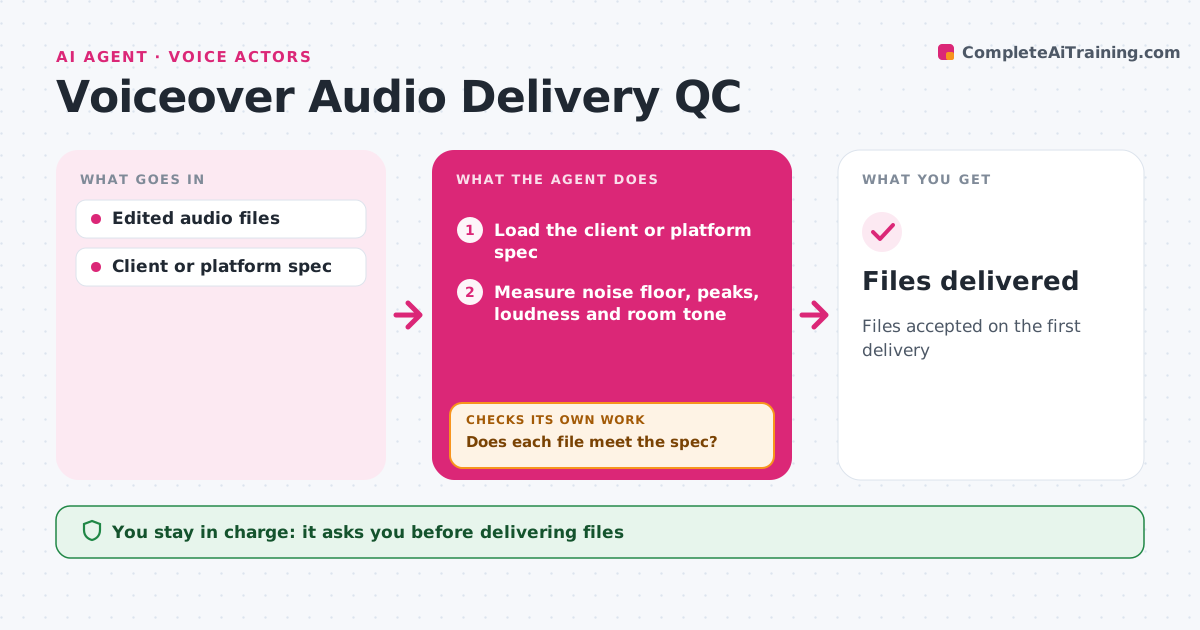
Clients and audiobook platforms reject files that miss their technical specs, and a rejection can delay payment by weeks. When files land in the delivery folder, this agent measures each one: noise floor, peak level, loudness, sample rate, room tone at the start and end, and file name. It compares the results with the spec for that client or platform. If a file fails, it applies only safe fixes such as gain, room tone padding or renaming, then measures again. Anything that needs heavy noise reduction, a re-record or careful editing is flagged for the actor instead. Before delivery, it checks the full set: every chapter present, in order and named to the pattern. It writes a short delivery note. The actor approves the delivery. Edge case: noise reduction that would make the voice sound processed is never applied automatically.
How it works
Follow the arrows from top to bottom. The orange dashed arrow is the loop: when a check fails, the agent goes back and tries again.
Read the steps as a list
- Files placed in delivery folder
- Load the client or platform spec
- Measure noise floor, peaks, loudness and room tone
- Compare with the delivery spec
- Does each file meet the spec?If not: apply safe fixes or flag for re-record, then measure again. Back to step 3.
- Is the full set present, in order and named correctly?If not: rename files or list missing chapters. Back to step 5.
- Write delivery note
- Actor approves deliveryThe agent waits here for your OK.
- Files delivered
How it decides
A file passes only when every measurement meets the spec. Fixes that change voice quality are left to the actor.
- Apply only gain and naming fixes automatically
- Flag files needing heavy noise reduction
- Check room tone length on audiobook chapters
Make it yours
Every agent is a starting point. You choose these settings for your own situation.
- Spec presets per client or platform
- Allowed automatic fixes
- File naming pattern
- Delivery note format
What keeps you in control
It always asks you first
- Delivering files
- Any processing beyond gain
Hard limits
- Never overwrites original recordings
- Never delivers without approval
It stops when
- Done: files delivered
- Stop: spec not provided; ask the client
Set it up
We guide you through the set-up, step by step
Members get the full set-up guide for this agent. No technical skills needed: you copy, paste and upload.
- One set of instructions to paste into your AI, with the clicks for ChatGPT, Claude, Microsoft 365 Copilot, Gemini and Grok
- The agent then walks you through connecting your own data, one source at a time
- A downloadable copy with the flow chart, the rules and the full guide