AI agent for construction project managers
Warranty and Punch Turnover Agent
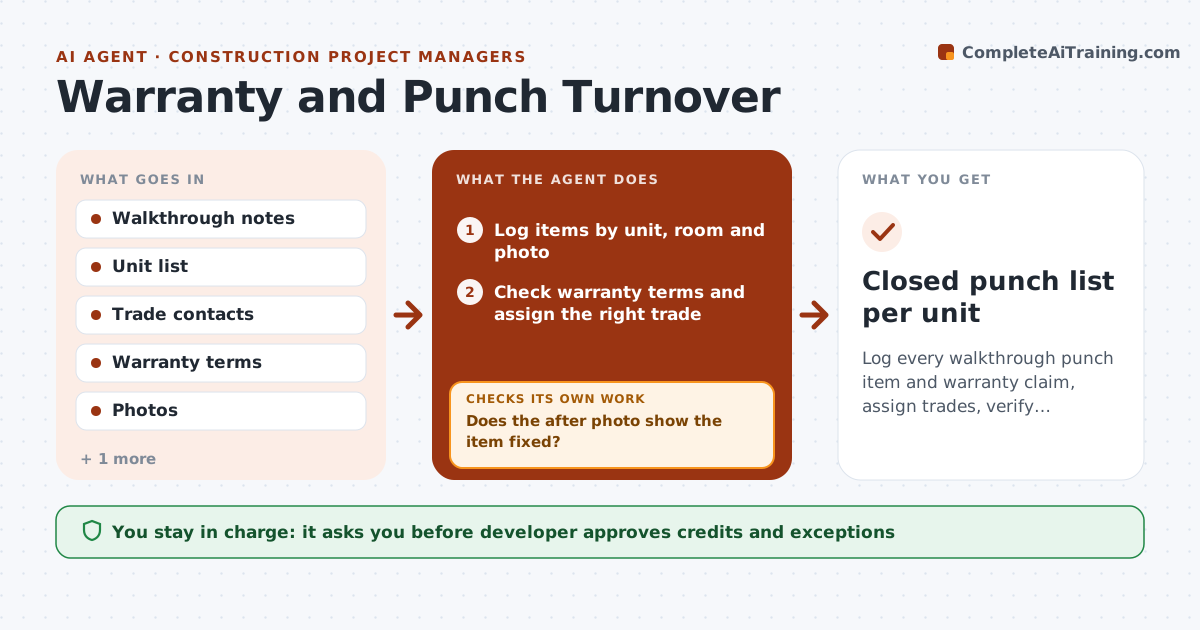
Log every walkthrough punch item and warranty claim, assign trades, verify repairs and confirm with the buyer
What it does
Punch items and warranty claims get lost between the sales team and construction. The agent logs each item from a walkthrough by unit and room, checks the warranty terms to see who owns the fix, and assigns the right trade with a due date. It tracks completion with before and after photos, and then asks the buyer to confirm. If the buyer says the repair is not acceptable, it reopens the item and notifies the trade. It watches overdue items and tells the developer which units are at risk of a late handover. The developer approves exceptions, credits and any item declined as cosmetic. Edge case: the same crack appears in four units, so the agent flags it as a possible systemic issue.
How it works
Follow the arrows from top to bottom. The orange dashed arrow is the loop: when a check fails, the agent goes back and tries again.
Read the steps as a list
- Walkthrough or claim logged
- Log items by unit, room and photo
- Check warranty terms and assign the right trade
- Track completion and collect after photos
- Does the after photo show the item fixed?If not: Return to the trade with the photo and reschedule. Back to step 2.
- Ask the buyer to confirm each repair
- Did the buyer accept the repair?If not: Reopen the item, note the reason and reschedule. Back to step 3.
- Group repeated defects across units and flag patterns
- Developer approves exceptions, credits and declined itemsThe agent waits here for your OK.
- Closed punch list per unit
How it decides
An item is closed only after a photo and buyer confirmation; unaccepted items reopen automatically.
- Assign by trade according to the warranty table
- Flag a defect type that appears in three or more units
- Remind trades 2 days before the due date
- Reopen any item the buyer does not accept
Make it yours
Every agent is a starting point. You choose these settings for your own situation.
- Warranty terms and periods
- Reminder lead time (default 2 days)
- Pattern threshold (default 3 units)
- Buyer confirmation method
What keeps you in control
It always asks you first
- Developer approves credits and exceptions
- Developer approves declined claims
Hard limits
- Never grant a credit without the developer
- Never close an item without a confirmation or an approved exception
It stops when
- Done: every item is closed with a buyer confirmation
- Stop: a claim falls outside the warranty and the developer decides
Set it up
We guide you through the set-up, step by step
Members get the full set-up guide for this agent. No technical skills needed: you copy, paste and upload.
- One set of instructions to paste into your AI, with the clicks for ChatGPT, Claude, Microsoft 365 Copilot, Gemini and Grok
- The agent then walks you through connecting your own data, one source at a time
- A downloadable copy with the flow chart, the rules and the full guide