AI tool
AgentNotch
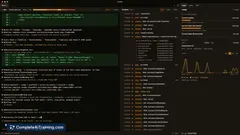
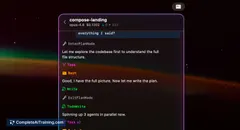
AgentNotch displays live AI tool calls in your macOS notch-file reads, code edits, shell commands-plus real-time token and cost tracking, source color cues, completion alerts, and hover-expand details for quick oversight.
About AgentNotch
AgentNotch is a macOS menu bar app that sits in the Mac's notch and provides live telemetry for AI coding assistants. It displays what assistants like Claude Code and OpenAI Codex are doing - file reads, code edits, tool calls - while you work on other tasks.
Review
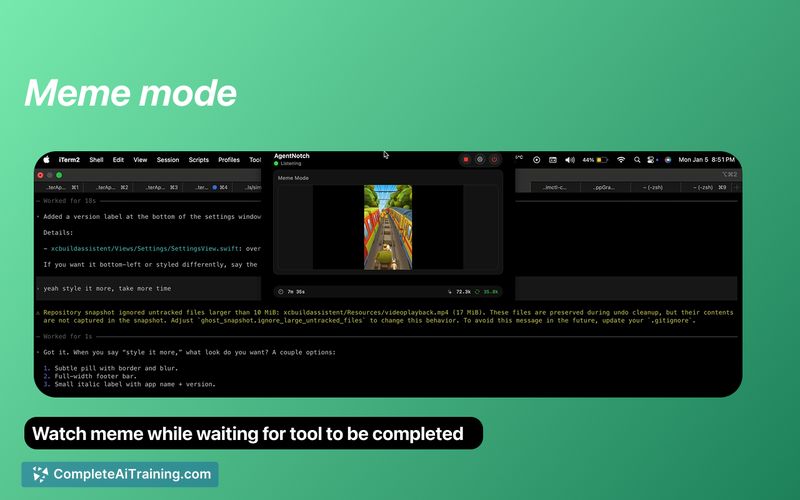
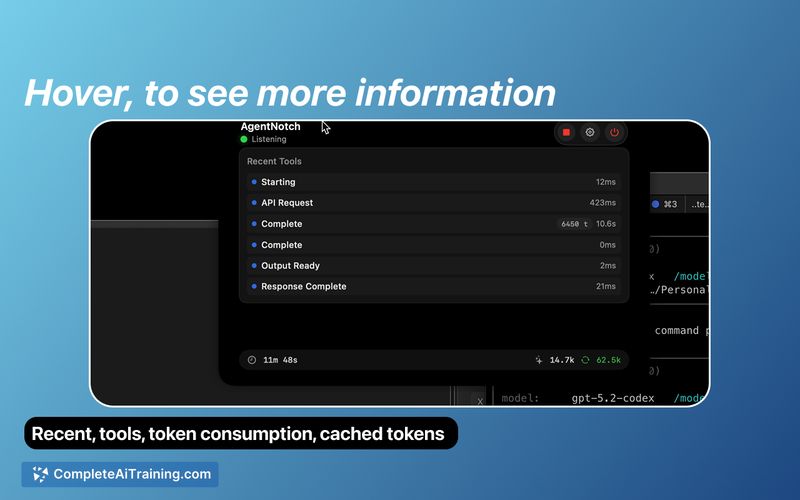
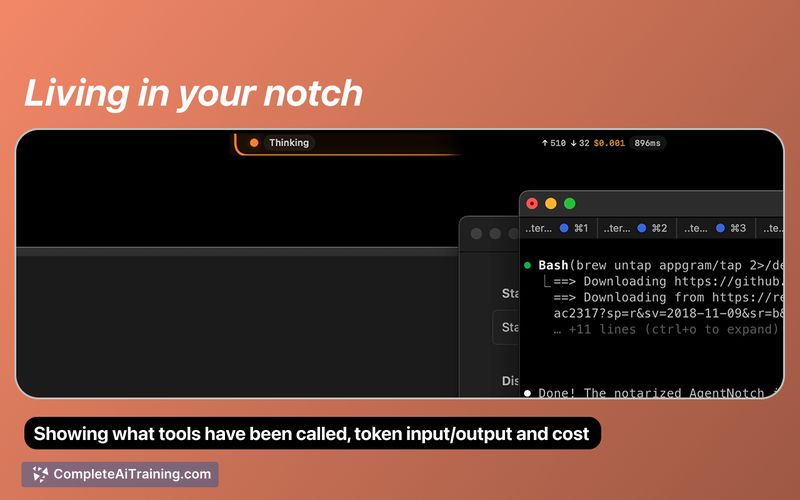
AgentNotch offers a compact, native way to watch AI coding assistants in real time without taking up screen space. The app focuses on visibility and cost awareness, surfacing tool calls, token usage, and estimated API costs with simple visual cues and notifications.
Key Features
- Real-time tool tracking: shows file reads, code edits, shell commands and other tool calls as they happen.
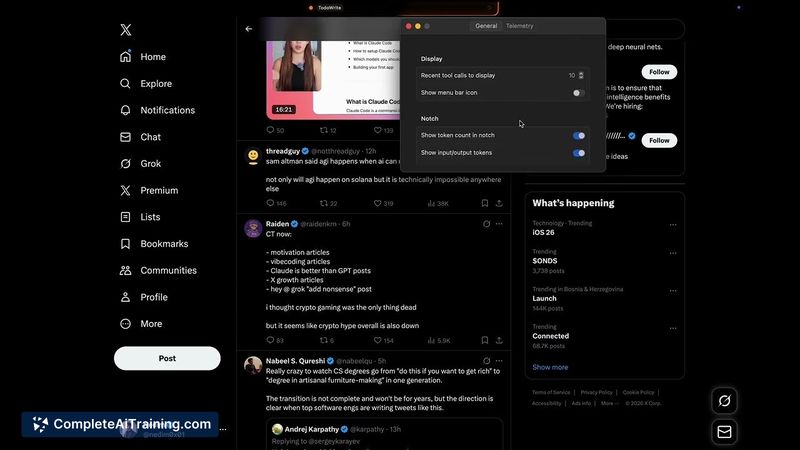
- Token and cost monitoring: live input/output token counts and estimated cost figures to help avoid surprise bills.
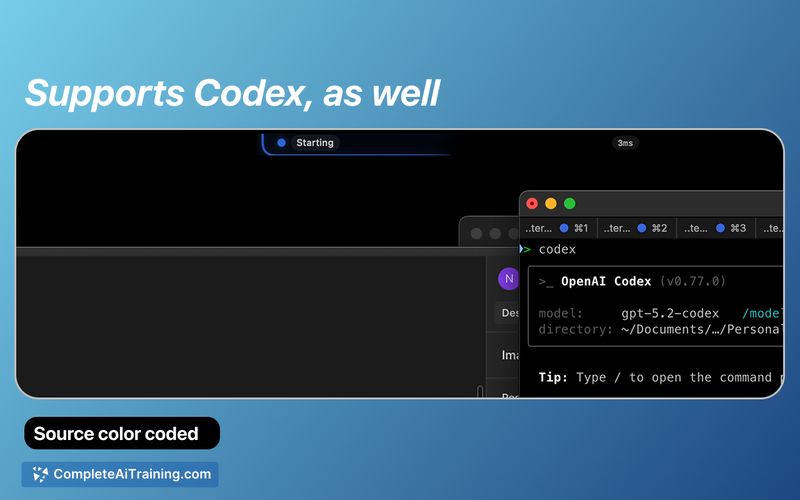
- Source-aware indicators: color-coded badges (e.g., orange for Claude Code, blue for Codex, light blue for unknown) to identify active assistants at a glance.
- Completion detection and notifications: alerts when an assistant finishes a task so you don't have to keep checking.
- Lightweight, native macOS design: lives in the notch, expands on hover, and offers configuration options such as filtering by source and toggling token/cost displays.
Pricing and Value
AgentNotch is available for free. Installation is simple via Homebrew (brew tap AppGram/tap; brew install --cask agentnotch) and a setup guide is provided on GitHub for enabling telemetry with supported assistants. For developers who use AI coding assistants frequently, the app delivers clear value by improving transparency around tool activity and API spend without consuming additional screen real estate.
Pros
- Immediate visibility into what AI assistants are doing, including specific tool calls and file interactions.
- Live token and cost tracking helps manage and anticipate API expenses.
- Minimal footprint - uses the Mac notch so it doesn't compete for screen space.
- Supports both Claude Code and OpenAI Codex via open telemetry, with distinct visual cues for each source.
- Configurable display options and lightweight native performance.
Cons
- macOS-only and specifically designed for machines with a notch, so it's not useful for other platforms or older Macs.
- Requires some setup (Homebrew install and telemetry configuration) which may deter users seeking a plug-and-play solution.
- Functionality is tied to supported assistants and relies on telemetry signals; unknown sources may provide limited detail.
AgentNotch is best suited for developers who run AI-assisted coding workflows on a Mac and want transparent, low-overhead telemetry and cost tracking. It's a helpful companion for anyone using Claude Code or Codex who cares about seeing tool activity and monitoring API usage in real time, though users on other platforms or those avoiding setup steps may find it less applicable.
Jobs AgentNotch suits
We checked AgentNotch against 500+ jobs; these get the most out of it.
Alternatives to AgentNotch
Other tools that do the same main job. Our AI compared AgentNotch with similar tools and kept the ones you could use instead.