AI tool
AI Browser
AI Browser turns prompts into automated browser actions-fill forms, scrape data, and script web workflows-so anyone can automate repetitive web tasks and save hours.
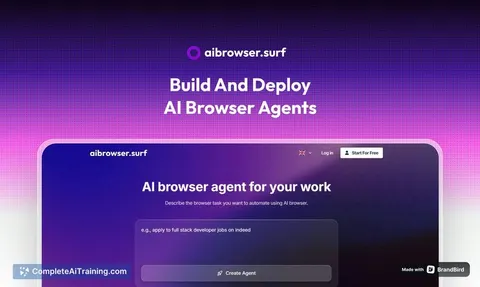
About AI Browser
AI Browser is a tool that creates browser automation agents from a single natural-language prompt. It analyzes your request, generates a sequence of web actions (such as logging into accounts and clicking buttons), and runs those actions on a cloud-based browser.
Review
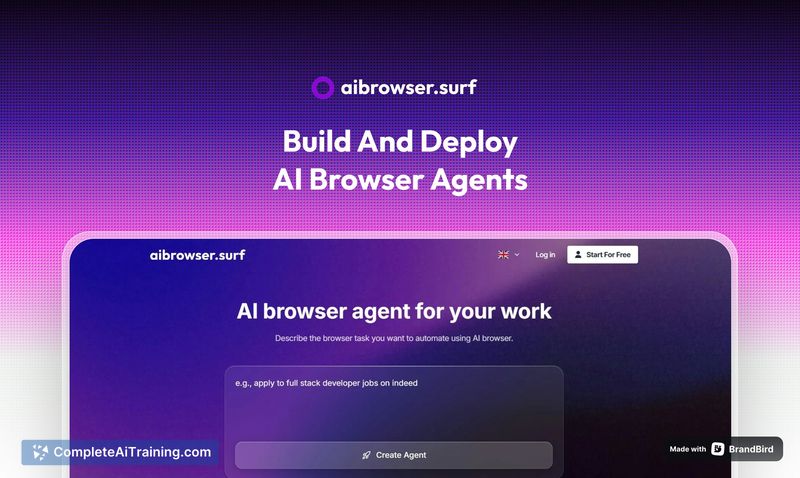
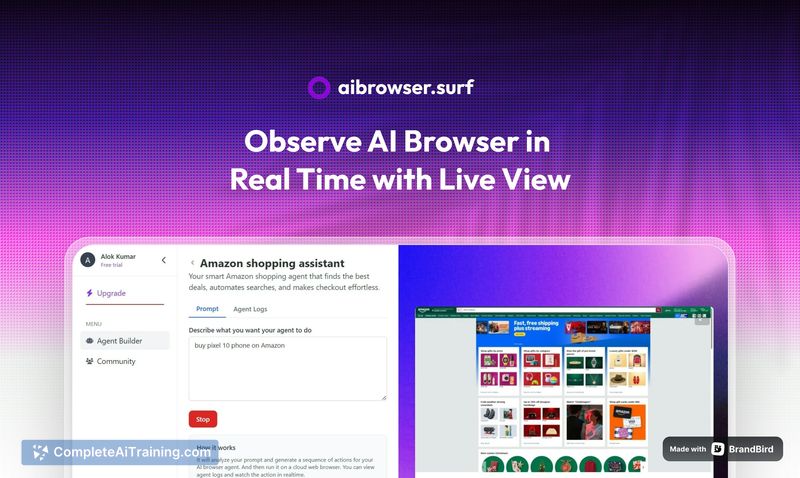
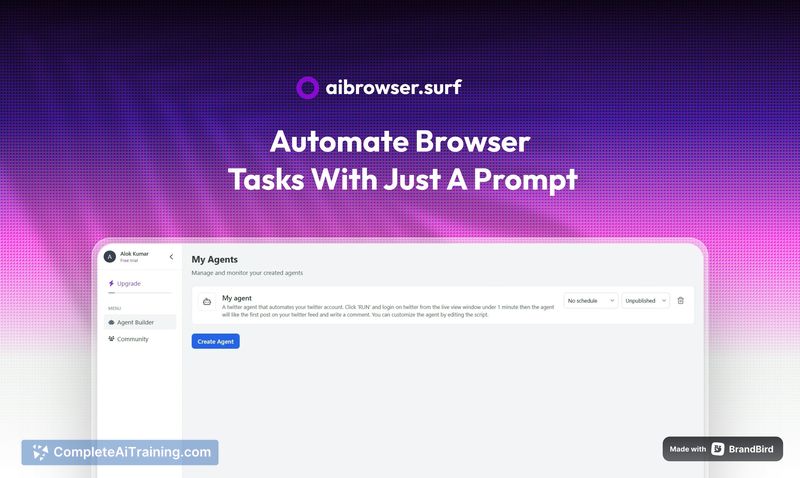
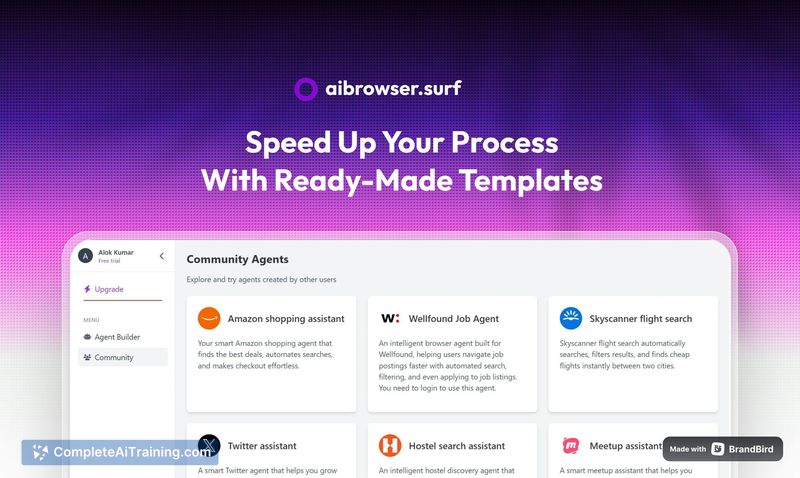
The product offers a simple prompt-to-action approach for automating repetitive web tasks, aiming to make browser automation accessible to non-developers. The current release is an early version: the concept is clear and useful, but some details and integrations are still being refined.
Key Features
- Create AI browser agents from plain-language prompts that perform multi-step web actions.
- Cloud-based browser execution so actions run without local setup or browser extensions.
- Automated handling of login flows and interactive page elements (clicks, form fills, navigation).
- Automatic generation of an action sequence by analyzing the prompt, reducing manual scripting.
- Launch promotions and platform tags indicate mobile and productivity use cases are considered.
Pricing and Value
Pricing details are presented through tiered plans and promotional discounts; current launch offers include a limited-time discount across plans and free starter credits for new users. For users with repetitive browser tasks, the potential time savings can justify a subscription, but exact return depends on task frequency and the reliability of the automation. Since this is an early release, the promotional credits and discounts make it low-risk to try before committing.
Pros
- Very simple prompt-based workflow that reduces the need to write automation scripts.
- Runs in the cloud, which avoids local installation and keeps execution centralized.
- Handles login and interactive page steps, covering many common web automation needs.
- Launch incentives (free credits and discounts) lower the barrier to testing the service.
- Clear focus on productivity and mobile-oriented use cases.
Cons
- Early-stage product: some features and reliability may need more polish before heavy use.
- Documentation and community support are limited at launch, which can slow troubleshooting.
- Details on integrations with local browsers and on security for stored credentials require clarification.
AI Browser is a good fit for individuals and small teams who want a low-effort way to automate web tasks and are comfortable trying early-stage tools. It is less suited for organizations that require mature integrations, enterprise-grade security assurances, or extensive support right away. For anyone curious about automating browser workflows, the current promotions make it worthwhile to test its capabilities.
Jobs AI Browser suits
We checked AI Browser against 500+ jobs; these get the most out of it.
Alternatives to AI Browser
Other tools that do the same main job. Our AI compared AI Browser with similar tools and kept the ones you could use instead.