AI tool
AlliHat
AlliHat: a Safari sidebar assistant that reads the current page, answers questions, fills forms via Agent Mode, saves per-site memory and workflows, runs on your Mac, supports Claude or Apple Intelligence with privacy and no tracking.
About AlliHat
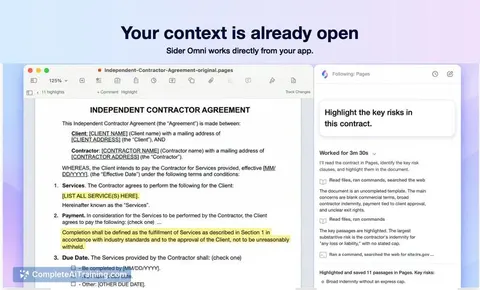
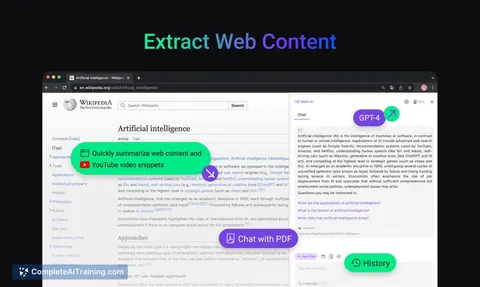
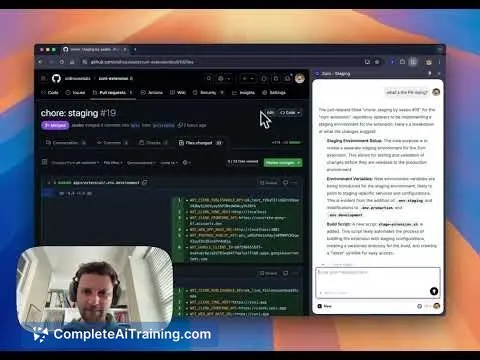
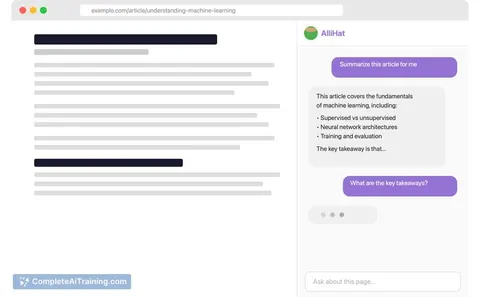
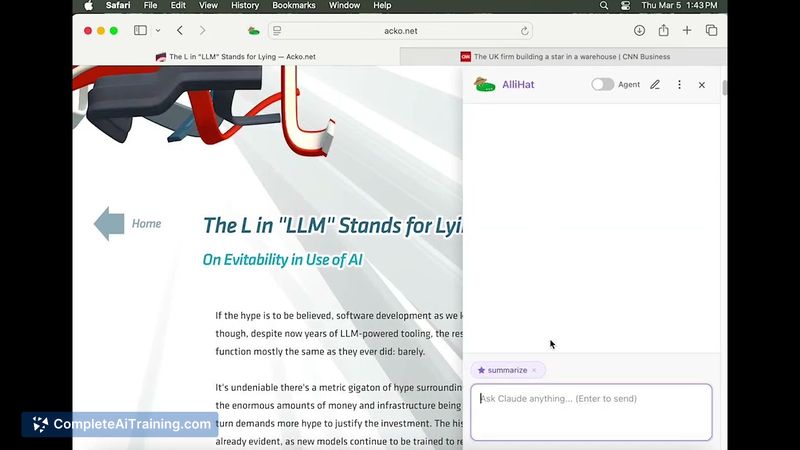
AlliHat is a browser extension that places a conversational AI sidebar directly inside Safari so the assistant can see the page you're on and respond with page-relevant help. It supports highlighting for instant explanations, agent-style page interactions, repeatable workflows, and memory that preserves context per domain.
Review
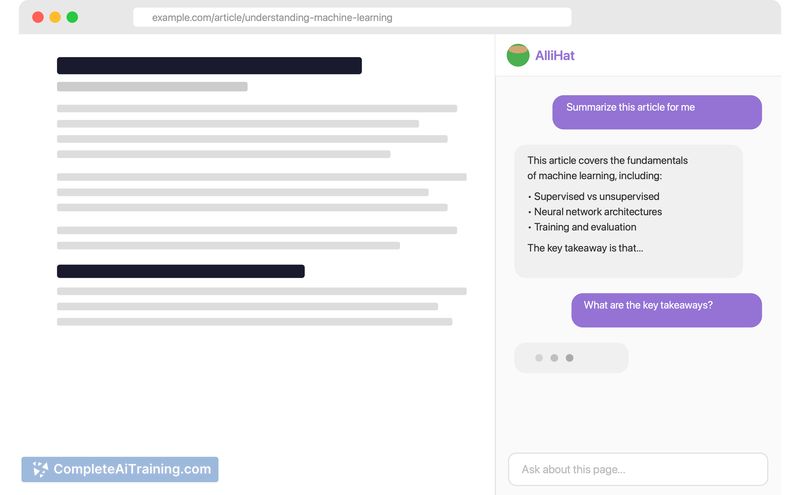
AlliHat launches as a lightweight, page-aware AI companion for Safari users who want answers without switching tabs. The extension focuses on low-friction setup options, a stored history tied to pages, and small automation features that aim to speed common web tasks.
Key Features
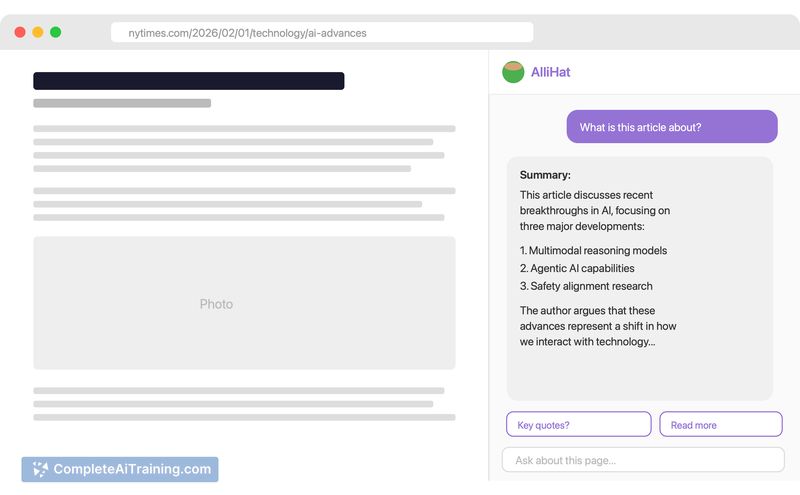
- Sidebar that reads the current page and keeps chat history anchored to the original URL.
- Highlight text to get quick explanations or clarifications inline.
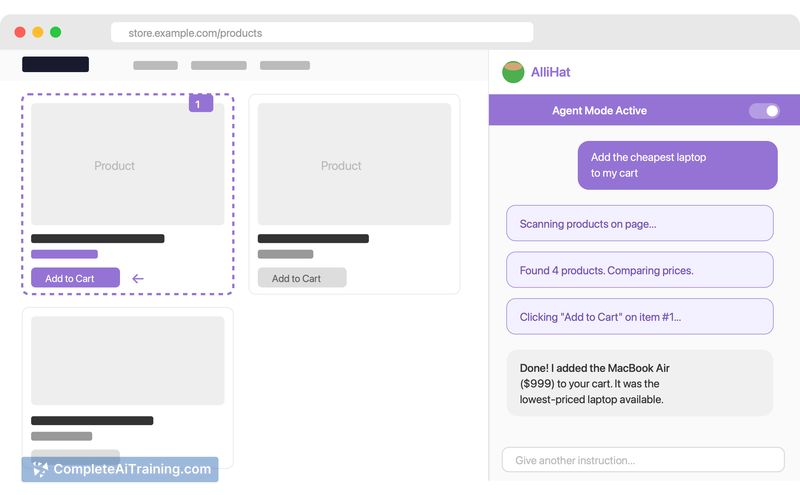
- Agent Mode that can interact with page elements - click, fill forms, and follow links - to automate simple tasks.
- Workflows that turn repeated tasks (translate, summarize, saved prompts) into one-click actions.
- Memory and per-domain history so context is preserved across visits; option to use your own API key or an on-device intelligence fallback, with no tracking or analytics.
Pricing and Value
AlliHat offers a free trial and then moves to an annual subscription at $29.99/year. Full integration with the chosen AI model may require supplying your own API key, though an on-device intelligence fallback is available to reduce setup friction during the trial. For regular Safari users who want in-page assistance and small automations, the annual price is reasonable; those who rarely need a sidebar assistant or who use other browsers may find less value.
Pros
- Seamless in-page experience keeps context and reduces tab switching.
- Highlight-to-explain speeds up comprehension of selected text without leaving the page.
- Agent Mode and workflows can automate repetitive web tasks and form filling.
- Privacy-minded approach: keys are sent directly to the AI provider, operations run on your Mac, and the extension reports no tracking or analytics.
Cons
- Safari-only focus limits use for people who switch between multiple browsers or platforms.
- Some capabilities work best if you supply an API key, which adds setup for non-technical users.
- Agent Mode can be finicky in complex pages and may not always behave reliably.
AlliHat is best for Safari users on Mac who want quick, page-aware AI help and light automation without leaving their browsing context. It fits individuals who value privacy and integrated workflows, but it may be less attractive for cross-browser teams or users unwilling to handle an API key or subscribe after the trial.
Jobs AlliHat suits
Useful in almost any job. We checked AlliHat against 500+ jobs; these get the most out of it.
Alternatives to AlliHat
Other tools that do the same main job. Our AI compared AlliHat with similar tools and kept the ones you could use instead.