AI tool
APImage
APImage: Create studio-grade images in seconds-one-tap AI edits, background removal, and pixel-perfect object preservation for consistent, high-quality product visuals.
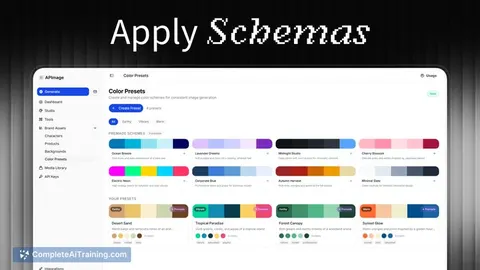
About APImage
APImage is an AI-API for images that enables developers, designers, and content creators to generate, edit, and enhance visuals via a programmatic interface. The platform offers single-tap photo edits, background removal, and tools aimed at producing consistent product and advertising assets.
Review
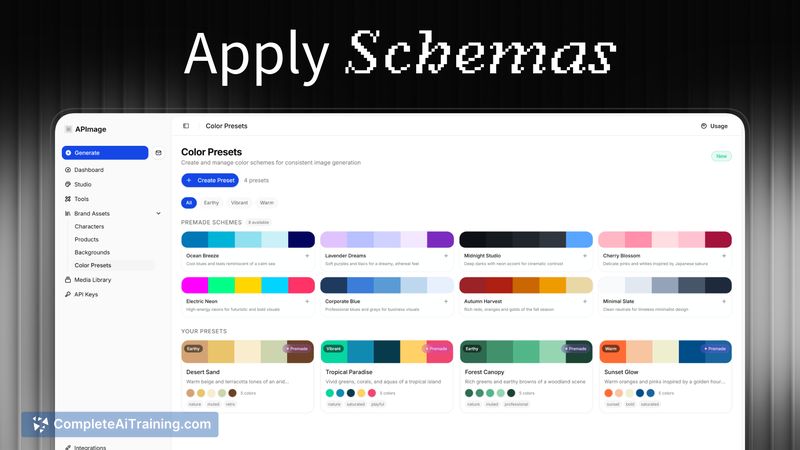
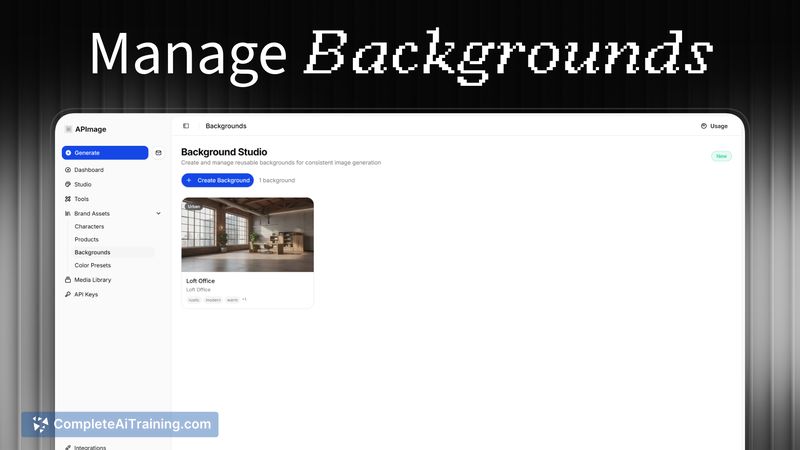
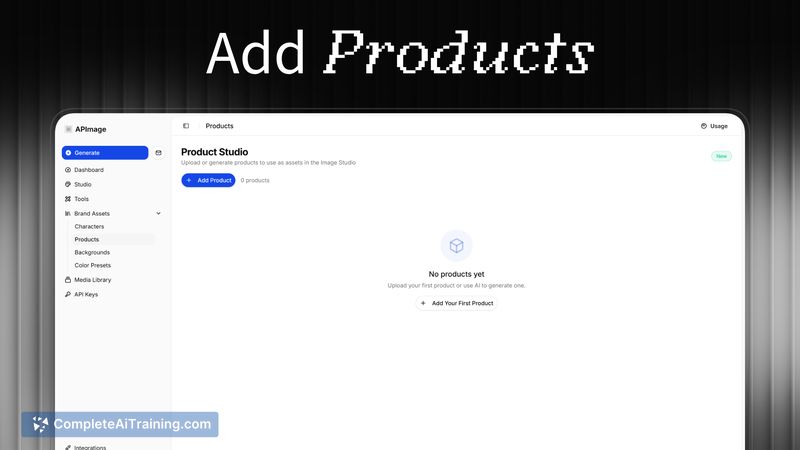
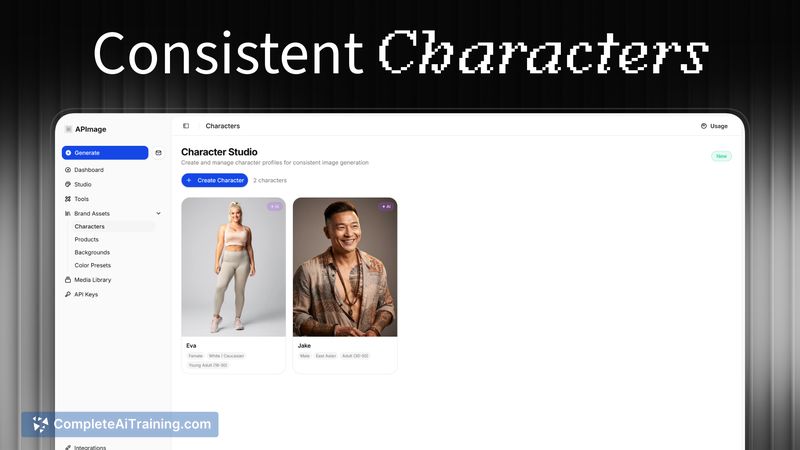
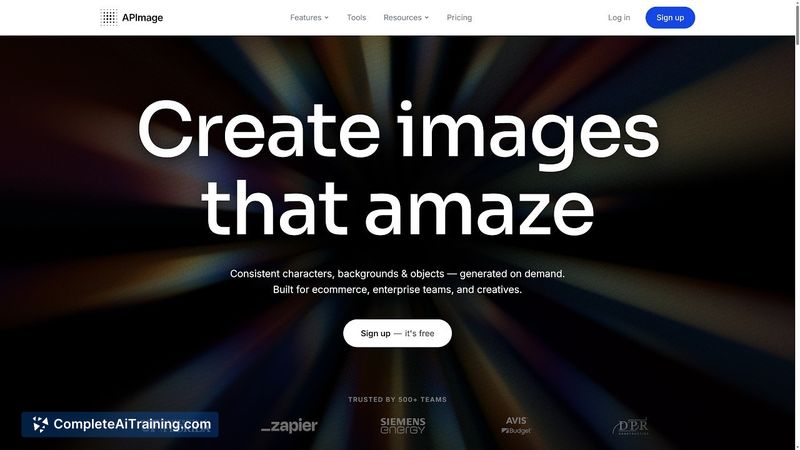
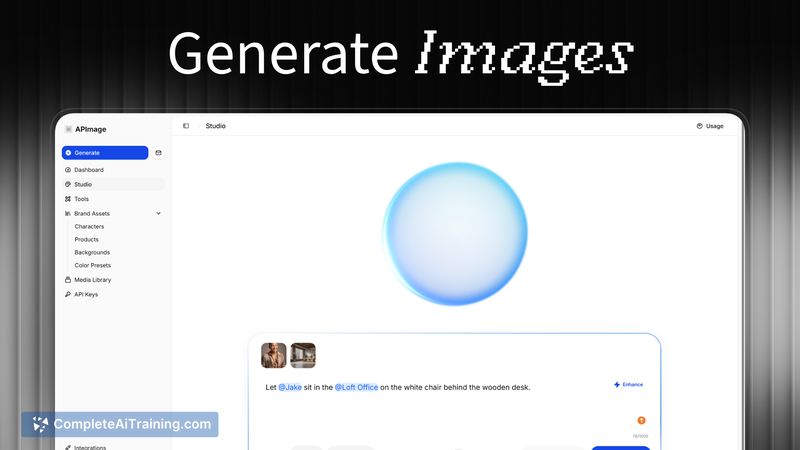
APImage presents a practical, API-first approach for teams that need automated image generation and editing capabilities. During testing, its image generation and background removal were straightforward to integrate, and the results were consistent for product-focused workflows.
Key Features
- Image generation API for creating studio-style visuals from prompts or templates.
- One-tap photo editing and enhancement tools for quick adjustments.
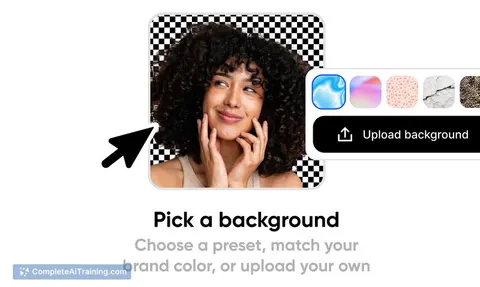
- Background removal and object preservation to maintain product fidelity across edits.
- Options to generate advertising assets and user-generated content (UGC) style images.
- API-centric design that fits into developer workflows and automation pipelines.
Pricing and Value
APImage offers free options to get started and has introduced an early launch discount for new users. Pricing appears to follow a usage-based model typical for image APIs, with paid tiers expected to expand as the product matures. For teams that produce large volumes of product or marketing images, the platform can provide time savings and more consistent output compared with manual editing, while smaller teams can evaluate value via the free tier and launch promotions.
Pros
- API-first setup makes it easy to integrate into development workflows and automation.
- Strong focus on preserving objects and consistency across generations, helpful for product visuals.
- Quick editing tools (one-tap edits, background removal) streamline common tasks.
- Free tier and launch discount lower the barrier to trial for teams and creators.
- Useful for producing advertising assets and UGC-style imagery.
Cons
- New product with limited public reviews and a shorter track record compared with more established services.
- Team and billing features are still being rolled out, which may affect multi-user workflows in the short term.
- Advanced customization and integrations may require additional development effort depending on specific needs.
APImage is most suitable for developers and product-focused brands that need a programmatic way to generate and edit images at scale, and for designers or marketers wanting faster turnaround on product and ad visuals. It's a practical option to try via the free tier and early discounts, especially if consistent object preservation and background removal are priorities.
Jobs APImage suits
We checked APImage against 500+ jobs; these get the most out of it.
Alternatives to APImage
Other tools that do the same main job. Our AI compared APImage with similar tools and kept the ones you could use instead.