AI tool
Bravo Studio
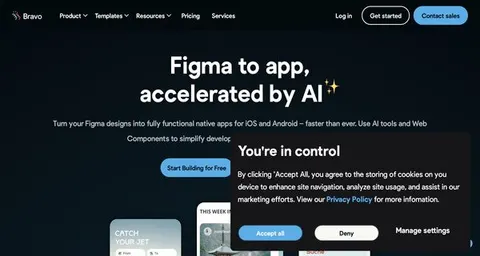
Transform your Figma designs into live iOS and Android apps without coding using Bravo Studio. Perfect for rapid prototyping, this tool empowers designers and startups to swiftly launch visually stunning apps with ease.
About: Bravo Studio
Bravo Studio is an innovative no-code platform designed to seamlessly convert Figma designs into fully operational mobile applications for both iOS and Android devices. This tool caters to designers and entrepreneurs by offering an intuitive drag-and-drop interface that simplifies the app development process, eliminating the need for coding knowledge. Key features include robust backend integration, allowing users to connect APIs and databases effortlessly, as well as rapid prototyping capabilities that enable quick iterations and testing of app functionalities.
Bravo Studio is particularly beneficial for design-driven projects, startups, and businesses aiming to expedite their mobile app development while maintaining high design standards. Its ability to transform static design elements into interactive app components sets it apart from other tools, delivering both aesthetic appeal and functionality. By prioritizing speed-to-market and user-centric design, Bravo Studio provides a valuable solution for those looking to innovate and adapt in a fast-paced digital landscape.
Review: Bravo Studio
Introduction
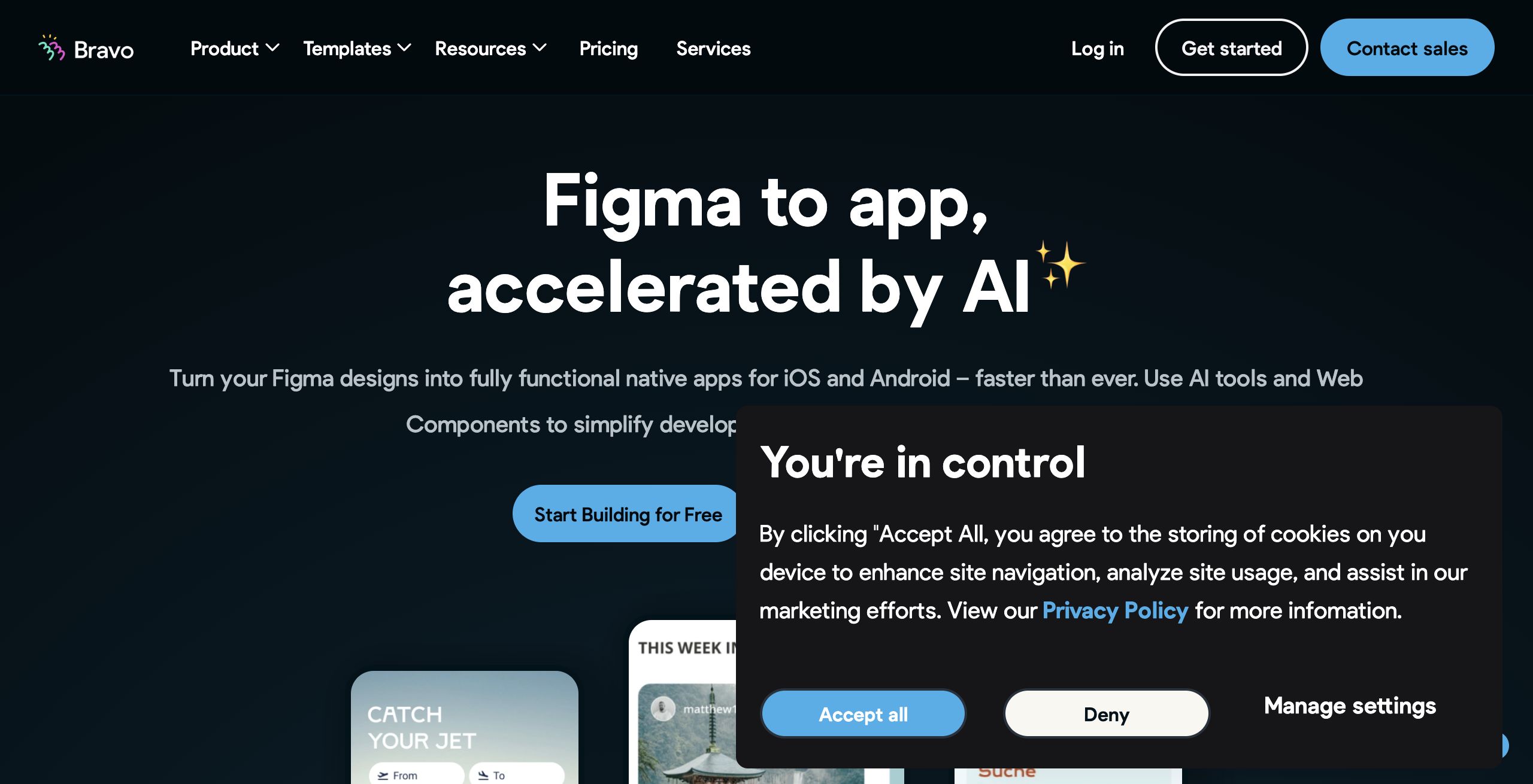
Bravo Studio is a no-code platform designed to convert Figma designs into fully functional native mobile apps for both iOS and Android. Targeted at designers, startups, and businesses that prioritize rapid prototyping and design-centric development, Bravo Studio eliminates the need for extensive coding expertise. This review explores the tool’s relevance in the modern app development landscape, particularly for teams looking to streamline app creation without traditional development hurdles.
Key Features
Bravo Studio offers a comprehensive suite of functionalities aimed at simplifying the mobile app development process:
- No-Code App Conversion: Transform Figma designs into real, native mobile apps without writing code, making it accessible for non-developers.
- AI-Enhanced Workflow: Integrate AI tools to generate backends and app components effortlessly. This feature accelerates development time and reduces manual tasks.
- Drag-and-Drop Interface: Utilize an intuitive and user-friendly interface that allows the rapid building and prototyping of apps using drag-and-drop elements.
- Web Components Integration: Add custom functionality to your app by leveraging web components. The support for HTML, JavaScript, and CSS ensures that designers can create the exact user experience they envision.
- Backend Integration: Easily connect your app prototype with real data via API definitions and multiple integrations, supporting a seamless transition from design to a live mobile application.
These standout features, especially the seamless conversion from Figma designs to a working app and the incorporation of AI to streamline backend development, help distinguish Bravo Studio from its competitors.
Pros and Cons
- Pros:
- User-friendly, no-code interface ideal for designers and non-developers.
- Rapid prototyping and quick iteration cycles, minimizing time-to-market.
- Robust integration of AI tools to assist with backend and component generation.
- Flexibility through web components, allowing for extensive customization of the app’s user experience.
- Streamlined process from design to native app deployment on iOS and Android.
- Cons:
- May offer less flexibility for highly complex or unique functionalities compared to custom-coded solutions.
- Reliance on Figma designs means the quality and limitations of the final app can be heavily dependent on the original design files.
Final Verdict
Overall, Bravo Studio is an excellent tool for designers, startups, and businesses that need to rapidly turn creative Figma designs into functional mobile apps without getting bogged down by traditional coding challenges. The platform’s intuitive interface and AI-powered enhancements make it a standout solution for projects where speed and design fidelity are paramount. However, teams requiring highly complex custom functionalities or those who prefer full control over every line of code might find the no-code approach limiting. For design-centric projects and rapid market entry, Bravo Studio provides both an innovative and practical solution.
Jobs Bravo Studio suits
We checked Bravo Studio against 500+ jobs; these get the most out of it.
Alternatives to Bravo Studio
Other tools that do the same main job. Our AI compared Bravo Studio with similar tools and kept the ones you could use instead.