
Learning path
Learning AI as a Product Designer
AI helps product designers move faster from research notes to tested prototypes. This path shows you where it fits in your day, safely and without losing your design judgment.

Your path
Everything in the Product Designer AI kit, in the order that makes sense. Members tick off each step and see their progress.
Set up your AI
We guide you through each click.
Let skills do your everyday tasks
Connect your apps and pick your AI apps
Hand whole tasks to AI agents
Build your own tools
Everything for product designers
All the courses, certifications, AI tools, MCP servers and apps for product designers, most relevant first. Open any list to see more.
Take the prompt courses
A short framework course to learn how to ask, then 9 lessons with ready-to-use prompts for product designers.
Start with this framework: how to talk to AI
RACE fits product design because role, action, context, and expected quality yield precise feedback, like a checkout flow review with success metrics.
Then your prompt course for product designersWatch the video courses or add them to your Favorites for later
93 video courses our AI picked for product designers, most useful first. Save the ones you want to watch later with the heart.
Favorites are saved to your account: sign in or get your AI kit first.
Show all 93 video courses
Get certified, or add certifications to your Favorites
Every course ends in an exam and a certificate you can add to LinkedIn. Save the certifications you are aiming for with the heart.
Favorites are saved to your account: sign in or get your AI kit first.
More certifications for product designersShow all 24 certifications
Try the AI tools for product designers
24 AI tools our AI matched to the work of product designers, best fit first. Each review shows what it does, its alternatives and the jobs it suits.
Favorites are saved to your account: sign in or get your AI kit first.
Show all 24 AI tools
Connect your AI to the apps product designers use
MCP servers let ChatGPT, Claude or Copilot look things up and get work done in other apps, like your email, calendar or bookkeeping software. These 12 fit the work of product designers best, well-known apps first.
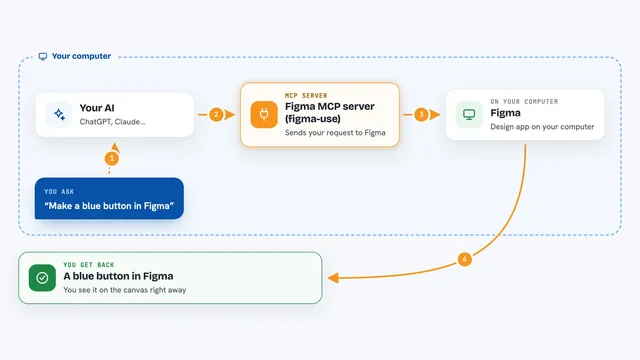
Figma MCP server (figma-use)
by dannoteLets your AI create and change things in Figma, like shapes, text, buttons and layouts, right from a chat.
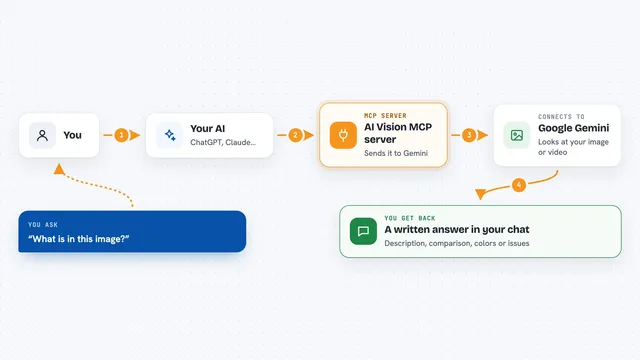
AI Vision MCP server
by tan-yong-shengLets your AI look at images and videos, describe them, compare them, and check design quality.

localfig MCP server
by LucasGorgalLets your AI read and change the Figma file you have open, right from your desktop app.

Genable MCP server
by musepyLet your AI build and edit real Figma designs, then check the result with screenshots.
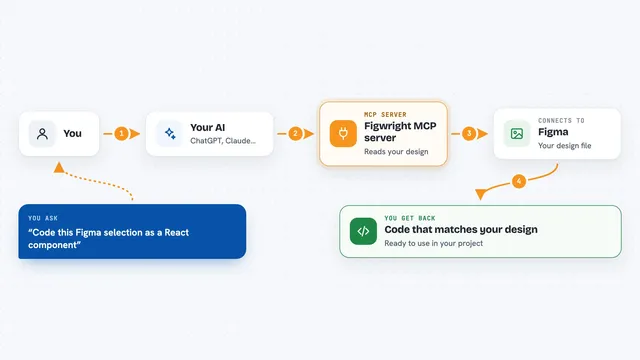
Figwright MCP server
by awdr74100Lets your AI read your Figma designs and turn them into code, or build new Figma designs for you.

SaglitzDesign MCP server
by HalidSaglamGives your AI real design rules and generators for web, iOS, Android and macOS, plus SEO and marketing help.
Show all 12 MCP servers

UXLoom MCP server
by uxloom-devChecks your app's screens and user journeys for missing states, contrast problems, and small tap targets.

BrandKit MCP server
by ejwhite7Lets your AI read your company's brand colors, fonts, logos, voice and rules while it works.
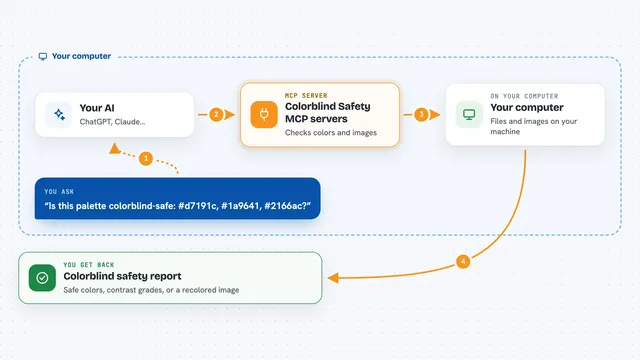
Colorblind Safety MCP servers
by vince-gonzalezCheck if your colors and images are colorblind-safe, and see them the way a colorblind person does.

RNV Color MCP server
by RNVizionMix, convert, and match colors, build palettes, and save them by name, right from your chat.
Design toolsNo install
Google Drive MCP server
by A1-x-TechLet your AI search, organize, upload, download, export and share your Google Drive files for you.

Identity Forge MCP server
by KasayoDotComLet your AI pick a design kit, apply it to your project, and research brand names and domains.
Build your own AI apps for product designers
Apps you build yourself with your own AI, no coding needed and no monthly fee. Our AI picked the 12 that fit the work of product designers.
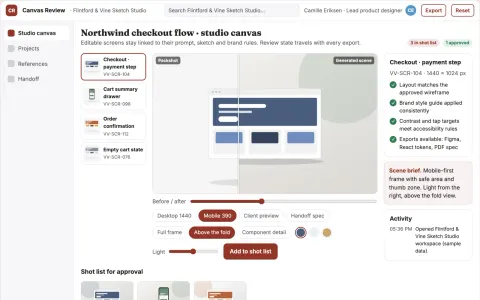
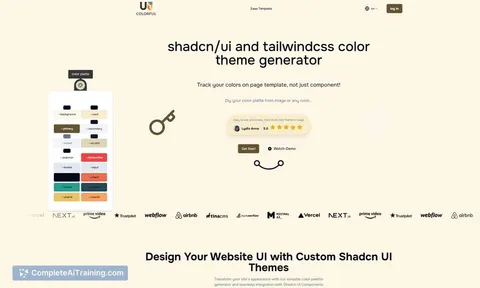
Editable UI production and review platform
Reduce tool sprawl and rework while keeping design decisions under named review.
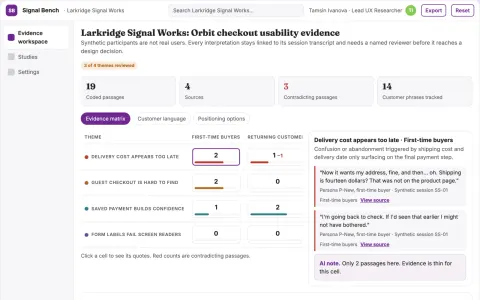
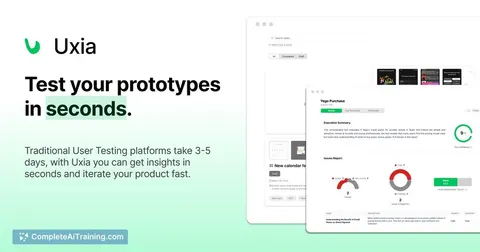
Synthetic usability evidence workbench
Reduce reliance on live participants for early usability checks while keeping evidence and human review.
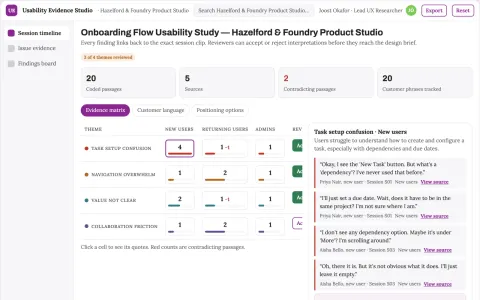
Usability research assistant
Observed behavior and source clips remain attached to every usability finding.
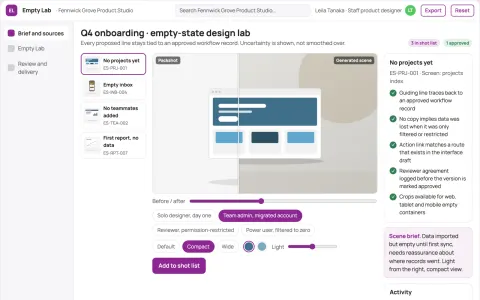
Product empty-state design lab
Actionable guidance before data exists.
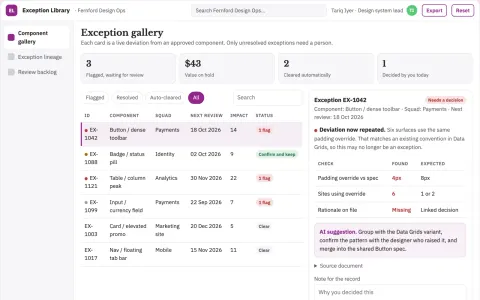
Design system exception librarian
Preserve why an exception exists and when to revisit it.
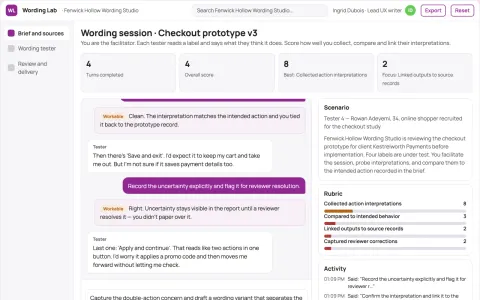
Prototype interaction wording tester
Test action expectations before implementation.
Show all 12 apps
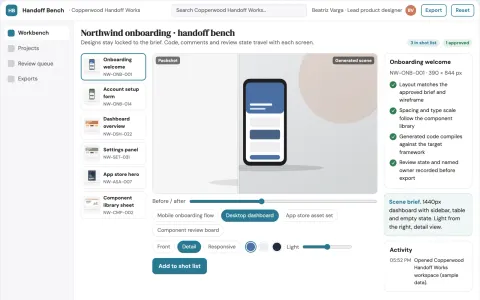
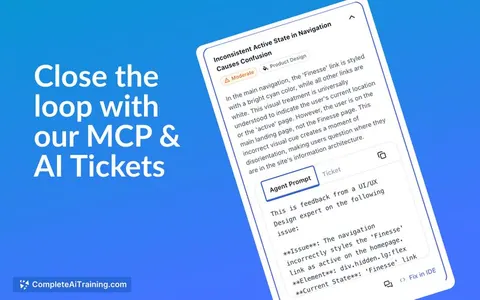
Design-to-code production workbench
Reduce handoff cycles between design and frontend while keeping a reviewable record from input to shipped code.
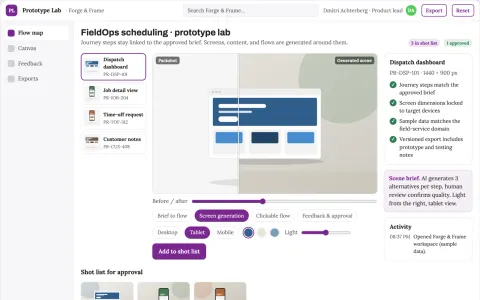
Rapid prototype studio
Prototypes center on a testable customer task and realistic content.
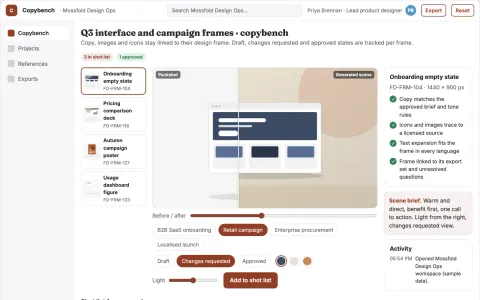
In-design copy and asset generation workbench
Reduce design revision cycles while keeping copy and assets consistent with the approved brief.
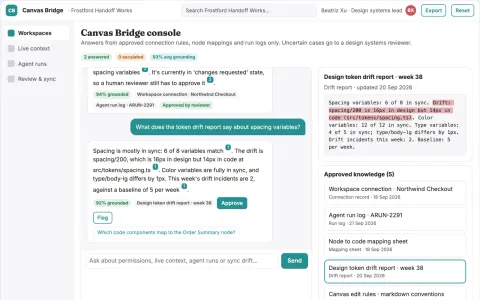
Live design file agent access console
Reduce manual design-to-code copying while keeping design files and code aligned.
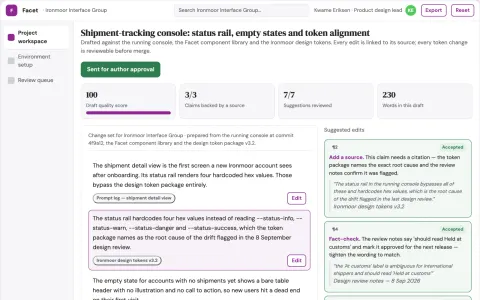
Live interface change review workbench
Reduce hand-coded interface work while keeping every change reviewable and reversible.
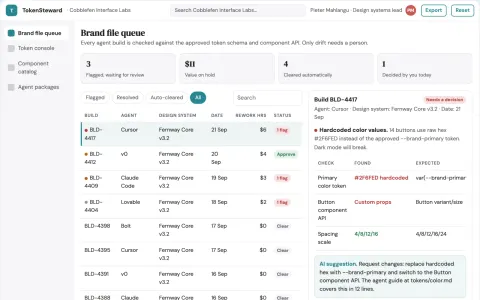
Agent-readable design system library and brand stewardship console
Reduce interface rework while keeping one consistent brand across agent-assisted builds.



























































































About this learning path
6 topicsAI for Product Designers: A Practical Learning Path
Product design work is part research, part craft, and part conversation. AI can take the slow parts, like sorting interview notes or drafting handoff details, so you spend more of your day on the decisions only you can make.
This learning path is built for working product designers. It starts with setup, connects AI to the tools you already use, then walks through the prompt course and a set of video courses chosen for design work, with the certifications that come with them.
Why AI matters for design now
Teams are shipping faster and asking designers to cover more ground. AI tools are already in the room during research, critique, and handoff, whether or not you are the one using them.
Knowing how to direct these tools keeps you in charge of the work instead of reacting to drafts someone else generated.
What the path includes
You start with setup questions and connecting your AI assistant, then move into skills for the job inside your AI. The prompt course covers nine lessons, from research planning to presenting concepts.
Alongside it, you get video courses picked for product design work, and the certifications that come with those courses, so you have something to show for the time.
How it saves you time
The slow parts of design work are often the writing and sorting parts. Turning six interview transcripts into themes, drafting empty states, or writing handoff notes can take an afternoon.
With a good prompt and a quick review, those tasks take minutes. The time goes back into sketching, testing, and talking with the people who use what you make.
How it protects your career
Design roles are changing, and the people who thrive are the ones who can direct AI and judge its output. That judgment comes from practice, not from avoiding the tools.
This path teaches you where AI helps and where it gets things wrong, so you stay the person who decides what ships.
How to start
Begin with the setup lesson and connect one AI assistant you already have access to. Then work through the prompt course in order, trying each prompt on a real project you are already doing.
Set aside a short block each week. Small, steady practice beats a long weekend of reading.
Frequently asked questions
Do I need to be technical to use AI as a product designer?
No. The prompts in this path are written in plain language, and you paste them into ChatGPT, Claude, or Gemini the same way you would type a message. If you can write a design brief, you can use these.Will AI replace product designers?
AI is good at drafting and sorting, and it is not good at understanding context, negotiating trade-offs, or reading a room. The designers who use it well tend to get more done, not less.Which AI tools will I use?
The path works with ChatGPT, Claude, and Gemini, and you can follow along with whichever one you have. The lessons focus on how you ask, not on which button you press.How long does the learning path take?
Most people move through the prompt course over a few weeks, trying one lesson at a time on live work. The video courses can be watched in short sittings around your schedule.