AI tool
Build Chatbot
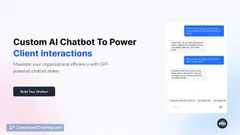
Create and train AI chatbots effortlessly with BuildChatbot, a no-code platform that personalizes interactions using your unique content. Integrate it with Slack, customize with branding, and engage users through a full-page chat widget on your website.
About: Build Chatbot
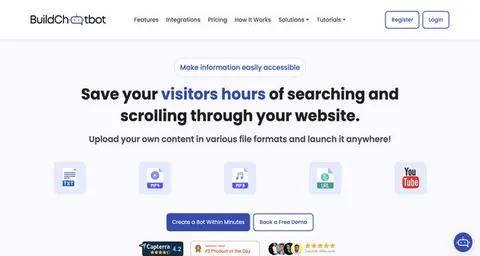
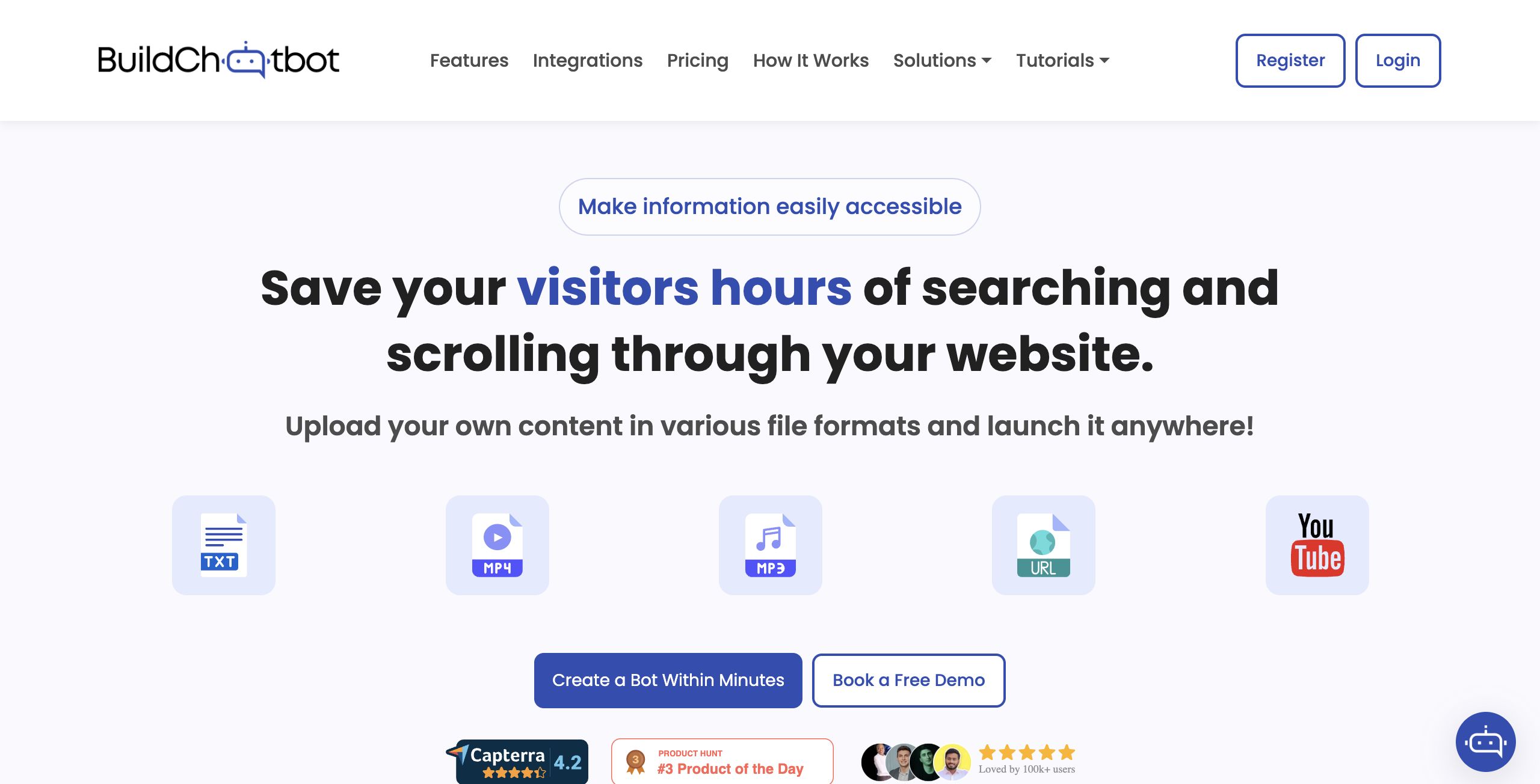
BuildChatbot is an intuitive no-code platform designed to empower users in creating and training AI chatbots tailored to their specific needs. This user-friendly tool eliminates the need for programming skills, allowing individuals and businesses to effortlessly develop customized chatbots that align with their branding. With the capability to auto-train your chatbot using a variety of content formats—including PDFs, text documents, website URLs, YouTube videos, and audio files—BuildChatbot ensures that your chatbot is both informative and engaging.
Key features include seamless integration with Slack for enhanced communication and a customizable full-page chat widget that can be embedded on websites to boost user interaction. BuildChatbot caters to a range of applications, from customer support to interactive marketing, making it a versatile solution for businesses of all sizes. With a free plan available and various pricing options, BuildChatbot stands out by combining accessibility with powerful functionality, enabling users to create sophisticated AI chatbots without any technical barriers.
Review: Build Chatbot
Introduction
Build Chatbot is a no-code AI chatbot builder designed to simplify the creation and training of custom chatbots without the need for programming expertise. Tailored for businesses, educators, customer support teams, and entrepreneurs, this platform enables users to quickly deploy a chatbot that can be trained using a wide array of content sources. In today’s digital landscape, where instant communication is key, Build Chatbot is being reviewed for its ability to engage visitors in real time and streamline customer interactions.
Key Features
Build Chatbot offers a range of innovative functionalities that set it apart in the competitive AI chatbot market:
- No-Code Setup: Easily create and launch a customized AI chatbot without any coding knowledge.
- Multi-Format Support: Train your chatbot using diverse file types including PDF, Docs, Text, Website URLs, YouTube URLs, Audio, and Video. It is notably the only AI chatbot that offers audio and video data extraction.
- Auto-Training: Upload your content and let the platform automatically train your chatbot, ensuring it provides accurate responses.
- Brand Personalization: Customize the chatbot’s look and feel to match your brand and integrate a full-page chat widget directly on your website.
- Real-Time Engagement: Interact with website visitors instantly using live chat features available on web platforms, mobile apps (for both iOS and Android), Slack, and WhatsApp.
Pricing and Value
Build Chatbot offers a flexible pricing structure designed to cater to a variety of users. There is a free plan available, allowing users to experience the core features without providing credit card details. For those looking for enhanced capabilities and higher usage limits, the platform provides several paid plans, including Essential, Prime, Power Pack, and Enterprise. This tiered approach ensures that both small teams and larger enterprises can find a plan that fits their needs, making the tool a strong value proposition compared to competitors in the market.
Pros and Cons
- Pros:
- No-code platform that simplifies chatbot creation.
- Supports a wide range of file types, including unique audio and video capabilities.
- Enables effective brand personalization and UI customization.
- Real-time engagement through multiple channels like mobile apps and Slack.
- Flexible pricing with a free plan option to get started.
- Cons:
- The free plan has usage limitations (e.g., chat and character limits) that may require an upgrade as needs grow.
- While the interface is simple and user-friendly, advanced users might find fewer customization options compared to more complex platforms.
Final Verdict
Build Chatbot is a versatile and accessible tool ideally suited for businesses, customer support teams, educators, and entrepreneurs looking to enhance engagement on their websites. Its robust feature set, which includes multi-format content training and live customer interactions, makes it a valuable asset for those seeking to streamline communication without the hassle of coding. However, users with extensive customization demands or those operating in highly specialized environments may need to consider whether the available options fully meet their requirements. Overall, Build Chatbot offers a compelling mix of ease-of-use, flexibility, and value, making it a recommended choice for teams aiming to improve customer interaction and support.
Jobs Build Chatbot suits
We checked Build Chatbot against 500+ jobs; these get the most out of it.
Alternatives to Build Chatbot
Other tools that do the same main job. Our AI compared Build Chatbot with similar tools and kept the ones you could use instead.