AI tool
Bulk Exporter for Sora
Export Sora generations as clean Markdown with front matter and auto-sort images and videos into folders for easy import into Obsidian, Notion, or your local knowledge base.

About Bulk Exporter for Sora
Bulk Exporter for Sora is a lightweight Chrome extension that provides a one-click method to back up videos, images, and prompts created in Sora. It organizes exported media into folders and saves prompts as Markdown files with YAML front matter for easy use in local knowledge tools.
Review

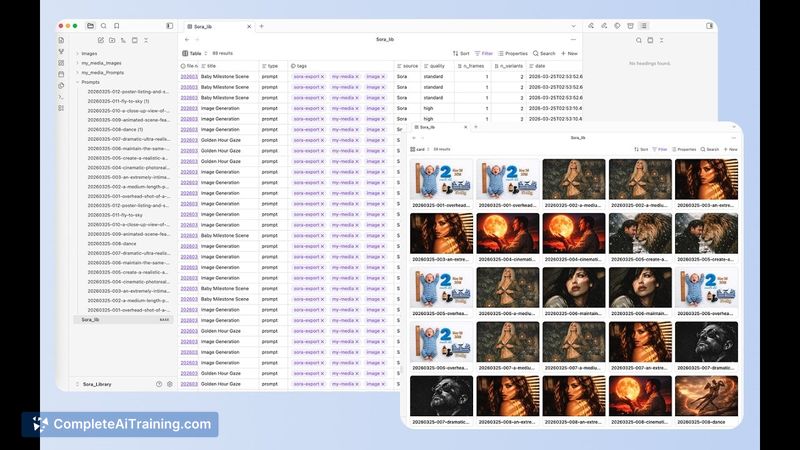
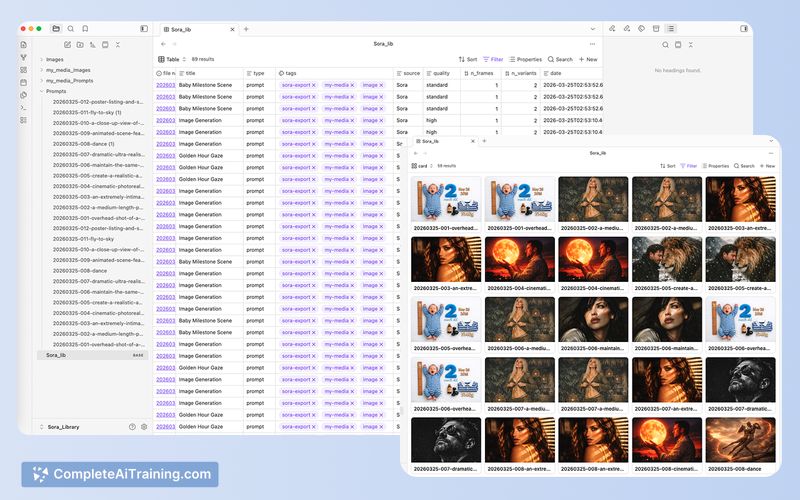
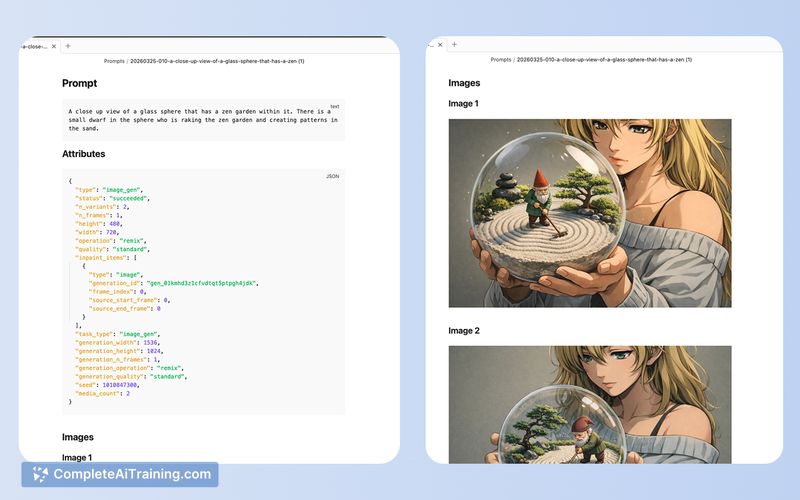
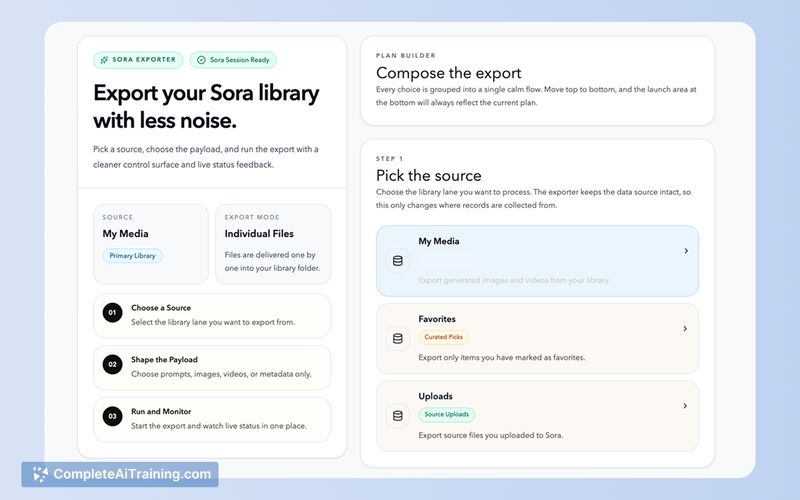
This extension addresses a common gap for users who generate content in Sora but want reliable local copies and better organization. Setup is simple and the core export flow is quick and straightforward for small to medium libraries.
Key Features
- 1-click export of an entire Sora library (videos, images, prompts)
- Automatic organization of media into folder structures for easy import or archiving
- Prompts exported as Markdown files with YAML front matter for metadata and compatibility with tools like Obsidian or Notion
- Lightweight Chrome extension that runs in the browser without a heavy install process
- Designed to move generated assets from the web UI to local storage for backup and indexing
Pricing and Value
The extension is currently offered for free. For individual users who want a simple way to back up and organize Sora outputs, the tool delivers clear value by removing manual download steps and formatting prompts for local workflows. Organizations or users requiring advanced sync, automation, or multi-user features may need additional solutions beyond this extension.
Pros
- Fast, one-click export saves time compared with manual downloads
- Exports prompts in Markdown with YAML front matter, which fits well with common knowledge-management apps
- Automatically organizes media into folders so files are immediately usable
- Small, browser-based extension that's easy to install and remove
- Free to use at launch, lowering the barrier to try it out
Cons
- Limited to Chrome and the Sora web interface; no native support for other browsers or platforms
- No built-in scheduled backups or cloud sync options-exports go to local storage only
- May encounter performance or rate-limit issues with very large libraries
Overall, Bulk Exporter for Sora is a practical tool for individual creators and researchers who want to convert Sora outputs into locally managed files and integrate them with tools like Obsidian or Notion. It's best suited to solo users or small workflows that need straightforward backups rather than enterprise-grade synchronization or team collaboration features.
Jobs Bulk Exporter for Sora suits
We checked Bulk Exporter for Sora against 500+ jobs; these get the most out of it.