AI tool
Caesr AI
Caesr AI runs workflows on any device, tool or OS using plain English - no integrations, scripts, or APIs. Automate clicks, typing, form fills and tests across web, desktop and mobile.

About Caesr AI
Caesr AI is an agent that automates tasks by controlling apps on web, desktop, and mobile devices using plain-English prompts. It performs clicks, typing, and other UI interactions without requiring integrations, scripts, or APIs.
Review


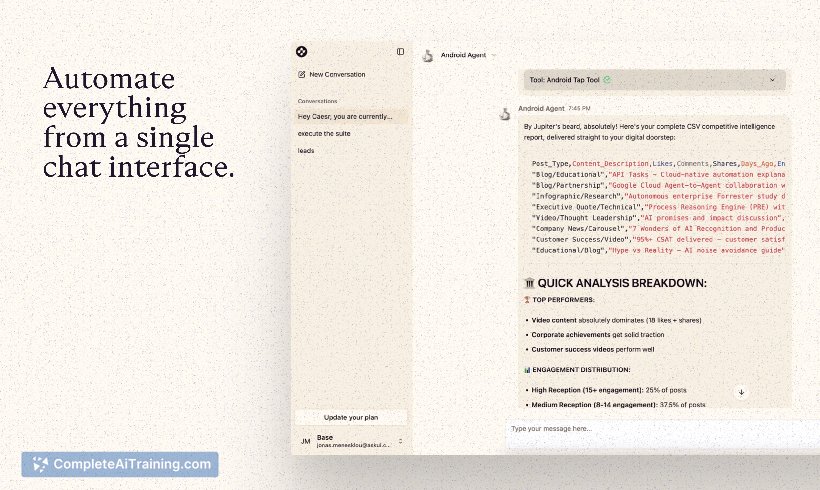

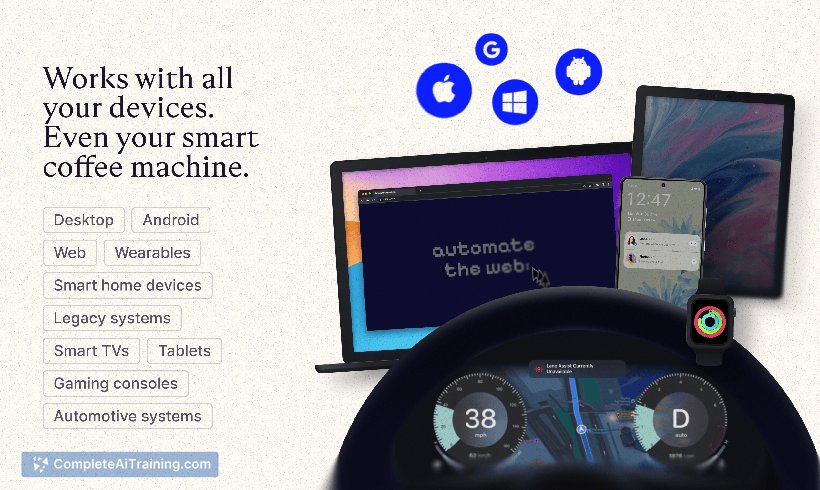
Caesr AI focuses on practical UI automation where traditional integrations are unavailable or impractical. By operating directly on screens, it addresses one-off workflows, testing on real devices, and automation in legacy or closed systems.
Key Features
- Cross-platform control: works across web browsers, desktop apps, and mobile devices.
- Prompt-driven automation: create tasks using plain-English instructions rather than code or complex configuration.
- OCR-based element recognition: detects UI elements visually to interact with clunky or non-standard interfaces.
- Real-device testing and orchestration: run tests and workflows on actual devices without extensive setup; includes an orchestrator agent to choose tools and agents for tasks.
- Learning from usage: agents receive context during use and can adapt based on user input to improve outcomes.
Pricing and Value
Public information indicates there is a free option available, with paid tiers likely for heavier usage or enterprise needs. The value proposition centers on saving time when APIs or integrations are missing - letting teams automate tasks, test on devices, and scrape or extract data directly from screens. For teams that frequently encounter closed systems or require ad-hoc automation, the platform can reduce manual effort, though larger-scale or long-running workflows may require a paid plan.
Pros
- Enables automation where APIs or direct integrations aren't available.
- Low barrier to entry: use plain-English prompts instead of scripting or building connectors.
- Effective OCR and visual recognition make it useful on non-standard or legacy interfaces.
- Supports testing on real devices with minimal setup, which speeds QA and device-specific checks.
- Orchestrator and adaptive behavior can simplify multi-step or multi-tool tasks.
Cons
- Reliability can be affected by UI changes, differing screen layouts, or poor OCR results in some contexts.
- Granting control of devices and applications raises security and privacy considerations that teams must manage carefully.
- Pricing details for high-volume or enterprise usage are not fully detailed publicly, so total cost at scale may be unclear without direct inquiries.
Caesr AI is well suited for QA engineers, product teams, and operators who need quick, one-off automations or tests on apps that lack APIs. It's also useful for small teams that want to avoid building custom integrations and for anyone needing to automate interactions with legacy or closed systems. Trialing the free option is a good first step to evaluate fit and reliability for specific workflows.
Jobs Caesr AI suits
We checked Caesr AI against 500+ jobs; these get the most out of it.
Alternatives to Caesr AI
Other tools that do the same main job. Our AI compared Caesr AI with similar tools and kept the ones you could use instead.