AI tool
ChatFolders
ChatFolders organizes AI conversations into folders across ChatGPT, Claude, Gemini and more. Local-first, lightweight browser extension with drag-and-drop, bookmarks and tags (5 free folders); upgrade for unlimited folders, search and sync.

About ChatFolders
ChatFolders is a browser extension that adds folder organization to AI chat platforms like ChatGPT, Claude, Gemini and Grok. It provides drag-and-drop, color-coded folders plus bookmarks, tags, and search so you can keep conversations organized without signing into another service.
Review
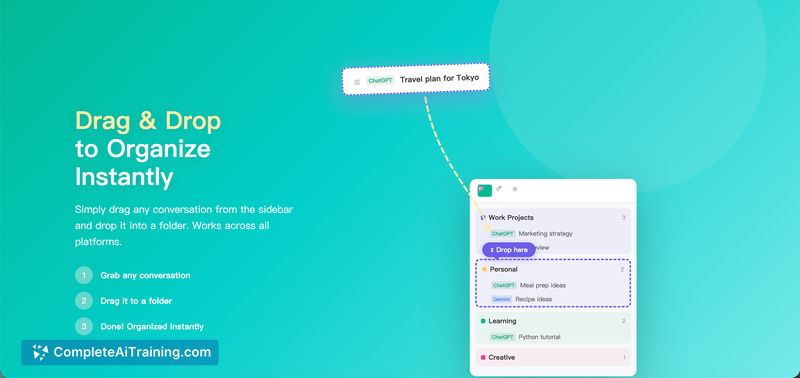
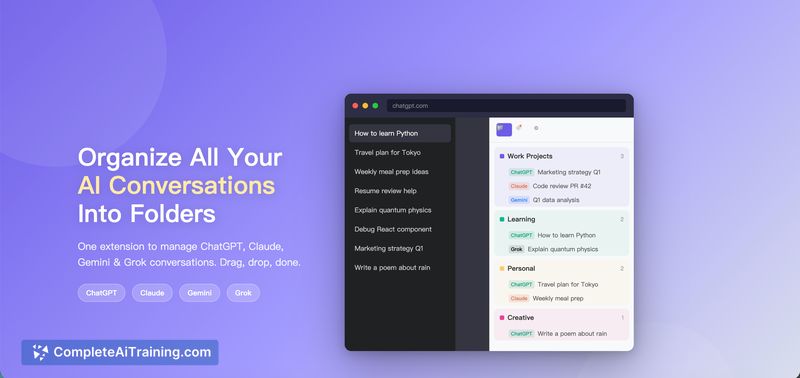

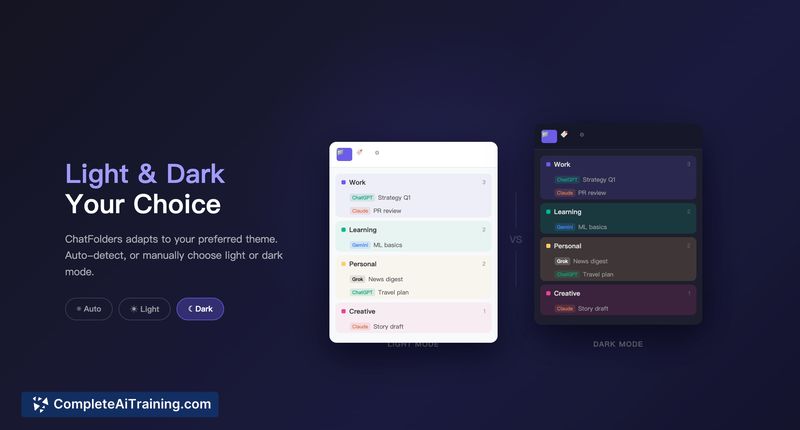
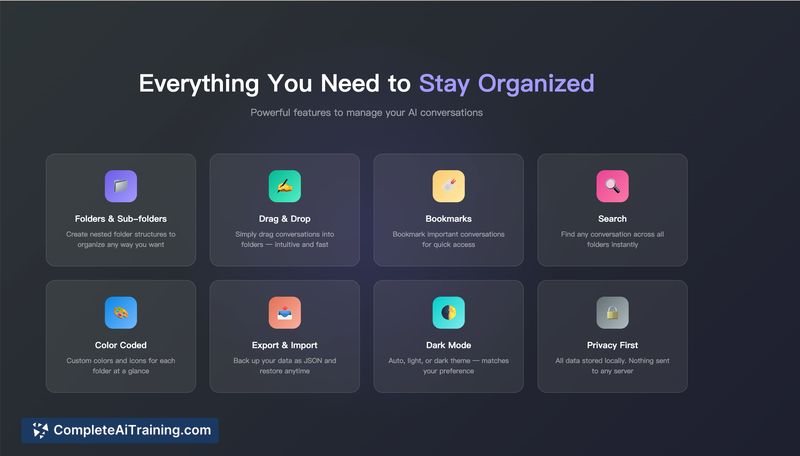
ChatFolders addresses a common pain point: managing many AI conversations across multiple platforms. The extension is lightweight, runs locally in your browser, and emphasizes privacy by avoiding cloud storage or accounts. For users who keep dozens of chats, it offers a straightforward way to reduce scrolling and find past conversations faster.
Key Features
- Cross-platform folder support for ChatGPT, Claude, Gemini and Grok with drag-and-drop organization and color-coding.
- Bookmarks, tags, and a conversation search to make retrieval easier.
- Auto-rules that can sort new chats by title patterns (contains, starts with, regex) to automate organization.
- Local-first storage: data stays in your browser with no accounts, no cloud syncing unless you enable paid sync features.
- Free tier provides basic functionality; upgrades add unlimited folders, sub-folders, sync and additional features.
Pricing and Value
There is a free plan that includes five folders plus basic drag-and-drop, bookmarks and tags. A paid upgrade removes the folder limit and adds features such as unlimited folders, nested sub-folders, cross-device sync and other advanced options. For users who value on-device privacy and a small, fast extension, the free tier is useful; power users who need extensive organization and sync will find value in the paid tier.
Pros
- Makes multi-platform chat organization simple with a unified folder system.
- Local-first approach means conversations remain in your browser - no third-party accounts or cloud storage required.
- Lightweight implementation that loads quickly and feels native to supported chat sites.
- Auto-rules and tags help reduce manual sorting work.
- Useful free tier that lets you try the core experience before committing.
Cons
- Free plan limits you to five folders, which can be restrictive for heavy users unless you upgrade.
- Currently available as a browser extension (Chrome/Chromium), so desktop or mobile app alternatives are limited.
- No built-in way yet to paste or send folder contents directly into a different platform's chat input for seamless cross-platform context sharing.
Overall, ChatFolders is best suited for people who regularly use multiple AI chat services and want a simple, privacy-focused way to organize conversations. It's a practical tool for researchers, writers, and anyone who stores many chat threads; consider the paid plan if you need deep folder hierarchies or device sync.
Jobs ChatFolders suits
We checked ChatFolders against 500+ jobs; these get the most out of it.
Alternatives to ChatFolders
Other tools that do the same main job. Our AI compared ChatFolders with similar tools and kept the ones you could use instead.