AI tool
Crade AI
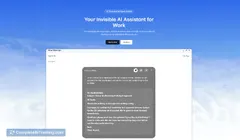
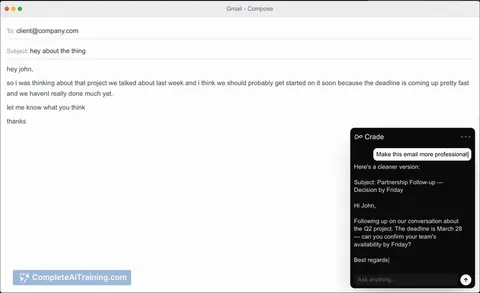
Crade AI is an always-on-top desktop overlay that reads your screen and answers questions inline-no screenshots, uploads, or tab switching. Get instant, context-aware help right where you work.
About Crade AI
Crade AI is a desktop assistant for Mac and Windows that can see your screen and answer questions in a small native overlay above your current app. It removes the need to take screenshots, switch browser tabs, or upload files when you need help with a bug, an Excel formula, an invoice, or an error message.
Review
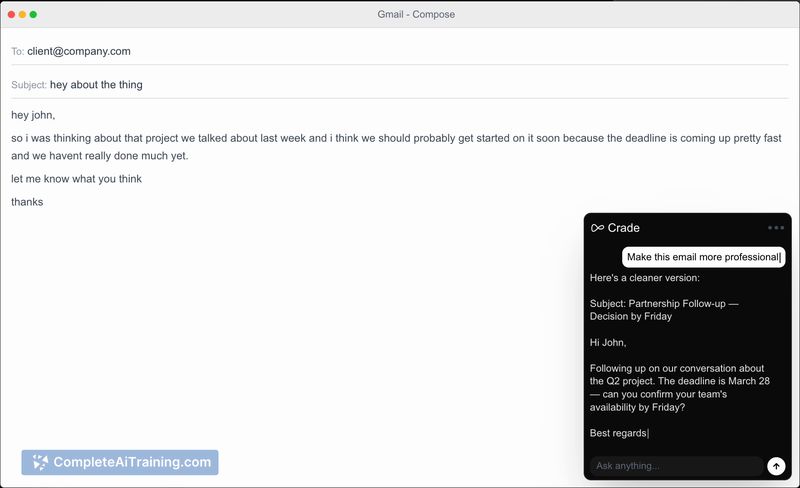
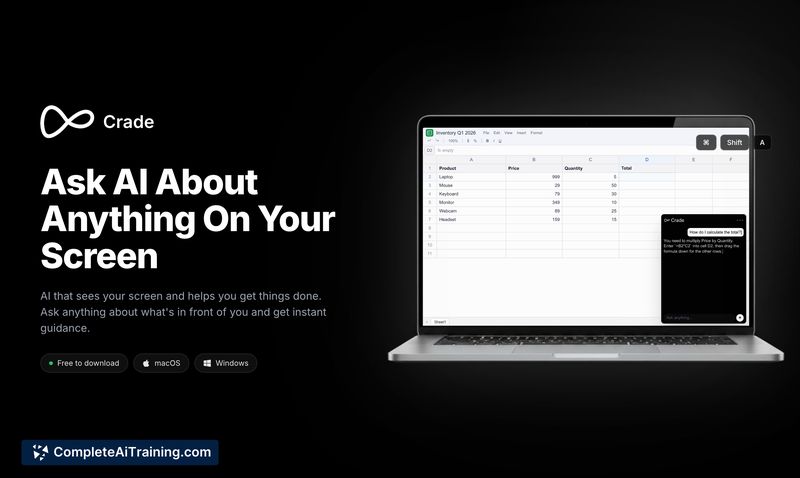
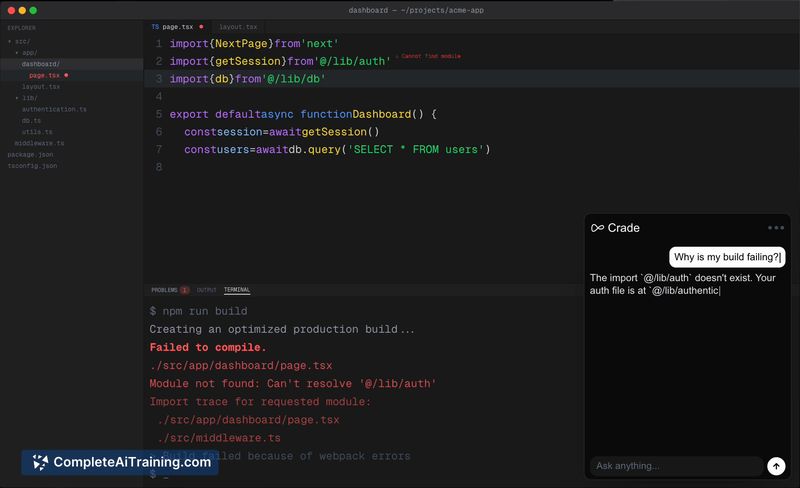
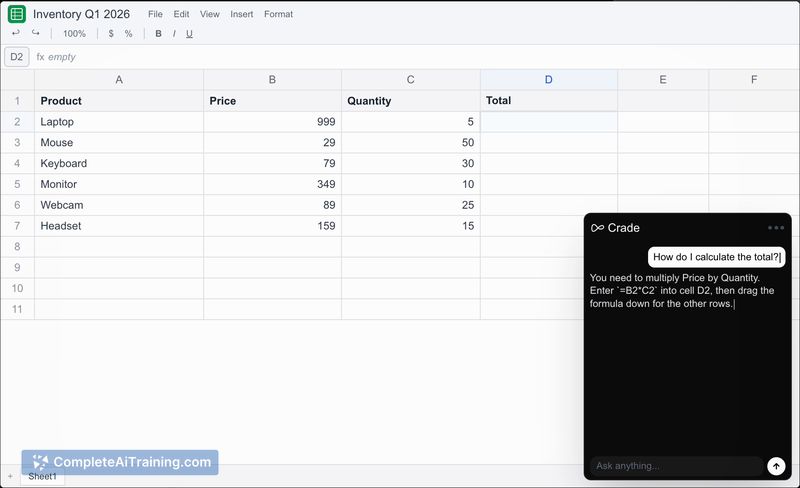
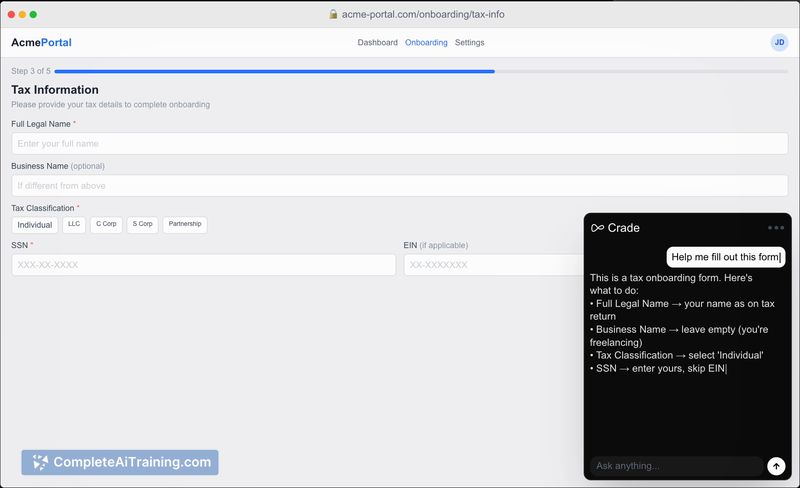
Crade AI aims to speed common workflows by offering context-aware answers directly on your desktop. Launched recently, it provides a lightweight overlay that surfaces responses without interrupting your work, though it is still early and feature growth should be expected.
Key Features
- Screen-aware desktop overlay that displays answers above other applications.
- Works on both Mac and Windows with a persistent mini window for questions and replies.
- Handles a variety of tasks such as debugging help, spreadsheet formulas, invoice interpretation, and error diagnostics.
- Credit-based usage model with different AI capabilities for higher-tier plans.
Pricing and Value
There is a free tier that provides 200 credits per day. The Pro plan is $7.99/month and increases the allowance to 1,000 credits per day while offering a smarter AI option for more complex tasks. For casual use the free tier is generous; the Pro plan is affordable for frequent users who need more advanced responses. Costs will depend on how many screen-aware queries you run and the complexity of those queries.
Pros
- Significantly reduces the friction of asking about screen content-no copy-paste or uploads required.
- Quick, in-context replies that keep you in the same workflow window.
- Cross-platform support for both Mac and Windows.
- Reasonably priced Pro tier with higher daily credits and enhanced AI capabilities.
Cons
- Requires granting screen access, which raises privacy and security considerations that users should evaluate.
- Credit limits could be restrictive for heavy users or long debugging sessions without upgrading.
- Being newly launched, it may still have bugs and missing features such as deeper automation or autonomous desktop interactions.
Crade AI is a good fit for developers, analysts, and anyone who frequently needs quick, context-aware answers without switching apps. It's particularly useful for people comfortable with granting screen access and those who value time saved over strict data isolation. Users with strict privacy requirements or heavy automated workflows may want to monitor feature and security updates before committing.
Jobs Crade AI suits
Useful in almost any job. We checked Crade AI against 500+ jobs; these get the most out of it.
Alternatives to Crade AI
Other tools that do the same main job. Our AI compared Crade AI with similar tools and kept the ones you could use instead.