AI tool
DocuSpark
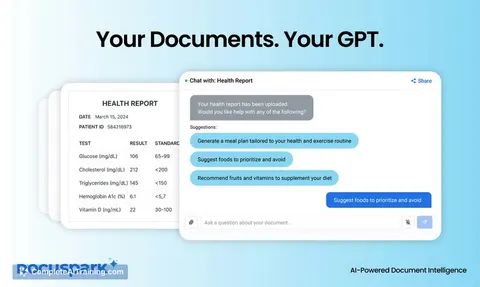
DocuSpark lets you securely chat with PDFs, health reports, and forms to extract insights, fill documents, and send emails effortlessly. No setup or training needed—just upload your files and interact with them privately using AI.
About DocuSpark
DocuSpark is an AI-powered tool that allows users to interact directly with their documents such as PDFs, health reports, and forms. It enables secure, private chats with your files to extract information, fill out forms, and take actions like sending emails without requiring any setup or training.
Review
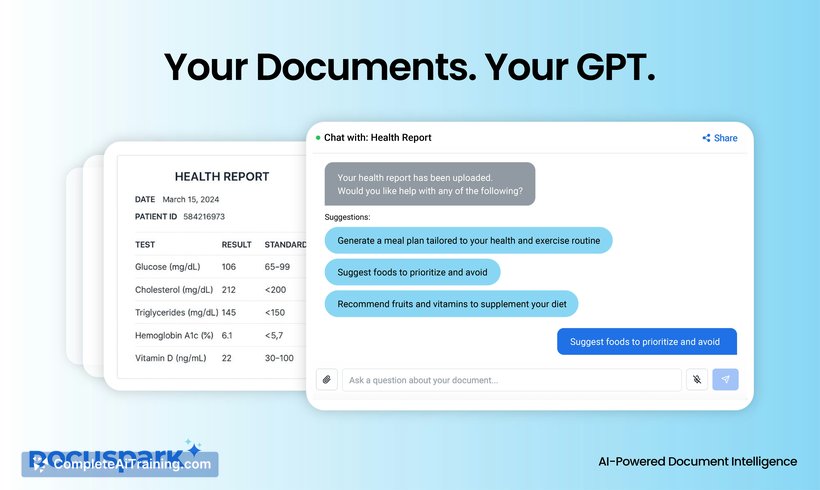
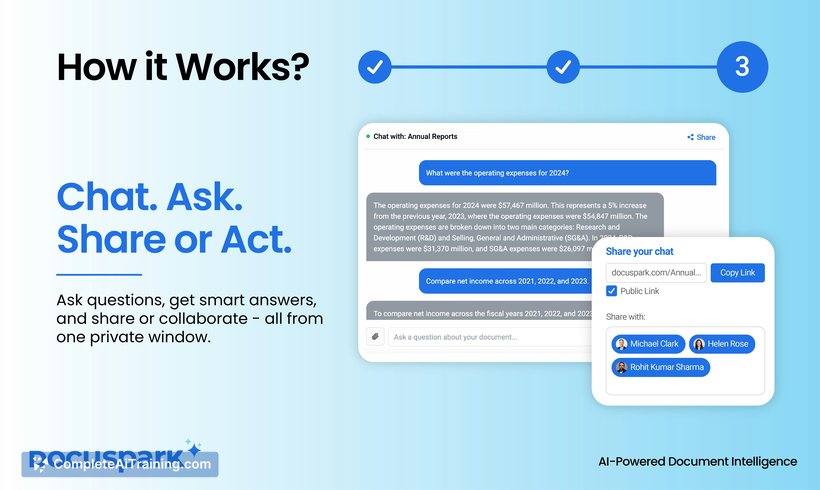
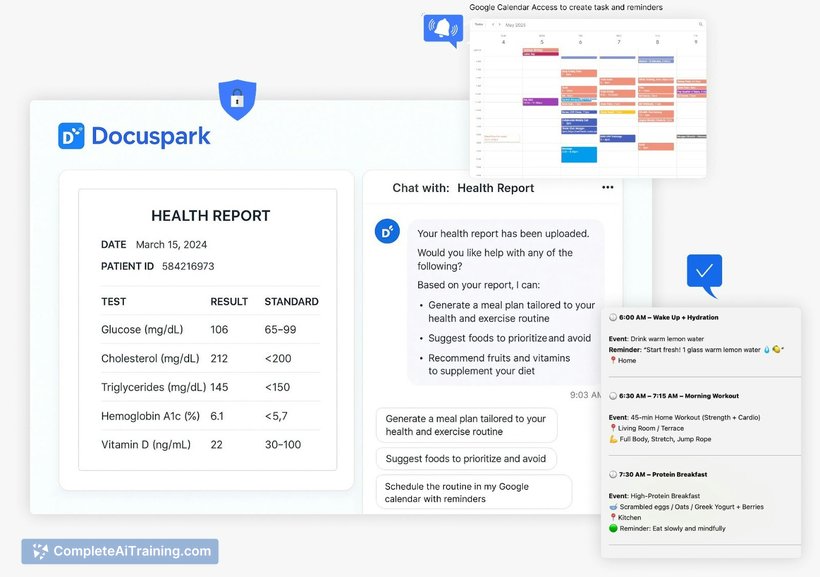
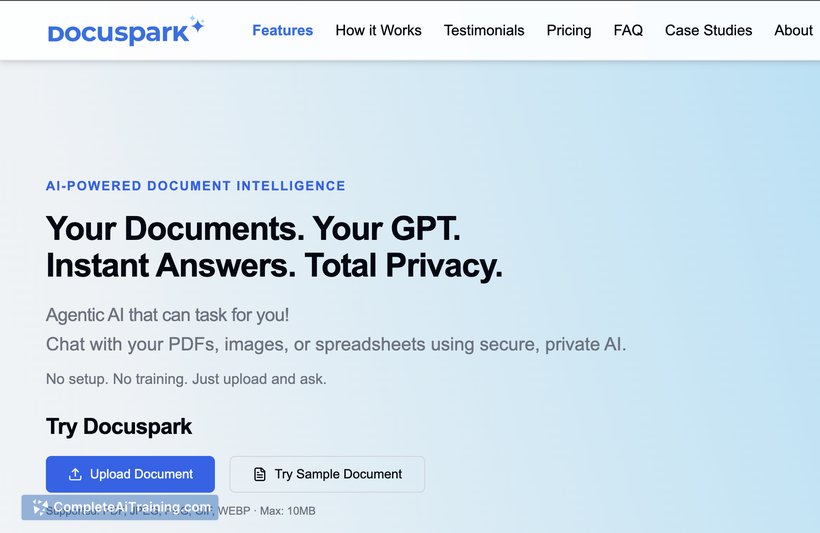
DocuSpark presents a straightforward approach to managing documents by combining AI-driven understanding with actionable capabilities. It simplifies the process of working with complex documents by allowing users to upload files and immediately engage with their content through conversational AI, all while keeping data privacy at the forefront.
Key Features
- Secure, private interaction with PDFs, forms, and reports without linking cloud accounts
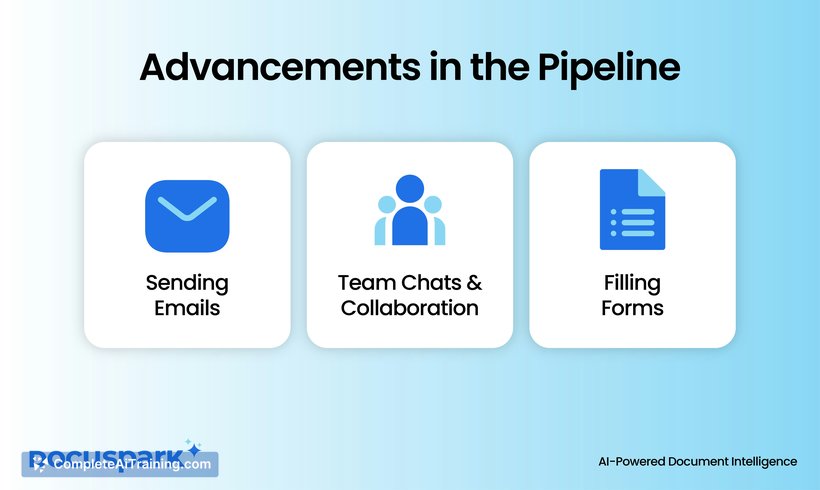
- Agentic AI that not only answers questions but also assists in tasks like filling forms and sending emails
- No setup or training required—users can upload documents and start chatting instantly
- Ability to extract insights and generate relevant suggestions, such as meal plans from health reports
- Fast response times with a clean, user-friendly interface
Pricing and Value
DocuSpark offers free options, making it accessible for users to try its core features without immediate cost. While detailed pricing tiers are not specified, the free access combined with practical AI-driven document handling provides considerable value, especially for individuals and small businesses seeking quick and private document interactions without subscription commitments.
Pros
- Strong focus on data privacy—documents are not stored or used for training
- Easy to use, requiring no prior setup or specialized training
- Ability to both understand and act on documents, going beyond simple summarization
- Supports a variety of document types including PDFs, forms, and health reports
- Clean and intuitive user experience that facilitates quick adoption
Cons
- Lacks detailed information on advanced customization or integration options
- Pricing structure beyond free options is not clearly outlined
- Currently focused on document interaction but may not cover broader workflow automation needs
DocuSpark is well suited for users who frequently deal with documents and want a more interactive and private way to extract information or complete tasks. It fits individuals, freelancers, and small teams looking for a simple yet effective AI assistant to help manage documents without compromising privacy or requiring complex setup.
Jobs DocuSpark suits
Useful in almost any job. We checked DocuSpark against 500+ jobs; these get the most out of it.
Alternatives to DocuSpark
Other tools that do the same main job. Our AI compared DocuSpark with similar tools and kept the ones you could use instead.