
Learning path
Learning AI as a Legal Secretary
This path helps legal secretaries use AI to draft documents, track deadlines, and manage case files with care. You will learn practical prompts that fit real law office routines.

Your path
Everything in the Legal Secretary AI kit, in the order that makes sense. Members tick off each step and see their progress.
Set up your AI
We guide you through each click.
Let skills do your everyday tasks
Connect your apps and pick your AI apps
Hand whole tasks to AI agents
Build your own tools
Keep growing
Everything for legal secretaries
All the courses, certifications, AI tools, MCP servers and apps for legal secretaries, most relevant first. Open any list to see more.
Take the prompt courses
A short framework course to learn how to ask, then 9 lessons with ready-to-use prompts for legal secretaries.
Start with this framework: how to talk to AI
TIDD-EC fits your legal secretary work by giving precise do and don't rules for drafting court filings, reducing errors.
Then your prompt course for legal secretariesWatch the video courses or add them to your Favorites for later
99 video courses our AI picked for legal secretaries, most useful first. Save the ones you want to watch later with the heart.
Favorites are saved to your account: sign in or get your AI kit first.
Show all 99 video courses
Get certified, or add certifications to your Favorites
Every course ends in an exam and a certificate you can add to LinkedIn. Save the certifications you are aiming for with the heart.
Favorites are saved to your account: sign in or get your AI kit first.
More certifications for legal secretariesShow all 24 certifications
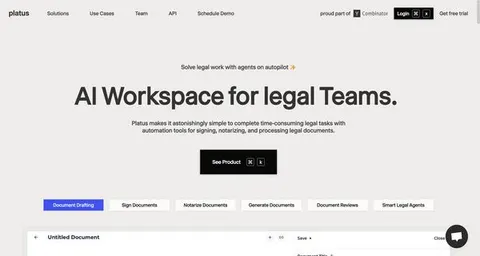
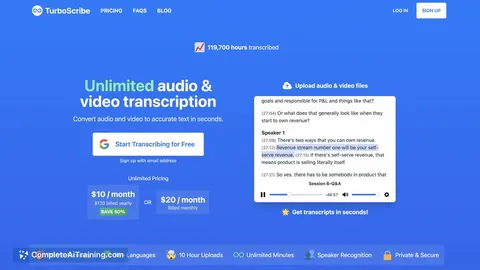
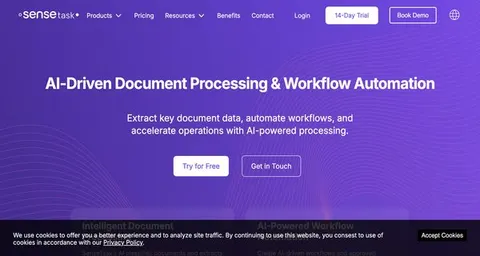
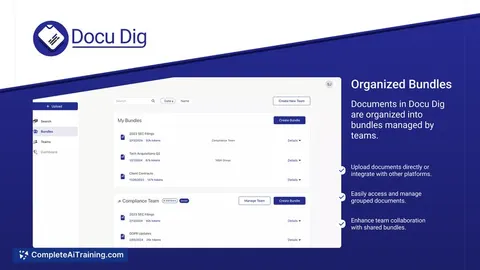
Try the AI tools for legal secretaries
24 AI tools our AI matched to the work of legal secretaries, best fit first. Each review shows what it does, its alternatives and the jobs it suits.
Favorites are saved to your account: sign in or get your AI kit first.
Show all 24 AI tools
Connect your AI to the apps legal secretaries use
MCP servers let ChatGPT, Claude or Copilot look things up and get work done in other apps, like your email, calendar or bookkeeping software. These 12 fit the work of legal secretaries best, well-known apps first.

OfficeAgent MCP server
by ilia-sokolovLet your AI edit Word, PowerPoint and Excel files, with changes you can review before saving.
Productivity Official
Box MCP server
by boxLet your AI search your Box files, answer questions about them, and pull out details for you.
Productivity Official
KitchenSink4Word MCP server
by nometalalchemistLet your AI edit real Word documents: text, tables, tracked changes, citations and more.

Outlook Attachment Reader MCP server
by ZacccckLet your AI open and read the files attached to your Outlook emails, and send local files as drafts.

Gmail MCP server
by A1-x-TechLet your AI read, search, draft and send your Gmail, and keep labels and trash tidy, from the chat.

Google Drive MCP server
by A1-x-TechLet your AI search, organize, upload, download, export and share your Google Drive files for you.
Show all 12 MCP servers

Fluxmail MCP server
by churichardLet your AI read, search, draft, send and organize email across your mailboxes.
Email Official
MCP Emails server
by AlbretsenLet your AI read, search, send and organize email in your own mailbox.
EmailNo install
Outlook MCP server
by dockndevaiLets your AI read, search, draft and send Outlook email and browse your OneDrive files for you.

SignWell MCP server
by BidsketchSend documents for e-signature, track who signed, and download the signed PDFs, all from your AI chat.
Productivity Official
Microsoft 365 MCP server
by softeriaLets your AI read and send Outlook mail, check your calendar, and work with OneDrive and Excel files.
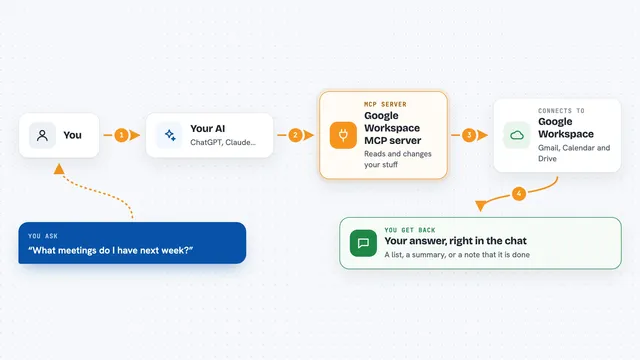
Google Workspace MCP server
by giuseppe-cocoLets your AI read and send Gmail, manage Calendar events, and work with Drive files for you.
Build your own AI apps for legal secretaries
Apps you build yourself with your own AI, no coding needed and no monthly fee. Our AI picked the 8 that fit the work of legal secretaries.
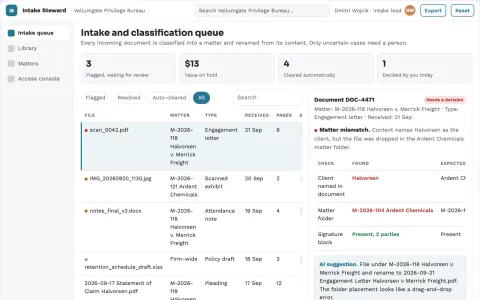
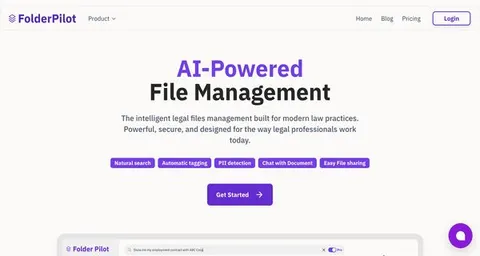
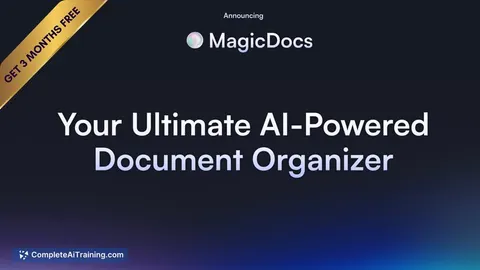
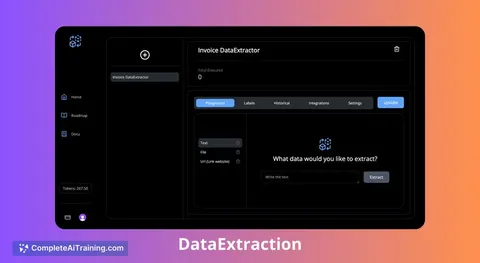
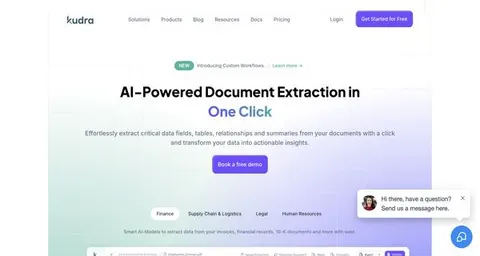
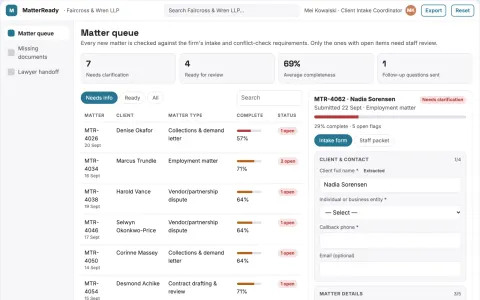
Legal document intake and stewardship console
Cut manual filing and retrieval time while keeping every document under the firm's own control.
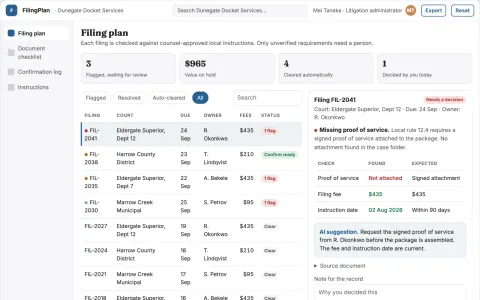
Court filing logistics checklist
Dated filing logistics with visible unverified requirements.
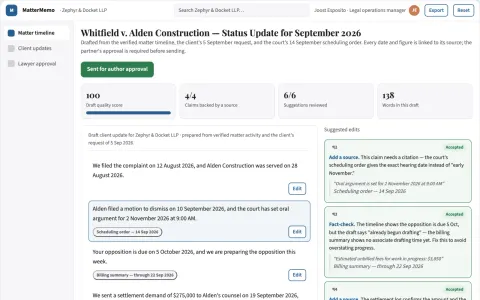
Matter status reporting
Consistent updates grounded in confirmed matter activity.
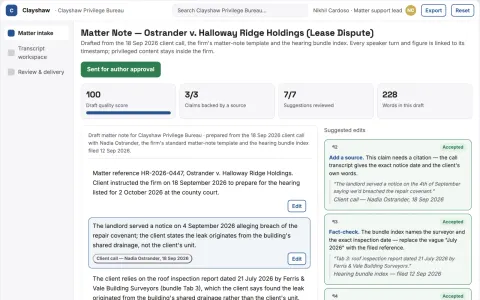
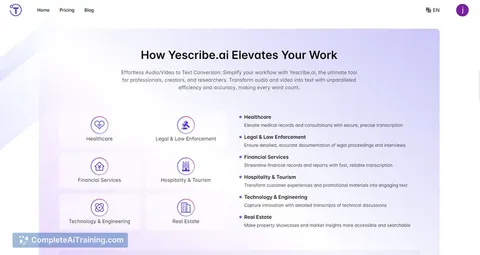
Legal transcript and matter note workbench
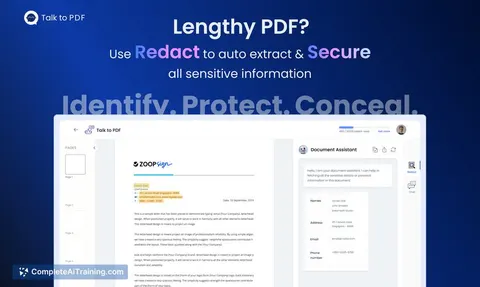
Reduce manual transcript and note preparation while keeping privileged material under the firm's control.
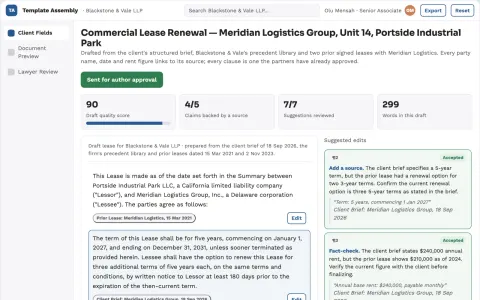
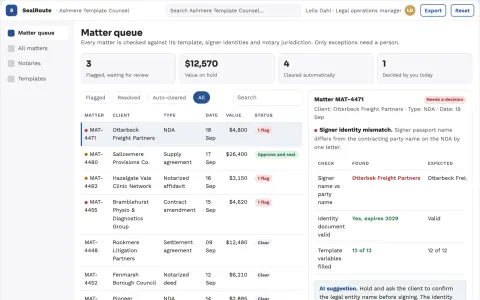
Approved template assembly
Structured assembly controlled by lawyer-owned templates and rules.
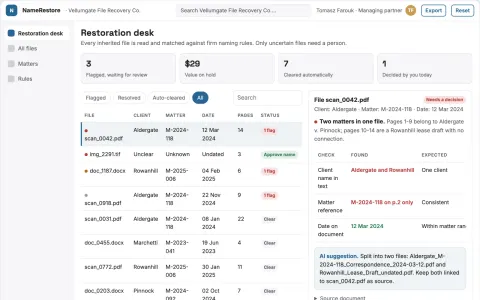
Legal file naming restoration desk
Recover findability without altering original evidence.
Show all 8 apps



































































































About this learning path
6 topicsPractical AI Skills for Legal Secretaries
Courts move fast, and legal secretaries are often the ones keeping every date, document, and client message in order. AI can help with the first pass on routine work so you can spend more attention on accuracy and attorney needs.
This learning path starts with setup questions, then shows you how to connect your AI tool and shape it for legal work. You will also work through a prompt course, watch video lessons chosen for your role, and see the certifications that come with those courses.
Why AI matters for this job now
Law firms want filings sent on time, clients kept informed, and case files easy to search. These tasks still need human judgment, but AI can handle the first rough version.
When you guide the tool with clear prompts, you stay in control of the work. The goal is not to replace your skill but to give you more room to use it.
What the path includes
Inside you will find setup questions, a guide to connecting your AI, and lessons on the skills your job needs. The prompt course walks through nine legal secretary tasks in order, from drafting documents to advanced filing support.
Video courses chosen for legal support work sit alongside the prompts, and each one lists the certification you can earn. You learn by doing short, specific exercises.
How it saves time
AI can turn a dictated note into a clean first draft, pull dates out of a court order, or list what needs to happen before a filing. You review and correct, which is often faster than starting from a blank page.
The time saved goes back into checking citations, speaking with clients, and keeping attorneys aware of what matters. You decide where the tool helps and where your own eyes are still best.
How it protects the career
Legal work runs on trust and confidentiality. This path shows you how to keep client information safe, avoid pasting sensitive details into tools that are not approved, and always treat AI output as a draft for attorney review.
As more firms adopt these tools, being the secretary who uses them carefully and correctly makes you more valuable, not less. You become the person who can train others and spot mistakes early.
How to start
Begin with the setup questions so your AI tool understands your role and your firm's rules. Then take the prompt course one lesson at a time, trying each prompt on a real but non-sensitive example.
Pick one video course that matches your daily work, such as filing support or client communication. Finish the certification when you can, and keep a list of prompts that save you the most time.
Frequently asked questions
Do I need to be technical to use this path?
No. The lessons are written for legal secretaries who use email, word processing, and court websites. If you can follow a recipe, you can follow these prompts. You will practice with plain language, not code.Will AI replace legal secretaries?
AI can handle rough drafts and reminders, but it cannot take responsibility for a filing or read a client's tone the way you can. Firms still need people who understand court rules and attorney preferences. This path helps you use AI as a helper, not a replacement.Is it safe to put case information into AI tools?
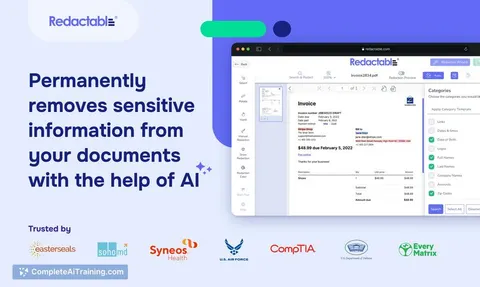
Only use tools your firm has approved, and never paste client names, case numbers, or confidential details into a public tool. The course shows you how to work with fake examples or redacted text. Always check your firm's policy first.How long does the path take?
You can move through the setup and prompt course in a few short sittings. The video courses and certifications take longer, depending on your schedule. Most legal secretaries start seeing time savings within the first week of practice.