AI tool
Fantastical MCP for Mac
Fantastical MCP for Mac brings scheduling into your Claude conversations-plan, propose times, and book meetings directly on Mac without switching apps.
About Fantastical MCP for Mac
Fantastical MCP for Mac is a macOS calendar extension that adds a conversational AI connector for scheduling directly within a chat-style interface. It supports natural-language event and reminder creation, standard calendar views, iCloud reminders, and time zone handling.
Review

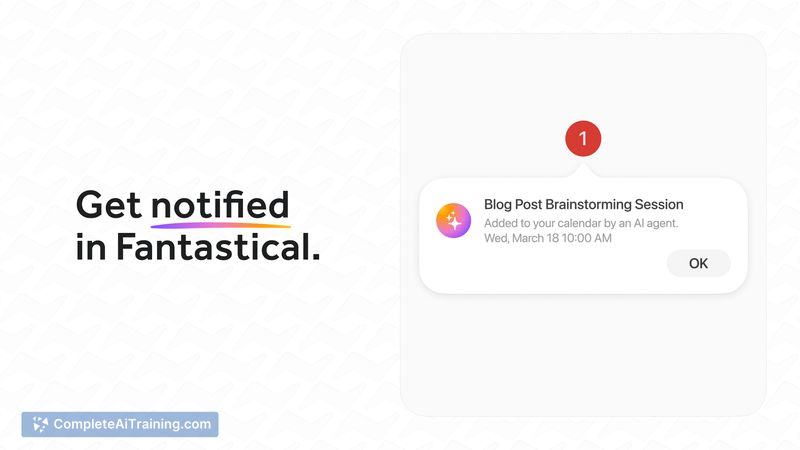
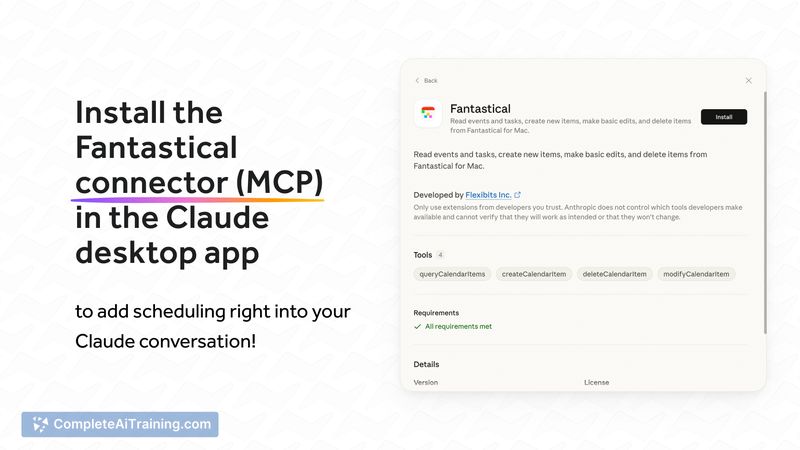

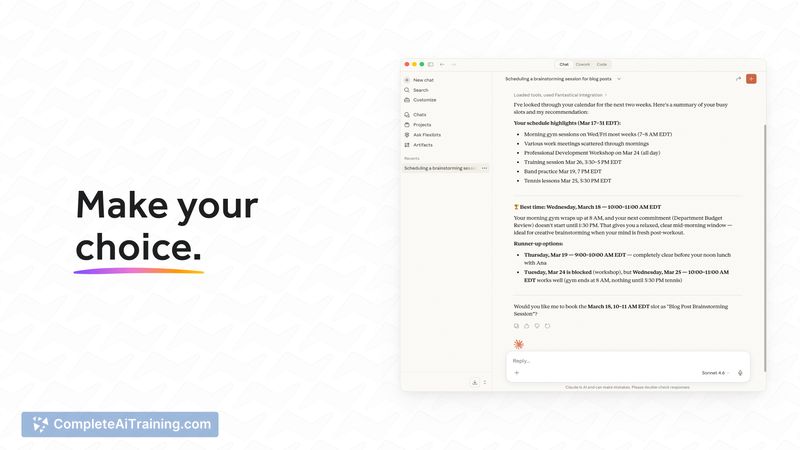
The integration brings scheduling into a single interaction flow, letting you create and adjust events without switching apps. For users who already appreciate Fantastical's calendar UI, the connector feels like a practical way to speed up routine scheduling tasks.
Key Features
- Natural-language input for creating events and reminders.
- Full calendar window with day, week, month, and year views plus a quick access mini window.
- iCloud reminders support and time zone handling for events.
- In-chat scheduling via an AI connector so appointments can be proposed and confirmed inside conversations.
Pricing and Value
There is a free option that covers basic calendar use and some connector functionality; a paid subscription unlocks the full set of features and cross-device sync. For users who spend time coordinating meetings, the connector can save time and reduce context switching, making the subscription worthwhile for regular schedulers.
Pros
- Fast, intuitive natural-language parsing makes event creation quick.
- Comprehensive calendar views and a handy mini window for quick checks and quick entry.
- Works with iCloud reminders and has solid time zone support for international scheduling.
- Built-in conversational scheduling reduces the need to jump between apps.
Cons
- Some reviewers report occasional issues with notifications being unreliable.
- Limited native time-blocking for individual tasks compared with dedicated task managers.
- AI scheduling can misinterpret ambiguous phrasing or tricky cross-time-zone requests on occasion.
Fantastical MCP for Mac is best for Mac users who want faster, conversation-driven scheduling and already use Fantastical or several calendar accounts. It suits individuals and small teams that value quick event creation and a unified scheduling flow, while users who need advanced task time-blocking or guaranteed notification reliability should evaluate whether the current feature set meets their needs.
Jobs Fantastical MCP for Mac suits
We checked Fantastical MCP for Mac against 500+ jobs; these get the most out of it.
Alternatives to Fantastical MCP for Mac
Other tools that do the same main job. Our AI compared Fantastical MCP for Mac with similar tools and kept the ones you could use instead.