
AI tool
FluidDocs CLI
FluidDocs CLI turns prompts into interactive documents that answer questions and report back. It tracks opens, progress, and viewer questions, with built-in AI-enabled Q&A and analytics for pitch decks, proposals, reports, and board updates. One c...
About FluidDocs CLI
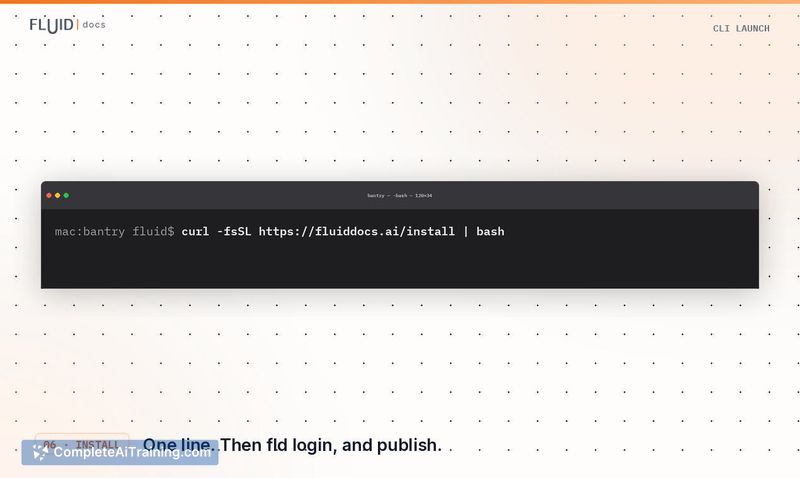
FluidDocs CLI (installed as fld) is a command-line tool that turns prompts into interactive HTML documents. These documents answer reader questions from their own content and report viewing and query analytics back to the publisher. The CLI launched as a third product from FluidDocs, following the earlier Deck Builder and Templates offerings.
Review
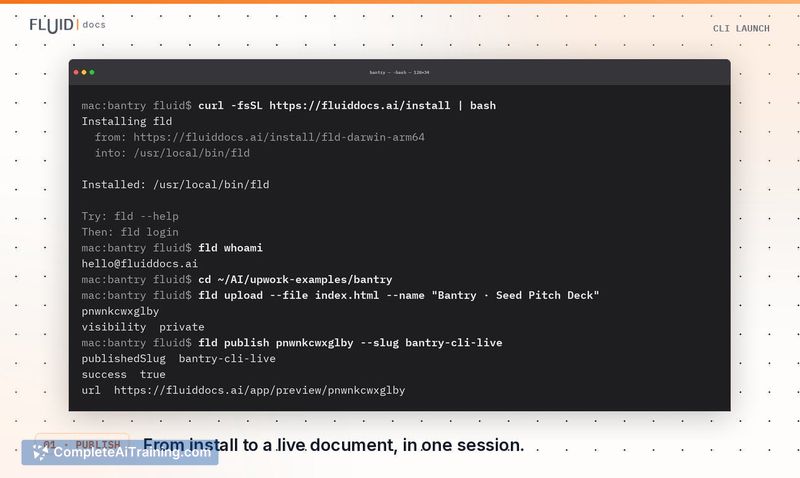
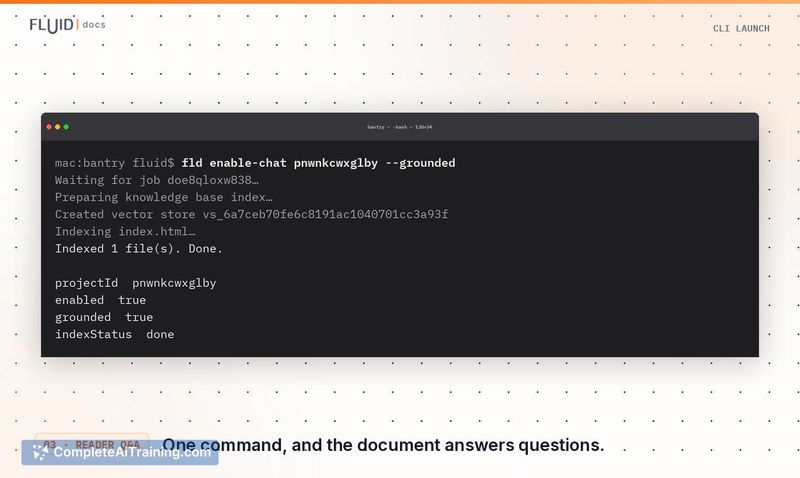
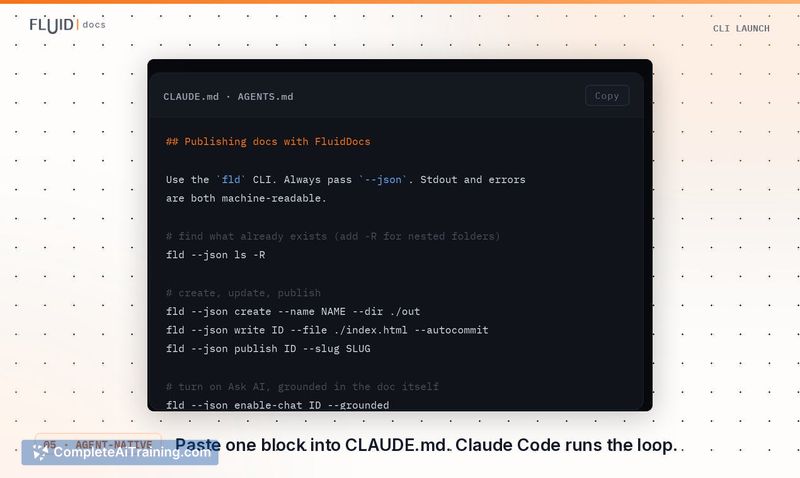
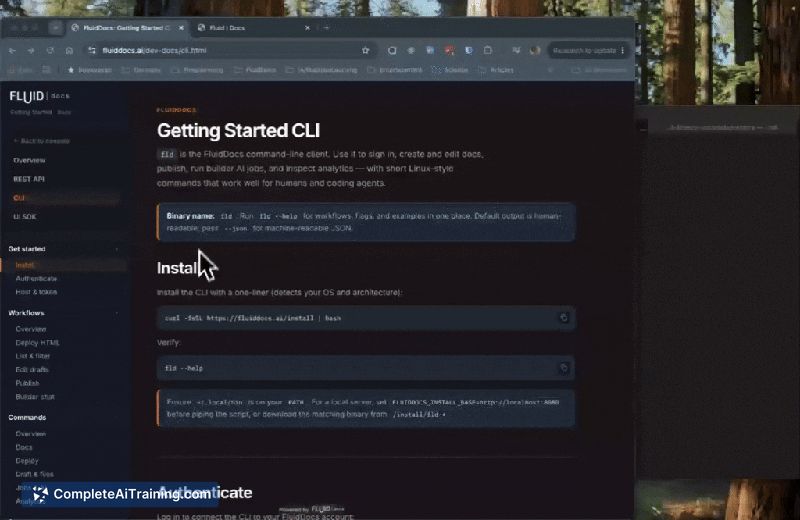
The CLI targets a specific workflow: publishing and maintaining interactive documents from the terminal. It emerged from a practical observation, around half of the 1,000+ documents created on FluidDocs came from coding agents using the MCP, not manual clicks in the web app. This tool gives those agents a direct path to publish and update documents without leaving the terminal.
Key Features
- Publish a file, a zip, or a whole directory as an interactive document with one command
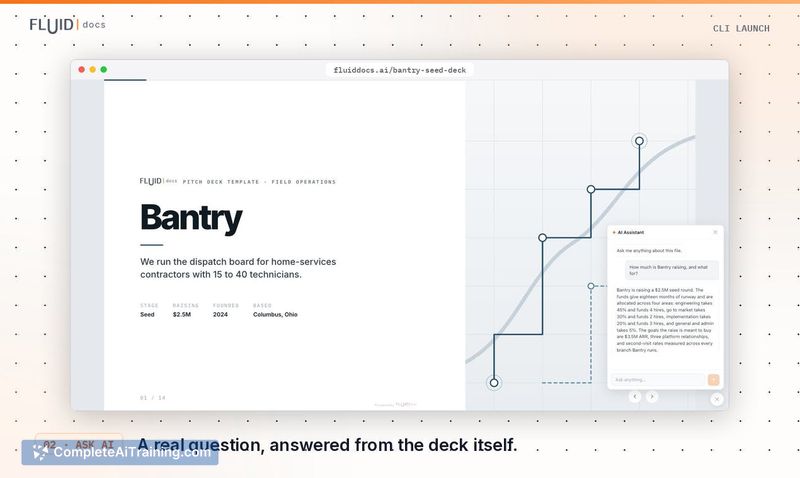
- Reader Q&A can be enabled per document with a single command, and readers respond without creating an account
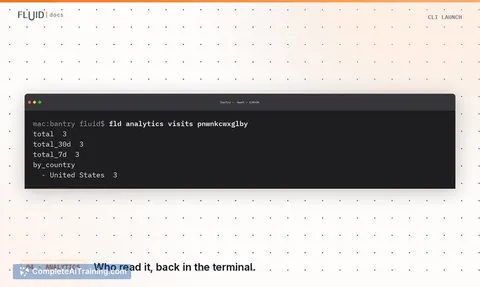
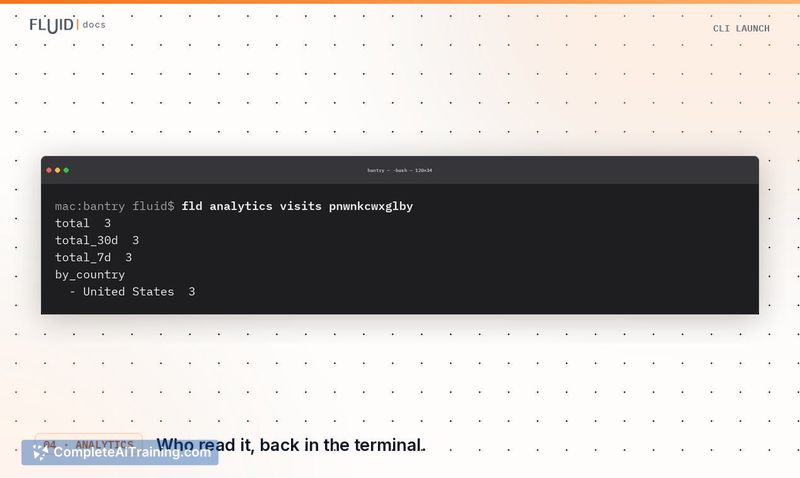
- Reader analytics pull back into the terminal, showing who opened a document, how far they scrolled, and what they asked
- Edits update the existing link, so recipients always see the current version
- --json output on every command lets coding agents run the full publish-and-maintain flow unattended
Pricing and Value
FluidDocs CLI is listed under "Free Options" in the launch. The full web app at fluiddocs.ai has a free account tier and doesn't require terminal use. Specific pricing tiers or limits beyond the free options are not defined on the launch page, so cost for heavier usage remains unclear. The value case for the CLI rests on speed and control, the makers describe it as faster than the MCP, with readable command traces you can use to build more refined document workflows.
Pros
- Readers need no account or install; they ask questions directly in the browser from the shared link
- Same-link updates prevent version confusion, a fix for common PDF workflow failures
- Analytics loop back into the terminal, so a coding agent can read reader questions and improve the source document
- Full automation via --json flags makes unattended publishing practical
- A template gallery at fluiddocs.ai/templates provides quick starting points
Cons
- Works best for users comfortable in a terminal; the full web app exists, but the CLI's benefits are tied to prompt and command workflows
- The CLI publishes documents only with the fld workflow, so someone seeking drag-and-drop HTML editing without the command line will have a flatter experience
- Not suited for organizations that need strict verification of reader identity; reader Q&A is anonymous, so you see questions asked but not who asked them
The CLI fits those who already build documents in code, particularly coding agents or technical users managing proposals, reports, or board updates. It is not a replacement for a full presentation editor if you prefer a graphical canvas. For teams iterating on interactive documents and needing the trail of activity, it covers that workflow end to end. Pricing specifics for larger usage aren't public yet, so budget-conscious teams should confirm those before committing to scale.
Jobs FluidDocs CLI suits
We checked FluidDocs CLI against 500+ jobs; these get the most out of it.



