
AI tool
gait
Gait is an open-source Cursor and VS Code extension that reveals the AI prompt behind generated code, helping you follow coworker conversations, track AI coding analytics, and improve collaboration in your development workflow.
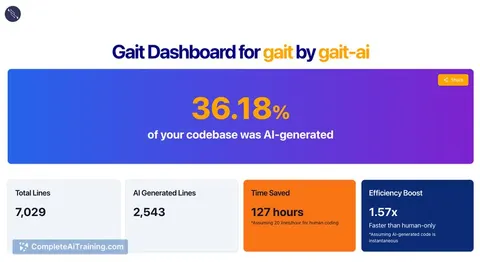
About gait
gait is an open-source extension for Cursor and Visual Studio Code that helps developers track the prompts behind AI-generated code. It allows teams to view the original prompt used to create a block of code, making collaboration and code comprehension easier when working with AI-assisted development.
Review
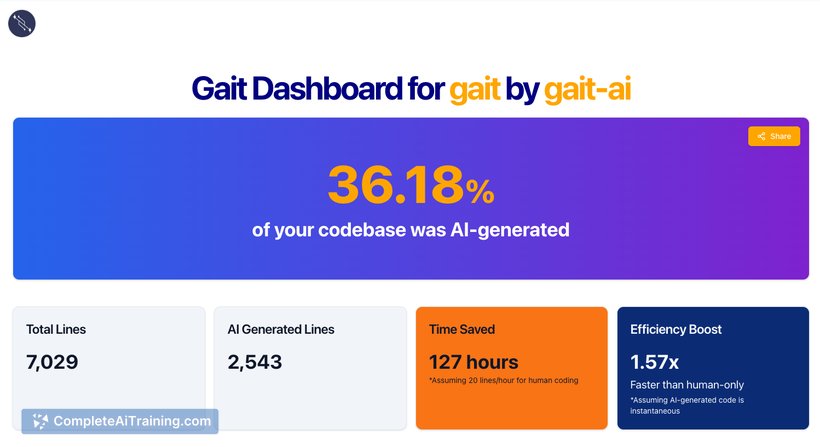
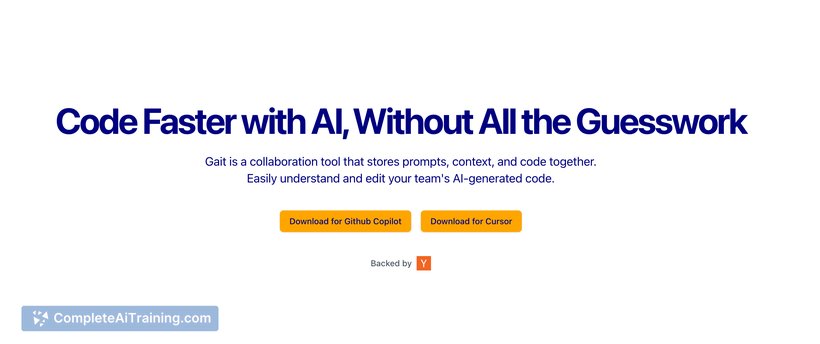
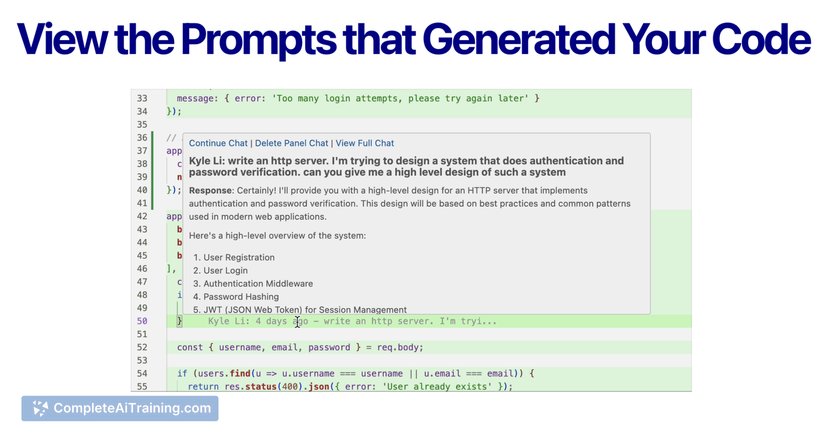
AI-generated code can sometimes be difficult to understand, especially within a team setting where multiple developers contribute. gait addresses this challenge by providing visibility into the prompts that produced AI-generated code, effectively adding a layer of context that aids in readability and collaboration. This tool also offers insights into AI usage across a codebase, enhancing awareness of AI’s impact on development workflows.
Key Features
- Displays the original AI prompt responsible for generating specific code segments within the editor.
- Tracks and records chat histories and code edits related to AI code generation in a dedicated
.gaitfolder for team sharing. - Provides analytics on AI code generation use, offering metrics on how AI tools influence the codebase.
- Supports integration with popular AI coding assistants such as Cursor and GitHub Copilot.
- Open-source platform encouraging community contributions and ongoing feature development.
Pricing and Value
gait is available as a free, open-source extension. This pricing model offers significant value for teams and individual developers who use AI code generation, as it enhances transparency and collaboration without additional cost. Being open source also means users can customize or extend the tool to better fit their workflows.
Pros
- Improves understanding of AI-generated code by linking it to the original prompts.
- Facilitates team collaboration with shared prompt and edit histories.
- Offers useful analytics on AI usage within projects.
- Supports multiple AI code generation tools out of the box.
- Open-source nature encourages community engagement and flexibility.
Cons
- Currently limited to Cursor and GitHub Copilot integrations, with additional AI tools yet to be supported.
- Being an early-stage tool, some features are still in development and may require user feedback for refinement.
- May introduce additional files in the repository that teams need to manage and agree upon handling in version control.
Overall, gait is well-suited for software development teams that incorporate AI code generation into their workflows and want to maintain clarity around AI contributions. It is particularly useful for projects where multiple developers collaborate and need to understand the context behind AI-assisted code changes. Individual developers interested in tracking their AI usage and improving code documentation may also find gait beneficial.
Jobs gait suits
We checked gait against 500+ jobs; these get the most out of it.



