About GhostDesk
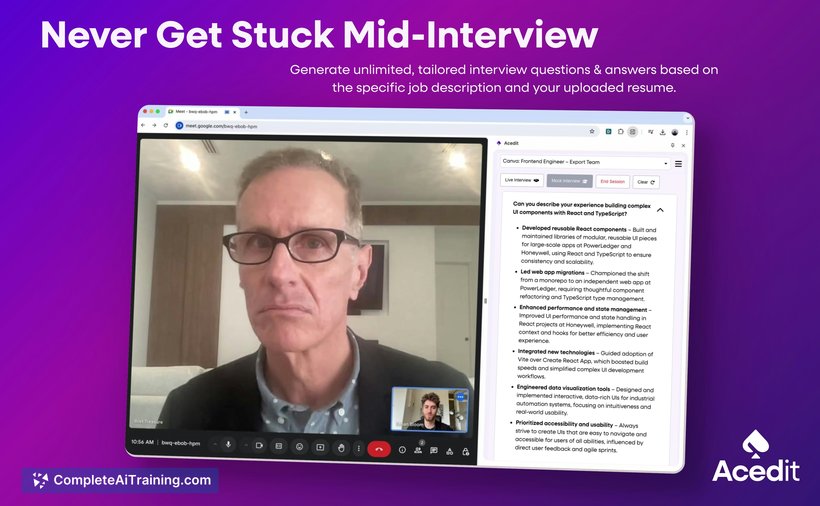
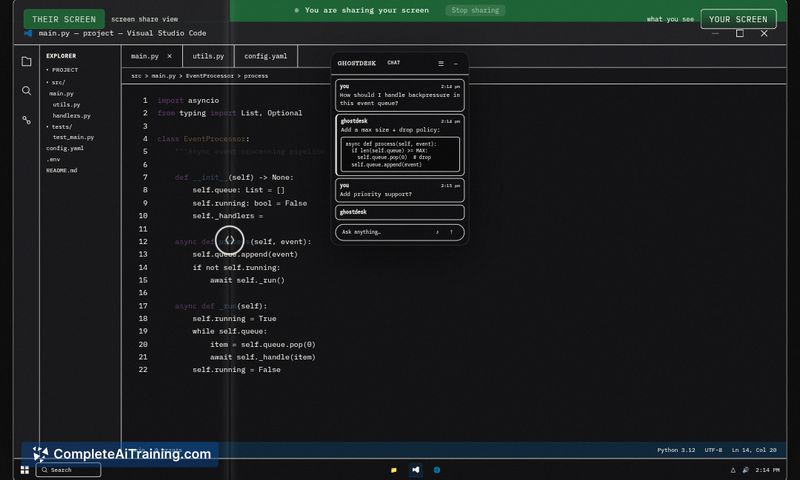
GhostDesk is a free AI overlay assistant for Windows that floats above any application and remains invisible during screen shares, Zoom calls, and recordings. It transcribes both sides of a conversation in real time and uses Llama and GPT-4.1 to surface context-aware answers and talking points without forcing you to switch tabs.
Review
GhostDesk aims to provide discreet, in-call assistance by combining live transcription with large language models to suggest responses and relevant information. The tool keeps itself hidden from sharing and recording tools, which makes it suitable for interviews, client calls, and other live conversations where quick reference is helpful.
Key Features
- Invisible overlay on Windows that does not appear in screen shares, OBS, or recordings
- Real-time transcription of both sides of a conversation using Deepgram Nova-3
- Contextual suggestions powered by GPT-4.1 and Llama (including Llama 4 Scout) for answers, talking points, and follow-ups
- Always-on floating window that avoids tab switching or leaving the meeting interface
- Free launch option to try core functionality without immediate cost
Pricing and Value
GhostDesk launches with a free option for Windows users, which makes it easy to test the core overlay and transcription features. The main value is saving time and minimizing interruptions during live conversations by surfacing contextual notes and responses. Users should evaluate any privacy and data-handling details before relying on it for sensitive discussions, since transcription and model inference involve external services.
Pros
- Stays invisible during screen shares and recordings, preserving meeting presentation integrity
- Live transcription of both sides provides accurate context for responses and notes
- Integrates modern language models to generate concise talking points and answers
- Reduces the need to alt-tab or search documents mid-call
- Free entry point makes trial straightforward for interested users
Cons
- Windows-only at launch, so macOS and Linux users are not supported
- Privacy and compliance considerations: transcribed audio and model queries may be routed through external services
- Transcription accuracy can vary with heavy accents, very fast speech, or noisy environments
GhostDesk is best suited for technical interview candidates, sales or client-facing professionals, and anyone who needs discreet, on-the-fly assistance during live meetings on Windows. For users who prioritize cross-platform support or strict on-premises privacy controls, evaluate requirements carefully before adopting it as a core workflow tool.
Open 'GhostDesk' Website
Your membership also unlocks: