
AI tool
GitBrain
GitBrain streamlines your Git workflow by using AI to analyze code changes and suggest the best Git operations, helping you save time and boost productivity in version control management.
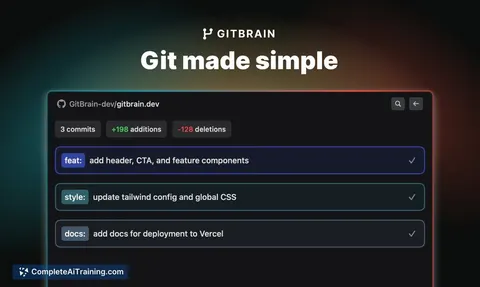
About GitBrain
GitBrain is an AI-powered assistant designed to support developers working with Git repositories. It helps users manage code, understand repository content, and improve productivity by providing intelligent insights and suggestions directly within the development workflow.
Review
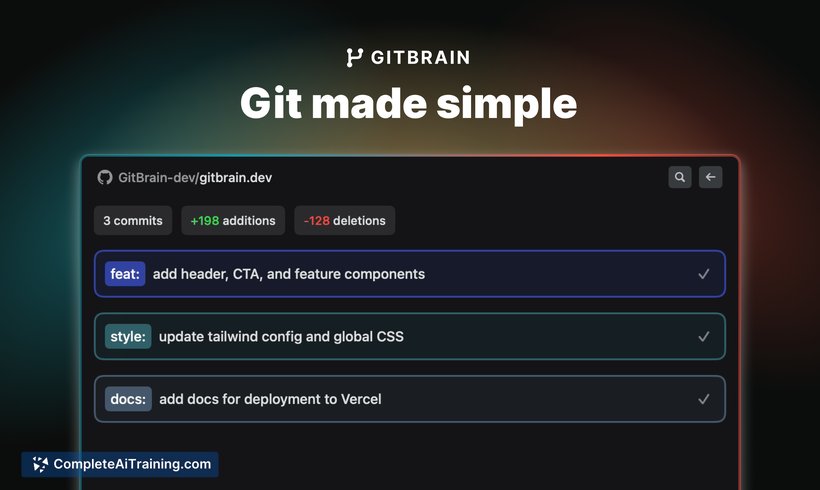
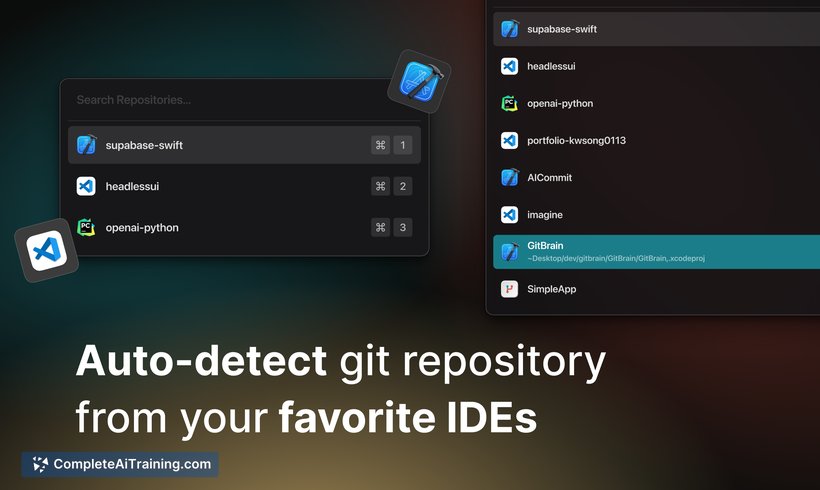
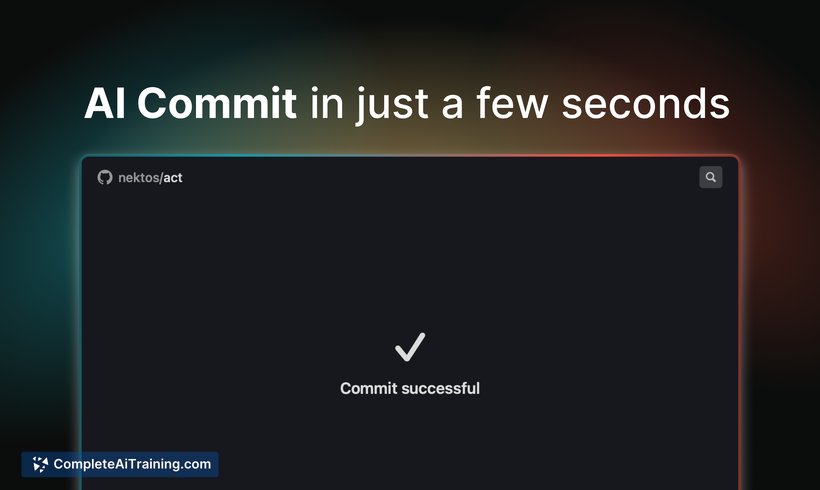
GitBrain offers a practical approach to interacting with Git repositories by leveraging AI to analyze code and assist with common tasks. Its integration into the development environment aims to reduce the time spent on searching and understanding codebases, making it a useful tool for both individual developers and teams.
Key Features
- AI-driven code exploration and summarization within Git repositories.
- Contextual assistance to answer questions about code and project structure.
- Support for multiple programming languages and repository types.
- Integration with popular development environments for seamless workflow.
- Ability to generate explanations and documentation snippets automatically.
Pricing and Value
GitBrain offers a tiered pricing model that includes a free plan with basic features suitable for individual developers or small projects. Paid plans provide enhanced capabilities such as increased usage limits, advanced AI features, and priority support. The pricing is competitive and reflects the value of automating code understanding and reducing time spent on repository navigation.
Pros
- Intuitive AI assistance that improves code comprehension quickly.
- Supports a wide range of programming languages and Git workflows.
- Easy integration with existing development tools and environments.
- Helps generate documentation, saving time in project maintenance.
- Free tier available for initial evaluation and smaller projects.
Cons
- Performance may vary depending on the size and complexity of the repository.
- Some advanced features require a paid subscription.
- Occasional inaccuracies in AI responses that require manual verification.
Overall, GitBrain is well-suited for developers and teams looking to streamline their interaction with Git repositories and improve codebase understanding. It is particularly valuable for those working with large or unfamiliar projects who benefit from AI-generated insights and documentation support.
Jobs GitBrain suits
We checked GitBrain against 500+ jobs; these get the most out of it.



