AI tool
Google AI Studio
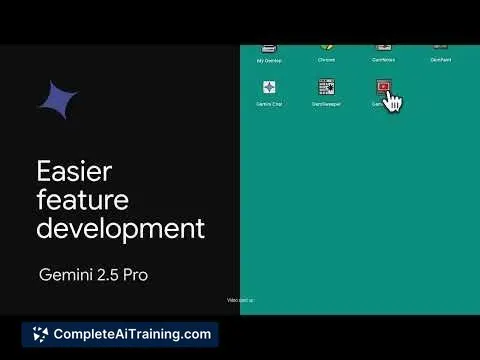
Google AI Studio enables building interactive web apps in Canvas with fewer prompts, streamlining development and enhancing productivity through intuitive AI-assisted design.
About Google AI Studio
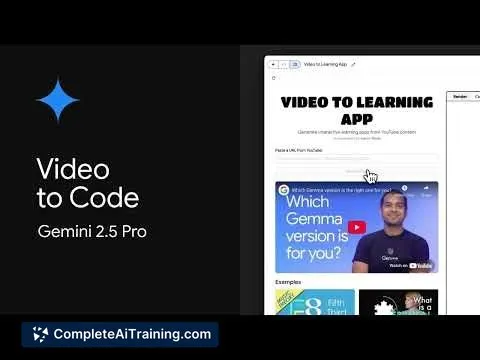
Google AI Studio is a platform that offers tools and resources for building, training, and deploying machine learning models. It provides an integrated environment to streamline the AI development process, catering to both beginners and experienced developers.
Review
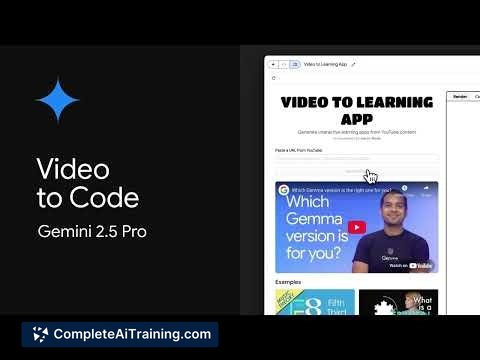
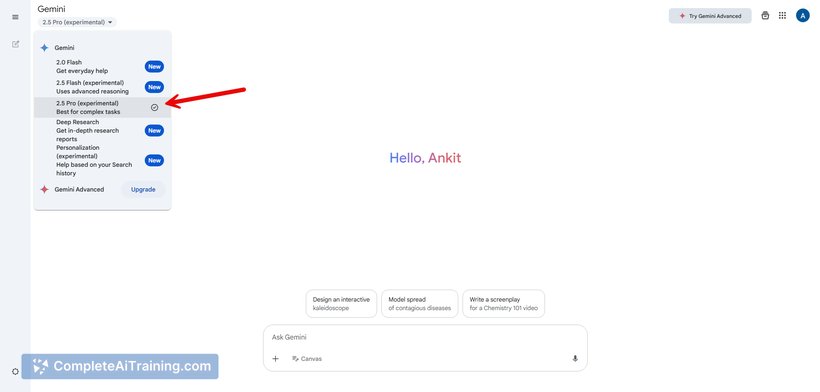
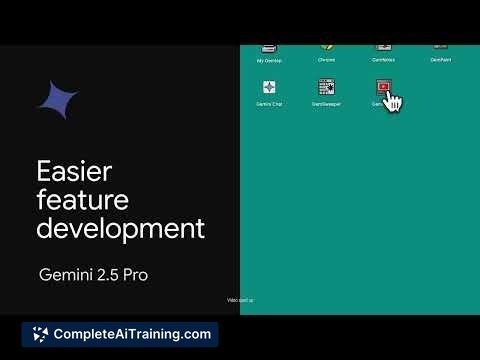
Google AI Studio presents a user-friendly interface combined with powerful machine learning capabilities. The platform simplifies many aspects of AI model creation, making it accessible without sacrificing flexibility for advanced users. It supports various stages of AI workflows, from data preparation to model deployment.
Key Features
- Interactive workspace for building and experimenting with machine learning models.
- Pre-built templates and automated tools to accelerate model training.
- Integration with cloud storage and data sources for easy data management.
- Support for popular machine learning frameworks and languages.
- Tools for monitoring model performance and managing deployments.
Pricing and Value
The platform offers a flexible pricing model, including a free tier with limited usage suitable for learning and small projects. Paid plans scale based on resource consumption, such as compute power and storage. This approach allows users to pay according to their needs, making it a practical option for individual developers and businesses alike.
Pros
- Intuitive user interface that lowers the barrier to entry.
- Comprehensive set of tools covering the entire AI pipeline.
- Seamless integration with cloud services for scalability.
- Supports multiple programming languages and frameworks.
- Regular updates and strong community support.
Cons
- Some advanced features may have a steep learning curve for beginners.
- Costs can increase significantly with large-scale projects.
- Occasional limitations in customization for very specific use cases.
Overall, Google AI Studio is well suited for developers and teams looking to develop machine learning models efficiently. It works well for educational purposes, prototyping, and deploying AI solutions in production environments. Users seeking a balance between ease of use and powerful capabilities will find it a valuable platform.
Jobs Google AI Studio suits
We checked Google AI Studio against 500+ jobs; these get the most out of it.
Alternatives to Google AI Studio
Other tools that do the same main job. Our AI compared Google AI Studio with similar tools and kept the ones you could use instead.