AI tool
JEO
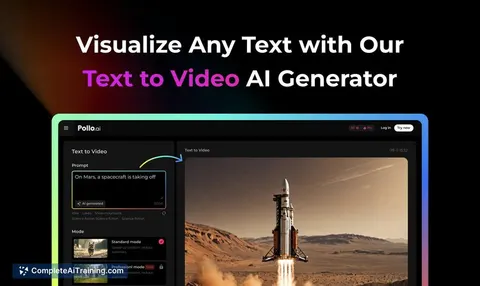
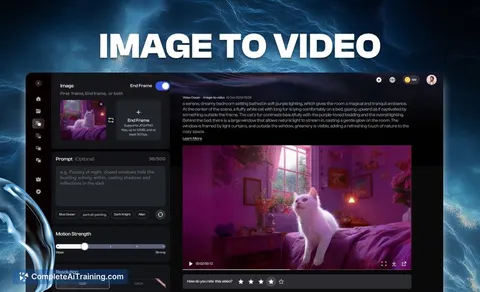
Jeo AI lets you create cinematic videos quickly by turning text into HD clips, animating still images with lifelike motion, and choosing from multiple AI styles—all in one simple platform without complex setups.
About JEO
JEO is an AI-powered video creation tool that allows users to produce cinematic videos quickly and easily. By combining multiple AI engines into a single application, it offers a seamless experience for turning text and still images into engaging video content.
Review
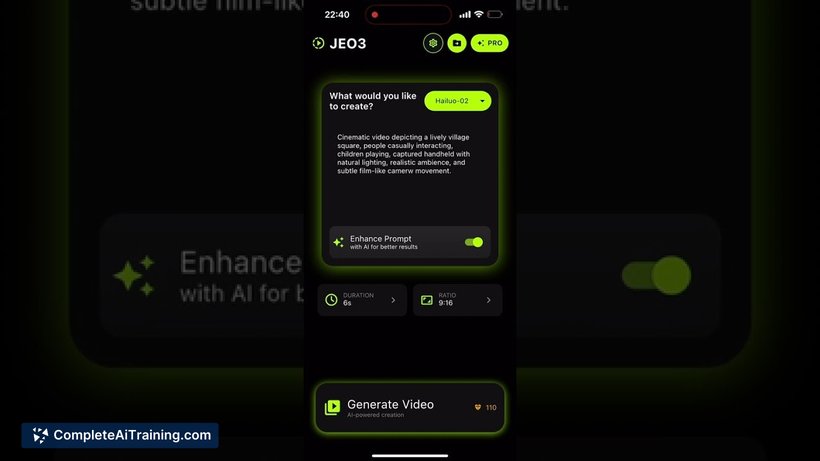
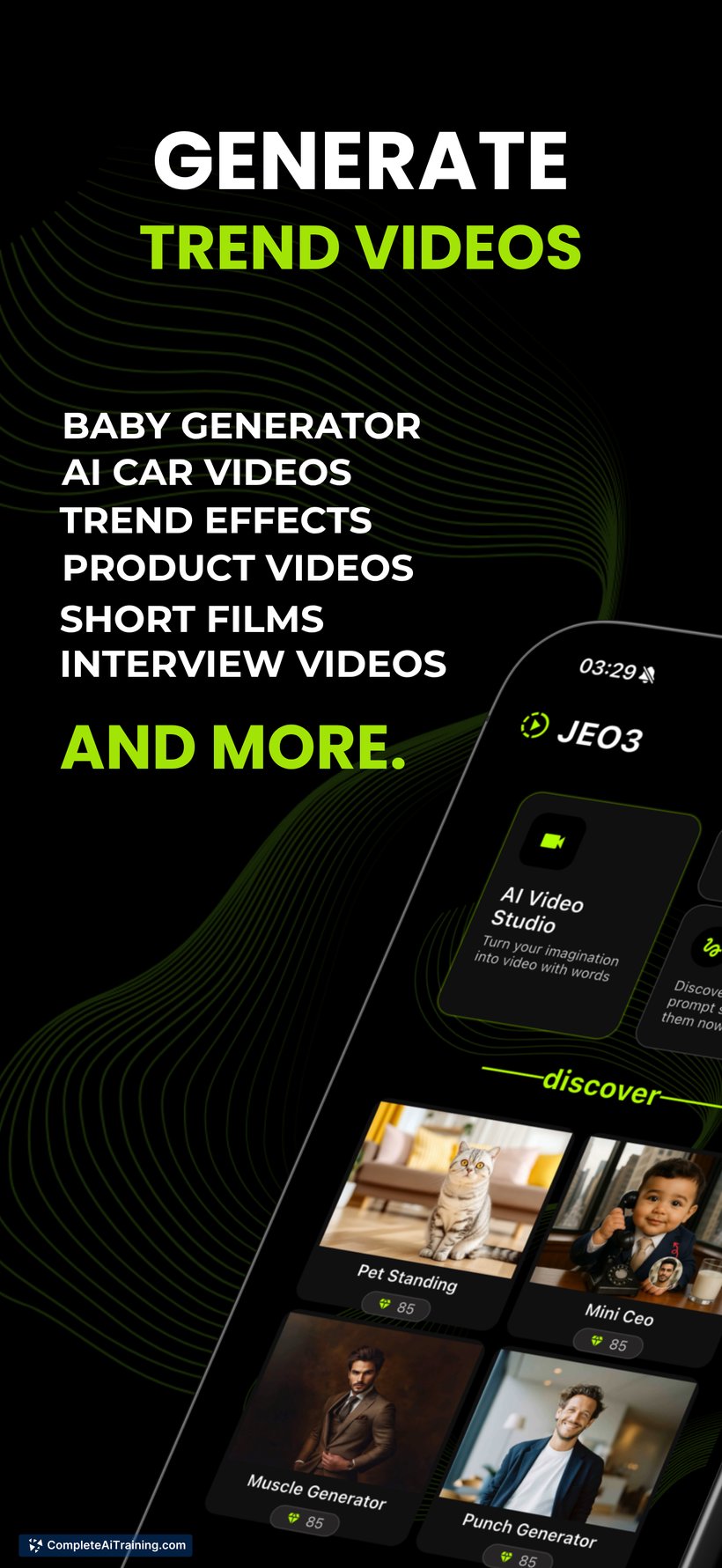
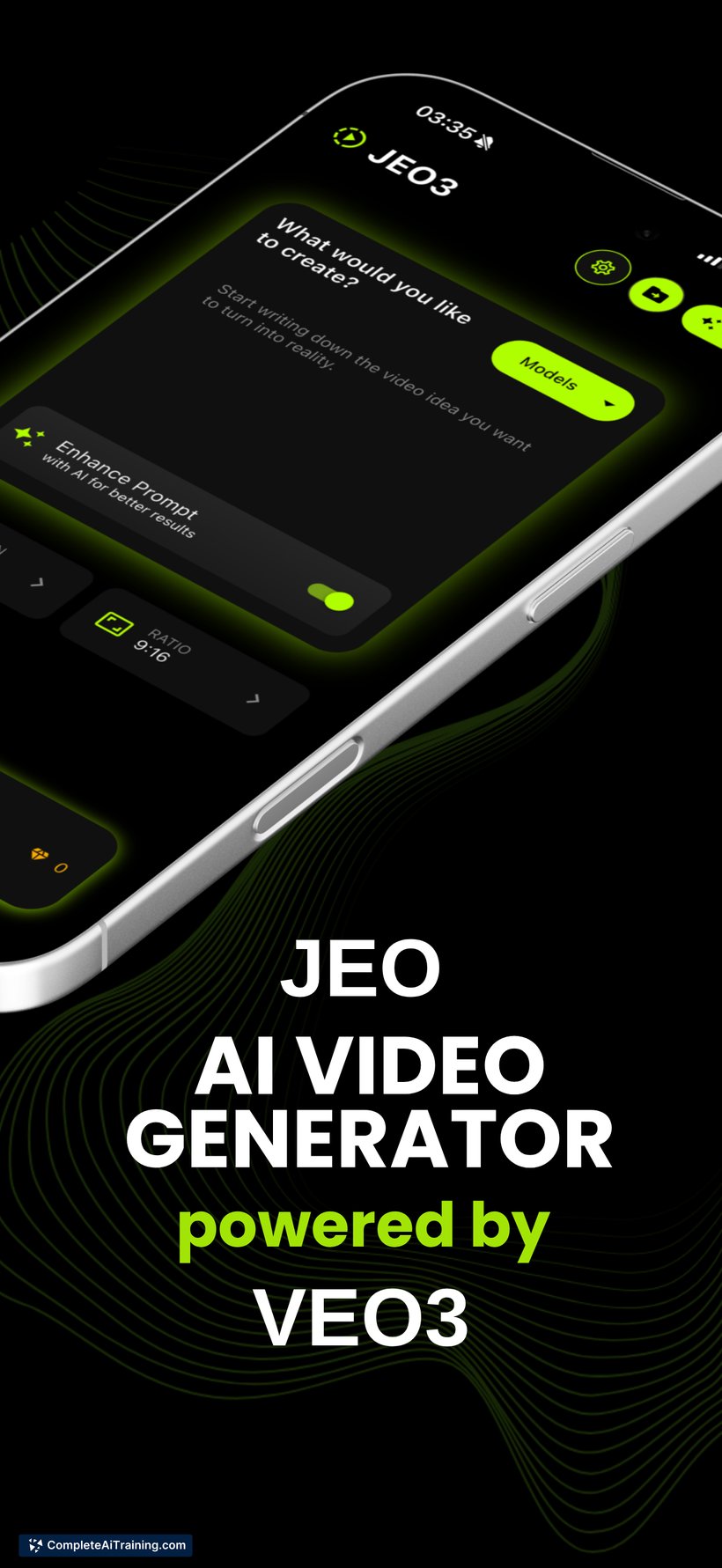
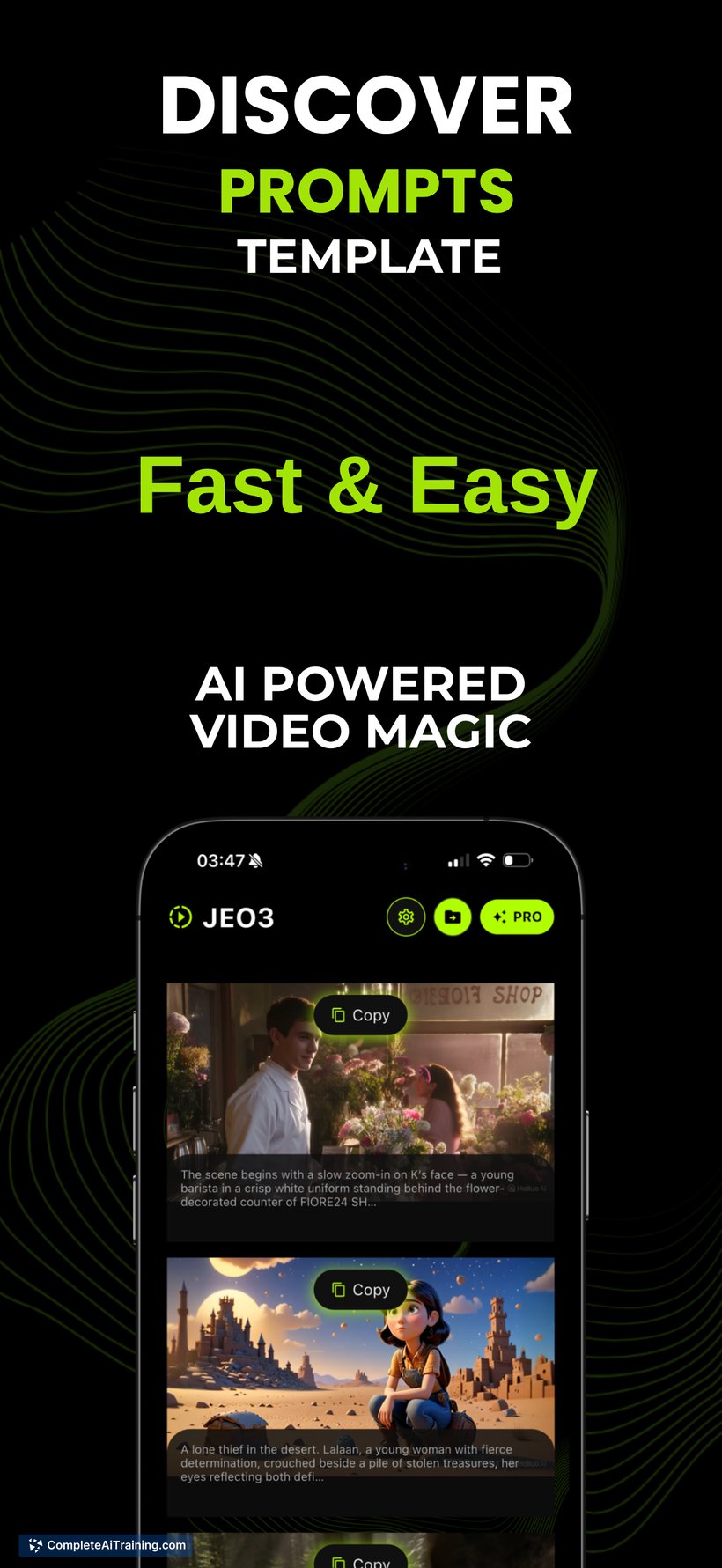
JEO aims to simplify the process of creating AI-generated videos by integrating varied AI technologies into one platform. It targets users who want to produce high-quality cinematic clips without the hassle of managing multiple tools or complicated setups.
Key Features
- Text-to-video conversion that generates cinematic clips within seconds
- Animation of still images with realistic motion effects
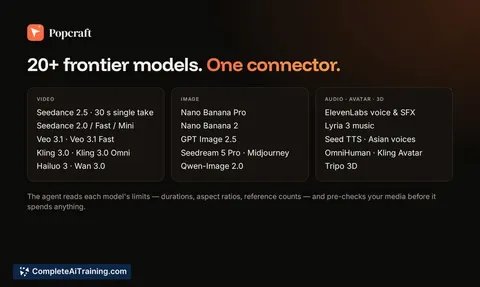
- Multiple AI engines (Veo 3, Kling, and Hailuo) available for different video styles
- High-definition video exports suitable for sharing on various platforms
- Free trial available for early users to explore the tool’s capabilities
Pricing and Value
JEO offers a free trial for early adopters, providing an opportunity to test its features without an initial commitment. While detailed pricing information beyond the trial is not specified, the all-in-one nature of the app could offer good value by consolidating multiple AI video functions into a single subscription or purchase, potentially saving time and costs associated with using separate tools.
Pros
- Fast video creation process, with clips generated in under two minutes
- User-friendly interface that reduces the need for technical expertise
- Combination of several AI engines allows for diverse video styles
- Supports HD export, ensuring videos are ready for professional use
- Free trial enables risk-free exploration of the tool’s features
Cons
- Limited details available on long-term pricing and subscription plans
- Currently lacks advanced editing features like timeline editing and comprehensive sound support across all AI engines
- Relatively new on the market, so user feedback and community resources are still growing
JEO is well suited for content creators, marketers, and small businesses seeking a straightforward solution for producing cinematic AI videos without investing significant time in learning complex software. It works best for users who prioritize speed and ease of use over advanced editing capabilities, especially those looking to enhance social media or promotional content quickly.
Jobs JEO suits
We checked JEO against 500+ jobs; these get the most out of it.
Alternatives to JEO
Other tools that do the same main job. Our AI compared JEO with similar tools and kept the ones you could use instead.