AI tool
Juggler
Juggler is a code-agent client for developers that displays conversations as branching trees and persists sessions in a database. It lets you inspect, edit, and extend every tool call or plugin, and connects to local or remote LLMs from a single G...
About Juggler
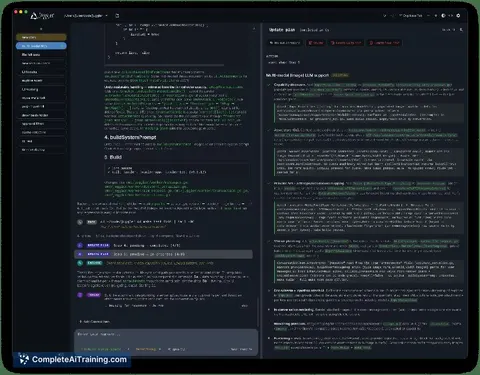
Juggler is a desktop workbench for AI coding agents that arranges tool calls, approvals, thread structure, and raw context into Finder-style columns. It runs as a single Go binary without Node or Electron dependencies, and every tool the model can call is a JavaScript plugin. The application is free and open-source under Apache-2.0 for the extension SDK and AGPLv3 for the app itself.
Review
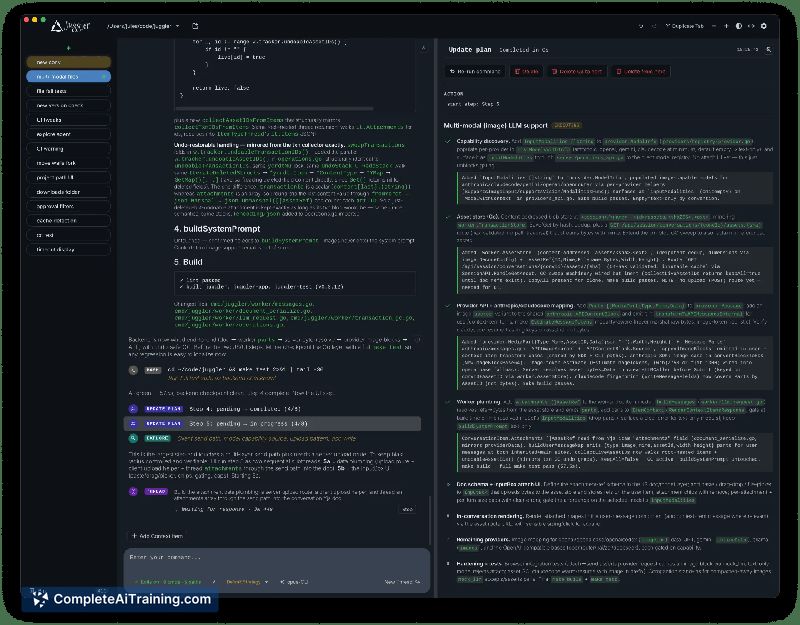
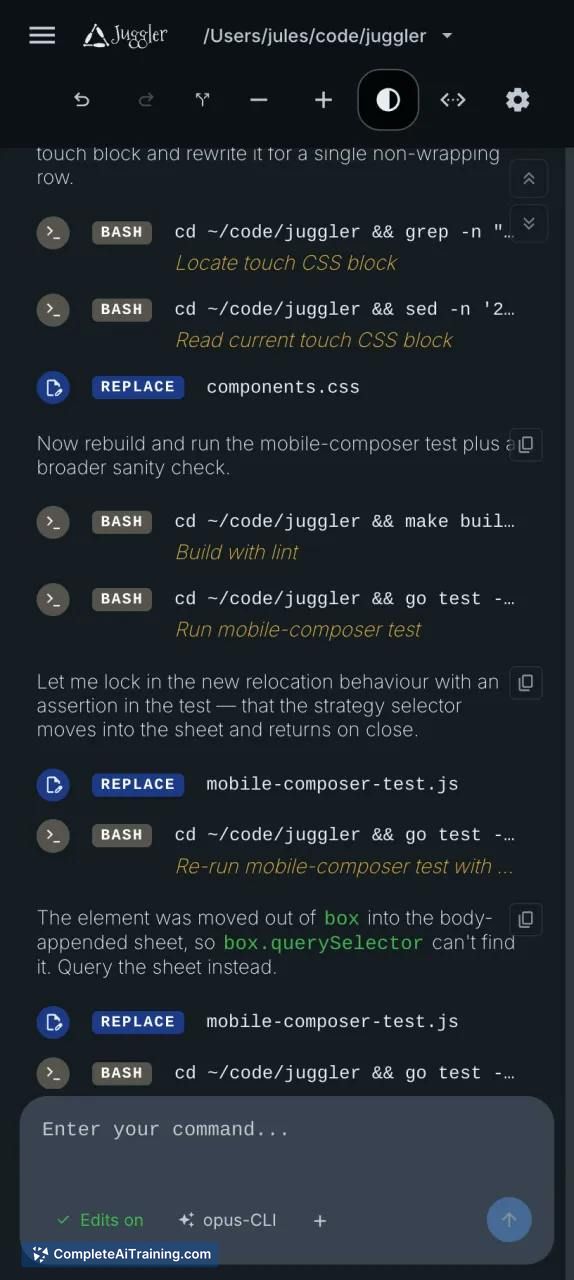
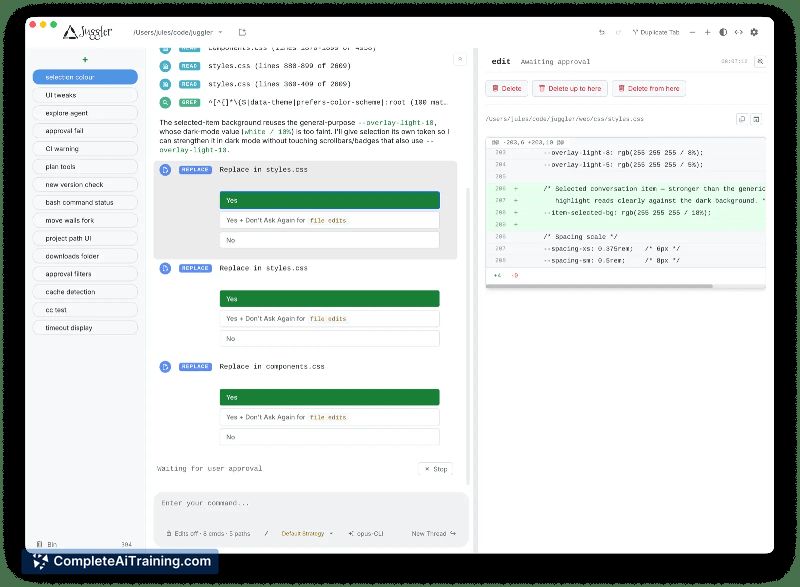
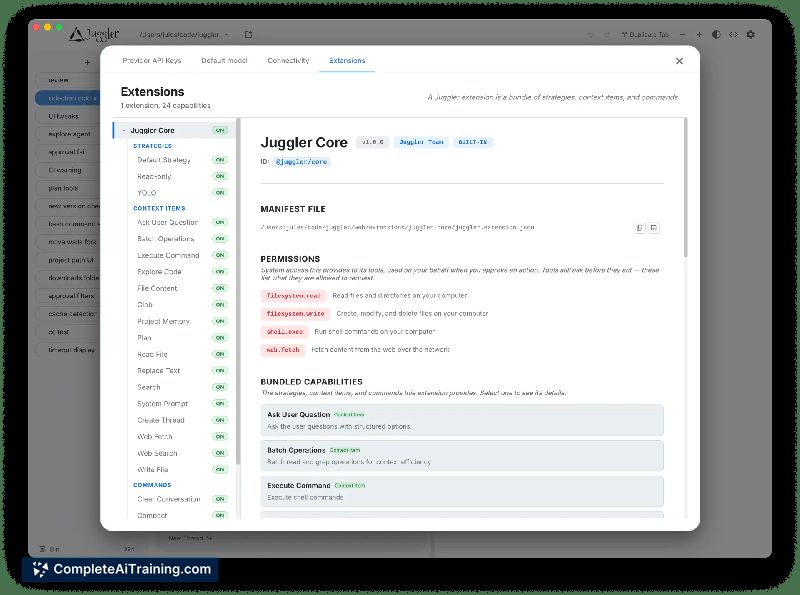
Juggler takes a visual, tree-based approach to AI coding sessions where most tools stick to linear terminal interfaces. Instead of scrolling through a flat log, you navigate branching conversation threads and inspect the full context JSON directly in the document. The tool connects to LLM subscriptions you already have - Claude Code, Codex, Copilot, Gemini, and others - rather than selling its own API access.
Key Features
- Finder-style column layout - Tool calls, approvals, thread structure, item properties, and raw context JSON appear in adjacent columns. All of it is editable within the document.
- Branching conversation threads - Any point in a session can fork into a sub-thread, recursively. You can drill down, backtrack, duplicate, undo, and re-open branches without losing earlier context.
- Persistent sessions in a database - Sessions survive quits, crashes, and reconnects. If the agent was paused mid-run waiting for approval, it remains in that state after a relaunch, even from a different device.
- Multi-client, headless operation - One session supports multiple live client views simultaneously. Run Juggler headless on a build machine and attach from a desktop app on a laptop and a browser on a phone at the same time.
- Pluggable JavaScript tools - Every tool the model calls (read, write, bash, and others) is a JS extension you can inspect, fork, or replace. Loop strategies, slash commands, and file viewers use the same plugin system. The command
juggler ext initscaffolds a working extension.
Pricing and Value
Juggler is free and open-source. There is no signup, no paid tier, and no bundled LLM API costs - you supply your own API keys or connect subscriptions you already hold. The project is a one-person side project, not a commercial product, so pricing is not a factor in adoption.
Pros
- Branching thread model lets you isolate experiments and backtrack without polluting the main conversation.
- Direct access to raw context JSON and editable properties gives visibility that terminal-based agents typically hide.
- Runs as a single Go binary with no Node or Electron dependency, which keeps the footprint small.
- Sessions persist in a database, so a crash or deliberate quit doesn't lose the conversation state.
- Extension system uses standard JavaScript, and scaffolding a new plugin takes a single command.
Cons
- Plugin documentation is thin - a user review noted that writing a custom JS plugin currently requires reading example plugins in the repository rather than following a guide.
- The column-based interface has a learning curve for developers accustomed to terminal-only agent workflows.
- Juggler is not well suited for users who want a fully autonomous agent that runs unattended without visual oversight; the design emphasizes hands-on control and mid-run redirection.
Juggler fits developers who want to see and steer what their coding agent is doing at each step, especially when debugging where a generation went wrong. The branching model and persistent sessions make it practical for long-running tasks split across multiple machines. Teams that prefer a fire-and-forget agent or need polished plugin authoring docs may find the current experience rough.
Jobs Juggler suits
We checked Juggler against 500+ jobs; these get the most out of it.
Alternatives to Juggler
Other tools that do the same main job. Our AI compared Juggler with similar tools and kept the ones you could use instead.