AI tool
Knock agent for Slack
Knock agent for Slack: Tag @Knock and describe a task. The agent pulls account context to draft messaging, build campaigns, update lifecycle workflows, posts progress in the thread, and links the ready resource.
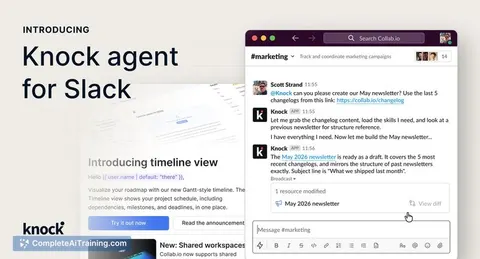
About Knock agent for Slack
Knock agent for Slack is a Slack integration that lets teams build, manage, and ship customer messaging without leaving their chat workspace. By tagging @Knock and describing the need, the agent drafts campaigns, updates lifecycle workflows, and posts progress with links to review the resulting resources in Knock.
Review
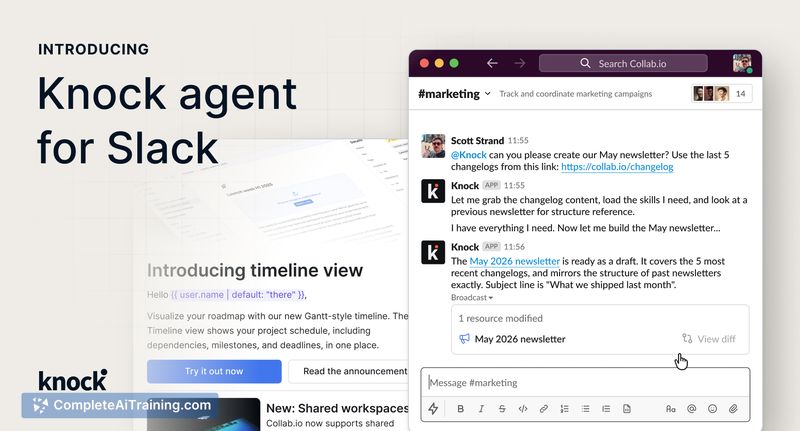
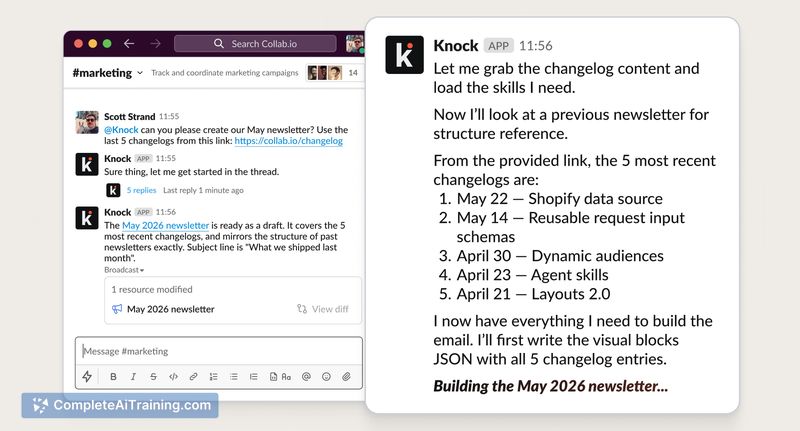
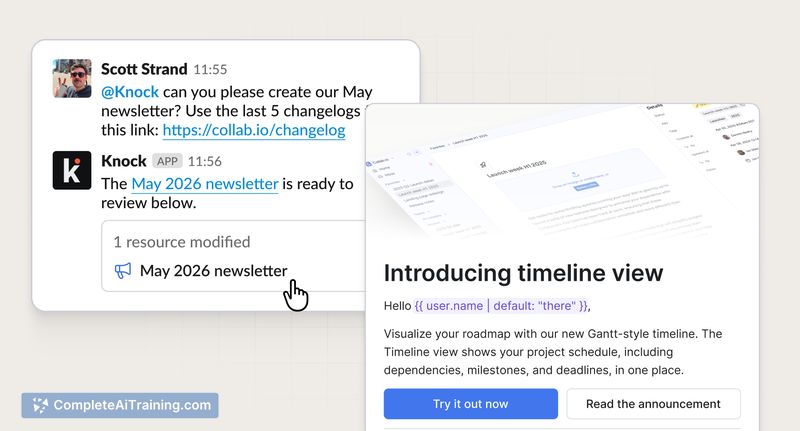
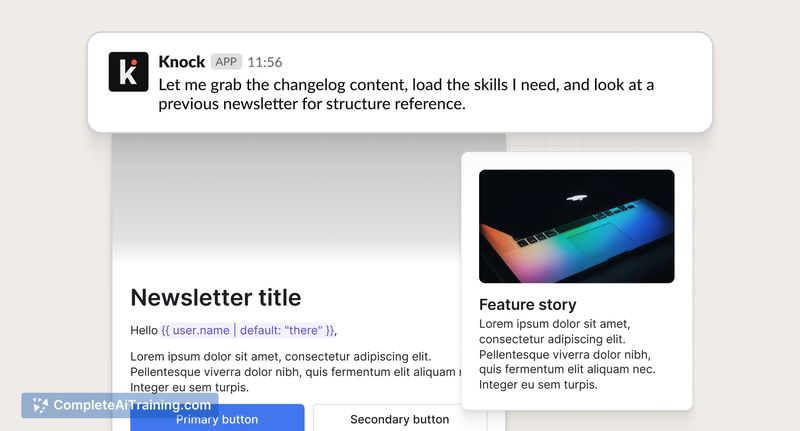
The integration brings messaging work into the place many teams already collaborate, reducing the friction of switching between tools. It gathers account context-workflows, audiences, layouts, styles, channels, and brand settings-so generated content aligns with existing messaging configurations, while keeping humans in the loop for review and publishing.
Key Features
- Slack-native prompts: tag @Knock in any channel to request campaign copy, workflow edits, or one-off messages.
- Context-aware output: uses account context to keep drafts consistent with workflows, audiences, and brand styles.
- Progress updates and links: posts status in the thread and provides direct links to the created or updated resources for review in Knock.
- Support for common messaging tasks: drafts broadcasts, updates lifecycle campaigns, and adjusts audiences or templates without leaving Slack.
Pricing and Value
At launch there is a free option available for trying the agent inside Slack. Because the agent is an extension of the broader Knock platform, access to more advanced features and higher usage volumes is governed by Knock's pricing plans. The main value is time saved and fewer context switches for teams that already coordinate messaging requests in Slack.
Pros
- Reduces tool switching by letting teams initiate and manage messaging from Slack threads.
- Produces on-brand drafts by leveraging existing account context and messaging assets.
- Speeds routine tasks like campaign drafts and simple workflow edits, with visible progress updates.
- Integrates with an established messaging platform that includes templating, scheduling, and integrations.
Cons
- Requires a Knock account and a Slack workspace with appropriate permissions to be useful.
- Agent output still needs human review and QA, especially for complex or sensitive campaigns.
- Advanced workflow definition and automated testing capabilities are not addressed by the Slack agent itself.
Best suited for product, growth, operations, and engineering teams that manage lifecycle and transactional messaging and want to remove friction from routine edits and drafts. It's a practical tool for speeding iterations and reducing context switching, while teams that rely on declarative workflow definitions or heavy testing will still need the broader platform and manual checks.
Jobs Knock agent for Slack suits
We checked Knock agent for Slack against 500+ jobs; these get the most out of it.