
Learning path
Learning AI as a CRM Manager
A practical path for CRM managers to keep data clean, set up workflows, and help teams use the system well. Includes setup help, a prompt course, and video lessons picked for your role.

Your path
Everything in the CRM Manager AI kit, in the order that makes sense. Members tick off each step and see their progress.
Set up your AI
We guide you through each click.
Let skills do your everyday tasks
Connect your apps and pick your AI apps
Hand whole tasks to AI agents
Build your own tools
Keep growing
Everything for crm managers
All the courses, certifications, AI tools, MCP servers and apps for crm managers, most relevant first. Open any list to see more.
Take the prompt courses
A short framework course to learn how to ask, then 8 lessons with ready-to-use prompts for crm managers.
Start with this framework: how to talk to AI
ICIO/CIDI reusable templates help you classify and extract CRM data, like sorting new leads by source and pulling renewal dates weekly.
Then your prompt course for crm managersWatch the video courses or add them to your Favorites for later
151 video courses our AI picked for crm managers, most useful first. Save the ones you want to watch later with the heart.
Favorites are saved to your account: sign in or get your AI kit first.
Show all 151 video courses
Get certified, or add certifications to your Favorites
Every course ends in an exam and a certificate you can add to LinkedIn. Save the certifications you are aiming for with the heart.
Favorites are saved to your account: sign in or get your AI kit first.
More certifications for crm managersShow all 24 certifications
Try the AI tools for crm managers
24 AI tools our AI matched to the work of crm managers, best fit first. Each review shows what it does, its alternatives and the jobs it suits.
Favorites are saved to your account: sign in or get your AI kit first.
Show all 24 AI tools
Connect your AI to the apps crm managers use
MCP servers let ChatGPT, Claude or Copilot look things up and get work done in other apps, like your email, calendar or bookkeeping software. These 12 fit the work of crm managers best, well-known apps first.

amoCRM / Kommo MCP server
by penmadebykisssConnect your AI to amoCRM or Kommo so it can look up deals, contacts and tasks, and report on sales.

Bitrix24 MCP server
by bit2beatConnect Claude to your Bitrix24 portal so it can read and change CRM records, tasks, files and more.

Odoo 19 MCP server
by twtrubiksLet your AI look up, add, and update records in your Odoo 19 company system for you.

Odoo Pulse MCP server
by minhhq-a1Ask your AI for a plain-English business report from your Odoo data, with a verdict on how things are going.
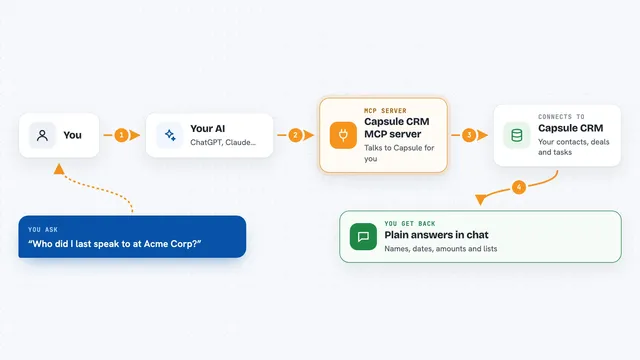
Capsule CRM MCP server
by soil-devConnect your AI to Capsule CRM so it can look up contacts, deals, projects and tasks for you.

Dataverse MCP server
by codeuraliLets your AI read and change records in Microsoft Dataverse for you, safely.
Show all 12 MCP servers

Odoo MCP server
by ivnvxdLet your AI look up, add, and update records in your Odoo business system just by asking.
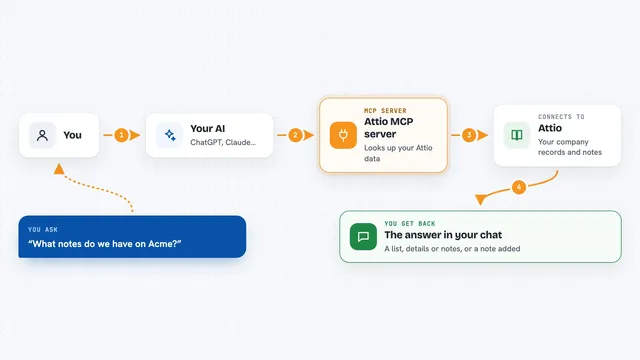
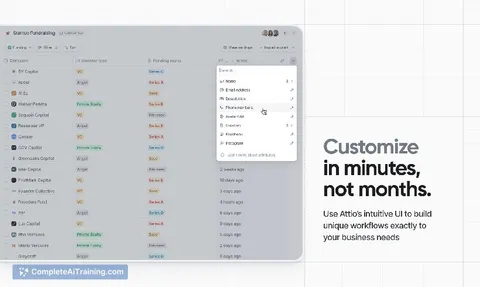
Attio MCP server
by hmkLet your AI read your Attio company records and notes, and write new notes for you.

PrivacyFence MCP server
by privacyfenceLet your AI reach Gmail, Drive, Slack and more, with your approval on anything sensitive.
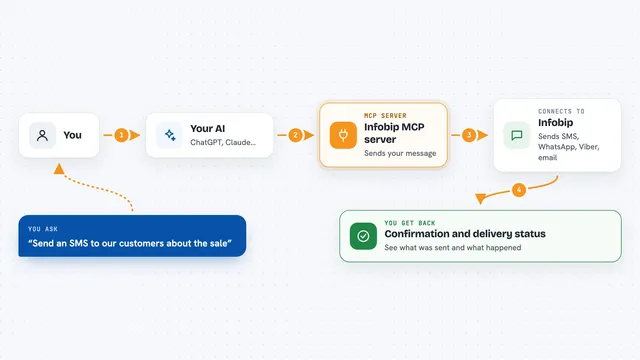
Infobip MCP server
by infobipLets your AI send SMS, WhatsApp, Viber and email messages and check delivery through your Infobip account.
Customer communication Official
Chatmaid WhatsApp MCP server
by chatmaidLet your AI send WhatsApp messages, read replies and check delivery for your business number.
Customer communication Official
Vruum MCP server
by vruum-gtmLets your AI research prospects, draft outreach, track deals, and check revenue inside your Vruum account.
Customer communication OfficialBuild your own AI apps for crm managers
Apps you build yourself with your own AI, no coding needed and no monthly fee. Our AI picked the 12 that fit the work of crm managers.
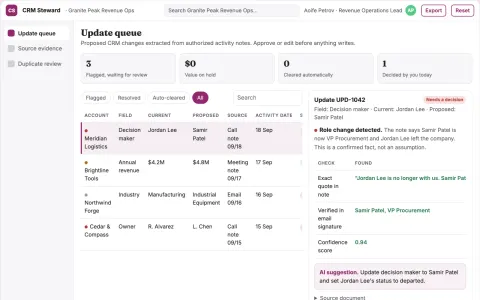
CRM maintenance service
Evidence-backed updates that separate confirmed facts from assumptions.
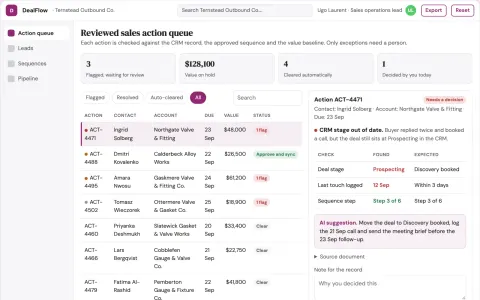
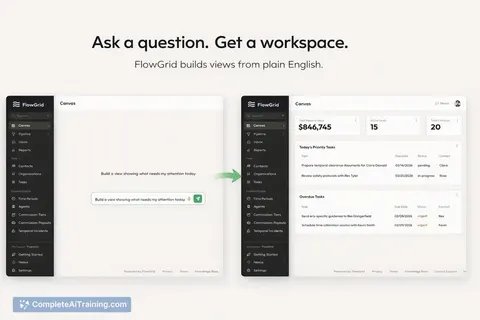
Sales coordination and outreach operations portal
Reduce manual coordination work while keeping sales records accurate.
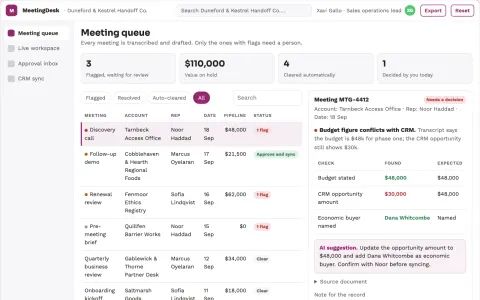
Sales meeting admin coordination portal
Reduce manual sales admin while keeping CRM records and follow-ups accurate.
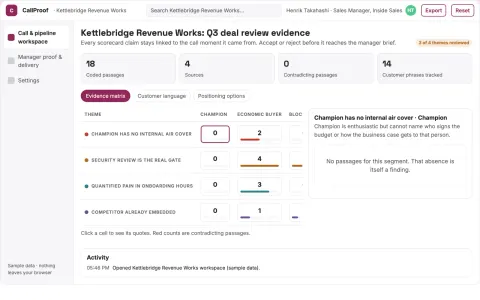
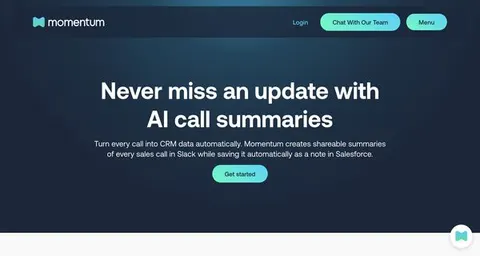
Evidence-backed sales call and pipeline workbench
Reduce deal review effort while keeping coaching tied to recorded buyer evidence.
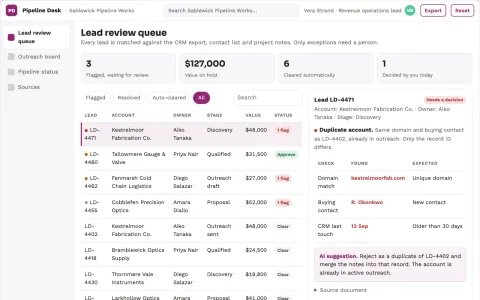
Sales data and pipeline coordination portal
Reduce manual re-entry and reporting while keeping one traceable record from question to outreach to pipeline.
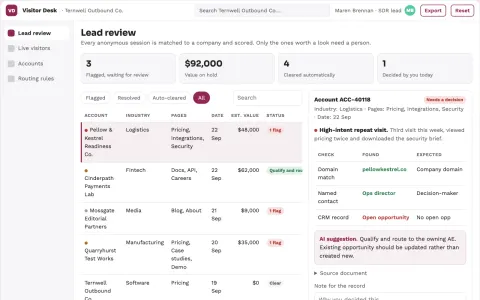
Anonymous visitor to qualified lead workbench
Reduce manual visitor research while giving sales a reviewed, prioritized lead list.
Show all 12 apps
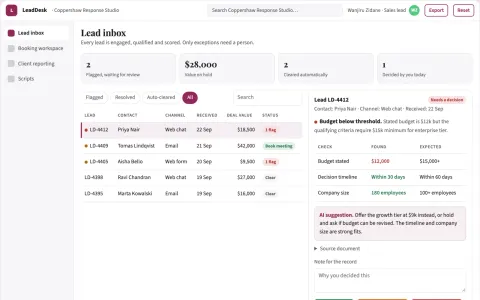
Sales lead engagement and booking coordination portal
Reduce manual lead handling while keeping qualification and booking under team control.
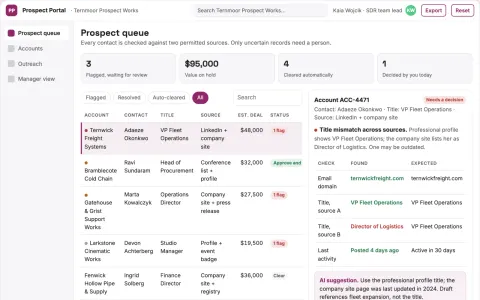
Verified prospect research and outreach coordination portal
Reduce duplicated prospecting work while keeping outreach accurate and compliant.
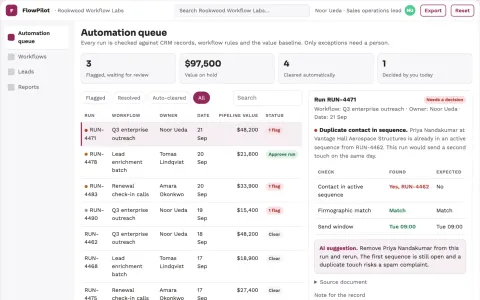
Operational workflow automation and outreach coordination portal
Reduce manual coordination work while keeping outreach and operations aligned with company goals.
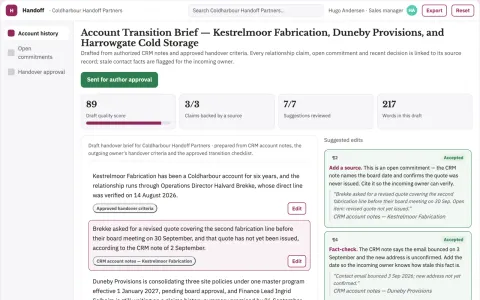
Territory handover context notebook
Preserve evidenced account context without private personality speculation.
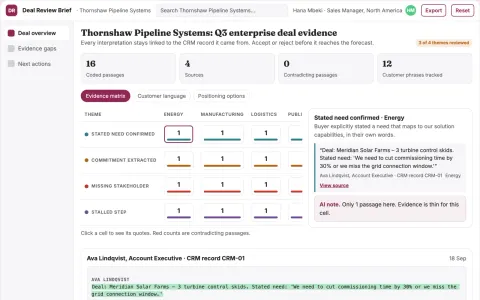
Deal review briefing
Deal narratives separate verified buyer evidence from seller assumptions.
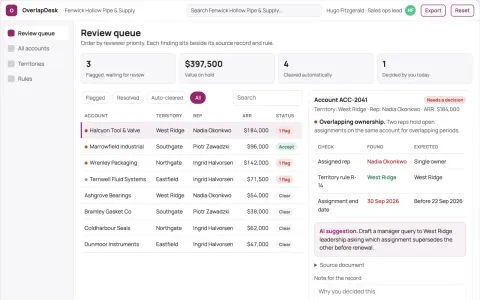
Sales territory account overlap desk
Evidence-based ownership clarification.



























































































































About this learning path
6 topicsYour CRM Manager path to confident AI use
AI is changing how CRM managers work. It can help you draft rules, plan workflows, and turn system logs into clear updates without adding hours to your day.
This path brings together setup questions, a prompt course, and video lessons chosen for CRM work. You start with your own system and finish with habits that save time and protect your career.
Why AI matters for CRM now
Your role sits at the center of customer data, sales workflows, and marketing insights. AI can help you handle the repetitive parts faster, so you can focus on the judgment calls that need a human.
What the path includes
You get setup questions to connect your AI tools, a prompt course built around the eight CRM lessons, and video courses picked for your job. Each part builds on the last, so you are never lost.
How it saves you time
Instead of writing every email, guide, or report spec from scratch, you learn to ask for a first draft. You review and refine, which turns a long writing task into a quick review.
How it protects your career
As AI takes over routine drafting, managers who can direct it well become more valuable. This path helps you stay in charge of the system and the decisions, not just the clicks.
How to start
Begin with the setup questions to connect your AI. Then take the prompt course lesson by lesson, trying each prompt on a small piece of your real work.
Frequently asked questions
Do I need technical skills to use this path?
No. The path is designed for CRM managers who work with systems but do not write code. You will learn to describe what you need in plain language.How long does the full path take?
You can move at your own pace. Most learners finish the prompt course in a few sittings and return to the video lessons as needed.Will these prompts work with my CRM?
Yes, the prompts are about the thinking behind CRM tasks, not a specific platform. You can use them with Salesforce, HubSpot, Dynamics, or any other system.What if my team is slow to adopt new tools?
The path includes lessons on training and user adoption. You will practice writing guides and short nudges that help people see the benefit.