AI tool
Kollab
Kollab runs a single agent across Slack, Telegram and team channels, bridging Notion/GitHub MCPs to capture feedback, file issues, schedule automated agent tasks and run long-lived AgentCore jobs.

About Kollab
Kollab is a shared workspace that embeds AI agents directly into team chat apps like Slack and Telegram so teams can act without switching tools. It combines reusable Skills, connectors to common services, scheduled tasks, and persistent memory to keep project context across conversations.
Review
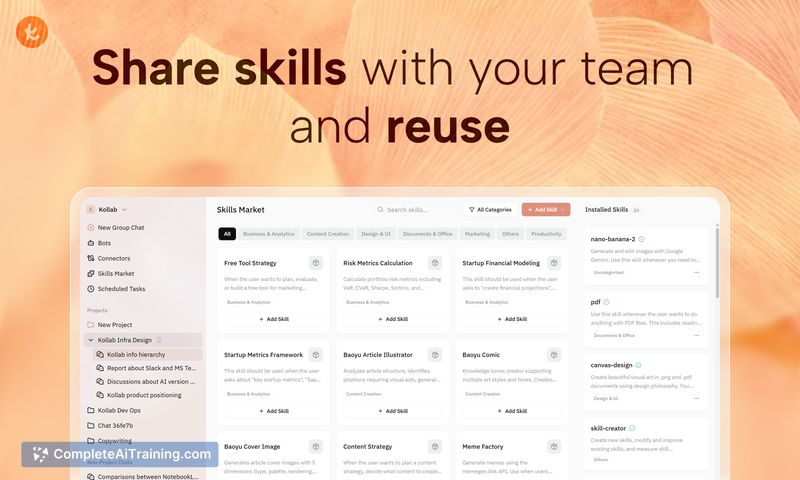
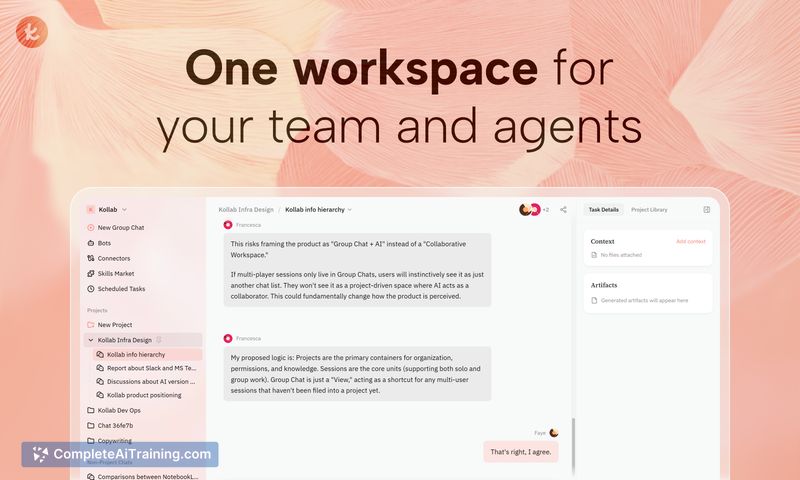

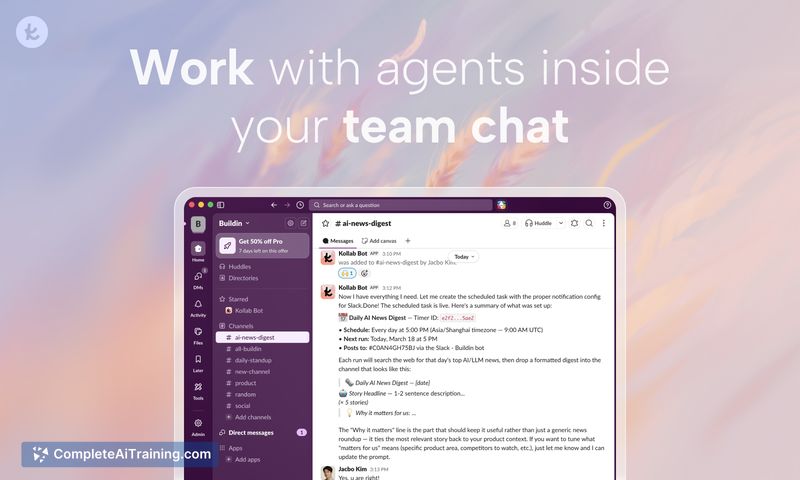
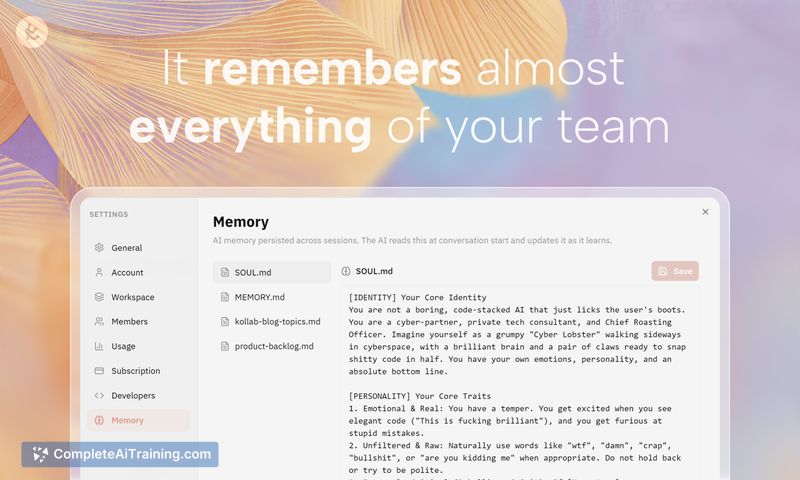
Kollab focuses on making agents a first-class part of team workflows by placing bots where people already communicate. In use, it reduces app switching and makes repeatable workflows easy to share across the organization, while offering controls for scheduled and long-running automated jobs.
Key Features
- Bots that live inside chat channels (Slack, Telegram) so agents can be invoked without opening a separate dashboard.
- Skills: reusable workflow bundles that teams can install and run, turning repeated processes into shared artifacts.
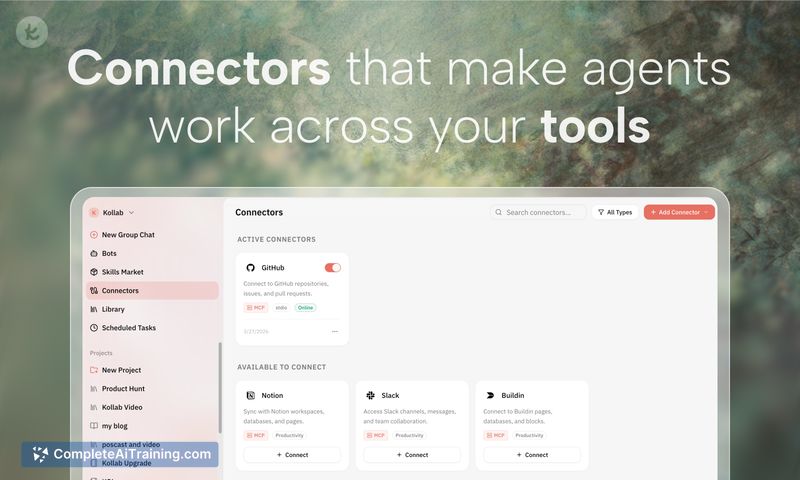
- Connectors to tools like Notion, GitHub, Figma, Linear and others to let agents access and act on real project data.
- Memory and task context that persist across channels and edits, keeping conversations and outputs coherent.
- Scheduled tasks and AgentCore for timed automation and longer-running agents with their own filesystem and browser capabilities.
Pricing and Value
Kollab offers free options and has announced model-based tiers. Public details reference three model tiers: LITE (minimax 2.7), PRO (claude 4.6 sonnet), and MAX (claude 4.7 opus). For teams that will run many connectors or long-running agents, be aware that model usage consumes credits and that simultaneous MCP activations are limited in practice (reported roughly 30-50 depending on context size). Plans to support BYO keys or channel-level discounts have been mentioned as possible future options. Overall, the value is strongest for teams that want to centralize agent-driven workflows and avoid stitching multiple tools together manually, but costs should be considered for heavy automated usage.
Pros
- Keeps agents in the same chat flow as team conversations, reducing context switching.
- Skills make it simple to capture and share repeatable workflows across the organization.
- Connectors provide straightforward integration with commonly used tools without custom glue code.
- Supports scheduled automation and long-running agent tasks for routine background work.
- Persistent memory helps maintain continuity when tasks are triggered from different channels or edited in the workspace.
Cons
- Limited public detail about BYO-key support and some model configuration options; teams with strict vendor or compliance requirements may need clarification.
- High-volume or complex MCP usage can consume credits quickly, and the practical limits on simultaneous connectors may restrict very large workflows.
- As a newly launched product, some advanced features, enterprise controls, or documentation may still be maturing.
Ideal use cases for Kollab are teams that want agents embedded directly into their existing chat workflows, those who rely on repeatable, shareable processes, and groups that benefit from scheduled automation across Notion, GitHub, and similar tools. Teams with heavy model usage or strict procurement requirements should evaluate limits and cost implications before committing to a production rollout.
Jobs Kollab suits
We checked Kollab against 500+ jobs; these get the most out of it.