AI tool
Kommunicate with Spreadsheets
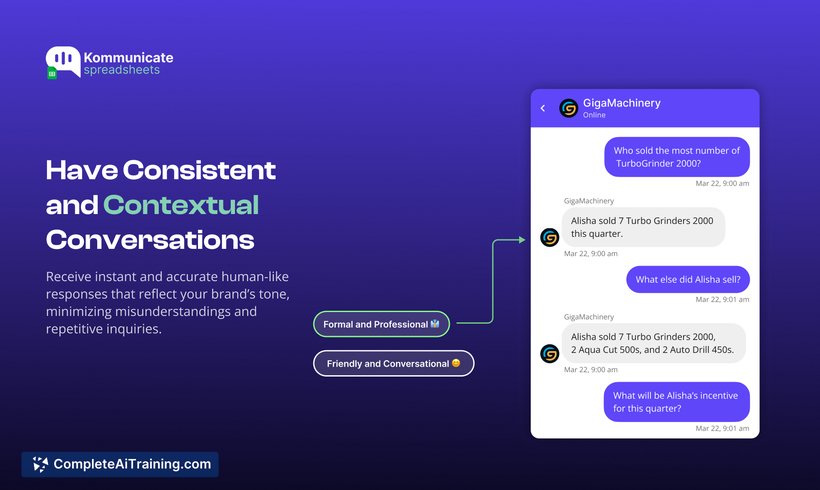
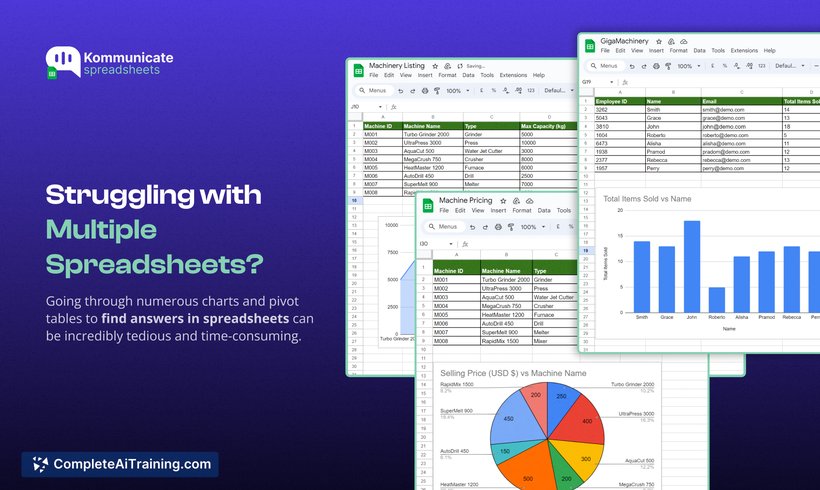
Kommunicate with Spreadsheets lets you train chatbots on your organizational data to deliver real-time, actionable insights. Skip charts and tables—engage in contextual conversations that reflect your brand’s tone and extract value instantly.
About Kommunicate with Spreadsheets
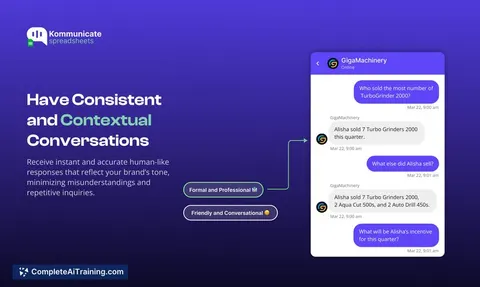
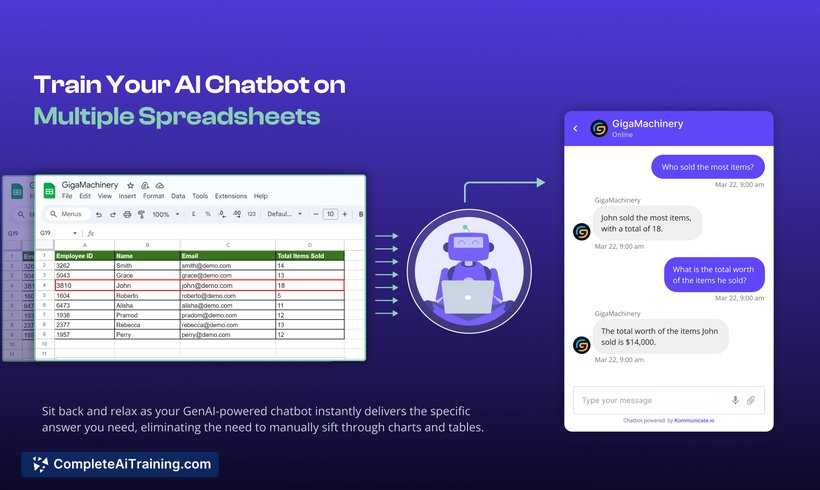
Kommunicate with Spreadsheets is an AI-powered tool that allows users to interact directly with their spreadsheet data through a chatbot interface. By training chatbots on organizational spreadsheets, it provides quick, real-time insights without the need to manually analyze charts or tables.
Review
This tool offers a practical solution for businesses looking to simplify data analysis and make insights more accessible across teams. It is particularly useful for those who prefer conversational querying over traditional spreadsheet navigation. Kommunicate with Spreadsheets supports various industries by enabling quicker decision-making based on dynamic data.
Key Features
- Train chatbots on multiple spreadsheets to generate actionable insights instantly.
- Engage in natural language conversations to query data and receive responses in seconds.
- Customize chatbot training to maintain brand tone and context-specific communication.
- Integration capabilities with websites, mobile apps, messaging platforms, and ticketing tools like Zendesk and Freshdesk.
- Mobile-friendly deployment allowing chatbot use on both Android and iOS devices.
Pricing and Value
The product offers free options, making it accessible for smaller teams or those wanting to test its capabilities. While detailed pricing tiers are not explicitly stated, the value lies in reducing time spent on manual data analysis and enabling teams to extract insights without advanced technical skills. This can be particularly beneficial for sales, finance, marketing, and support teams seeking faster data-driven decisions.
Pros
- Allows quick extraction of insights from extensive spreadsheet data without technical expertise.
- Supports conversational interaction, making data queries intuitive and user-friendly.
- Customizable chatbot training ensures communication aligns with company branding.
- Integrates smoothly with existing business tools and platforms for seamless workflows.
- Accessible on mobile devices, enabling data interaction on the go.
Cons
- Limited details available on advanced pricing plans and enterprise-level features.
- Data security concerns were raised by users, highlighting the need for clear information on data protection measures.
- May require initial setup and training time to optimize chatbot responses based on specific spreadsheet content.
Overall, Kommunicate with Spreadsheets is well-suited for businesses and teams that handle large volumes of spreadsheet data but want a faster, more conversational way to obtain insights. Sales, finance, education, and healthcare sectors can particularly benefit from its ease of use and integration options. It is ideal for users seeking to reduce reliance on manual data analysis and improve responsiveness in decision-making processes.
Jobs Kommunicate with Spreadsheets suits
We checked Kommunicate with Spreadsheets against 500+ jobs; these get the most out of it.
Alternatives to Kommunicate with Spreadsheets
Other tools that do the same main job. Our AI compared Kommunicate with Spreadsheets with similar tools and kept the ones you could use instead.