AI tool
Liner Write
Liner Write is a co-writing AI inside your document for business plans, proposals, reports and posts. It uses Liner Deep Research to ground content in verified sources-no tab switching, fewer hallucinations, faster drafts.
About Liner Write
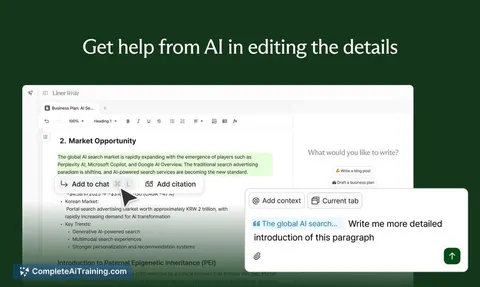
Liner Write is an in-document AI writing assistant aimed at professional documents such as business plans, proposals, reports, and long-form technical or strategic writing. It combines an editor and an agent so you can prompt, edit, and refine text without flipping between multiple tabs or tools.
Review
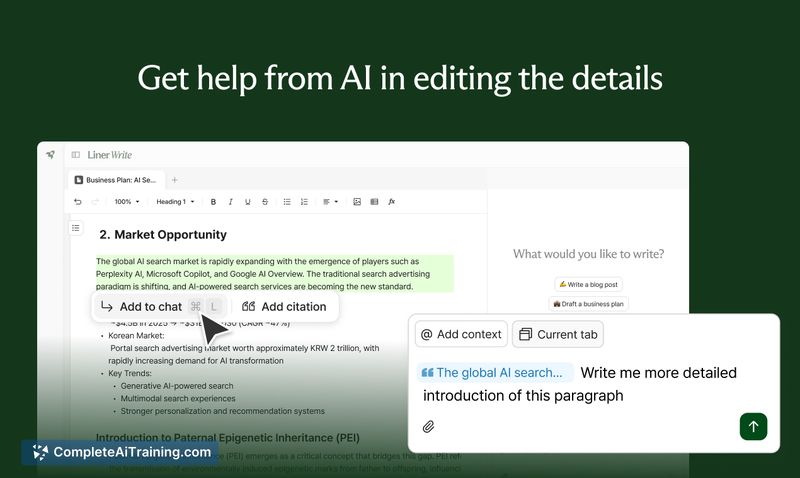
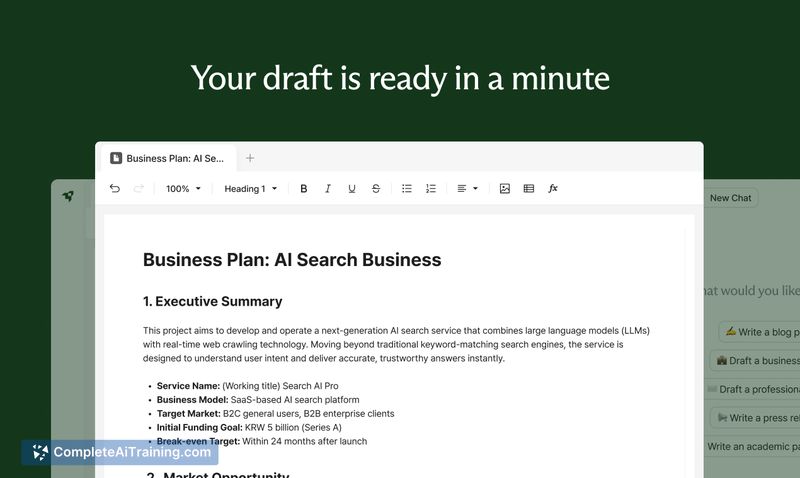
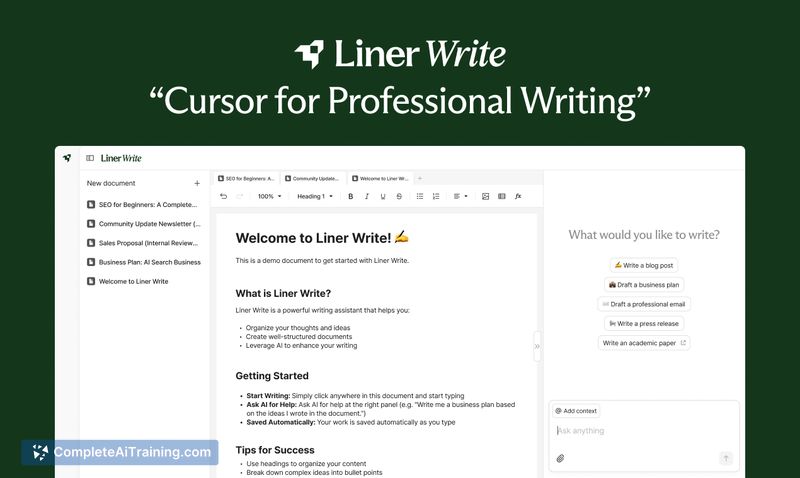
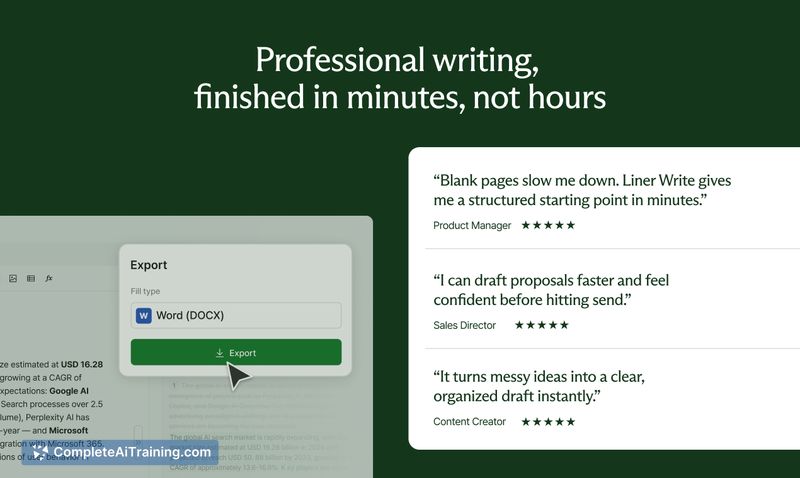
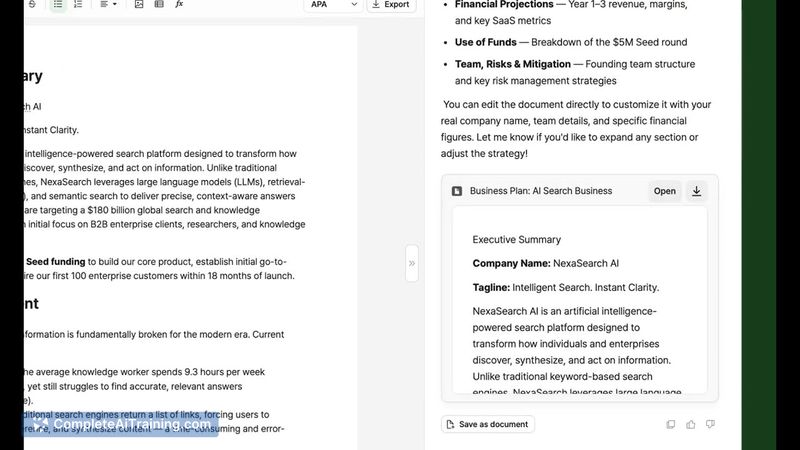

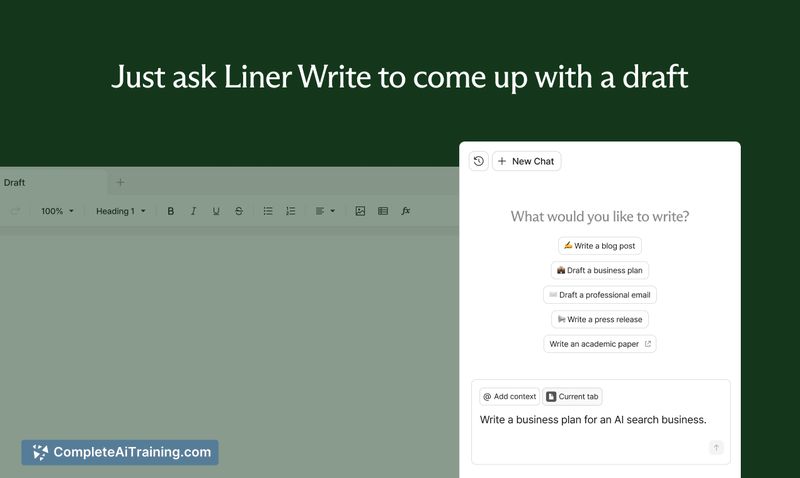
Liner Write prioritizes factual grounding and a co-writing experience where the AI lives inside your document, offering inline suggestions and a diff view for edits. The product claims high search accuracy from an internal research engine and positions itself to reduce hallucinations compared with typical chat-based workflows.
Key Features
- In-document agent: prompt and receive suggestions directly inside the editor rather than in a separate chat window.
- Inline edit suggestions with diff view: proposed changes can be reviewed and accepted or discarded at the sentence or section level.
- Factual grounding via a proprietary search layer that the product says yields high accuracy on benchmark tests, helping reduce misinformation risk.
- Simple citation workflow: you can add supporting sources for specific sentences by dragging text to a citation tool.
- Focus on structured, logical writing-suited for proposals, reports, resumes, and developer documentation.
Pricing and Value
The tool is available with a free plan at launch, making it easy to test core writing and co-editing features without an immediate cost. For professionals who frequently assemble high-stakes documents, the integrated research and in-editor workflow offer time savings by cutting context-switching and lowering the chance of factual errors; organizations with more advanced needs may find value in paid plans if additional collaboration, export, or administrative controls are introduced later.
Pros
- Combines AI and editor in one workspace, reducing the need to copy and paste between apps.
- Claims strong factual grounding, which is helpful for documents where accuracy matters.
- Inline suggestions and a diff view make it easier to accept targeted edits instead of full rewrites.
- Good fit for logical, structured writing tasks like proposals, reports, and resumes.
- Context follows your account across devices on the web (laptop/tablet), so work persists across sessions.
Cons
- Mobile experience is limited at present; the polished workflow is focused on laptop and tablet web use.
- Line-by-line citations are not enabled by default; adding source attribution requires extra steps and could be smoother.
- Less emphasis on highly creative copywriting for short-form ads or brand-first creative work.
Overall, Liner Write is best suited for professionals and teams that produce fact-sensitive, structured documents and want an AI that stays inside the document rather than living in a separate chat. Try the free plan to assess the inline editing and research support; organizations that need robust citation workflows or a mobile-first experience should watch for upcoming improvements.
Jobs Liner Write suits
We checked Liner Write against 500+ jobs; these get the most out of it.
Alternatives to Liner Write
Other tools that do the same main job. Our AI compared Liner Write with similar tools and kept the ones you could use instead.