
Learning path
Learning AI as a Fundraiser
This path helps fundraisers use AI for donor emails, appeals, events, grants, and campaign plans. You set up your tools, connect them to your work, and practice with prompts built for fundraising.

Your path
Everything in the Fundraiser AI kit, in the order that makes sense. Members tick off each step and see their progress.
Set up your AI
We guide you through each click.
Let skills do your everyday tasks
Connect your apps and pick your AI apps
Hand whole tasks to AI agents
Build your own tools
Everything for fundraisers
All the courses, certifications, AI tools, MCP servers and apps for fundraisers, most relevant first. Open any list to see more.
Take the prompt courses
Two short framework courses to learn how to ask, then 9 lessons with ready-to-use prompts for fundraisers.
Start with these frameworks: how to talk to AI
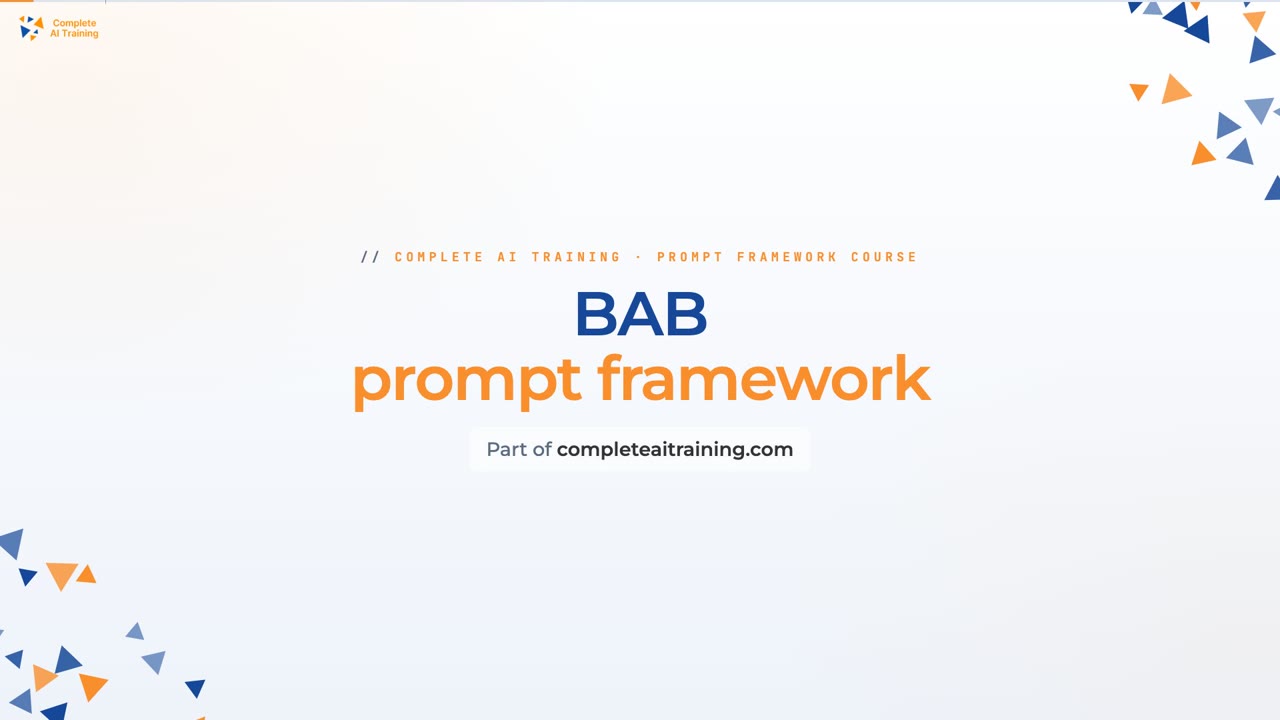
BAB fits your donor appeal letters because it shows the need before, the impact after, and the gift as the bridge.
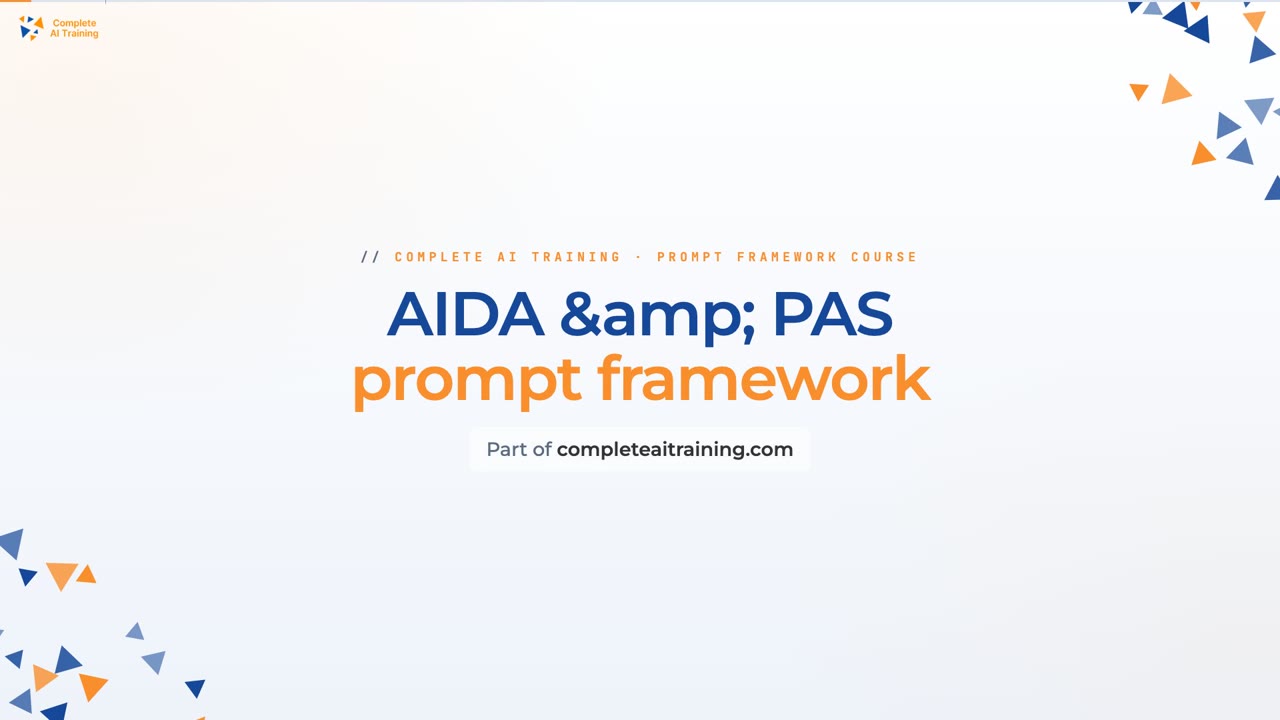
This framework helps write donor emails by using AIDA to grab attention and PAS to show urgent needs before asking for gifts.
Then your prompt course for fundraisers- 1Donor Outreach Basics3 prompts
- 2Writing Compelling Appeals3 prompts
- 3Event Promotion and Planning3 prompts
- 4Grant Proposal Drafting3 prompts
- 5Donor Research and Profiles3 prompts
- 6Campaign Strategy and Planning2 prompts
- 7Stewarding Donor Relationships2 prompts
- 8Reporting to Stakeholders2 prompts
- 9Troubleshooting and Optimization5 prompts
Watch the video courses or add them to your Favorites for later
126 video courses our AI picked for fundraisers, most useful first. Save the ones you want to watch later with the heart.
Favorites are saved to your account: sign in or get your AI kit first.
Show all 126 video courses
Get certified, or add certifications to your Favorites
Every course ends in an exam and a certificate you can add to LinkedIn. Save the certifications you are aiming for with the heart.
Favorites are saved to your account: sign in or get your AI kit first.
More certifications for fundraisersShow all 24 certifications
Try the AI tools for fundraisers
24 AI tools our AI matched to the work of fundraisers, best fit first. Each review shows what it does, its alternatives and the jobs it suits.
Favorites are saved to your account: sign in or get your AI kit first.
Show all 24 AI tools
Connect your AI to the apps fundraisers use
MCP servers let ChatGPT, Claude or Copilot look things up and get work done in other apps, like your email, calendar or bookkeeping software. These 12 fit the work of fundraisers best, well-known apps first.

Gmail MCP server
by A1-x-TechLet your AI read, search, draft and send your Gmail, and keep labels and trash tidy, from the chat.

Google Contacts MCP server
by A1-x-TechLet your AI look up, add, update and organize the people in your Google Contacts for you.

Outlook Assistant MCP server
by littlebearappsLets your AI read, search, send, and organise your Outlook email, calendar, and contacts from the chat.

MCP Emails server
by AlbretsenLet your AI read, search, send and organize email in your own mailbox.
EmailNo install
Google Workspace MCP server
by taylorwilsdonLets your AI read and write your Gmail, Calendar, Drive, Docs, Sheets and more, all from one chat.

Outlook MCP server
by dockndevaiLets your AI read, search, draft and send Outlook email and browse your OneDrive files for you.
Show all 12 MCP servers
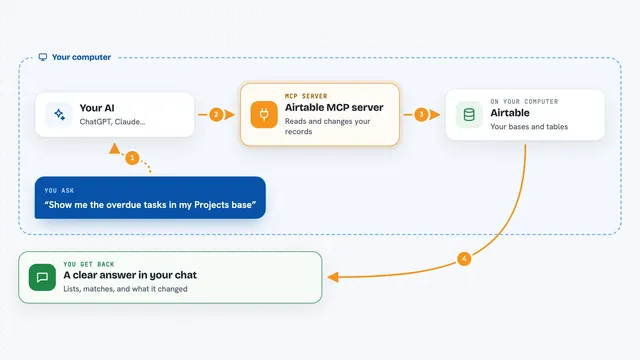
Airtable MCP server
by domdomeggLets your AI read, search, add, update and delete records in your Airtable bases for you.
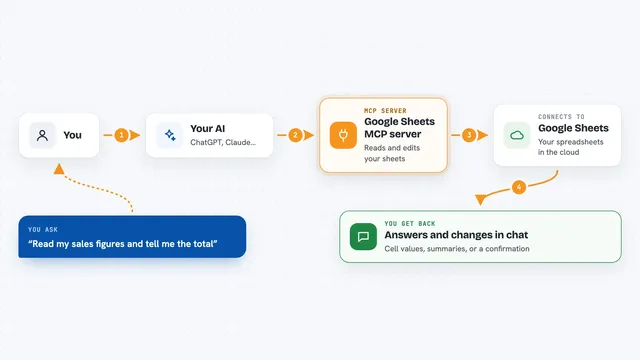
Google Sheets MCP server
by freemaLets your AI read, write, and format your Google Sheets for you, right from the chat.

Mail MCP server
by tecnologicachileLets your AI read, search, send, reply to and forward email across several accounts for you.

Fluxmail MCP server
by churichardLet your AI read, search, draft, send and organize email across your mailboxes.
Email Official
SendRaven MCP server
by CommonNinjaLet your AI send emails, read replies as threads, and run campaigns through your SendRaven account.
EmailProductivity Official
Google Search MCP server (AceDataCloud)
by AceDataCloudLets your AI run Google searches for web, images, news, videos, places and maps, and hand you the results.
ResearchNo installBuild your own AI apps for fundraisers
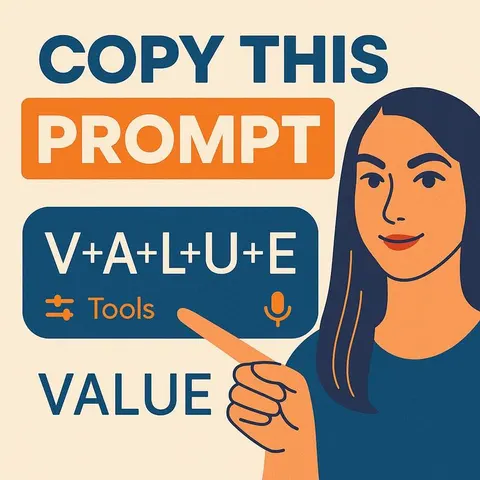
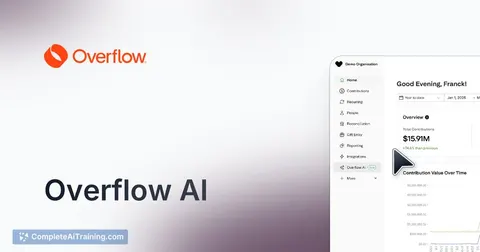
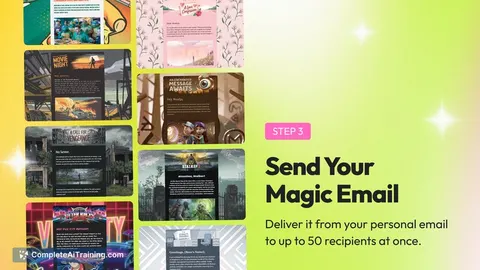
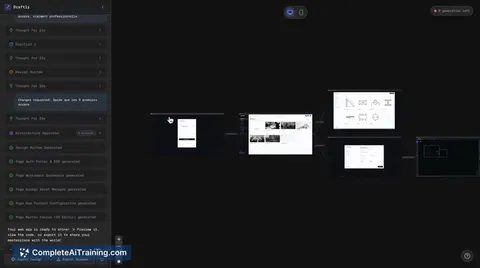
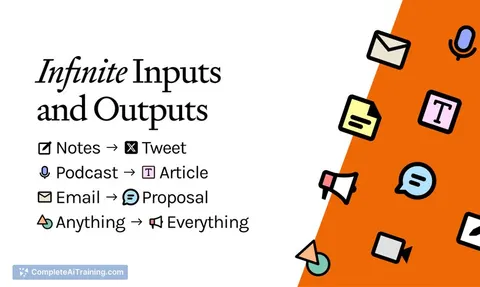
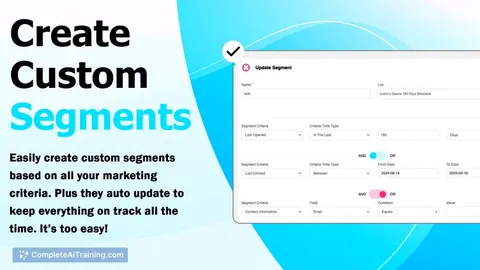
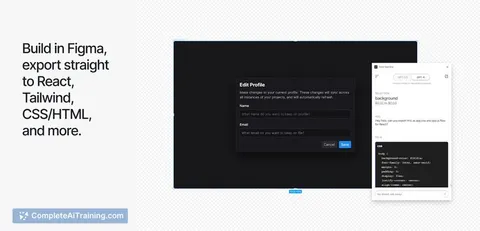
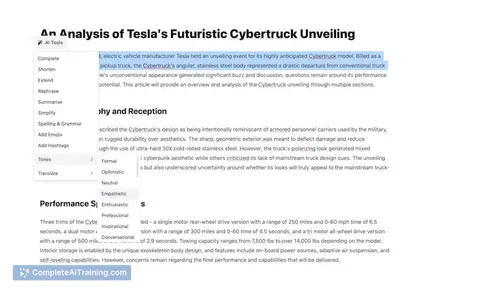
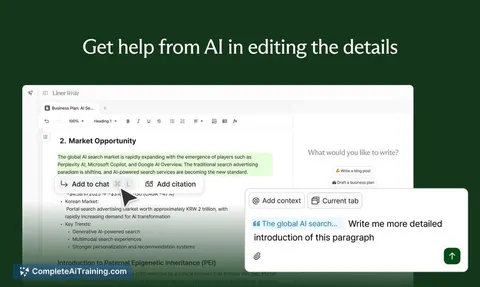
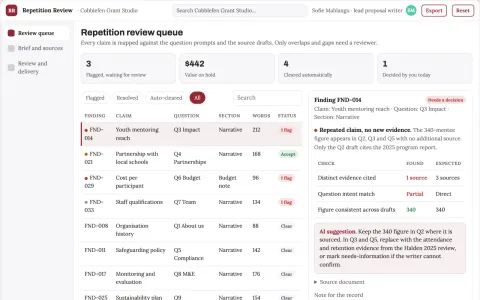
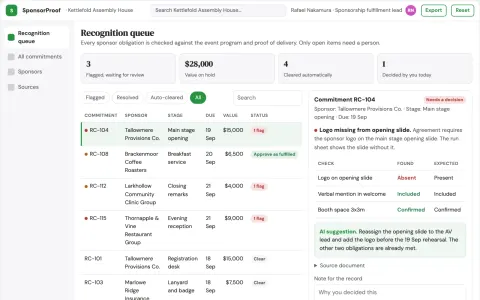
Apps you build yourself with your own AI, no coding needed and no monthly fee. Our AI picked the 2 that fit the work of fundraisers.












































































































About this learning path
6 topicsAI Skills for Fundraisers, Step by Step
Fundraising runs on relationships and clear writing. AI can help you draft, organize, and personalize the many messages and plans that fill your week, while you keep the human judgment and the donor trust.
This learning path is made for busy fundraisers who are not technical. You start with simple setup questions, connect your AI tool, learn the job-specific skills, then work through a prompt course and short video lessons chosen for fundraising. Certificates come with the video courses, so you can show what you learned.
Why AI Matters Now
Donors expect personal notes, clear updates, and fast answers. At the same time, fundraisers juggle events, grants, campaigns, and reports. AI can help you keep up without losing the warmth that makes giving possible.
Used well, AI gives you a thinking partner for drafts, research, and planning. It does not replace your relationships. It helps you spend less time on blank pages and more time with people who care about your cause.
What the Path Includes
You begin with setup questions and simple steps to connect your AI tool. Then you build skills for the job inside your AI, such as writing donor emails, shaping appeals, planning events, and drafting grant narratives.
Next comes this prompt course, where you practice real fundraising tasks in order. Alongside it, you get video courses picked for fundraising work, and each video course comes with a certificate of completion.
How It Saves Time
Many fundraising tasks start with a draft: a thank-you note, an invitation, a campaign plan, a board update. AI can create that first draft in seconds, suggest options, and help you organize facts you already have.
You still edit and approve everything. The time saved comes from skipping the blank page, gathering ideas faster, and turning rough notes into clear next steps.
How It Protects Your Career
Fundraising skills are changing, and comfort with AI is becoming useful in nonprofit teams. This path helps you learn safe habits, ask better questions, and show that you can use new tools responsibly.
You stay in charge of facts, tone, and donor trust. You also learn how to keep private information safe, follow your organization's rules, and avoid mistakes that can harm relationships.
How to Start
Start with the setup questions and connect one AI tool you already have, like ChatGPT, Claude, or Gemini. Then open the prompt course and try the first lesson on donor outreach with a low-stakes task.
Move at your own pace. One lesson and one prompt a day is enough to build confidence. Soon you will have a set of prompts you can reuse for every campaign season.
Frequently asked questions
Do I need to be technical to use this path?
No. The lessons use plain language and step-by-step prompts. You only need a computer and access to an AI tool like ChatGPT, Claude, or Gemini.Will AI write my donor letters for me?
AI can create a first draft, suggest subject lines, and help you organize facts. You still review every word, add your voice, and make the final call.How do I protect donor privacy?
Keep sensitive donor details out of public AI tools unless your organization has approved a secure setup. Use initials or general descriptions when you practice, and follow your group's data rules.What if my organization has rules about AI?
Follow them. This path teaches safe habits and asks you to check with your team before using AI on real donor information. The goal is to support your work, not replace your policies.