AI tool
Livinity
Livinity is a homeserver operating system that provides a dashboard for Docker apps and a built-in AI assistant. It helps sysadmins install containers and automate tasks while keeping data on their hardware.
About Livinity
Livinity is an open-source operating system designed to turn a spare PC into a private homeserver. It includes a built-in AI agent called Liv that uses the Model Context Protocol (MCP) to install apps, manage containers, and handle system tasks. The software is written in TypeScript and can be self-hosted or used via a managed cloud option.
Review
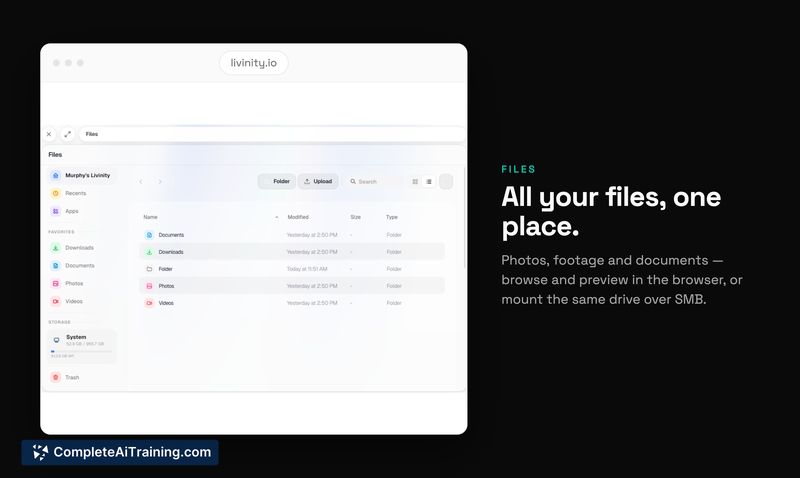
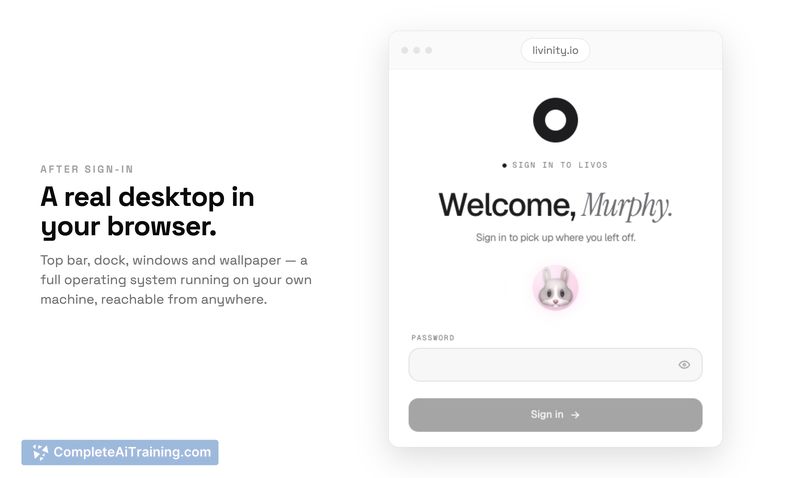
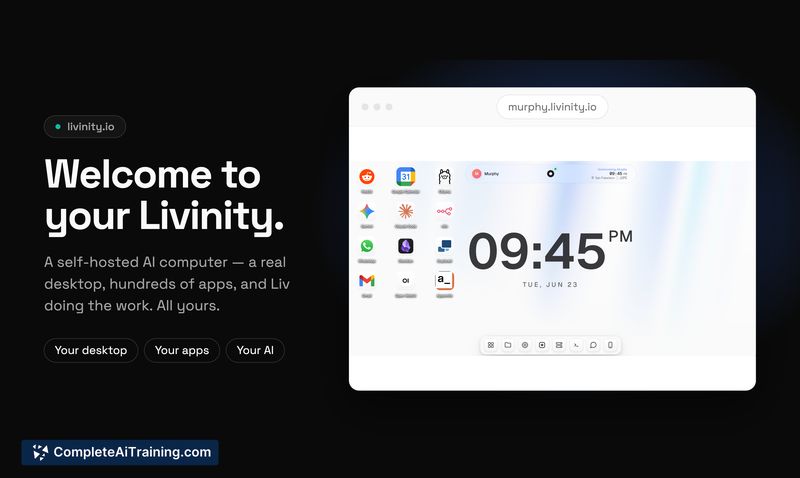
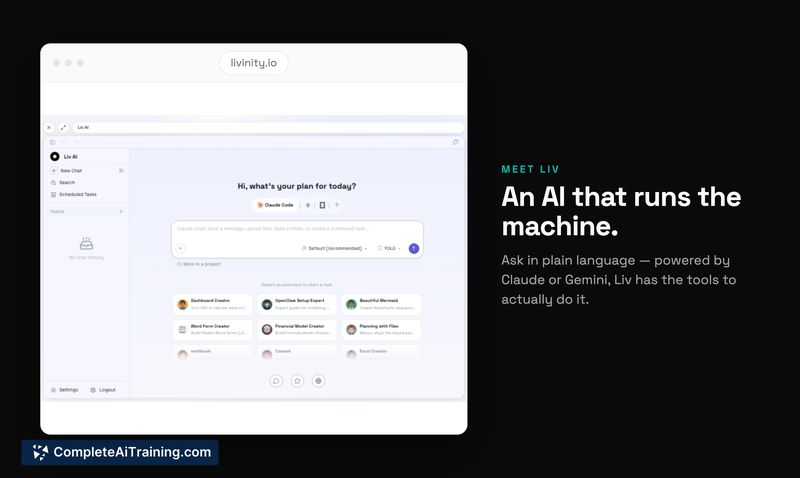
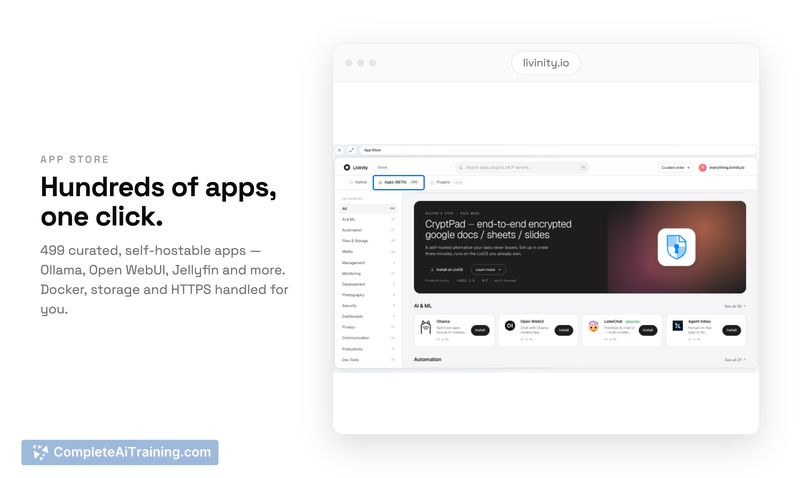
Livinity combines a one-click Docker application platform with an AI assistant that can act on the system directly. The AI, Liv, interprets natural language requests and carries out container and file operations after presenting a confirmation step for any state-changing action. The project ships with over 495 Docker apps in its App Store, and the interface keeps the user away from the command line for most routine management tasks.
Key Features
- A library of 495+ Docker applications (including Nextcloud, Plex, Home Assistant, and n8n) that install with a single click from the dashboard.
- Liv, an AI assistant that accepts plain-language commands to install apps, find files, manage containers, and check for updates. Read-only actions run immediately; destructive or state-changing actions require explicit user approval before executing.
- Bring-your-own-model support for the AI: users supply an API key for Claude or Gemini. Liv does not run a local language model, keeping system resource usage low.
- Isolated container networking with no open ports by default. Incoming traffic routes through a Cloudflare tunnel, so the homeserver can stay behind a NAT without exposing ports to the internet.
- One-click updates for both the Livinity system itself and individual Docker apps. The App Store indicates when a newer image is available, and Liv can batch-check and update multiple apps.
Pricing and Value
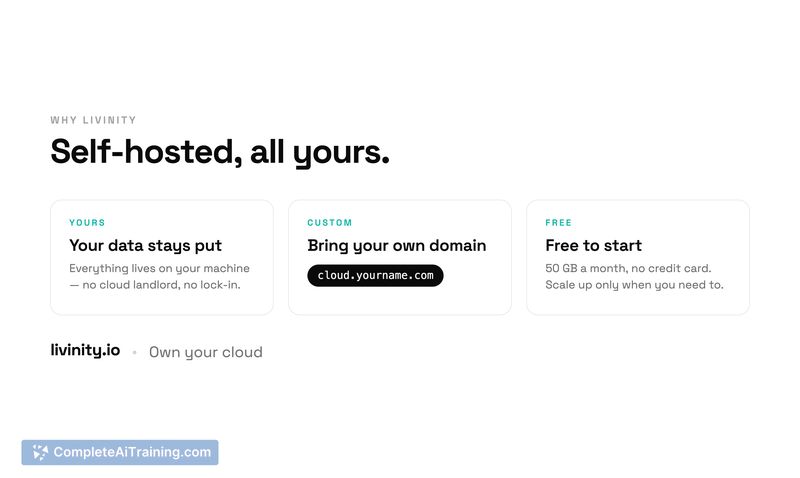
The self-hosted version is free and open source, installed with a single curl | bash command. A managed cloud deployment exists at livinity.io, which handles zero-setup hosting, but pricing for that tier has not yet been defined. Users who run Livinity on their own hardware only need to cover any API usage costs for Claude or Gemini if they use the AI agent.
Pros
- Open-source codebase in TypeScript allows inspection and self-hosting without licensing fees.
- Large one-click app catalog reduces the manual steps usually needed to deploy services like media servers or home automation.
- Liv's confirmation gate for container changes lets users review exact actions before they execute, which adds a safety layer for an AI with system access.
- Because Liv relies on external API calls rather than a local model, even low-end hardware like an 8-16GB NUC can run a dozen containers without heavy AI overhead.
- Cloudflare tunnel integration means no open ports on the home network, lowering the attack surface without manual firewall configuration.
Cons
- Per-container CPU and RAM quotas are not available yet; the feature is on the roadmap. On modest hardware, a resource-heavy workload like a local LLM can starve other apps.
- Automatic scheduled updates for apps don't exist today-the tool flags available updates, but applying them still requires a manual click or a Liv command.
- Users who need a fully offline AI assistant won't find it here. Livinity does not embed a local model, so Liv's agent functions stop working without an internet connection to reach the Claude or Gemini API.
- Not well-suited for teams or individuals who expect built-in backup and restore tooling. The documentation does not describe a way to export the entire system configuration, app volumes, and Liv's context for disaster recovery, leaving that responsibility to the user.
The tool fits homelab enthusiasts and developers who already own commodity hardware and want a graphical layer with an AI assistant that handles container ops. It works best when you are comfortable with Docker concepts, have an API key for an external AI provider, and don't mind waiting for per-app resource controls to land on the roadmap. Those who prefer a purely local, air-gapped setup or require enterprise-style quota management and automated backup workflows might look elsewhere for now.
Jobs Livinity suits
We checked Livinity against 500+ jobs; these get the most out of it.