
Learning path
Learning AI as a DevOps Engineer
This path helps DevOps engineers use AI to draft pipelines, troubleshoot Kubernetes, and handle incidents with less stress. It includes setup, connecting your AI, job skills, this prompt course, and picked video courses with certifications.
Your path
Everything in the DevOps Engineer AI kit, in the order that makes sense. Members tick off each step and see their progress.
Set up your AI
We guide you through each click.
Let skills do your everyday tasks
Connect your apps and pick your AI apps
Hand whole tasks to AI agents
Build your own tools
Keep growing
Everything for devops engineers
All the courses, certifications, AI tools, MCP servers and apps for devops engineers, most relevant first. Open any list to see more.
Take the prompt courses
A short framework course to learn how to ask, then 8 lessons with ready-to-use prompts for devops engineers.
Start with this framework: how to talk to AI
RACE helps you define role, action, context, and expected quality when asking for a Terraform review, so the output matches production standards.
Then your prompt course for devops engineersWatch the video courses or add them to your Favorites for later
109 video courses our AI picked for devops engineers, most useful first. Save the ones you want to watch later with the heart.
Favorites are saved to your account: sign in or get your AI kit first.
Show all 109 video courses
Get certified, or add certifications to your Favorites
Every course ends in an exam and a certificate you can add to LinkedIn. Save the certifications you are aiming for with the heart.
Favorites are saved to your account: sign in or get your AI kit first.
More certifications for devops engineersShow all 24 certifications
Try the AI tools for devops engineers
24 AI tools our AI matched to the work of devops engineers, best fit first. Each review shows what it does, its alternatives and the jobs it suits.
Favorites are saved to your account: sign in or get your AI kit first.
Show all 24 AI tools
Connect your AI to the apps devops engineers use
MCP servers let ChatGPT, Claude or Copilot look things up and get work done in other apps, like your email, calendar or bookkeeping software. These 12 fit the work of devops engineers best, well-known apps first.

AWS SSO MCP server
by aashariLet your AI log into AWS, list your accounts and roles, and run AWS commands for you.

Observability MCP server
by alimuratkusluAsk your AI about your Grafana, Prometheus, Kafka and Datadog setup and get answers in plain chat.

Kubernetes MCP server
by manusaLets your AI look at your Kubernetes or OpenShift cluster, check pods and logs, and make changes when you ask.

Jenkins MCP server
by avisangleLets your AI start Jenkins jobs, check build status, read logs, and fetch build files for you.

Grafana MCP server
by grafanaLets your AI search dashboards, check alerts, and query your Grafana data for you.
Analytics Official
Nimbus MCP server
by nimbus-agentLets your AI search your engineering tools like GitHub, Jira, Slack and PagerDuty in one place.
Developer tools OfficialShow all 12 MCP servers

OpenShift MCP server
by dockndevaiLets your AI look at your OpenShift cluster: projects, pods, logs, and safe changes when you allow them.

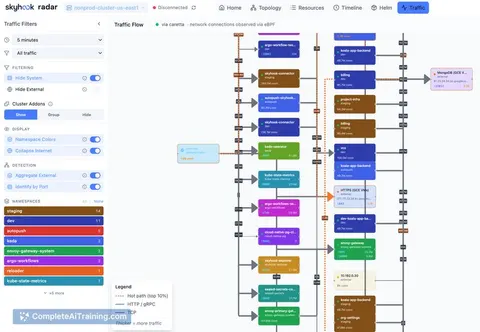
Radar MCP server
by skyhook-ioLets your AI look inside your Kubernetes clusters to check resources, events, logs and Helm state.
Developer tools Official
Buildkite MCP server
by buildkiteLets your AI look at your Buildkite pipelines and builds, compare them, and help you figure out what broke.
Developer tools Official
Docker MCP server
by L337-orgLets your AI look at and manage your Docker containers, images and services for you.

Kubernetes MCP server (MKP)
by StacklokLabsLet your AI look at and change things in your Kubernetes cluster, like pods, deployments and services.

Metoro MCP server
by metoro-ioLets your AI answer questions about your Kubernetes cluster using Metoro's monitoring data.
Developer toolsAnalytics OfficialBuild your own AI apps for devops engineers
Apps you build yourself with your own AI, no coding needed and no monthly fee. Our AI picked the 12 that fit the work of devops engineers.
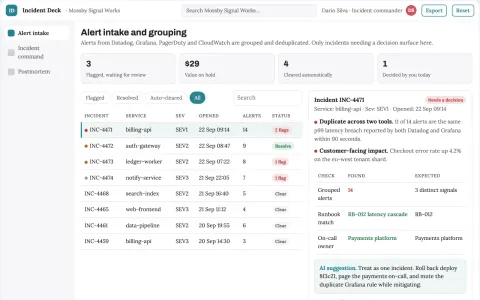
Production incident triage and response coordination portal
Reduce time to coordinated resolution while keeping responders in control.
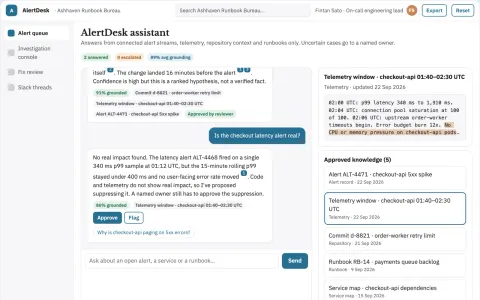
Alert investigation and fix console
Reduce time from alert to reviewed fix while keeping engineers in control.
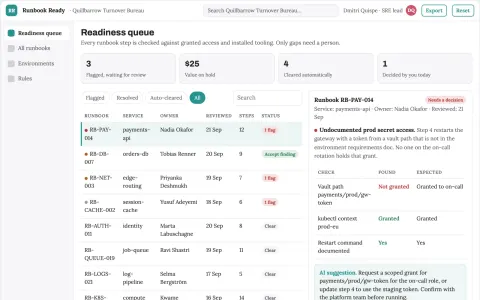
Technical runbook prerequisite checker
Readiness before executing a runbook.
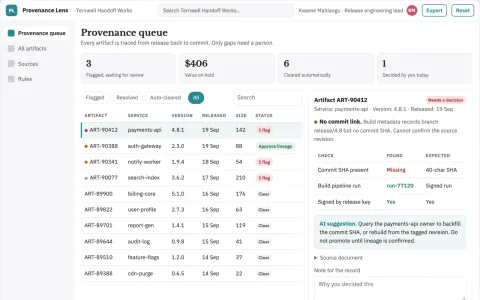
Build artifact provenance explorer
Explain where released artifacts originated.
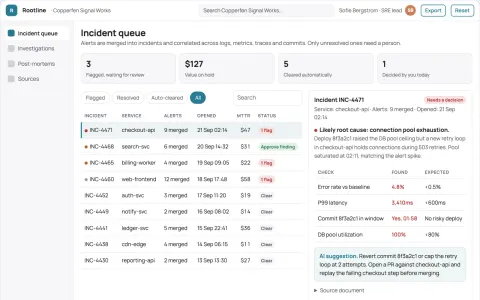
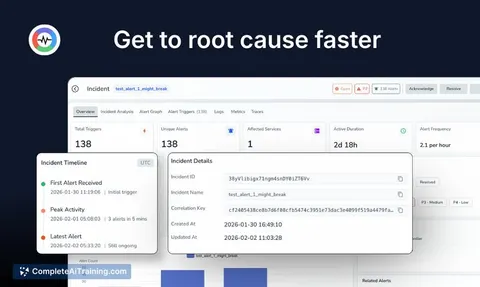
Production incident root-cause coordination portal
Cut time-to-root-cause and incident coordination effort while keeping engineers in control of fixes.
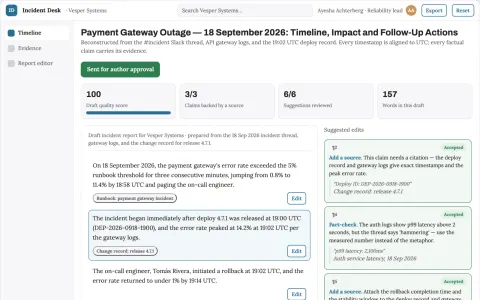
Incident reporting assistant
A verifiable incident timeline with uncertainty explicitly preserved.
Show all 12 apps
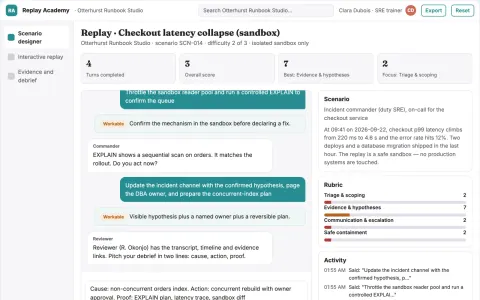
Technical incident replay academy
Build operational capability without production disruption.
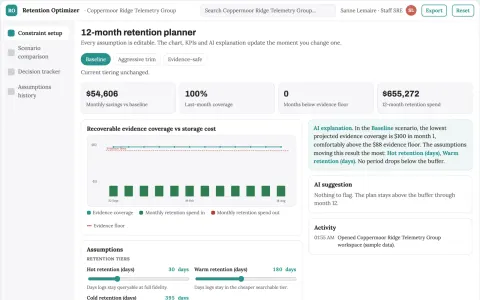
Observability retention optimizer
Control observability cost without discarding required evidence.
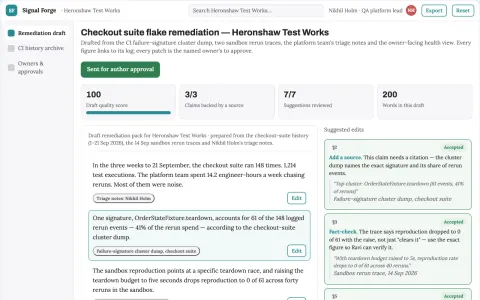
Flaky-test isolation laboratory
Recover meaningful CI signal and reduce repeat investigation.
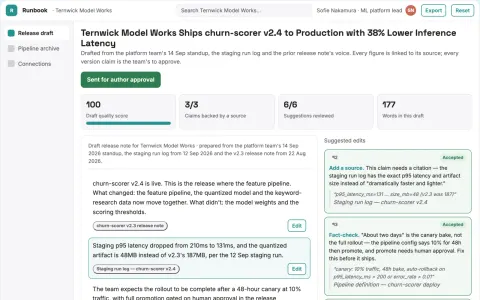
AI delivery workspace with managed implementation
Reduce tool sprawl and handoff effort while keeping project data and workflow under the team's control.
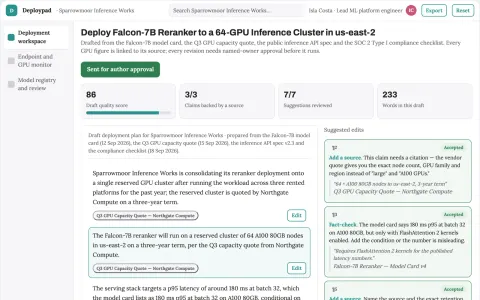
Managed GPU model deployment control plane
Reduce the number of rented platforms and manual handoffs needed to deploy and run AI models.
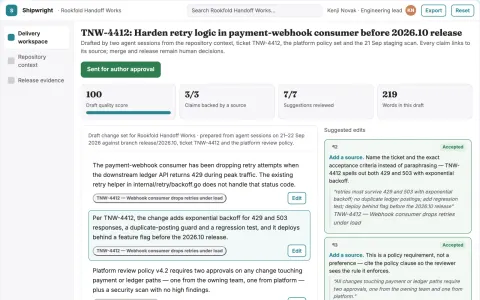
Agentic software delivery control workspace
Consolidate planning, coding, review and release checks into one owned workspace.



























































































About this learning path
6 topicsAI for DevOps Engineers: A Clear Learning Path
DevOps work moves fast. You are asked to fix pipelines, manage cloud infrastructure, and keep systems running, often while juggling alerts and requests. AI can help you draft, review, and explain the technical pieces so you spend less time on repetitive typing and more time on the parts that need your judgment.
This learning path is built for DevOps engineers who want practical AI help without the hype. You will start with setup questions, connect your AI tool, learn job-specific skills inside your AI, take this prompt course, and finish with video courses picked for your role and their certifications.
Why AI matters now
AI tools can read logs, draft configuration, and suggest fixes in seconds. For DevOps, that means faster pipeline edits, quicker incident triage, and clearer runbooks. It does not replace your knowledge, but it gives you a strong first draft to react to.
What this path includes
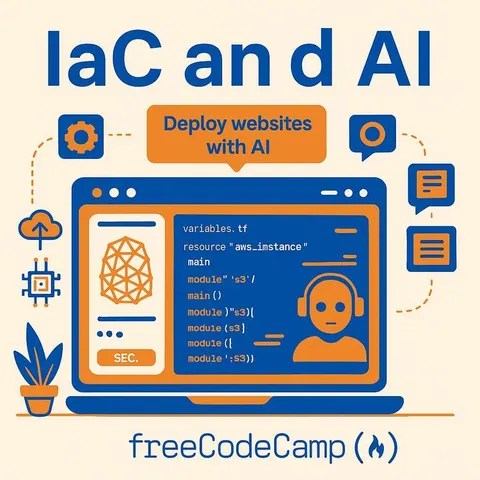
You get setup questions to prepare your tools, a guide to connecting your AI, and lessons on skills for the job inside your AI. Then you take the prompt course with lessons like CI/CD drafts, Infrastructure as Code, Kubernetes manifests, incident triage, monitoring, cost, security, and runbooks. Finally, video courses picked for DevOps engineers come with their certifications.
How it saves you time
Instead of staring at a blank file, you ask AI for a starting point. Instead of searching through logs manually, you ask AI to summarize and suggest next steps. Those small wins add up across a week, especially when incidents hit.
How it protects your career
AI is becoming a normal part of DevOps work. Learning to use it well keeps you current and shows you can adapt. You stay in control of the technical decisions while letting AI handle the first pass.
How to start
Begin with the setup questions and connect your AI. Then work through the prompt course in order, trying each lesson on a real task from your job. Pick one video course that matches your current focus, and keep the certification in mind as a goal.
Frequently asked questions
Do I need to be an AI expert to take this path?
No. The path assumes you know DevOps but not AI. You will learn simple, repeatable ways to ask for help and check the answers. The focus is on practical use, not theory.Which AI tool should I use?
You can use ChatGPT, Claude, Gemini, or another assistant you prefer. The prompts work across tools. The connecting guide helps you set up whichever one you choose.Will AI make my job redundant?
No. AI is a helper, not a replacement. It drafts and suggests, but you still review, decide, and own the systems. The path helps you use AI to do your job better, not to step away from it.How long does the path take?
You can move at your own pace. Many learners finish the prompt course in a few sittings and then explore video courses over a few weeks. The goal is steady progress, not speed.