AI tool
LM Studio
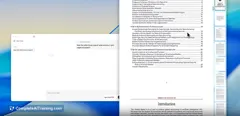
LM Studio lets you run large language models locally on your laptop, offline. Interact with your documents through an in-app chat or OpenAI-compatible server, ensuring privacy and seamless access without internet dependency.
About LM Studio
LM Studio is an AI tool focused on providing a user-friendly environment for building and deploying language models. It offers an accessible interface for both beginners and experienced users to experiment with machine learning models efficiently.
Review
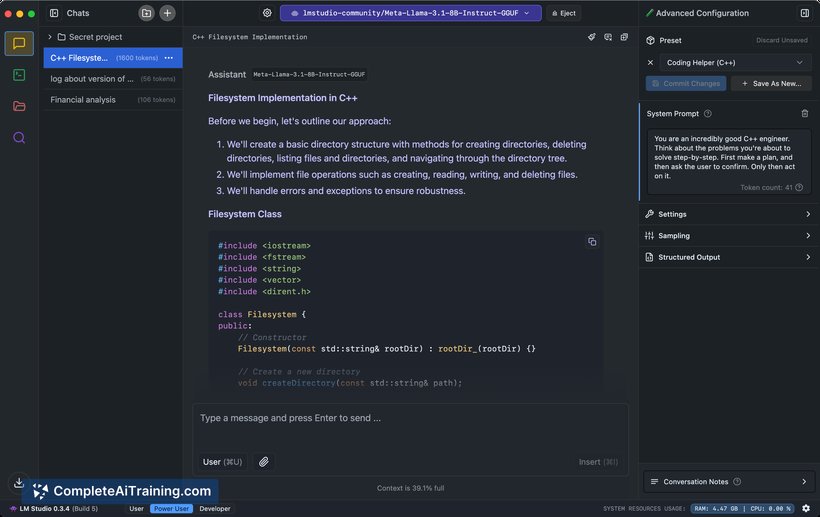

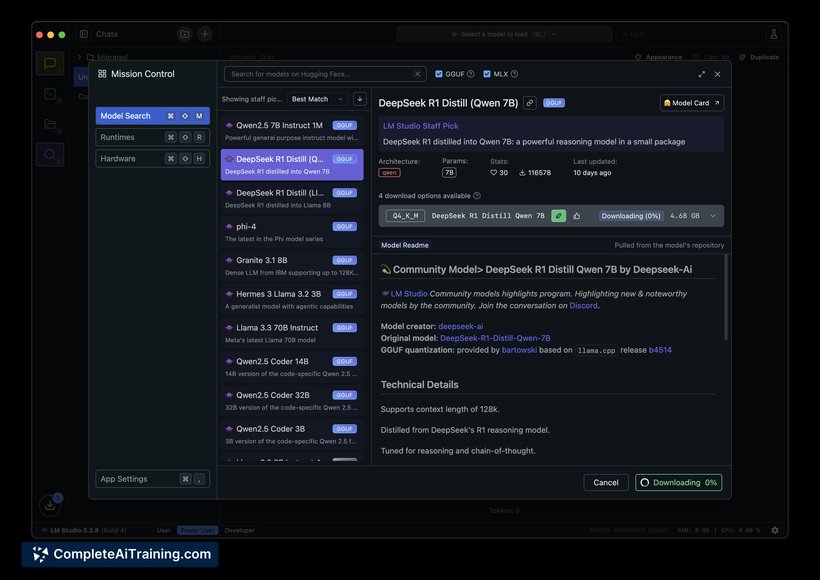
LM Studio presents a straightforward platform that simplifies the process of working with language models. Its interface and features make it easier to create, fine-tune, and test models without requiring extensive technical knowledge. This makes it a practical choice for developers and enthusiasts interested in AI language applications.
Key Features
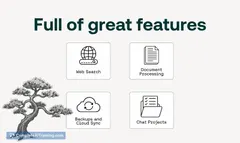
- Intuitive graphical interface for model building and deployment
- Support for multiple language model architectures
- Tools for fine-tuning models on custom datasets
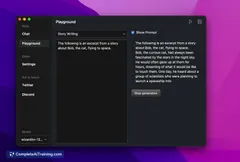
- Real-time testing and interaction with models
- Integration options for popular machine learning frameworks
Pricing and Value
LM Studio offers a tiered pricing model including a free version with basic features suitable for individual users and learners. Paid plans provide access to advanced capabilities, higher usage limits, and priority support, making it suitable for professional use. Overall, the pricing is competitive and provides good value considering the range of features available.
Pros
- Easy-to-use interface suitable for users with varying experience levels
- Flexible support for different model types and customization
- Helpful real-time testing capabilities
- Affordable pricing with a functional free tier
- Good integration with existing machine learning tools
Cons
- Limited advanced analytics and reporting features
- Some learning curve for users new to AI concepts
- Occasional performance lag with very large models
LM Studio is ideal for developers, AI enthusiasts, and small teams looking for an accessible platform to build and experiment with language models. It works well for those who want to get started quickly without deep technical barriers, while still offering enough customization for more experienced users.
Jobs LM Studio suits
Useful in almost any job. We checked LM Studio against 500+ jobs; these get the most out of it.
Alternatives to LM Studio
Other tools that do the same main job. Our AI compared LM Studio with similar tools and kept the ones you could use instead.