AI tool
MakeForms
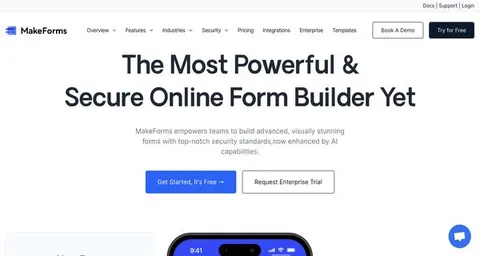
MakeForms is a versatile platform for building and managing secure forms. With features like custom branding, workflows, and integrations, it ensures data protection with encryption and access controls, making it ideal for collaborative and enterprise environments.
About: MakeForms
MakeForms is an advanced form-building platform designed to empower users in creating, sharing, and managing forms with utmost security. Its core functionality centers around an intuitive interface that allows for the seamless design of forms tailored to specific needs. Key features include a variety of customizable form fields, conditional logic for dynamic user experiences, and sophisticated workflows that streamline data collection processes. Users can personalize their forms with custom branding and domain mapping, ensuring a cohesive brand identity.
Security is paramount with MakeForms, offering robust data encryption, password protection, and CAPTCHA to safeguard sensitive information. The access control list feature enables precise user permissions, enhancing data integrity. This platform is particularly beneficial for businesses, educational institutions, and organizations that require reliable data collection for feedback, registrations, surveys, and more.
What sets MakeForms apart is its ability to integrate effortlessly with other enterprise solutions, making it a valuable tool for teams looking to enhance collaboration and efficiency in form management.
Review: MakeForms
Introduction
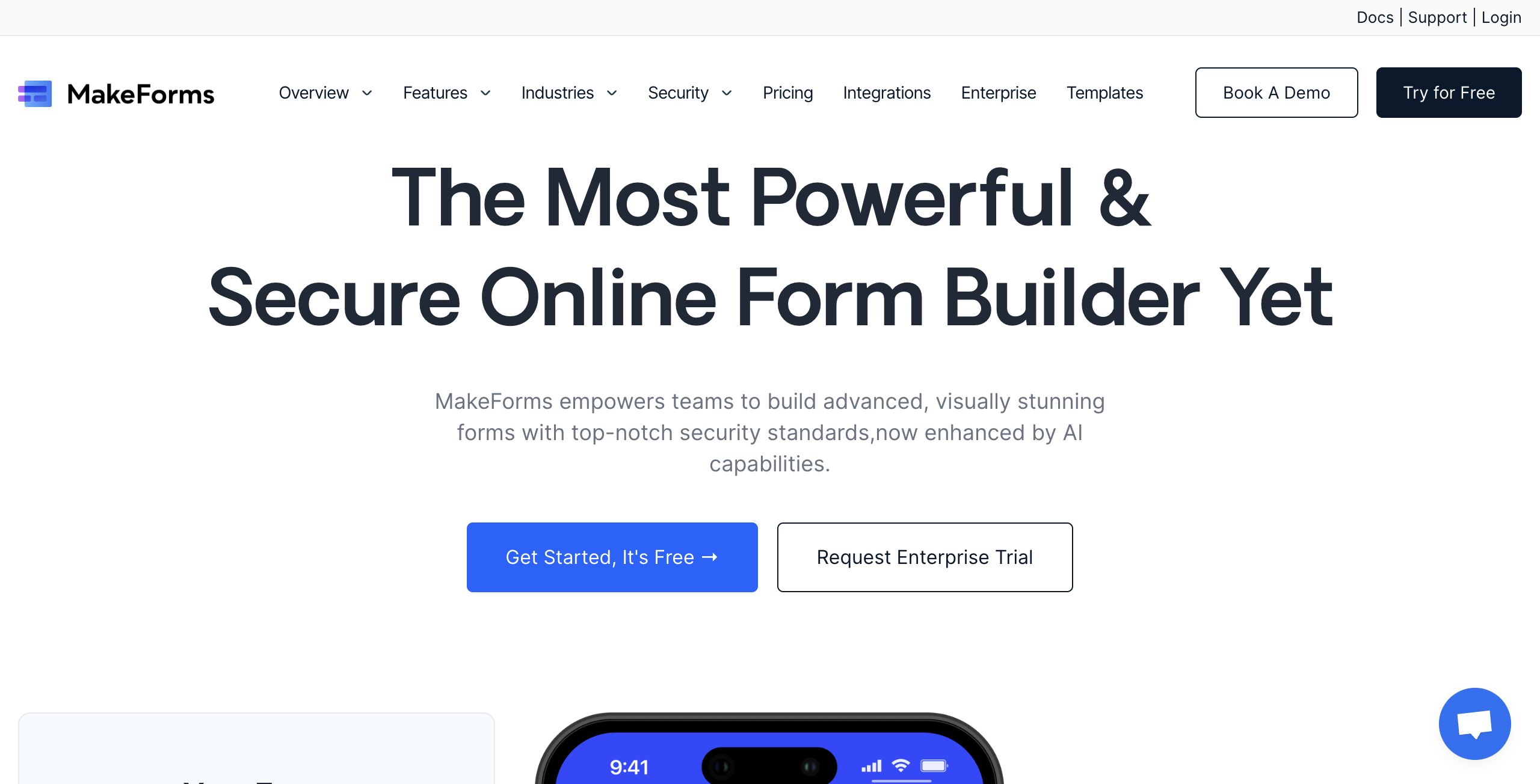
MakeForms is a powerful and secure form builder designed for professionals and enterprises who need to create, share, and track forms with high security standards. Aimed at businesses across various industries such as healthcare, finance, education, and more, MakeForms provides a robust platform that automates workflows, integrates with enterprise solutions, and ensures that data remains protected. In today’s digital world where data security and efficient workflow management are paramount, MakeForms stands out as a relevant tool for teams looking to optimize their form management processes.
Key Features
MakeForms offers a range of features that make it a comprehensive solution for form creation and management:
- Secure Form Building: Create forms that are not only visually appealing but also secure, with features such as data encryption, password protection, captcha, and access control lists.
- Conditional Logic and Workflows: Customize form behavior using conditional logic and streamline processes with a dedicated workflow builder that handles triggers and approval processes.
- Customization and Branding: Enhance the user experience by applying custom branding and domain mapping, ensuring that forms align with organizational identity.
- Team Collaboration: Work together seamlessly with team collaboration tools and organizational features like workspaces and verified submissions.
- Integrations: Connect with other enterprise systems, making it easier to incorporate MakeForms into your existing tech ecosystem.
- Versatile Form Types: Whether you need single-field forms, multi-step processes, or all-at-once designs, MakeForms adapts to different use cases such as feedback, lead generation, appointment forms, and more.
Pros and Cons
- Pros:
- Robust security measures to protect sensitive data.
- A wide range of customizable form types and features.
- Efficient workflow automation and conditional logic for dynamic forms.
- Strong integration capabilities with enterprise solutions.
- Team collaboration and data organization features that support large-scale operations.
- Cons:
- The extensive features and options might be overwhelming for new or less tech-savvy users.
- Some potential users may find the setup process complex, particularly if they are new to advanced form builders.
Final Verdict
Overall, MakeForms is an excellent choice for organizations and enterprises that require a secure and feature-rich form builder. Its robust security features and extensive customization options make it ideal for industries where data protection is critical. However, smaller teams or those new to digital form builders might experience a steeper learning curve due to the platform's advanced features. In summary, if your organization is looking for a comprehensive tool that combines security, workflow automation, and integration capabilities, MakeForms is worth considering.
Jobs MakeForms suits
We checked MakeForms against 500+ jobs; these get the most out of it.