
AI tool
Notion 3.4
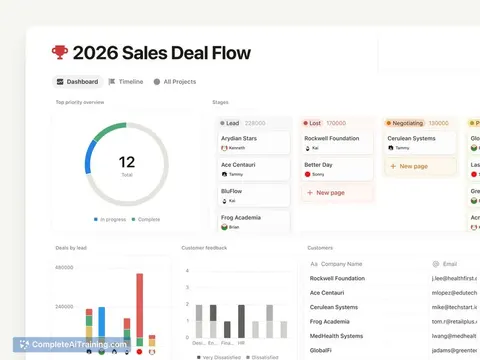
Notion 3.4 turns scattered databases into clean KPI dashboards, adds presentation mode, tabs and a streamlined sidebar, and uses AI to create charts, slides and diagrams, keeping docs, dashboards and visuals connected in one workspace.
About Notion 3.4
Notion 3.4 is an update to a popular all-in-one workspace that adds dashboards, new connectors, a redesigned sidebar, and smarter AI agents. The release brings image generation, chart and slide creation, presentation mode, tabs, and archive pages so more work can be created and presented without leaving the workspace.
Review
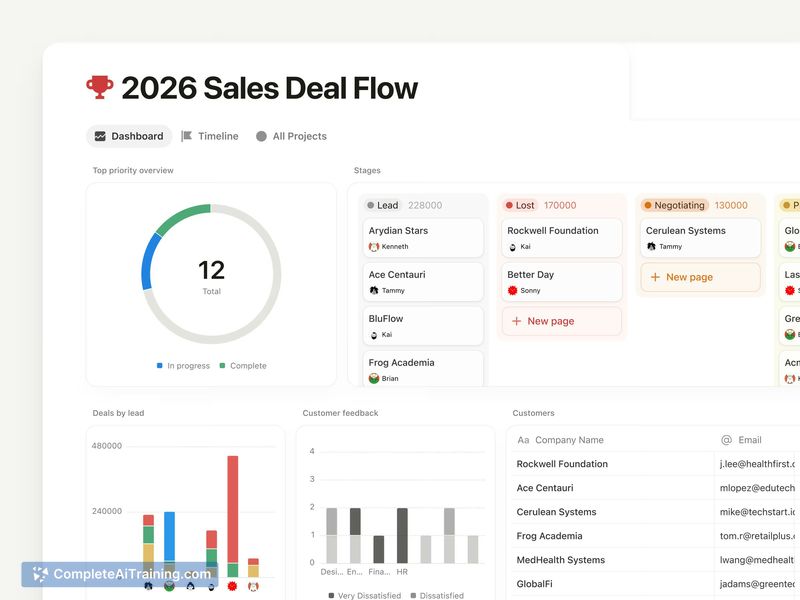
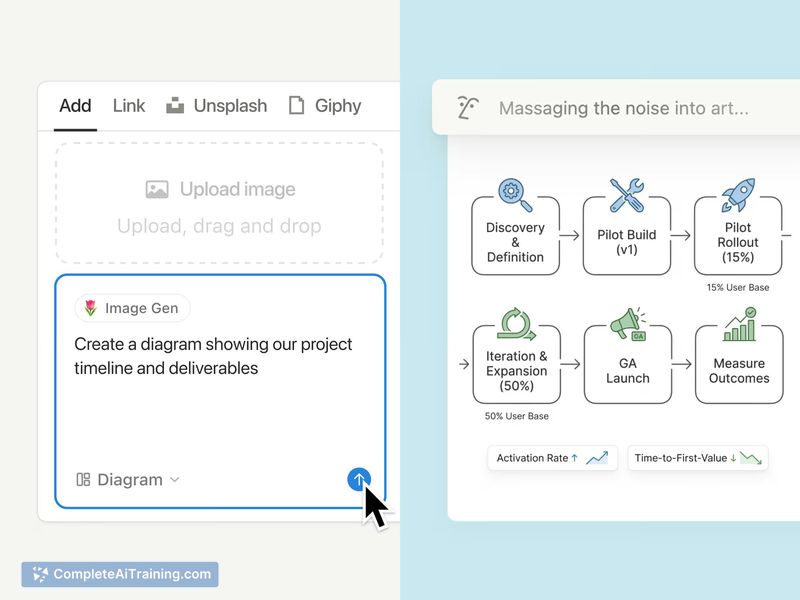

This update concentrates on consolidating document, analytics, and presentation workflows into a single interface. The new dashboard view and in-workspace AI features aim to reduce the need to hop between multiple tools, while UI tweaks help keep larger workspaces more focused.
Key Features
- Dashboard view: turn scattered databases into KPI and metrics hubs for clearer project and product tracking.
- AI-generated visuals: create charts, slides, diagrams and images directly inside the workspace.
- Presentation mode: present documents and pages without exporting or switching apps.
- Redesigned sidebar and tabs block: reduce clutter and organize pages and sections more efficiently.
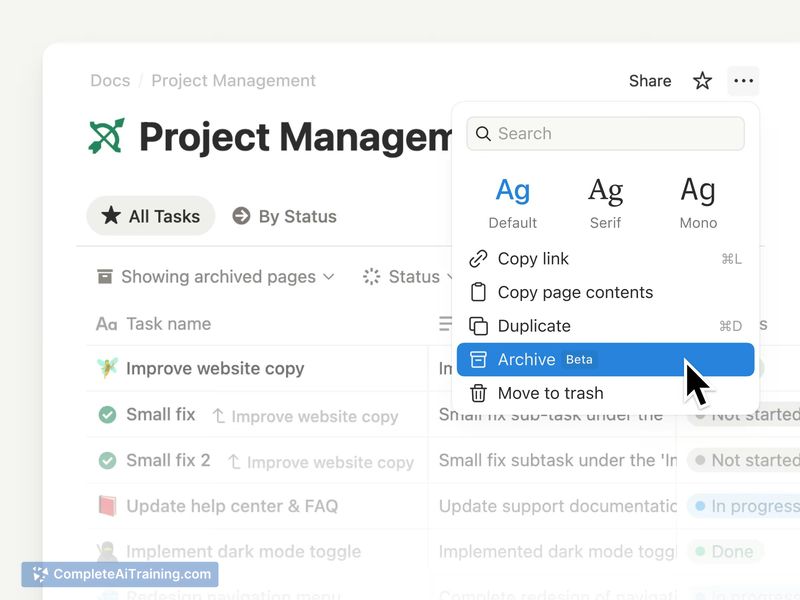
- Archive pages and connectors: improve search quality and integration with external data sources.
Pricing and Value
There is a free option available, with paid plans that add team collaboration features, admin controls, integrations, and enterprise-level support. The value proposition centers on keeping documents, dashboards, and AI-assisted content connected in one place, which can lower friction and time lost to tool switching for teams that manage projects, product work, or shared knowledge bases.
Pros
- Combines docs, dashboards, and presentations in one workspace for smoother workflows.
- AI can generate visuals and slides in-context, saving time on manual creation.
- Cleaner sidebar and tabs help reduce visual clutter in large workspaces.
- Presentation mode removes the need to export content for meetings or reviews.
- Archive pages can improve search relevance and AI responses by separating active content from historical material.
Cons
- Details about how AI processing handles sensitive data and privacy are not always clear and may require verification for regulated use cases.
- Dashboard versioning and how retroactive changes to underlying data are tracked can be a concern for finance or audit-heavy workflows.
- AI-generated visuals may misinterpret ambiguous data and sometimes need manual correction or clarification.
Notion 3.4 is well suited to product teams, operators, and small-to-medium teams that want a single place for docs, metrics, and presentations with built-in AI assistance. It makes the most sense for groups that prioritize integrated workflows and are willing to validate data handling and versioning behaviors before relying on it for sensitive or audit-critical use cases.
Jobs Notion 3.4 suits
Useful in almost any job. We checked Notion 3.4 against 500+ jobs; these get the most out of it.



