AI tool
NOVA
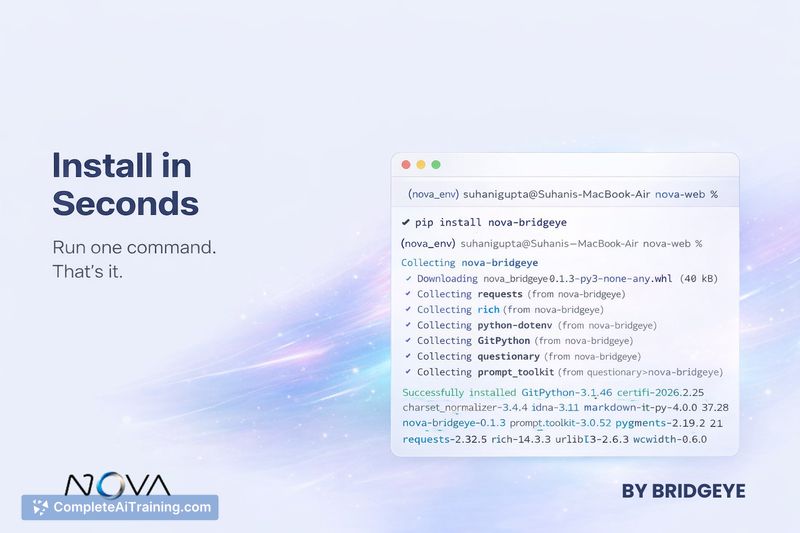
NOVA Auto-Heal runs AI-suggested fixes, executes code, diagnoses errors, and applies patches automatically-cutting manual debugging and CI friction. pip install nova-bridgeye

About NOVA
NOVA is an AI-assisted development tool that automates common developer tasks, from creating files based on a described goal to fixing runtime errors. It includes features for refactoring, in-terminal Git operations, and automated error remediation to shorten the edit-run-fix loop.
Review

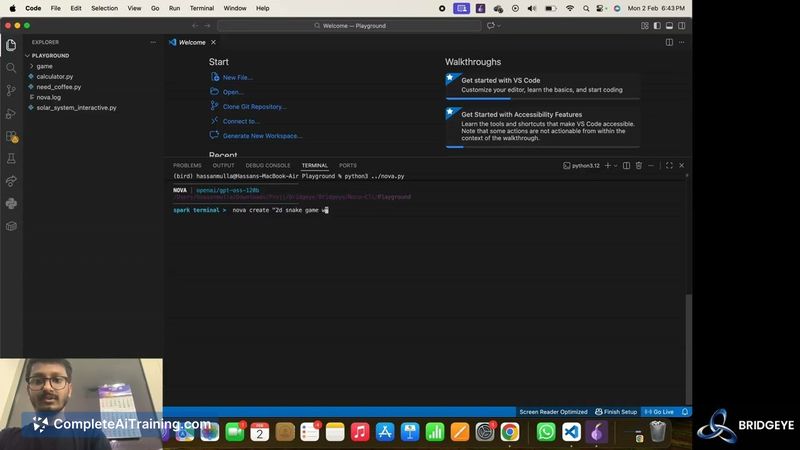
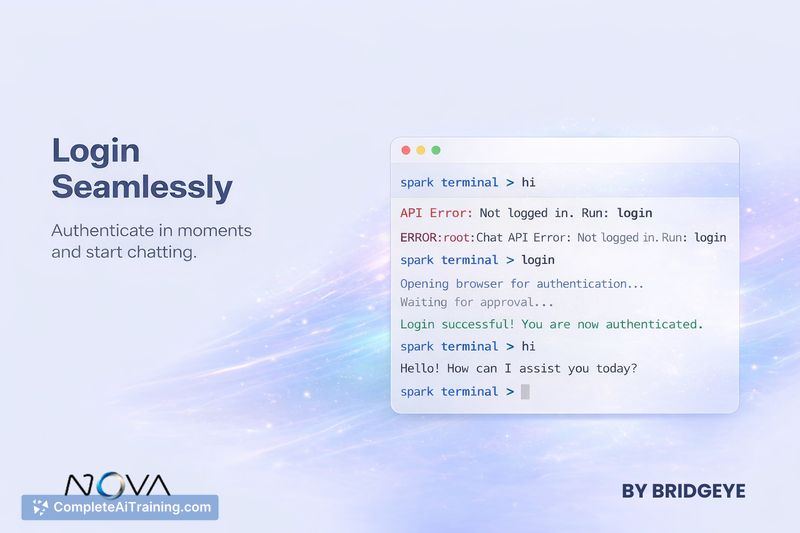
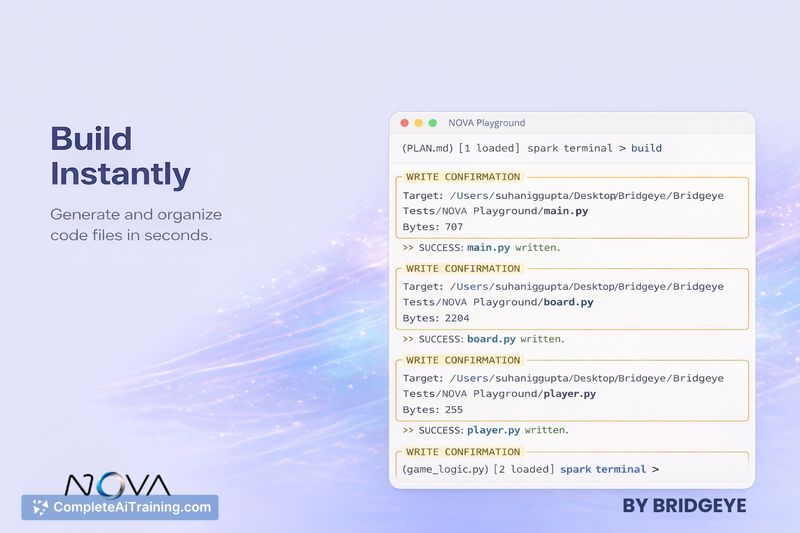
NOVA focuses on reducing repetitive developer friction by moving beyond suggestion-based assistants to actual code changes and terminal actions. Its standout capability is automatic error handling that can apply fixes after a failed run, which aims to reduce the time spent copying tracebacks and iterating manually.
Key Features
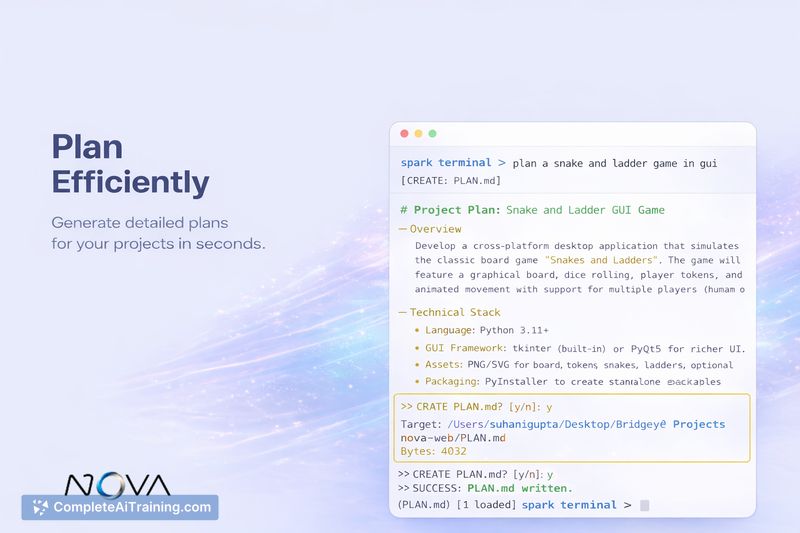
- Build from goal: describe what you want and NOVA generates the necessary files and scaffolding.
- Auto-Heal: when code fails, NOVA can detect tracebacks and attempt automated fixes.
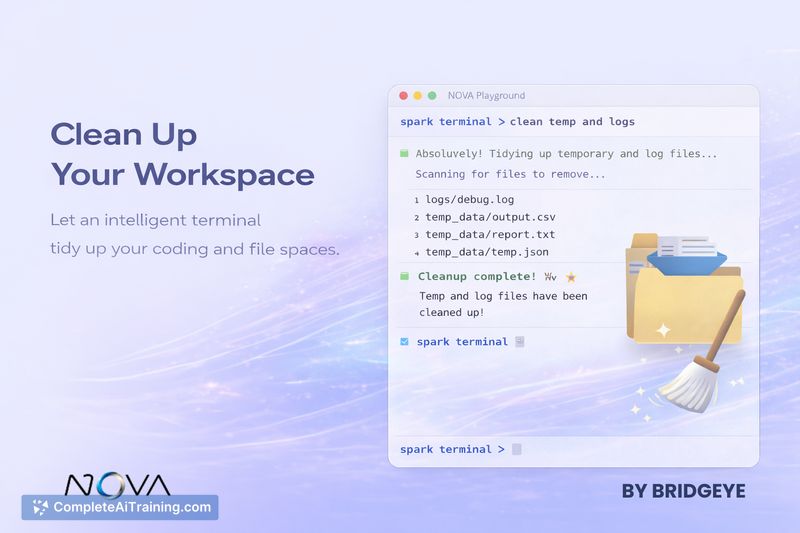
- Janitor refactor: request refactors for individual files on demand.
- Git in-terminal: commit, push, and pull without leaving the development environment.
- Command-line workflow: designed to integrate into a developer's existing terminal-based processes.
Pricing and Value
NOVA launched with an interactive free option, making it accessible for individual developers and small teams to try core functionality. Pricing for higher usage tiers or enterprise features is not fully detailed on the launch notes, so organizations with larger scale needs should check the product site for current plans. For developers who spend a lot of time iterating on errors, the time savings from automatic fixes can represent meaningful value even if paid tiers are required later.
Pros
- Significantly reduces manual back-and-forth between terminal errors and an assistant by applying fixes automatically.
- Combines multiple developer tasks (file generation, refactoring, Git) into a single workflow.
- CLI-first approach keeps the tool close to typical developer habits and tooling.
- Early releases show active development and responsiveness to feedback from users.
Cons
- As an early-stage product, language and environment coverage may be limited and will expand over time.
- Automated fixes require careful review-incorrect or incomplete changes can introduce subtle bugs.
- Detailed pricing and enterprise support options may be unclear for organizations evaluating at scale.
Overall, NOVA is well suited for individual developers and small teams that want to reduce iterative debugging time and speed up prototyping. Teams that require strict change control or have complex production environments should evaluate its fixes in a controlled workflow before adopting it widely.
Jobs NOVA suits
We checked NOVA against 500+ jobs; these get the most out of it.
Alternatives to NOVA
Other tools that do the same main job. Our AI compared NOVA with similar tools and kept the ones you could use instead.