AI tool
ParrotPDF
ParrotPDF lets you interact with your PDFs by asking questions and receiving instant answers, making document review faster and more intuitive. Experience a seamless way to explore and extract information from your files through natural conversation.
About ParrotPDF
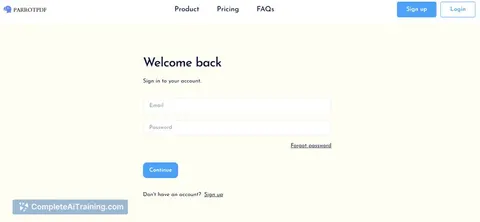
ParrotPDF is an AI-powered document assistant focused on simplifying the way users interact with PDF files. It enables users to ask questions and receive instant answers extracted from PDF documents, making information retrieval faster and more intuitive.
Review
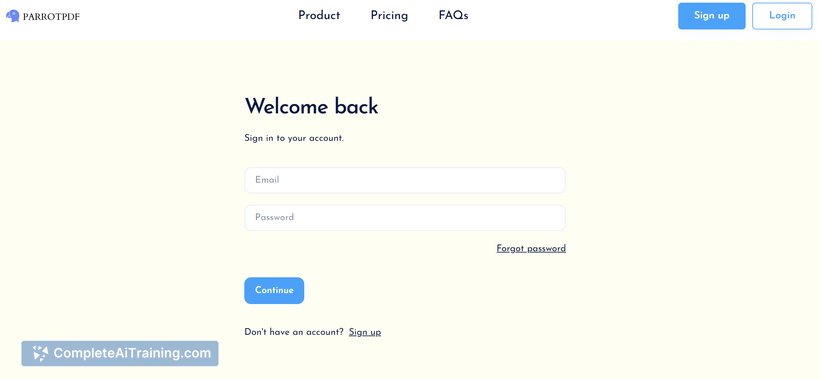
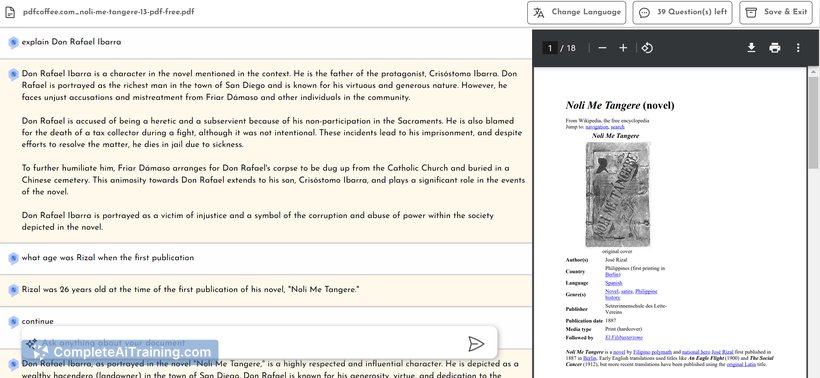
ParrotPDF offers a straightforward approach to extracting information from PDFs by leveraging artificial intelligence. It allows users to upload documents and query them directly without the need to manually sift through pages. This functionality can save time and enhance productivity, especially for those who frequently work with large or complex PDF files.
Key Features
- AI-driven question-answering based on the content of uploaded PDF documents.
- Supports multiple document uploads for handling various sources simultaneously.
- Provides concise, relevant answers rather than entire document extracts.
- User-friendly interface with simple upload and query functionality.
- Secure processing to protect sensitive document information.
Pricing and Value
ParrotPDF offers a free tier that allows users to test its core functionalities with limited document size and query volume. Paid plans unlock higher document limits, faster response times, and additional features such as priority support. Overall, the pricing is competitive for individuals and professionals who require frequent access to quick PDF data retrieval without investing in complex software suites.
Pros
- Easy to use with minimal setup required.
- Effectively reduces time spent searching through PDFs.
- Supports multiple documents simultaneously, enhancing flexibility.
- Delivers focused answers that help users get straight to the point.
- Maintains user data privacy with secure document handling.
Cons
- Accuracy depends on the quality and formatting of the PDF content.
- Limited advanced editing or annotation features beyond querying.
- May not fully replace manual review for highly specialized or technical documents.
ParrotPDF is well-suited for students, researchers, and professionals who often need to extract specific information from PDFs quickly. It works best in scenarios where rapid answers are preferred over detailed document analysis, making it a practical tool for streamlining routine document inquiries.
Jobs ParrotPDF suits
We checked ParrotPDF against 500+ jobs; these get the most out of it.
Alternatives to ParrotPDF
Other tools that do the same main job. Our AI compared ParrotPDF with similar tools and kept the ones you could use instead.