About Paste MCP & AI Tools
Paste MCP & AI Tools is a clipboard manager that captures and stores everything you copy, making it easy to find and reuse snippets across Mac, iPhone, and iPad. It offers searchable history, secure sync, and shortcuts to speed common copy-paste tasks.
Review
Paste MCP & AI Tools performs as a practical clipboard extension for people who frequently move text, code, or links between apps and devices. Its searchable history and cross-device sync are the standout capabilities, and recent additions broaden how clipboard data can be used with AI assistants.
Key Features
- Persistent, searchable clipboard history that stores past copies for quick retrieval.
- Cross-device sync across Mac, iPhone, and iPad so snippets follow you between devices.
- Privacy-focused controls and an ignore list to avoid capturing content from secure apps.
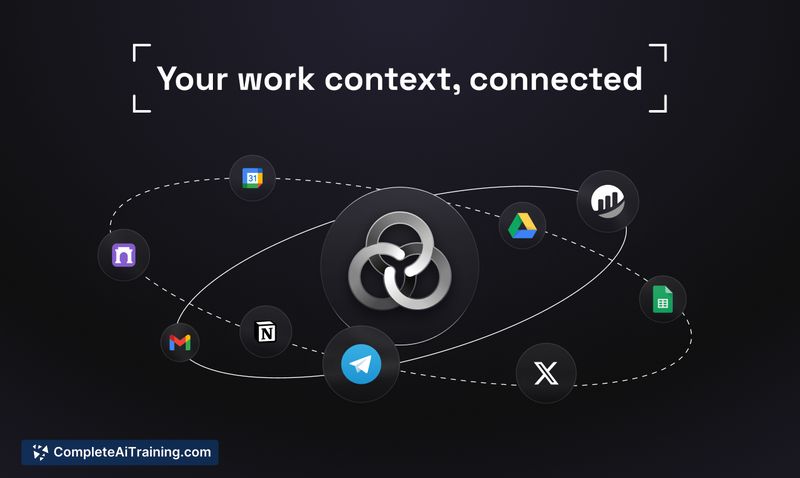
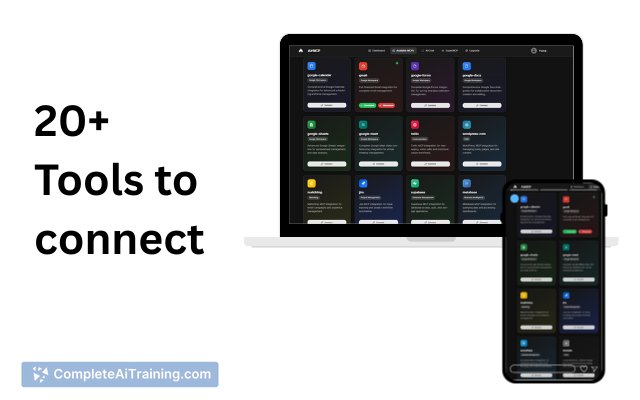
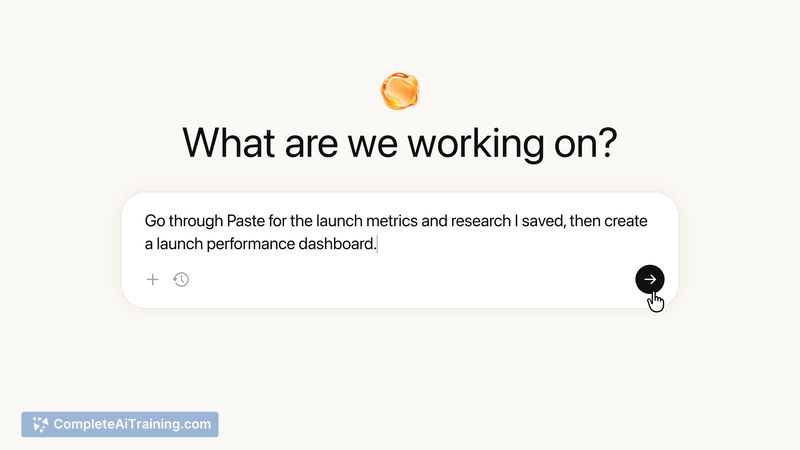
- MCP integration to let AI assistants access and save clipboard snippets as long-term context.
- Shortcuts, pinboards, and lightweight organization tools for grouping frequently used items.
Pricing and Value
The product page indicates free options are available, with additional features and extended usage commonly gated behind paid tiers or subscriptions. For casual users the free tier provides useful functionality; frequent users, teams, or those relying on cross-device sync and advanced integrations will likely find a paid plan worthwhile. Trying the free option first is an efficient way to assess whether the extra features justify the cost.
Pros
- Fast, dependable performance for everyday copy-paste needs.
- Long searchable history prevents loss of previously copied content.
- Seamless cross-device syncing keeps snippets available on Mac and iOS devices.
- AI integration lets clipboard content serve as persistent context for assistant workflows.
- Privacy settings and an ignore list reduce the chance of saving sensitive items.
Cons
- Some users report the interface feels bulky or visually cluttered compared to lighter alternatives.
- Occasional sync or search rough spots have been noted on mobile platforms.
- Without regular cleanup, stored snippets can become stale or cluttered, requiring manual management.
Paste MCP & AI Tools is best suited for power users who rely on frequent copy-paste operations, developers and writers who need quick access to past snippets, and anyone integrating clipboard content into AI-assisted workflows. Evaluate the free tier first to confirm that cross-device sync and AI integrations match your daily needs before committing to a paid plan.
Open 'Paste MCP & AI Tools' Website
Your membership also unlocks: