AI tool
Revo AI Email Assistant
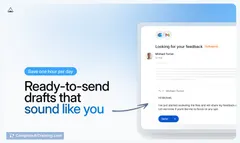
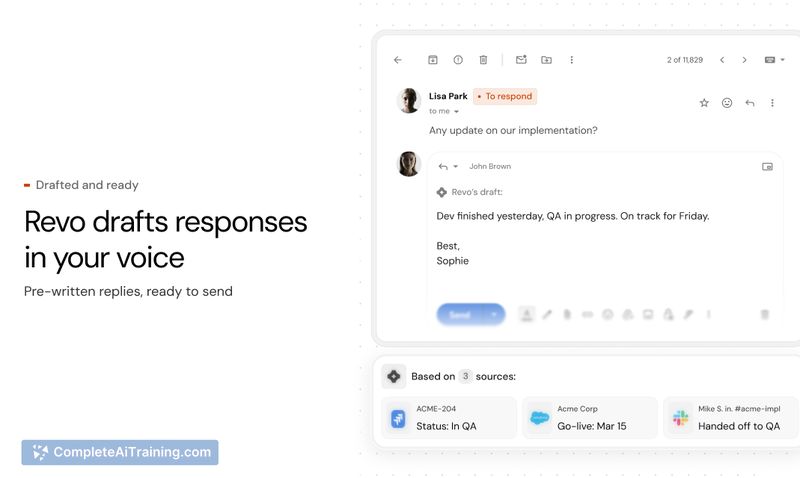
Revo AI Email Assistant drafts fact-based replies in seconds by pulling context from 50+ integrations (Slack, Jira, CRM, docs), meeting notes and attachments-accurate, company-aware drafts ready to send.
About Revo AI Email Assistant
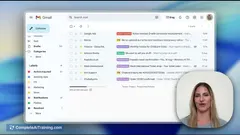
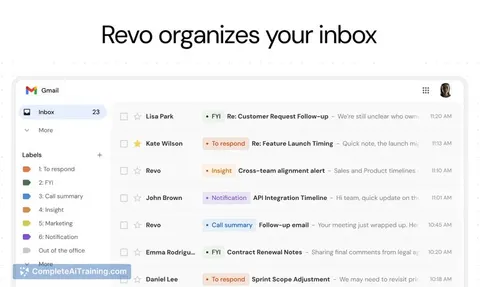
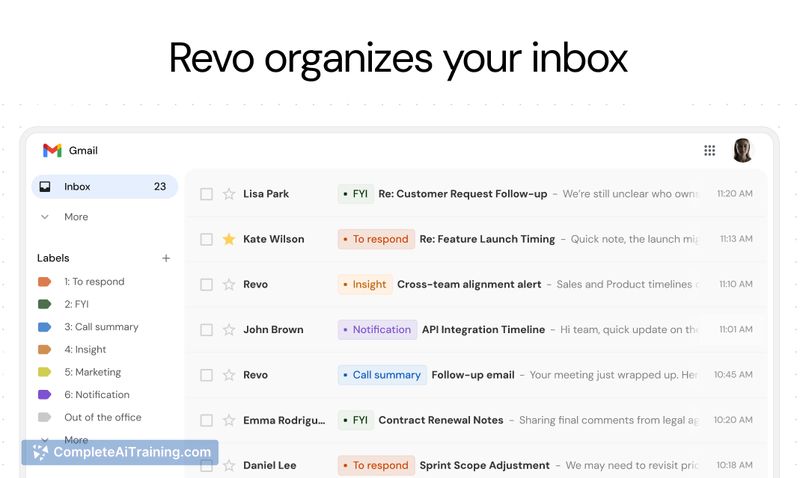
Revo AI Email Assistant is an intelligent inbox layer that connects your meetings, Slack, CRM and other tools to draft email replies for Gmail and Outlook. It pulls context from multiple integrations and attachments to produce fact-based drafts so you spend less time searching and composing.
Review

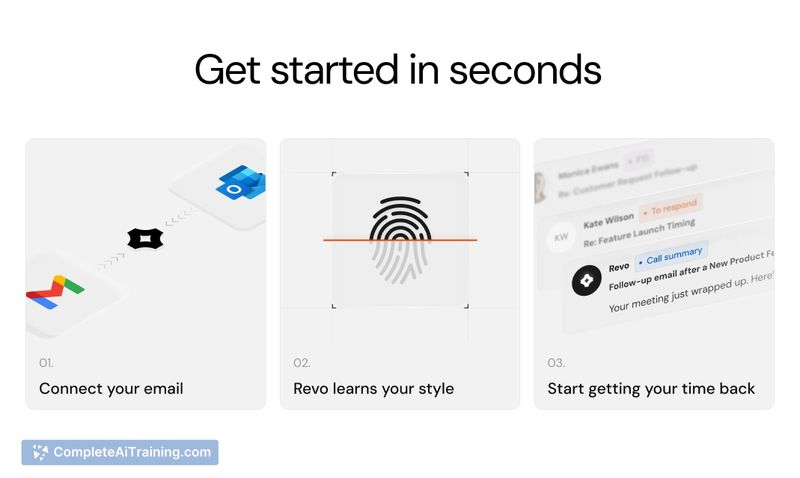
This review looks at Revo's ability to gather cross-tool context, produce accurate email drafts, and maintain appropriate privacy controls. I evaluate usefulness for daily workflows, integration reach, and where manual review is still needed.
Key Features
- Deep context aggregation from 50+ integrations (Slack, Jira, CRM, docs, meeting notes) to inform replies.
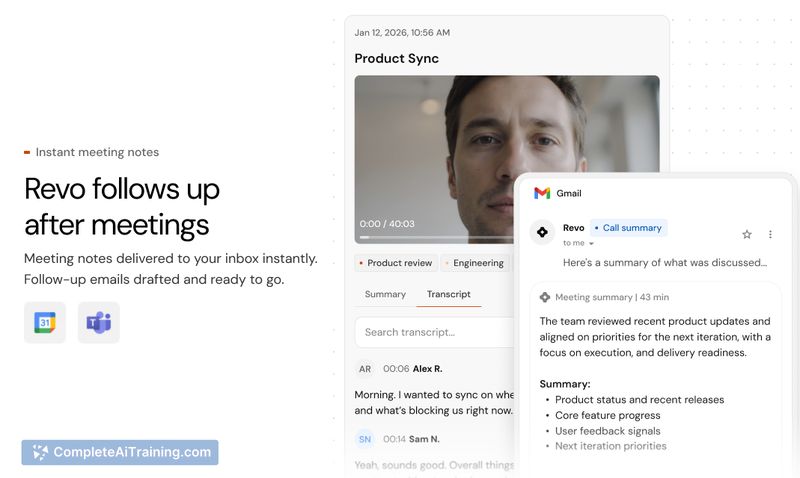
- Meeting intelligence with a native notetaker or ability to connect existing note systems for context.
- Attachment support: reads and extracts relevant information from attached files.
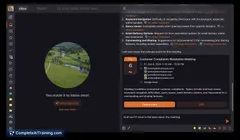
- Fact-based instant drafts that include source links and gap detection to highlight uncertain items.
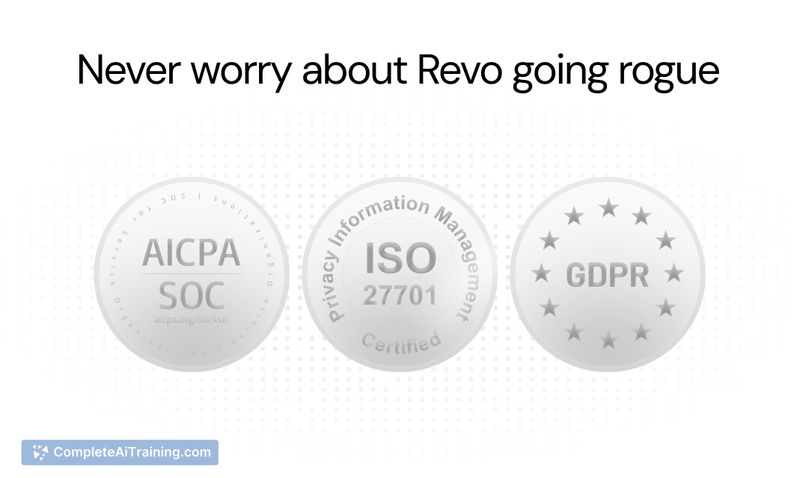
- Adaptive security controls that inherit permission mappings and allow workspace rules to limit sensitive data exposure.
Pricing and Value
There is a free option available, and the product page lists a limited-time promotional offer (50% off for three months with code PRODUCTHUNT50). The assistant is positioned to save time by reducing manual lookups across tools and speeding up reply drafting, which can justify subscription costs for users who handle high volumes of email. Organizations should evaluate potential time savings against integration setup and any administrative access required.
Pros
- Drafts are grounded in data from your actual tools, reducing factual errors compared with tone-only AIs.
- Wide set of integrations brings relevant context into replies without manual tab switching.
- Reads attachments and links to sources so you can verify content quickly before sending.
- Permission-aware approach and gap detection help reduce accidental exposure of internal-only information.
Cons
- Effectiveness depends on the breadth and quality of connected integrations; limited connections reduce value.
- Requires appropriate permissions and initial configuration-misconfiguration can create privacy risks or incomplete drafts.
- Automated drafts may still need tone or detail edits, especially for sensitive or complex correspondence.
Overall, this assistant is best suited for teams and professionals who use multiple collaboration and tracking tools and want to reduce time spent hunting for context. It fits sales, support, and product teams that receive many context-heavy emails; those with minimal tool usage or strict data isolation requirements should evaluate privacy rules and integration access before adopting.
Jobs Revo AI Email Assistant suits
Useful in almost any job. We checked Revo AI Email Assistant against 500+ jobs; these get the most out of it.
Alternatives to Revo AI Email Assistant
Other tools that do the same main job. Our AI compared Revo AI Email Assistant with similar tools and kept the ones you could use instead.