AI tool
Superinbox
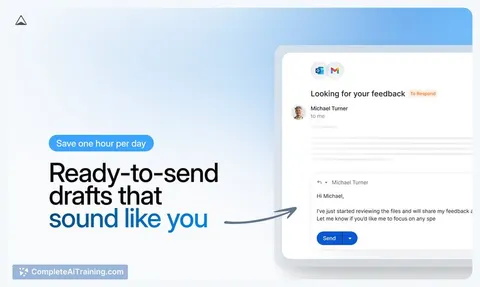
Superinbox: AI assistant inside Gmail and Outlook that drafts context-aware replies in your voice, auto-organizes and filters noise, and schedules meetings, so you reclaim hours without switching apps.
About Superinbox
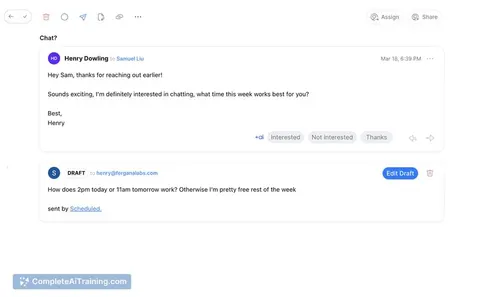
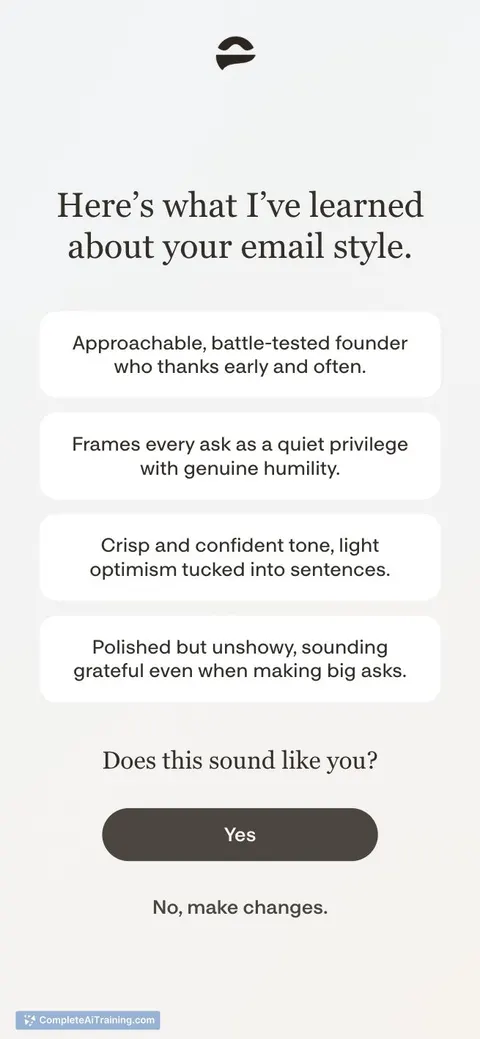
Superinbox is an AI assistant that integrates with Gmail and Outlook to draft replies and organize messages without requiring a separate email app. It learns your writing style to generate contextual responses and applies smart labels and filters to reduce inbox clutter.
Review
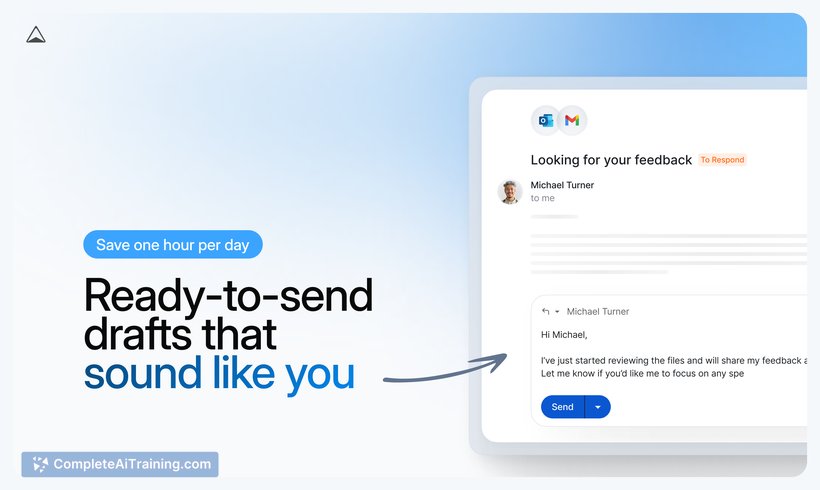
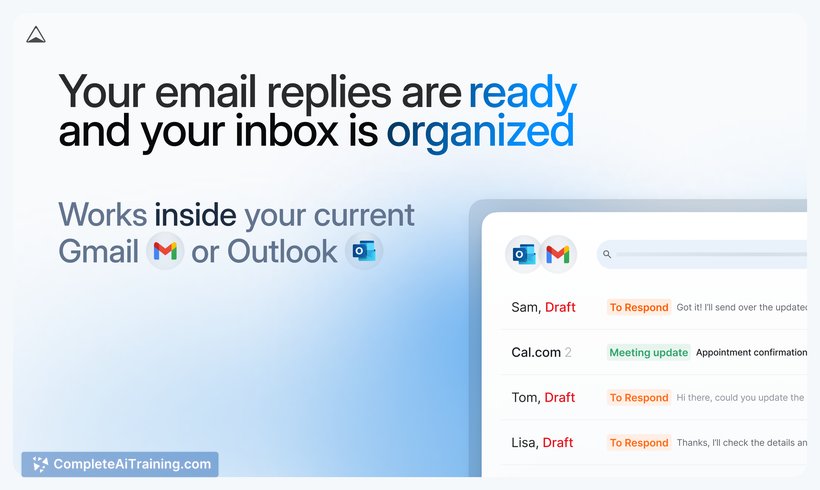
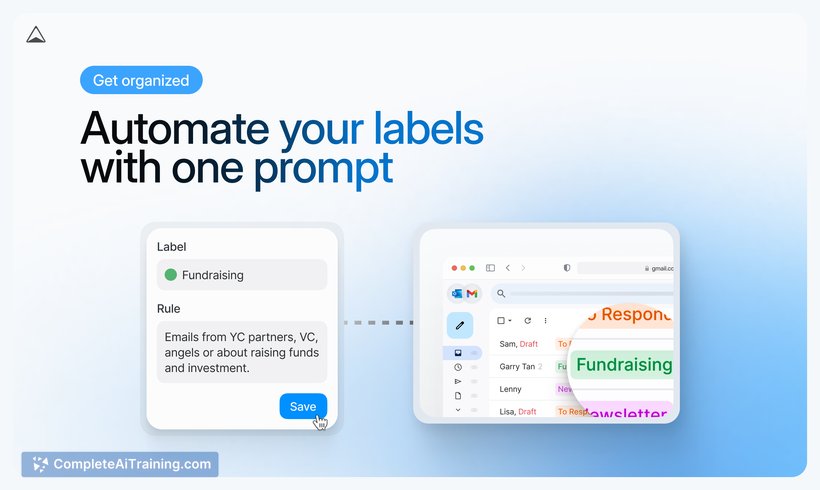
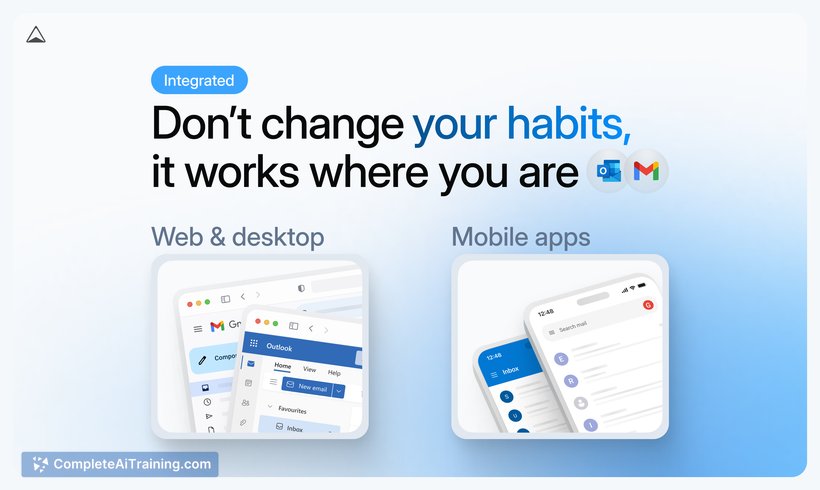
Superinbox focuses on streamlining everyday email work by bringing AI into the inbox you already use. Its strengths are native integration with major providers and features that combine reply drafting, automated sorting, and simple scheduling.
Key Features
- Contextual reply drafting that adapts to your tone and recent conversation history
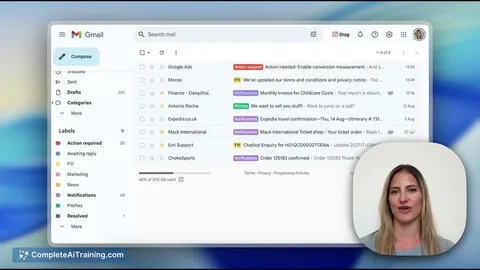
- Auto-organization with smart labels that group and prioritize messages
- Noise filtering to separate cold outreach and newsletters from important mail
- Calendar connection for faster meeting scheduling and one-click invites
- Native operation inside Gmail and Outlook-no new app to learn
Pricing and Value
The product page shows free options alongside paid tiers and a launch promotion of 30% off for three months. The main value proposition is time savings and reduced context switching by keeping AI assistance inside existing inboxes. As with any AI-driven email helper, evaluate the specific plan limits, feature differences between tiers, and data handling terms to judge overall value for your needs.
Pros
- Seamless integration with Gmail and Outlook means minimal workflow disruption
- Personalized-sounding drafts can speed up response time and keep your voice consistent
- Automated labeling and filtering cut down manual sorting effort
- Calendar integration simplifies meeting setup from within email
Cons
- Requires access to email content and potentially calendar data, so privacy and compliance review is important for sensitive accounts
- AI-generated replies may need editing for nuance or technical accuracy, especially in complex threads
- Functionality is focused on Gmail and Outlook users and may not support other providers equally
Superinbox is best suited for busy professionals and heavy email users who rely on Gmail or Outlook and want to reclaim time spent on routine messages. It's worth trying the free tier or trial to confirm the tone-matching and sorting meet your expectations, and to review security settings before using it with sensitive or regulated accounts.
Jobs Superinbox suits
Useful in almost any job. We checked Superinbox against 500+ jobs; these get the most out of it.
Alternatives to Superinbox
Other tools that do the same main job. Our AI compared Superinbox with similar tools and kept the ones you could use instead.