AI tool
Rotor Videos
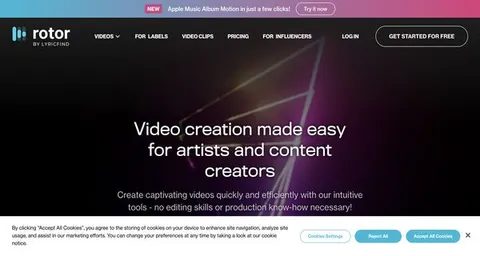
Rotor's AI lyric video maker empowers musicians to effortlessly create stunning music and promo videos, complete with customizable audio-reactive effects and a vast library of stock clips. Easily resize for social media and add lyrics without any editing skills required.
About: Rotor Videos
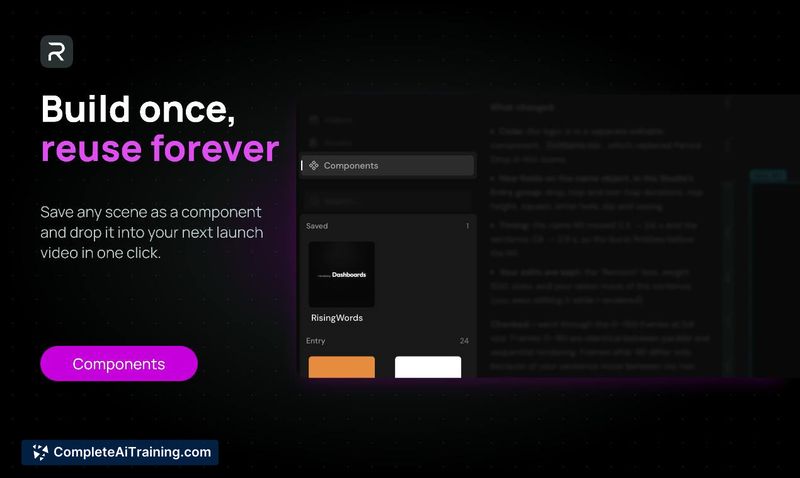
Rotor's AI-powered lyric video maker is an innovative solution tailored for musicians seeking to produce high-quality music videos, lyric visuals, promotional content, and Spotify Canvas clips effortlessly, without requiring any prior video editing expertise. This tool stands out with its extensive library of over one million stock video clips, allowing users to enrich their projects with captivating visuals. The platform features dynamic audio-reactive visual effects, customizable styles, and a variety of filters to enhance the overall presentation.
One of the key capabilities of Rotor is its intelligent engine, which automatically crafts professional-grade videos that sync seamlessly with the user's music. Additionally, it simplifies the process of adapting videos for various social media platforms and empowers users to easily incorporate text or lyrics. Whether you’re looking to promote a new single or engage fans with eye-catching lyric videos, Rotor provides a unique and valuable resource that streamlines the creative process, enabling artists to focus on their music while still producing stunning visual content.
Review: Rotor Videos
Introduction
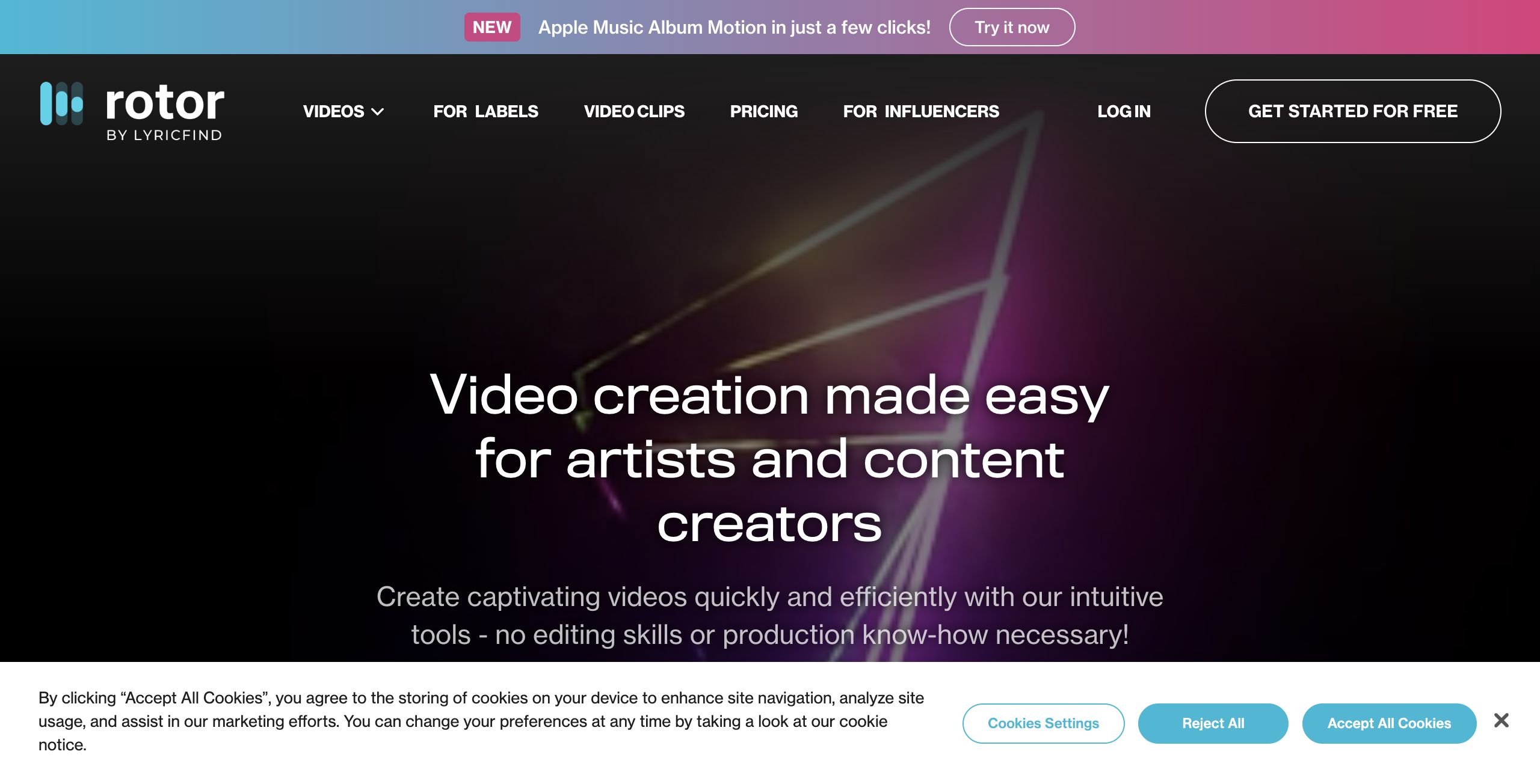
Rotor's AI Powered Lyric Video Maker is a specialized tool designed for musicians, content creators, and artists who want to create professional-quality lyric videos, music visualizers, promo videos, and even Spotify Canvas videos. This tool is particularly appealing to those lacking video editing skills or production know-how, enabling them to produce captivating videos quickly and easily. As digital content becomes an integral part of music promotion and branding, Rotor’s solution stands out by simplifying the complex process of video creation.
Key Features
Rotor's tool is packed with a range of powerful features that make video creation accessible and efficient:
- Extensive Stock Library: Access to over one million stock video clips enhances creative possibilities for various video projects.
- Audio-Reactive Visual FX: Built-in visual effects, styles, and filters that react to the audio, ensuring synchronization between music and visuals.
- Automatic Video Generation: The engine automatically generates a professional video cut that matches the user’s music, reducing the need for manual editing.
- Responsive Resizing Tools: Easily resize videos for different social media platforms, which is essential for modern multimedia campaigns.
- Text and Lyric Integration: Simple tools for adding text or lyrics to videos enhance storytelling and branding efforts.
Pricing and Value
The homepage prominently features a "Get Started for Free" option, suggesting that there is a free entry point for new users. While detailed pricing tiers are not provided, the presence of dedicated sections for different user types—such as influencers—indicates that Rotor may offer additional premium plans or subscription levels tailored to various needs. This flexible pricing structure appears to make the tool accessible to a broad range of users, while still offering advanced features for those seeking more comprehensive solutions.
Pros and Cons
- Pros:
- User-friendly interface that requires no prior video editing skills.
- Professional-quality video output with minimal effort.
- Large stock video library and audio-reactive effects that enhance creative projects.
- Automatic video cutting and resizing features streamline content creation for multiple platforms.
- Cons:
- Limited information on detailed pricing tiers may leave some users unsure about advanced plan costs.
- Potential limitations for users who require deep customization or advanced editing tools.
Final Verdict
Rotor's AI powered lyric video maker is an excellent tool for independent musicians and content creators who want to quickly produce engaging and professional-looking videos without diving into complex editing software. Its intuitive design and powerful features are well-suited for those prioritizing ease of use and rapid content production. However, users seeking extensive editing control or highly customized video production might need a more advanced solution. Overall, Rotor offers a compelling value proposition, especially for those just starting out or looking to streamline their video creation process.
Jobs Rotor Videos suits
We checked Rotor Videos against 500+ jobs; these get the most out of it.
Alternatives to Rotor Videos
Other tools that do the same main job. Our AI compared Rotor Videos with similar tools and kept the ones you could use instead.