AI tool
SessionCast
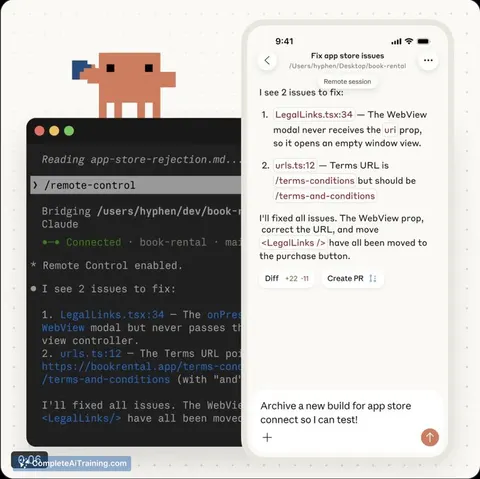
SessionCast lets you access Claude Code sessions remotely with minimal setup: run an agent and open a browser. Start tasks at home and continue from any device without SSH, tmux, or port forwarding headaches.
About SessionCast
SessionCast is a lightweight tool that lets you access and control Claude Code running on your local machine from any web browser. It removes much of the usual remote setup friction by running a small agent on your PC so you can continue sessions on a phone, tablet, or another computer.
Review
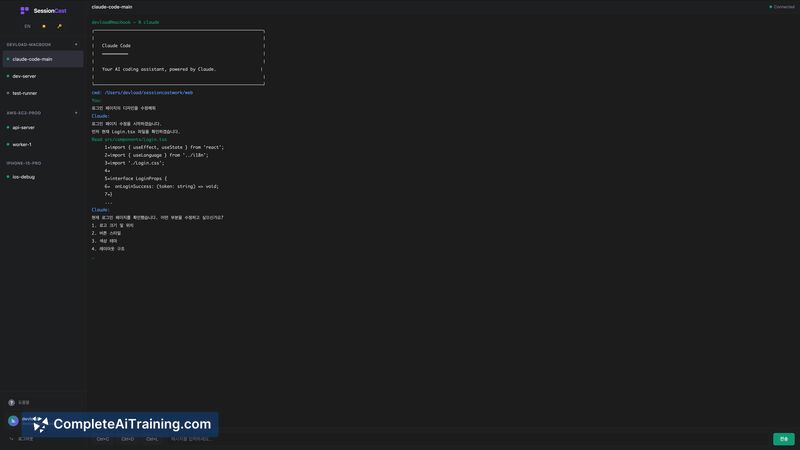
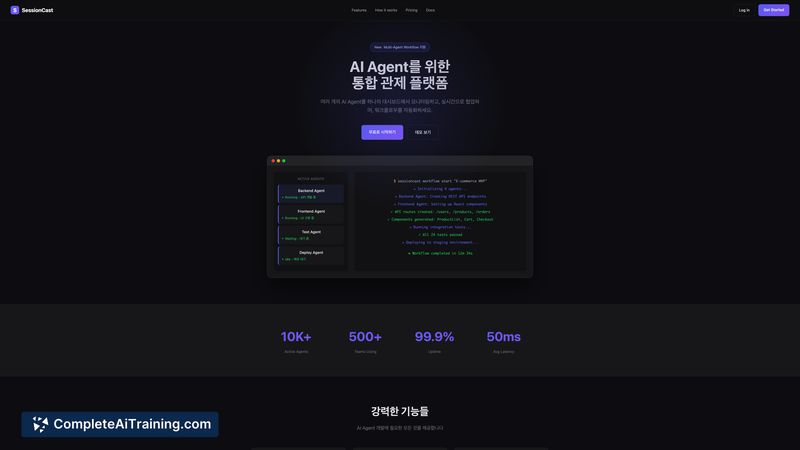
SessionCast focuses on a single, practical problem: pick up a local Claude Code session from another device without configuring VPNs, SSH keys, or port forwarding. Launched this week, it targets developers who want straightforward, mobile-friendly access to local AI coding sessions.
Key Features
- Browser-based access to local Claude Code sessions from phones, tablets, or other computers
- Lightweight agent that eliminates the need for VPN, SSH keys, tmux, or manual port forwarding
- CLI controls for monitoring and interacting with running sessions remotely
- Better handling of non-ASCII characters compared with many traditional remote setups
Pricing and Value
SessionCast is available for free at launch. For individual developers who frequently switch devices or need quick mobile access to local AI work, it can save considerable time and reduce setup headaches. If you need advanced features such as team collaboration or session management, those may appear in future paid tiers.
Pros
- Very simple setup: run an agent and open a browser
- Avoids VPN and SSH configuration, lowering friction for mobile access
- CLI-based controls let you monitor and manage sessions remotely
- Addresses non-ASCII character issues that can break other remote methods
- Focused and lightweight for a specific developer workflow
Cons
- Currently centered on Claude Code, so it won't help with other local services
- Newly launched, so documentation and support are still developing
- Multi-session or multi-instance handling is not clearly documented yet
SessionCast is best for solo developers or small teams who run Claude Code locally and need fast, reliable access from different devices without complex networking setup. If you prioritize simplicity and mobile access for local AI sessions, it's a practical choice; teams requiring advanced collaboration features should watch for future updates.
Jobs SessionCast suits
We checked SessionCast against 500+ jobs; these get the most out of it.
Alternatives to SessionCast
Other tools that do the same main job. Our AI compared SessionCast with similar tools and kept the ones you could use instead.