AI tool
Claude Code Remote Control
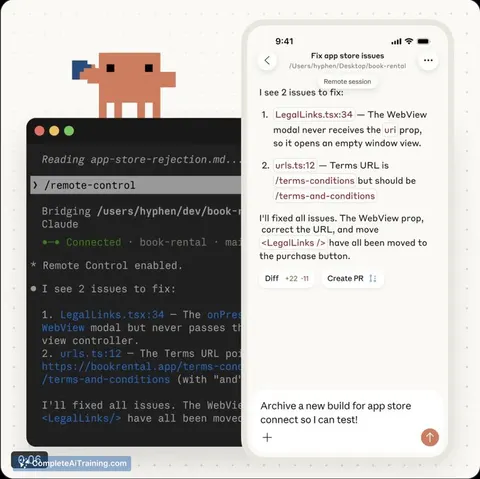
Start a Claude Code session in your local terminal and continue it from your phone with Claude Code Remote Control - edit, run and test code on the move. Available now to Claude Max users as a research preview.
About Claude Code Remote Control
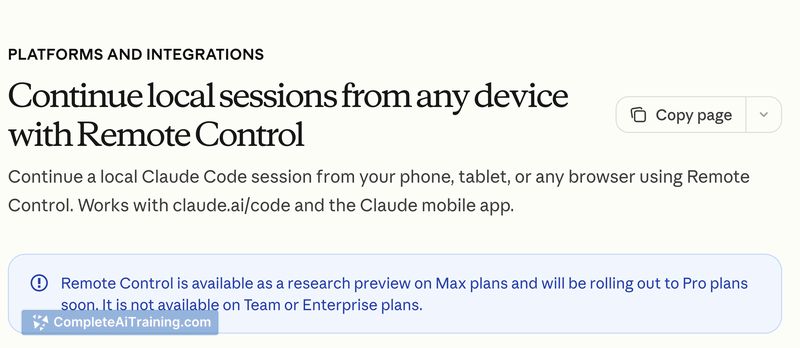
Claude Code Remote Control lets you continue local Claude Code sessions from a phone, tablet, or any browser, connecting to sessions started in a terminal. It works with claude.ai/code and the Claude mobile app and is launching as a research preview with free options and rollout to Max plan users.
Review
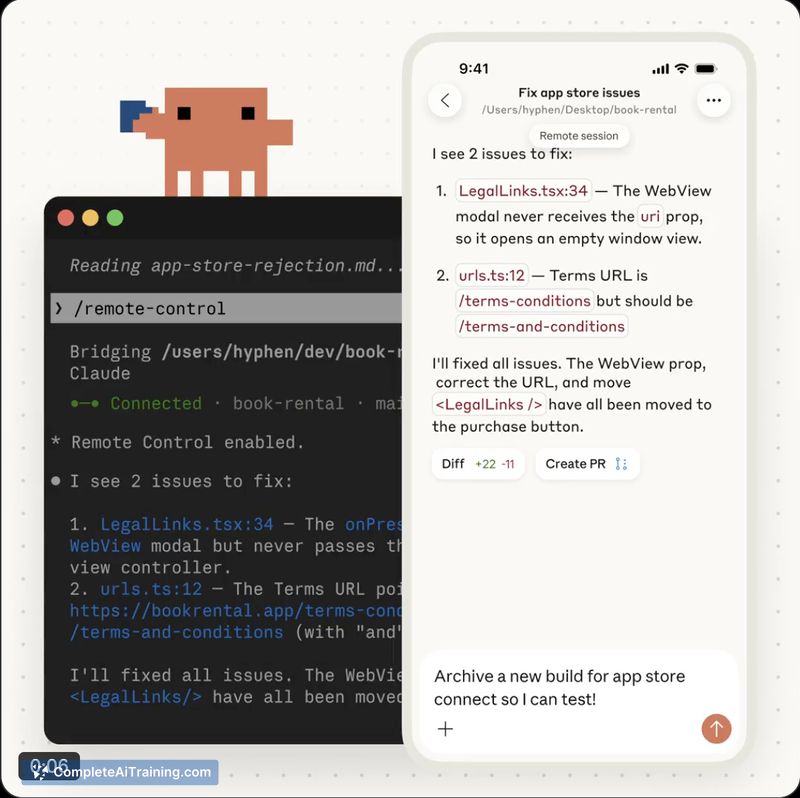
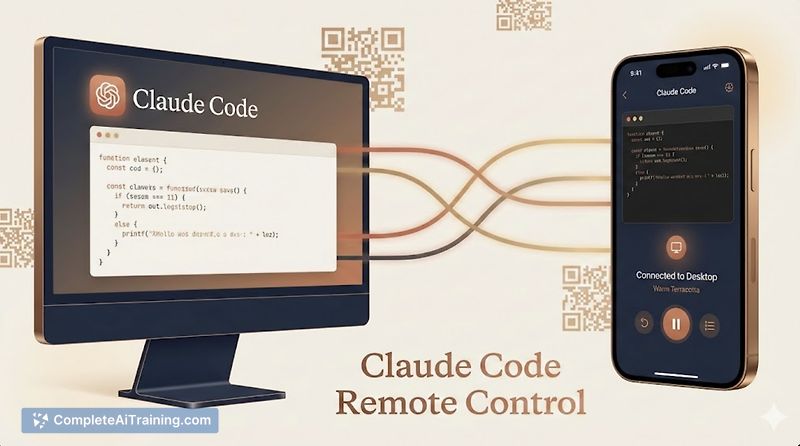
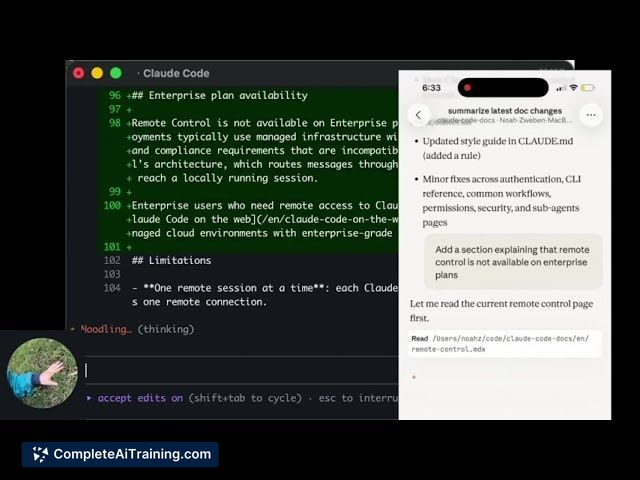
This feature focuses on keeping development sessions fluid when you step away from your desk, permitting monitoring and light interaction from mobile devices. The implementation emphasizes simple access to running local sessions and limits active remote links to a single session at a time to avoid conflicts.
Key Features
- Continue local Claude Code sessions from phones, tablets, or browsers.
- Integration with claude.ai/code and the Claude mobile app for seamless handoff.
- Single remote session at a time to reduce synchronization issues.
- Supports monitoring and approving outputs from a mobile interface.
- Available as a research preview with free usage tiers and rollout to Max plan subscribers.
Pricing and Value
There are free options for basic use and a research preview that is currently rolling out to Max plan users, which may include earlier access to features. For developers who need to keep long-running jobs under observation or make occasional edits while away from their workstation, the convenience can justify adopting the preview or upgrading to a plan that grants access.
Pros
- Makes it easy to check on and steer local sessions without returning to a desktop.
- Simple pairing between a terminal session and mobile/browser for quick continuity.
- Reduces the chance of losing session state when stepping away from a machine.
- Works with existing Claude Code workflows via claude.ai/code and the mobile app.
- Free access options lower the barrier to trying the feature.
Cons
- Only one remote session can be active at a time, which may frustrate multitasking users.
- Mobile editing and responsiveness may vary with network latency and are still being evaluated in the preview.
- Relies on the local machine and network availability, which can limit reliability for some setups.
Overall, this feature is best suited for developers and teams who run interactive or long-running Claude Code sessions and need lightweight mobile access to monitor or nudge progress. It is especially useful for anyone who wants to keep work moving while away from their desk, though users with many concurrent sessions or strict uptime needs should assess limitations during the preview.
Jobs Claude Code Remote Control suits
We checked Claude Code Remote Control against 500+ jobs; these get the most out of it.
Alternatives to Claude Code Remote Control
Other tools that do the same main job. Our AI compared Claude Code Remote Control with similar tools and kept the ones you could use instead.