AI tool
Sim
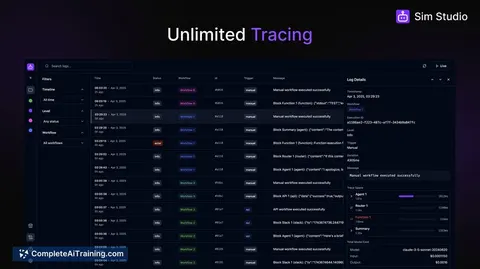
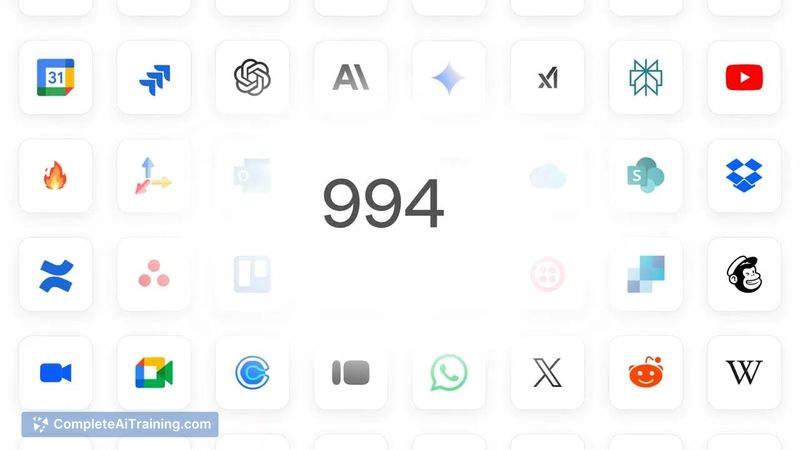
Sim is an open-source workspace to build agentic workflows. It enables teams to connect AI agents and workflows to 1,000+ integrations and LLMs.
About Sim
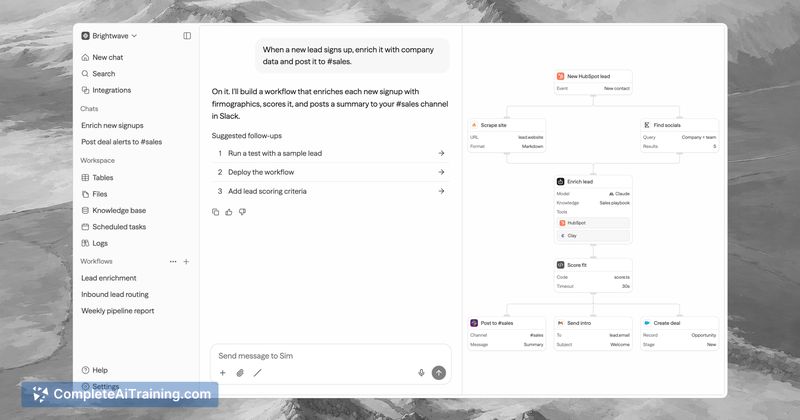
Sim is an open-source workspace for building agentic workflows, released under the Apache 2.0 license. It connects AI agents and workflows to over 1,000 integrations and multiple large language models. The platform combines a visual canvas, a chat-based builder, and direct code editing within a single environment.
Review
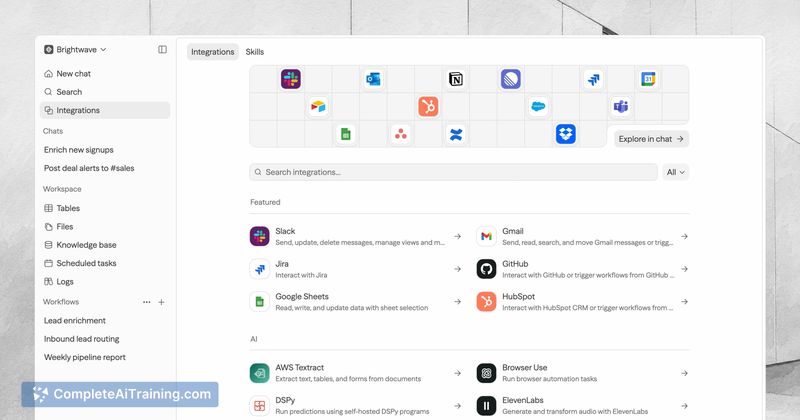
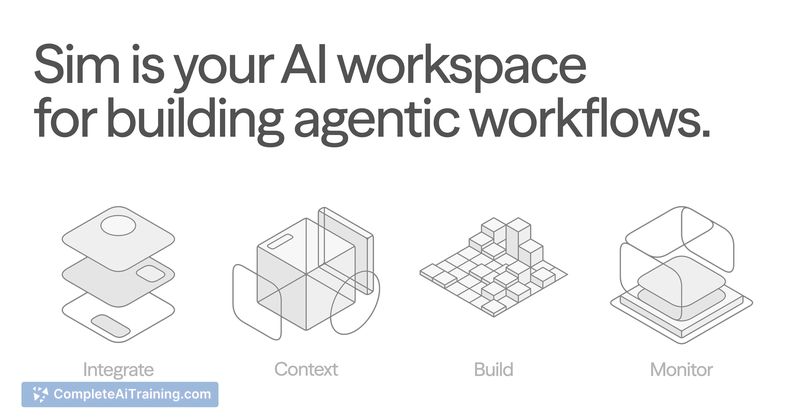
Sim started as an internal tool when the founders grew tired of stitching together frameworks, APIs, and brittle automations just to get agents working. The result is a workspace where Workflows, Tables, Knowledge Bases, and Files share context - agents pull from the same memory and data instead of living in disconnected tools. The platform is SOC2 compliant and can be self-hosted via Docker with a single command.
Key Features
- Three building modes, interchangeable per node: Describe what you want in chat, arrange nodes visually on a canvas, or write code directly. You can switch between modes for each individual node in a workflow.
- Shared workspace with persistent context: Workflows, Tables, Knowledge Bases, and Files sit in one workspace. Agents share memory and data across tasks, so they can reference the same information without manual syncing.
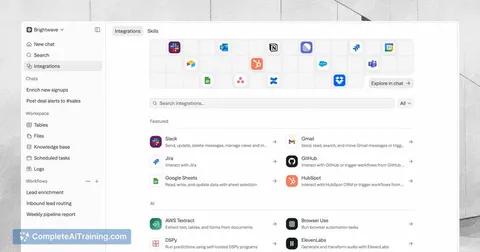
- 1,000+ integrations plus major LLMs: Slack, Notion, HubSpot, Salesforce, Gmail, and many others connect out of the box. Agents can act on real-time data from these services without custom OAuth setups.
- Token-cost reduction through deterministic steps: The platform replaces token-hungry LLM calls with deterministic code and logic where an LLM isn't needed. Teams commonly place deterministic nodes first for data fetching and cleaning, then use LLM nodes only for last-mile tasks.
- Self-hostable and open source: The full stack runs locally via
npx simstudiowith Docker. The Apache 2.0 license imposes no commercial restrictions on deployment.
Pricing and Value
Sim lists free options on its launch page, and a one-month free period is available. Beyond that, the pricing model is not yet defined in the available documentation. The open-source codebase and self-hosting option mean teams can run the platform on their own infrastructure without recurring platform fees, though they would still incur their own LLM API costs and infrastructure expenses.
Pros
- Node-by-node switching between chat, canvas, and code gives flexibility without locking into a single interaction style.
- Self-hosting with Docker Compose keeps the full visual canvas functional on local infrastructure.
- Deterministic steps reduce token consumption before LLM nodes are invoked, which cuts per-run costs.
- Shared context across Tables, Knowledge Bases, and Files means agents don't operate on stale or siloed data.
- Apache 2.0 licensing removes the deployment restrictions found in fair-code or source-available alternatives.
Cons
- Non-technical users who need pre-built, turnkey automations without any configuration will find the platform less suited to them - technical teams and solo developers get the most value today.
- As a relatively young project, documentation and edge-case error handling are still maturing compared to long-standing workflow builders.
- The visual interface can become difficult to parse when many files are present, and inspecting agent outputs manually requires drilling through JSON trees and unformatted Markdown logs.
Sim fits teams and solo developers who want to build production agents with governance, shared memory, and cost controls, and who prefer open-source tooling they can self-host. It also works for technical teams that need to chain deterministic data processing with LLM-based reasoning in a single workspace. Those who want a fully managed, hands-off automation service with minimal setup may find the platform's current maturity level less aligned with their needs.
Jobs Sim suits
We checked Sim against 500+ jobs; these get the most out of it.
Alternatives to Sim
Other tools that do the same main job. Our AI compared Sim with similar tools and kept the ones you could use instead.