AI tool
Sim Studio
Sim Studio connects LLMs with Slack, Supabase, Pinecone, and Gmail to build research agents, support bots, and file parsers. Collaborate seamlessly by inviting your team to a shared visual canvas for efficient AI-driven workflows.
About Sim Studio
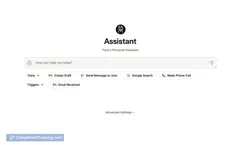
Sim Studio is an open source platform that enables users to visually build and deploy AI agent workflows by connecting large language models (LLMs) to popular tools such as Slack, Supabase, Pinecone, and Gmail. It offers a collaborative canvas for teams to create research agents, support bots, or file parsers without heavy coding requirements.
Review

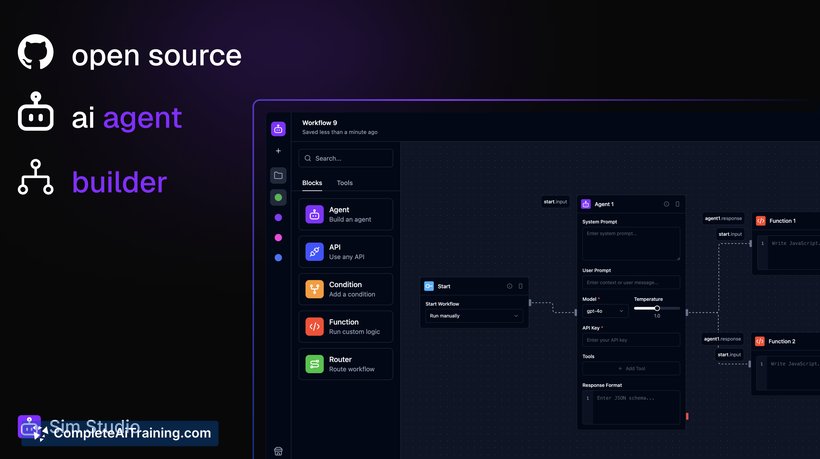
Sim Studio simplifies the process of creating multi-agent AI workflows by removing much of the boilerplate code typically involved. Its intuitive drag-and-drop interface and broad integration capabilities make it possible to build, test, and deploy AI-driven applications quickly. The platform is especially well-suited for developers and teams looking to prototype and scale AI agents with minimal friction.
Key Features
- Instant API Deployment: Deploy workflows immediately as APIs, schedule tasks, or trigger actions via webhooks.
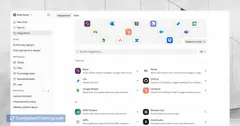
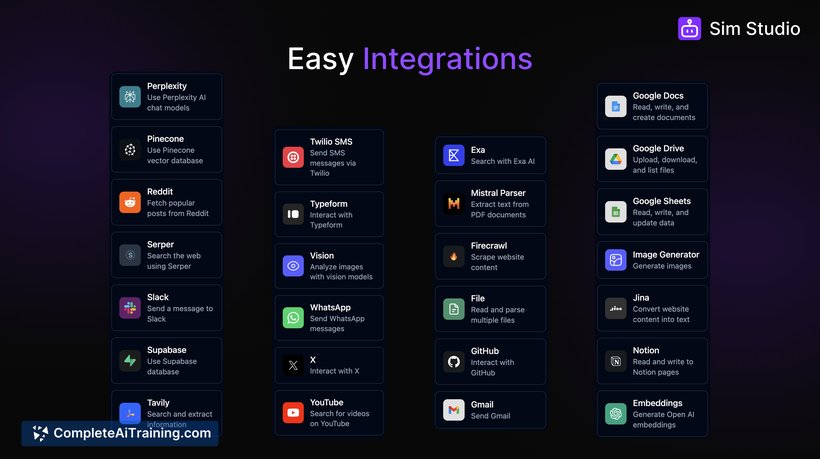
- Wide Integration Support: Easily connect to databases like Supabase and Pinecone, messaging platforms including Slack and Gmail, social media channels, and file parsers.
- Visual Workflow Design: Create complex workflows with support for branching, loops, conditional execution, and custom functions using a visual canvas.
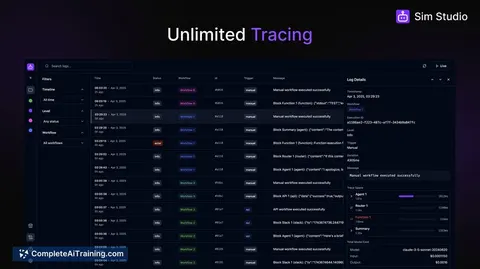
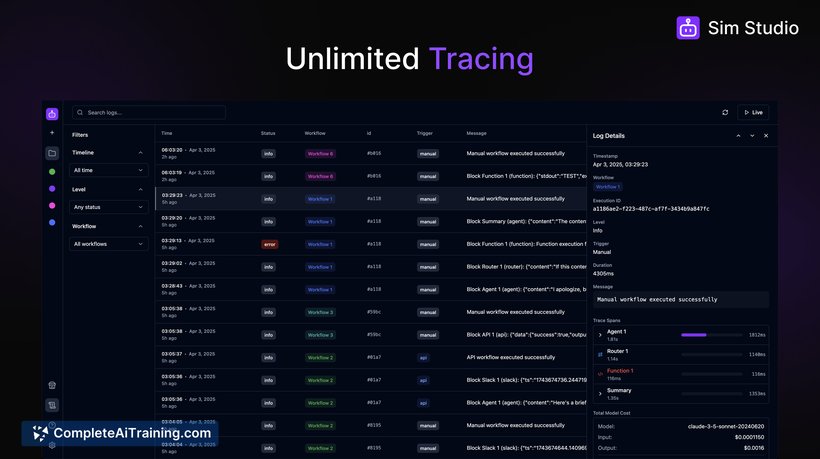
- Built-in Observability: Monitor workflow execution, track costs precisely, and trace LLM calls directly within the platform.
- Real-time Debugging and Simulation: Test and optimize workflows efficiently with integrated debugging and simulation tools.
Pricing and Value
Sim Studio offers a free launch model that includes $20 worth of free inference credits, making it accessible for early exploration and prototyping. Being open source under the Apache 2.0 license, it provides transparency and extensibility, which adds significant value for developers who want to customize or self-host. The combination of no upfront cost and powerful features presents a strong value proposition for startups and teams experimenting with AI agent workflows.
Pros
- Open source with an active community and transparent licensing.
- Supports seamless integration with multiple popular platforms and databases.
- Visual canvas allows for easy creation and management of complex workflows.
- Includes detailed monitoring and cost tracking features.
- Real-time debugging helps accelerate development and troubleshooting.
Cons
- May require some technical knowledge to fully leverage integrations and custom logic.
- Limited to integrations currently supported; adding new ones may need additional development.
- The free inference credits might be insufficient for larger scale or production use without upgrading.
Sim Studio is well suited for developers, product teams, and AI enthusiasts who want to prototype and deploy AI agents that interact with everyday tools in a straightforward way. Its open source nature and collaborative features make it a good fit for teams looking to build customized AI workflows while maintaining control over their infrastructure and costs.
Jobs Sim Studio suits
We checked Sim Studio against 500+ jobs; these get the most out of it.
Alternatives to Sim Studio
Other tools that do the same main job. Our AI compared Sim Studio with similar tools and kept the ones you could use instead.