AI tool
SkillForge
SkillForge records your screen, detects clicks, keystrokes and UI changes, and auto-generates agent-ready SKILL.md files so AI agents can replay tasks across any app-no scripting or prompt engineering required.
About SkillForge
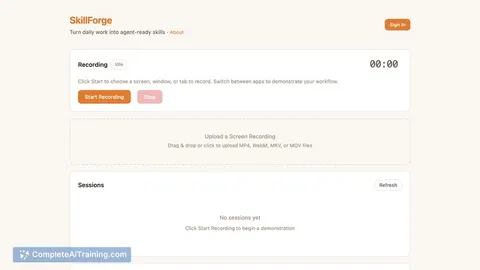
SkillForge converts screen recordings into structured, agent-ready skills that an AI agent can execute. You record a task, the system analyzes each frame and system event, then produces an editable, replayable workflow exportable as SKILL.md.
Review
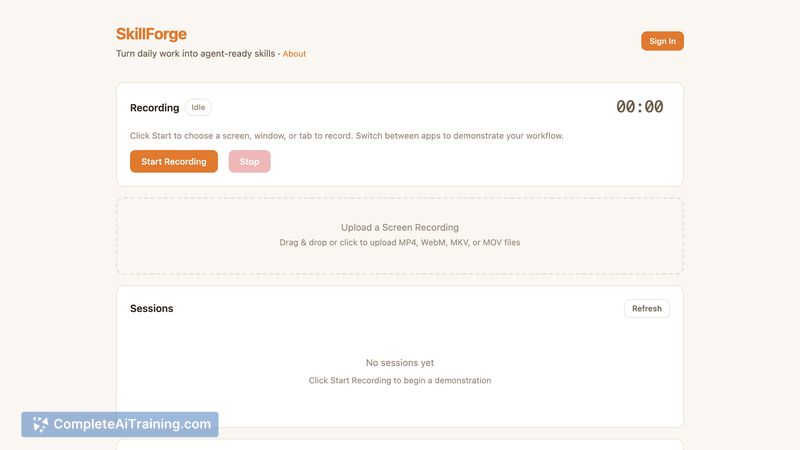
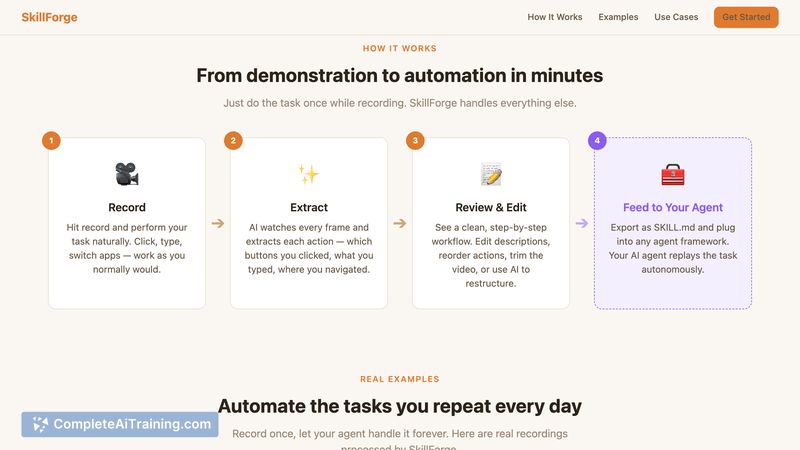
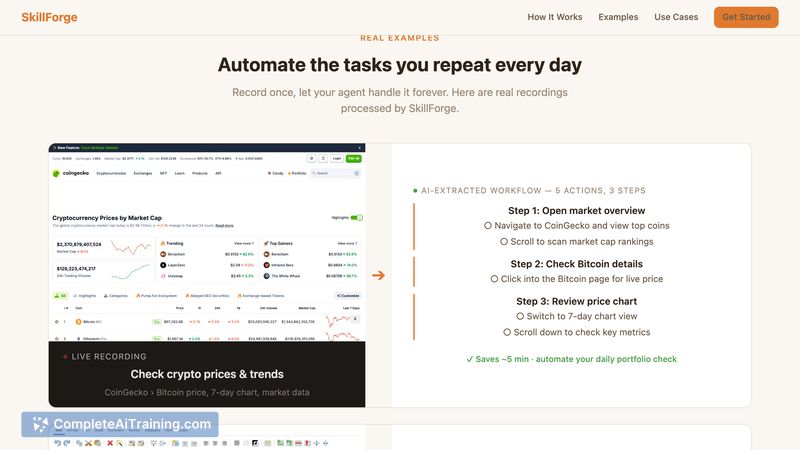
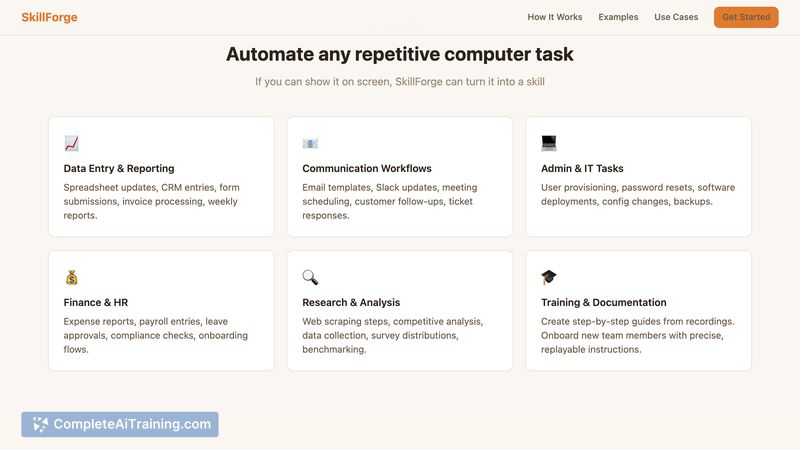
SkillForge aims to make cross-application automation easier by letting users demonstrate tasks instead of writing scripts. Its extraction pipeline groups low-level actions into logical steps, and an editor lets you refine those steps before deployment.
Key Features
- One-click screen recording that captures clicks, keystrokes, and navigation
- Multi-pass extraction pipeline that analyzes sampled frames, transitions, and metadata
- Visual UI analysis to identify actions across multiple apps and windows
- In-app review and editing of the step-by-step workflow
- Exportable SKILL.md format for use with agent frameworks; free recording plus signup credits to start
Pricing and Value
Recording and basic editing are free, and new signups receive a starter bundle of credits for AI extraction. The product page indicates further usage is credit-based, though full pricing tiers and enterprise terms were not detailed there. For users who frequently perform multi-app tasks, SkillForge can save substantial time compared with hand-writing automations, making the initial free tier useful for evaluation.
Pros
- Removes much of the manual scripting work for cross-app workflows
- Works at the user interface level, so it can handle apps without APIs
- Produces agent-native output that can be deployed to run autonomously
- Free entry point with credits makes testing low-friction
- Editor lets you clean up or adjust detected steps before export
Cons
- Extraction accuracy will vary with recording quality, UI changes, and unusual interfaces
- Details about run-time error handling, retries, and recovery are limited and may need testing for critical workflows
- Uploading screen recordings raises privacy and security considerations for sensitive data
SkillForge is best for experienced users, automation enthusiasts, and teams that run repetitive, multi-window tasks and want to convert demonstrations into reusable agent skills without extensive scripting. It is less suited for workflows that require guaranteed failure recovery or where screen recordings cannot be shared or processed off-device.
Alternatives to SkillForge
Other tools that do the same main job. Our AI compared SkillForge with similar tools and kept the ones you could use instead.