AI tool
Streamlabs Podcast Editor
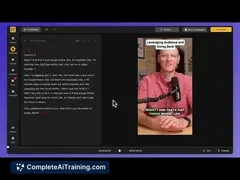
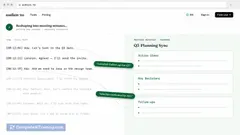
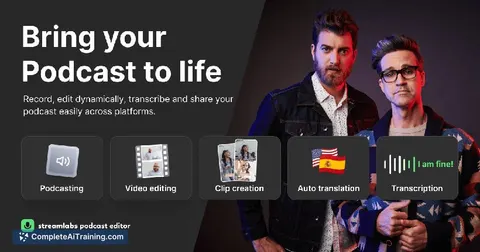
Streamlabs Podcast Editor lets you easily edit podcasts and interviews without prior experience. Quickly create short clips from long episodes to share and promote your content across all social media platforms.
About Streamlabs Podcast Editor
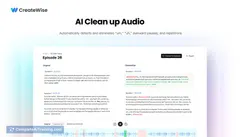
Streamlabs Podcast Editor is an AI-powered tool designed to simplify the process of editing podcast audio. It offers intuitive features that help podcasters clean up recordings, remove background noise, and enhance overall sound quality with minimal effort.
Review
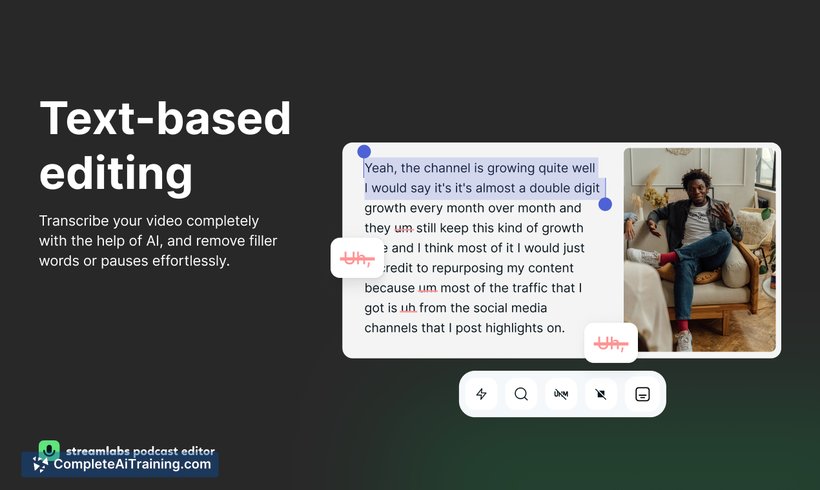
The Streamlabs Podcast Editor provides an accessible solution for podcasters seeking to streamline their editing workflow. Its user-friendly interface combined with AI capabilities makes it suitable for both beginners and experienced users who want to save time on audio post-production. While it covers essential editing needs, some advanced features may require additional tools.
Key Features
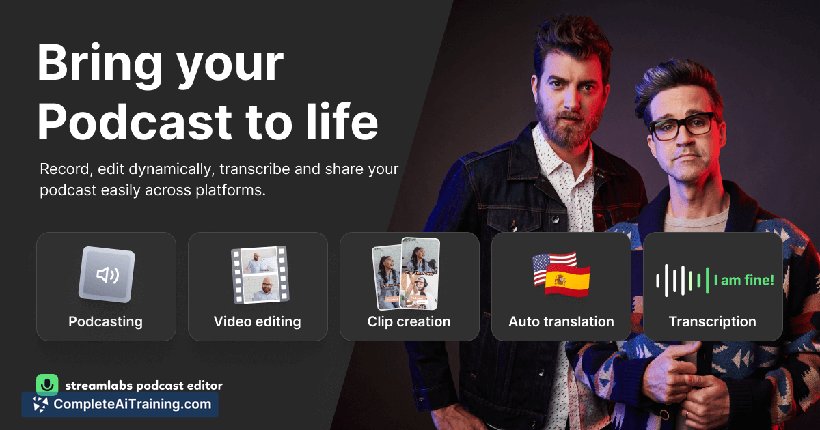
- Automatic noise reduction to improve audio clarity
- Easy trimming and cutting tools for quick edits
- Volume leveling to balance different speakers' audio
- Multi-track editing support allowing separate control of audio sources
- Integration with popular podcast hosting platforms for seamless publishing
Pricing and Value
Streamlabs Podcast Editor offers a freemium model, where basic editing features are available at no cost, making it accessible for new podcasters. More advanced capabilities and higher usage limits come with a subscription plan that provides good value given the time saved on editing tasks. The pricing is competitive compared to other podcast editing software, particularly considering the AI enhancements included.
Pros
- Simple and clean interface suitable for beginners
- Time-saving AI features that reduce manual editing effort
- Supports multi-track editing, enhancing flexibility
- Free tier allows users to test essential functions before committing
- Good integration options with podcast distribution services
Cons
- Limited advanced audio effects compared to professional DAWs
- Some features require subscription, which may be a barrier for casual users
- Occasional minor glitches reported during multi-track editing
Overall, Streamlabs Podcast Editor is well suited for podcasters who want to quickly polish their audio without a steep learning curve. It is particularly helpful for solo creators and small teams looking for efficient editing and publishing. Users requiring extensive sound design or complex mixing might find it necessary to complement this tool with more specialized software.
Jobs Streamlabs Podcast Editor suits
We checked Streamlabs Podcast Editor against 500+ jobs; these get the most out of it.
Alternatives to Streamlabs Podcast Editor
Other tools that do the same main job. Our AI compared Streamlabs Podcast Editor with similar tools and kept the ones you could use instead.